

Upgradeable wallet
Start on one key, move to several when the balance justifies it, without the user having to understand key schemes on day one.
The problem this solves is an onboarding problem. Asking somebody setting up their first wallet to choose a key scheme is asking a question they have no basis to answer, and it can lose them before they hold anything.
An upgradeable wallet starts them on one key, which is enough while they hold nothing, and offers a stronger scheme when there is something worth protecting. For people holding real money, this guide suggests two wallets instead. See the alternative below.
Recommendation
This is a path, not a feature. The upgrade should be prompted by the balance crossing something the user would mind losing, not discovered in settings by the people who least need it.
The path
One key on the device. Created in a second, no questions, no words shown. The wallet works immediately and holds nothing.
A backup, when there is something to back up. Recovery words or shares, prompted when the balance first crosses a threshold. See First use.
Several keys, when the amount justifies the friction. A signing device, a second phone, a key held by somebody else. See Multi-key.
Do
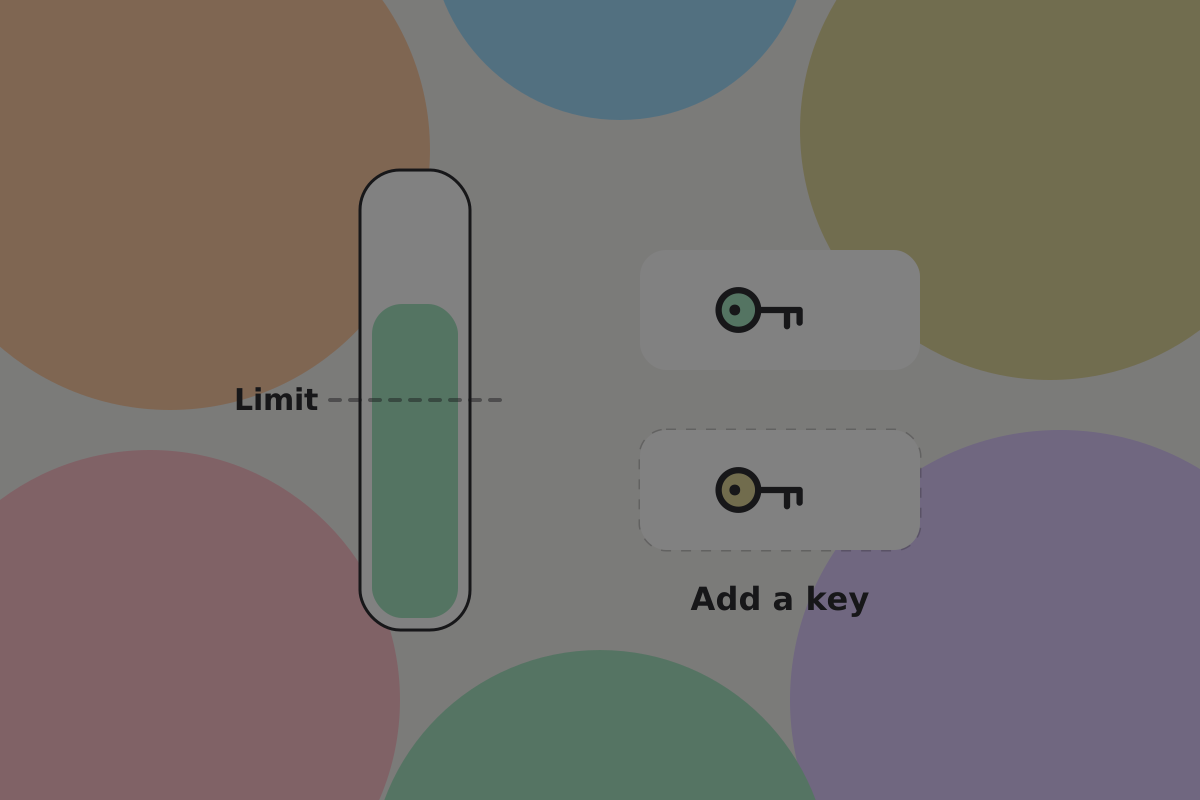
Name the trigger in terms of the user's own money: "You're holding more than you said you wanted to keep on this phone. Want to add a second key?"
Don't
Offer the upgrade as an abstract security improvement. "Increase your security level" is a prompt nobody acts on, because nobody knows what level they are at.
What an upgrade actually is
This is the part to be honest about in the interface, because it is not a settings change.
A key scheme is a property of the spending condition on each output. Changing it means moving the money to outputs with the new condition, which is a payment the current keys authorise.
Consequences the user should know:
- it is a transaction, so it appears in their activity
- the old keys keep working on anything not moved
- the recovery material changes, so the old words no longer restore everything
- money paid to the old keys after the upgrade is not protected by the new scheme until it is moved
Important
Say that the old backup is superseded, and make writing down the new one part of the upgrade rather than a later prompt. A user holding two sets of words, one of which is stale, is worse off than before they upgraded.
The home screen
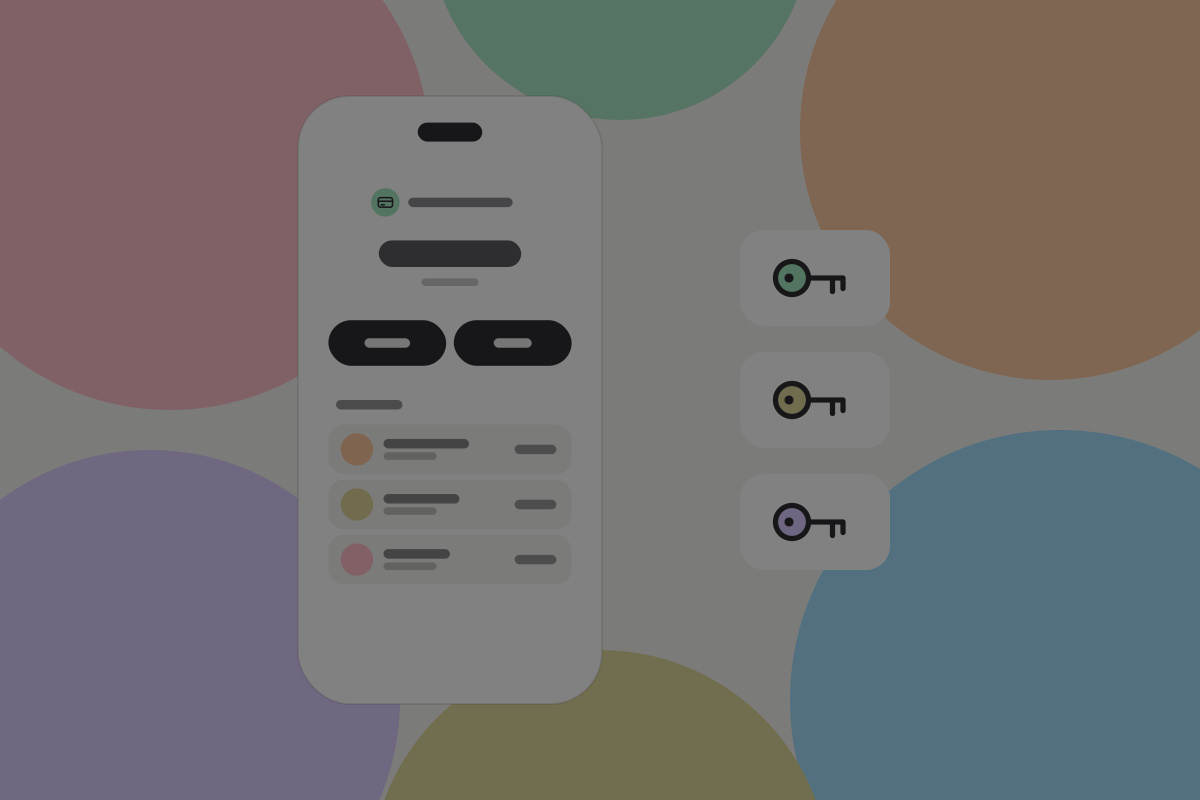
The wallet should not feel different at each stage. The same balance, the same payments, the same contacts. What changes is how many actions a payment takes, and that only above whatever limit the user set.
A multi-key script cannot check the amount on its own. A one-tap small payment works because one of the keys is an auto-signer: it co-signs on its own, but only below the limit. Above it, the auto-signer refuses and a second key has to sign. See Savings wallet.
Do
Keep small payments one-tap at every stage. A multi-key wallet that asks for a second device to buy a coffee has become a savings wallet by accident. See Wallet setups.
Changing scheme in settings
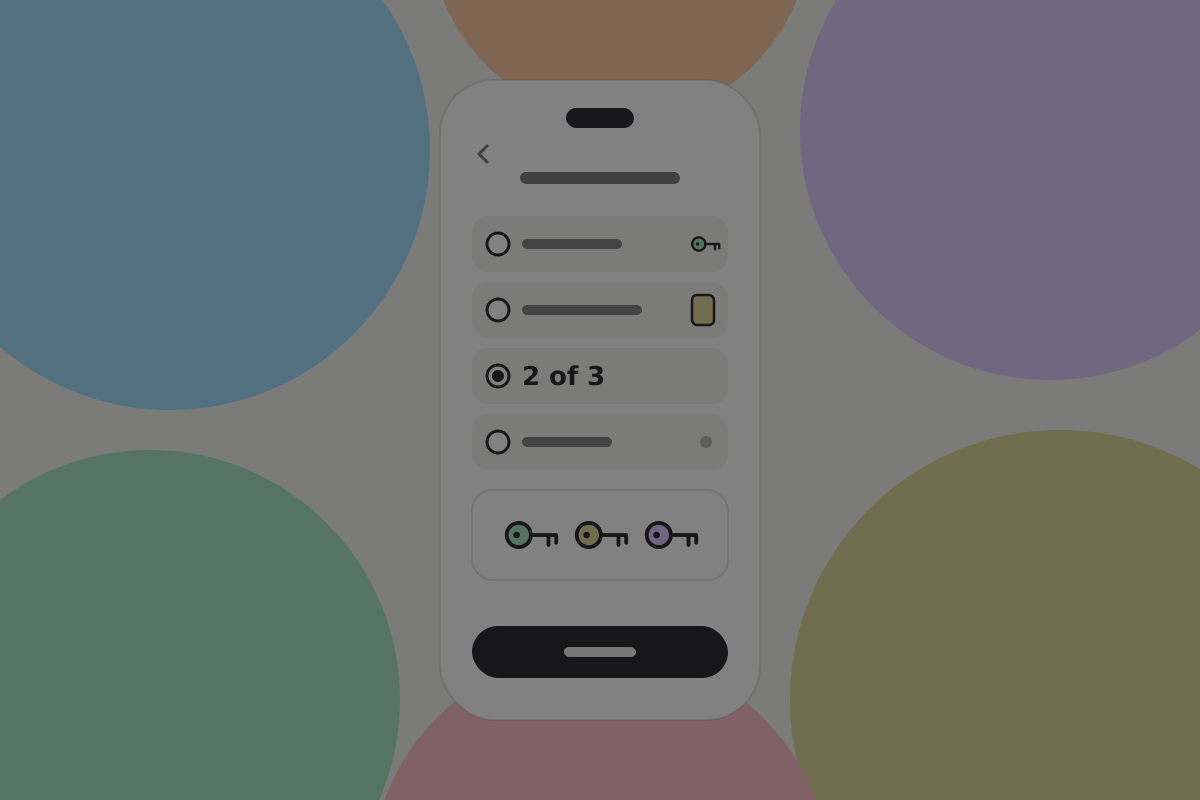
For the people who do go looking:
Do
Show the current arrangement in plain words, and what each option would protect against. "One key on this phone. If you lose it and have your recovery words, you're fine. If somebody unlocks it, they can spend."
Do
Let a user rehearse the new arrangement with a small amount before moving everything.
Don't
Offer downgrades without a hard confirmation naming what is lost. Going from three keys to one is a real reduction in protection and should feel like one.
The alternative: two wallets instead of one
Worth saying, because it is often the better answer.
Rather than upgrading one wallet in place, many people are better served by an everyday wallet that stays simple and a separate savings wallet that is multi-key from the start. The everyday wallet never becomes slow, the savings wallet is never casual, and there is no migration.
Recommendation
Offer the upgrade path for people who want one wallet, and the two-wallet arrangement for people holding enough to care. The second is the one this guide recommends once there is real money involved. See Multiple wallets.
Open questions
- Does the handle, and the identity behind it, stay the same across an upgrade, or does a new key set mean a new identity?
- At what balance do people act on "You're holding more than you said you wanted to keep on this phone"?
- Do users who upgrade in place end up treating the wallet as savings and stop using it daily?
Pros and cons
Pros
- No key-scheme question during onboarding, which is where products lose people.
- Protection grows with the balance rather than being guessed at the start.
- One wallet, one history, one handle throughout.
Cons
- Each upgrade is a transaction and a new backup, not a setting.
- Stale recovery material is a real hazard if the upgrade flow does not handle it.
- A wallet that upgrades in place eventually has the friction of a savings wallet while still being used daily.
Related
Written from: BRC-42, BRC-75, BRC-140, ts-stack docs.
Checklist
The rules on this page, in a form you can work through.
8 rules