

Common user flows
The flows nearly every BSV product needs, what each must get right, and the ones you do not need to build.
A checklist of the flows a BSV product needs, in the order a person meets them, with the one thing each has to get right.
The daily spending wallet works through most of these in detail. This page is the map.
Finding and installing


Gets right: saying what it does in the first line, to somebody who does not know what BSV is.
Don't
Lead a store listing with self-custody or decentralisation. They are reasons to stay, not reasons to install.
Onboarding

Gets right: asking nothing the person cannot answer. No key scheme, no email, no identity document.
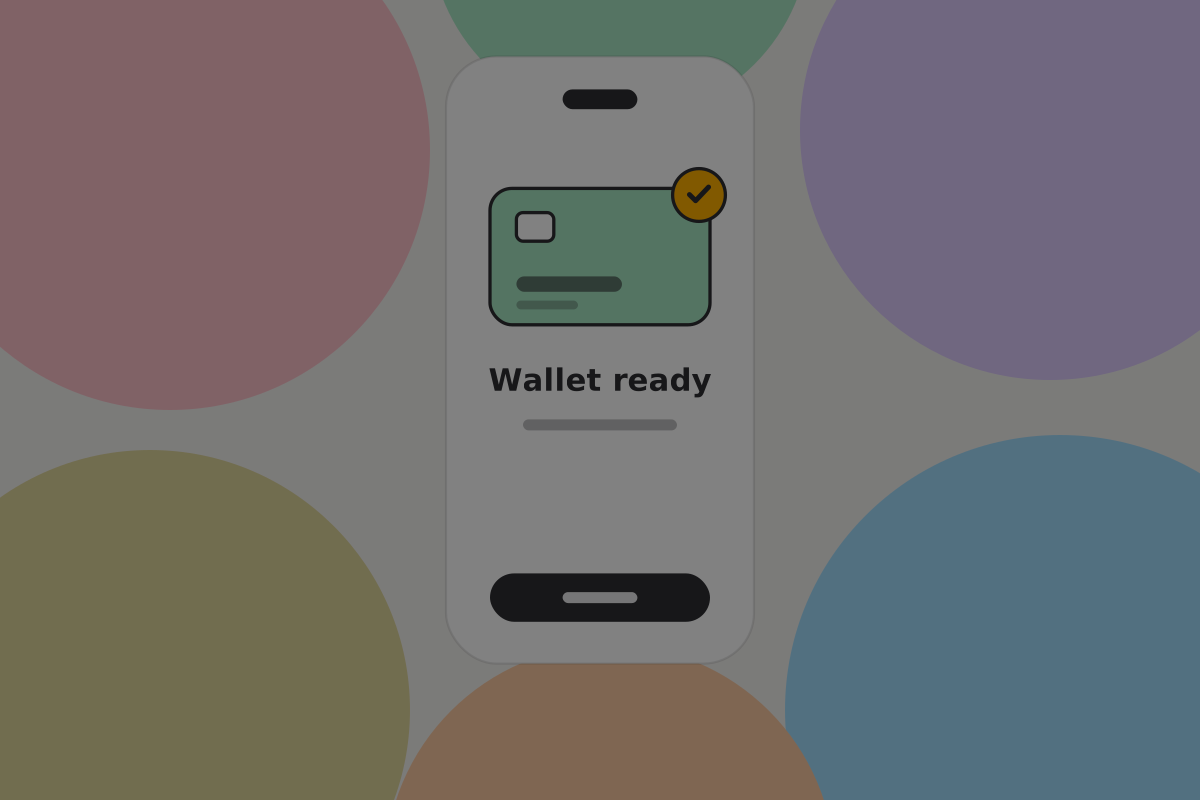 Shipped: a wallet created before any question is asked.
 Shipped: the backup step introduced in one sentence, with one action.
See First use.
Creating a wallet
Gets right: being instant. Generating a key takes no time and needs nothing from the person, so the only delay is whatever you decide to ask.
Securing it
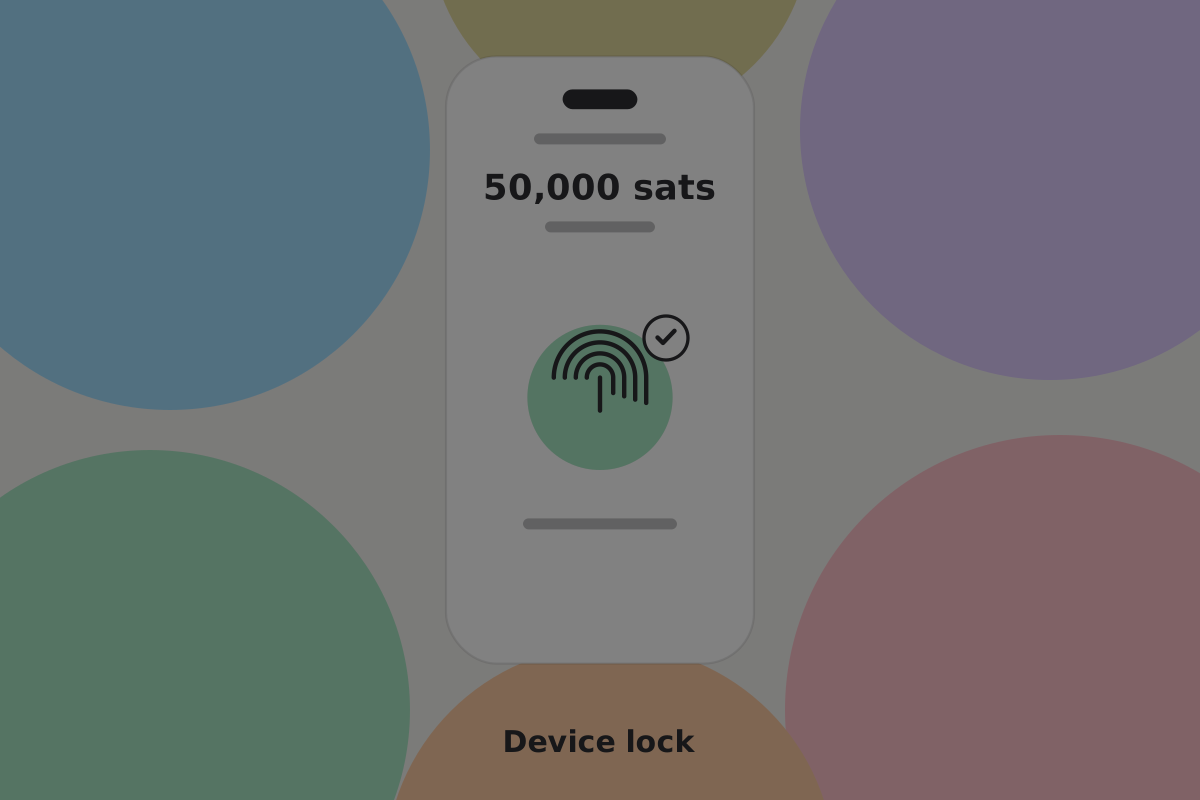
Gets right: using the device's own lock, and asking for it before larger payments.
Do
Use the device's own biometric with a passcode fallback, and require authentication for payments above a threshold the user can see.
Backing it up
Gets right: saying that there are two parts. Your recovery words restore your keys. Your wallet backup restores your records: which money is yours and how to spend it. Keep both. This is the flow BSV changes most, and the one most often designed wrong.
See Backup and recovery.
Restoring one

Gets right: working on a new device with only what the person kept elsewhere, and reporting honestly what did and did not come back.
See Recovery.
Sending

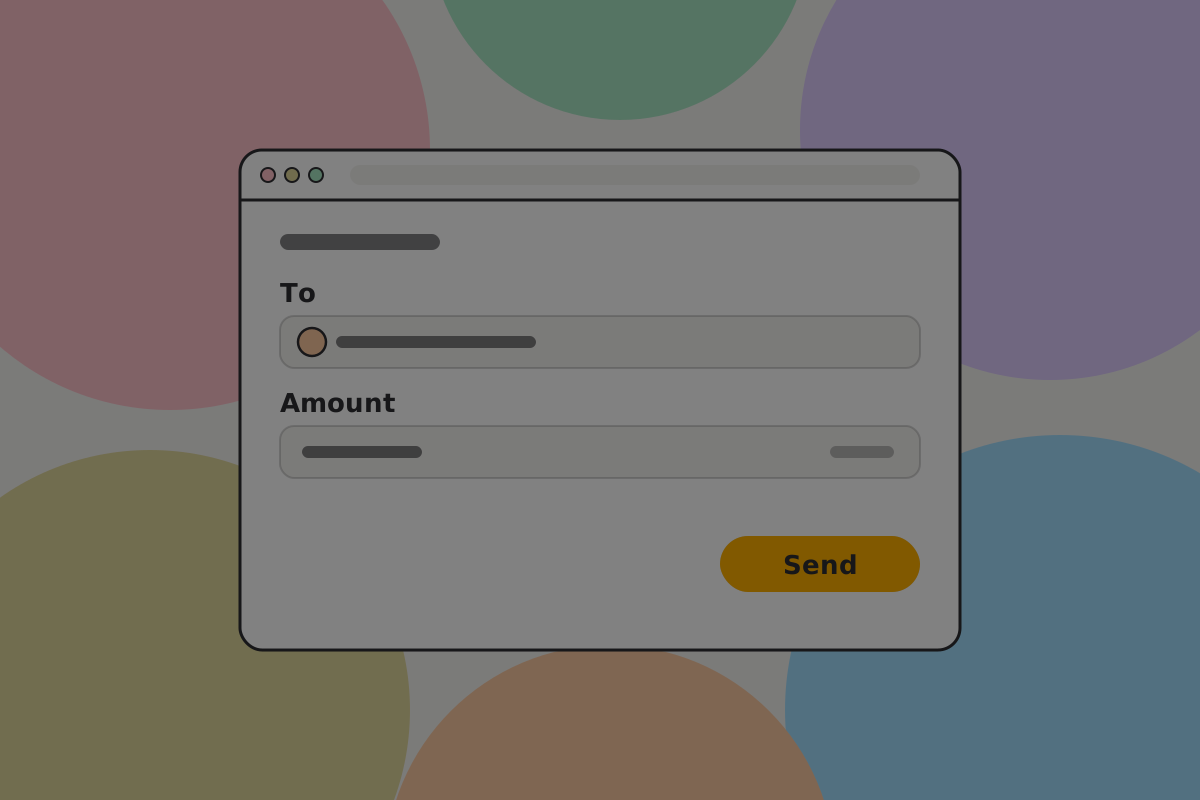
Gets right: making the recipient the largest thing on the review screen. The amount is usually correct; the recipient is what gets checked too quickly.
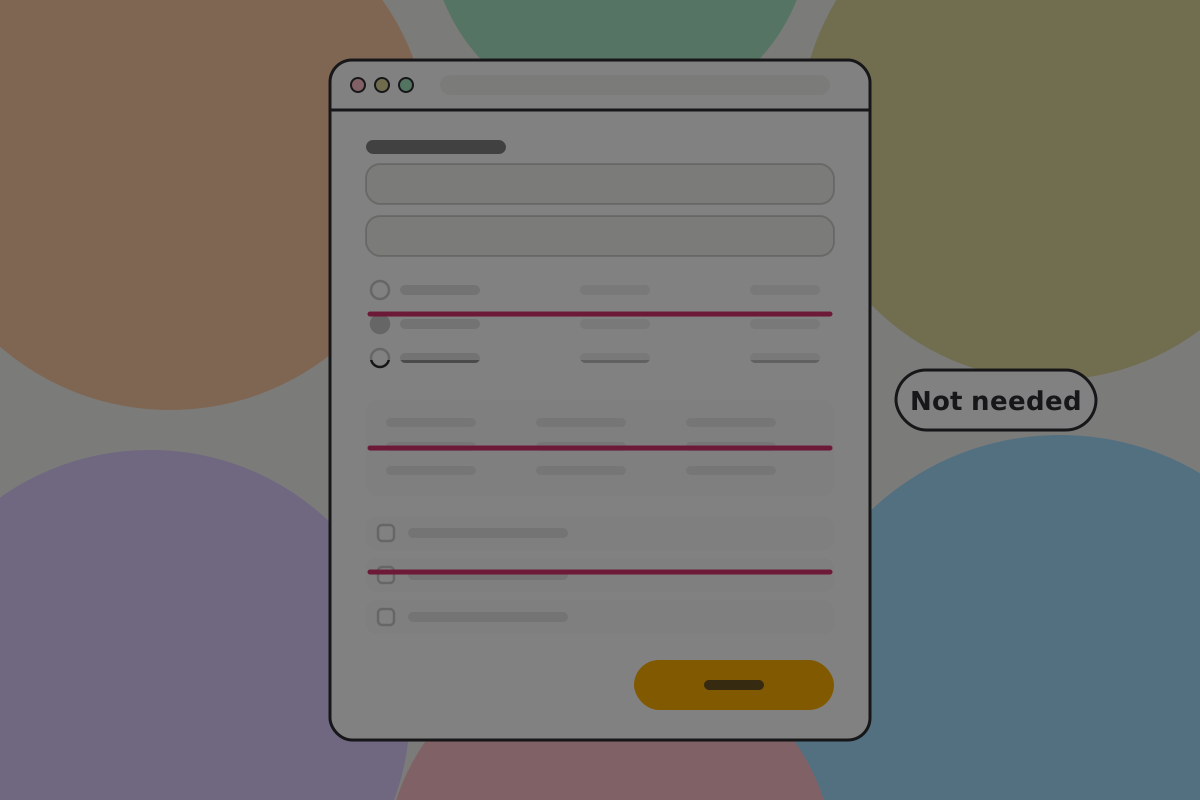 Hypothetical counter-example: priority tiers, a fee table and coin choice. A BSV send screen needs none of them.
See Sending.
Requesting

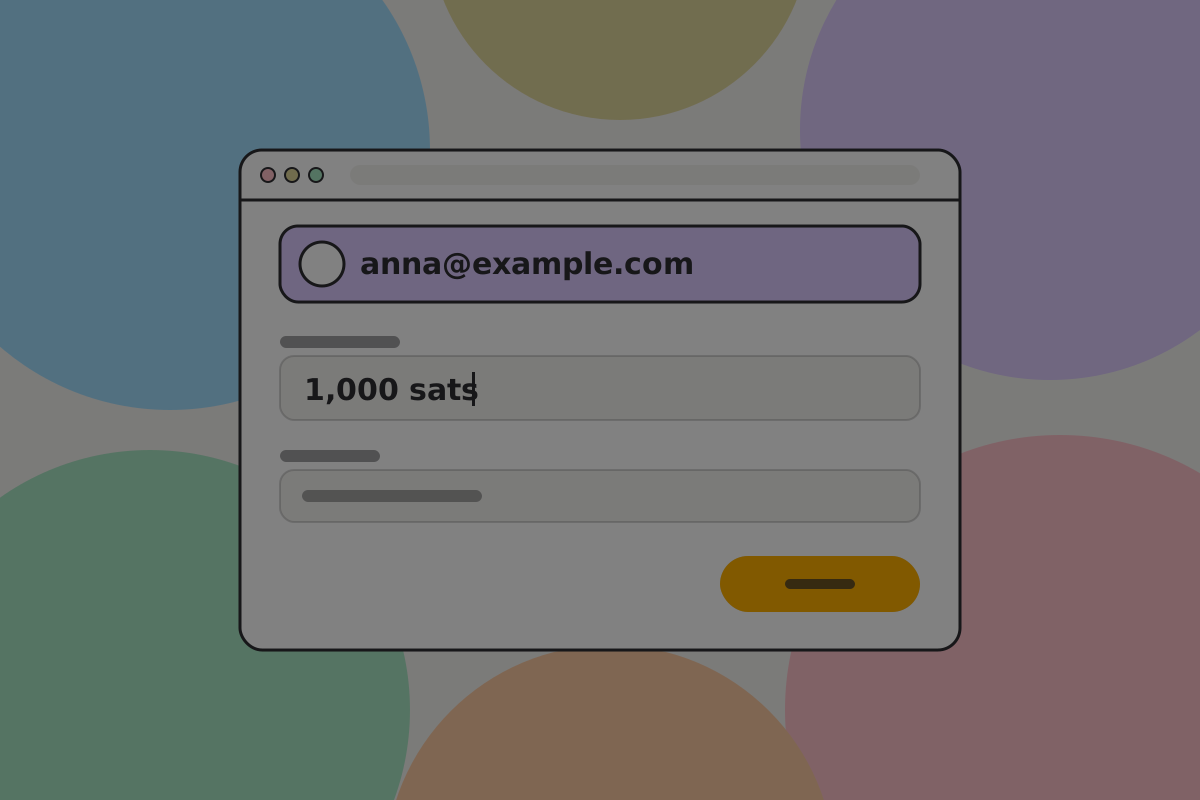
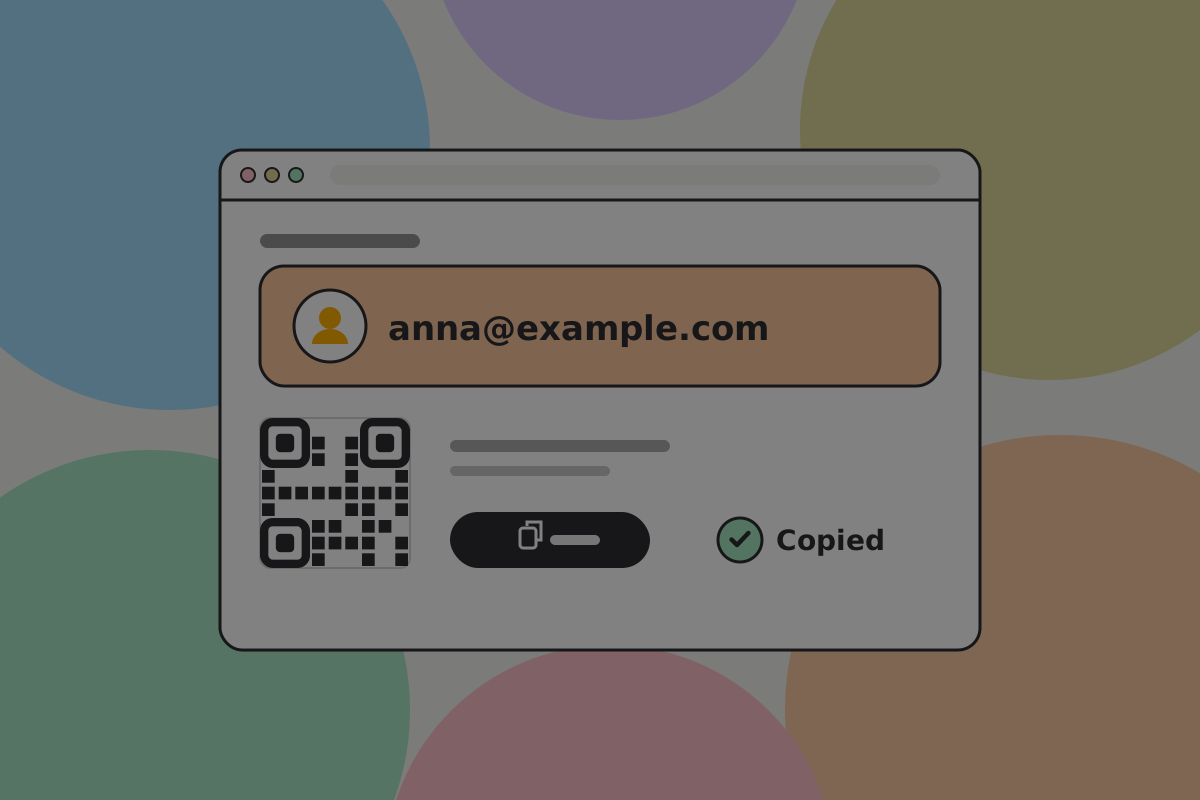
Gets right: making the handle the primary thing to share. Nothing expires and there is no invoice.
See Requesting.
Receiving
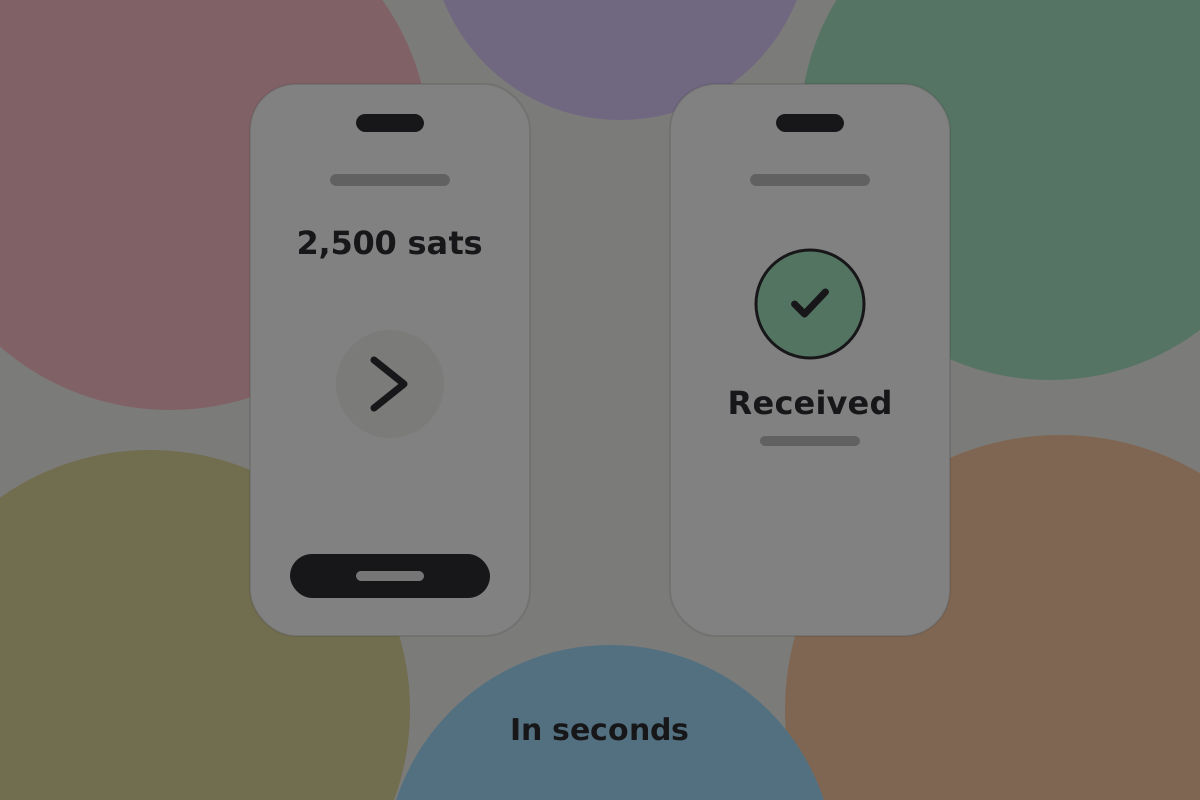

Gets right: saying "Received" when the wallet has verified the payment, not after a block. The payer and payee are often standing next to each other. For a payment to a plain address, show "Incoming" until it is mined.
See Receiving.
Connecting to an app
The flow most BSV products will build, and the one with the least prior art.
Gets right: asking for the minimum, saying what each permission is for, and making the grant revocable and expiring.
See Connecting a wallet and Permissions and allowances.
Paying per use
An app charges a few satoshis per request, hundreds of times.
Gets right: not prompting per payment, while still letting the user see where the allowance went.
See Charging per use and Payments.
Managing activity

Gets right: grouping the many small app payments, never showing change as a separate entry, and answering "did it work?" without sending the person anywhere else.
Do
Make the wallet's own activity the place to find out whether something worked. See Activity.
Moving between wallets
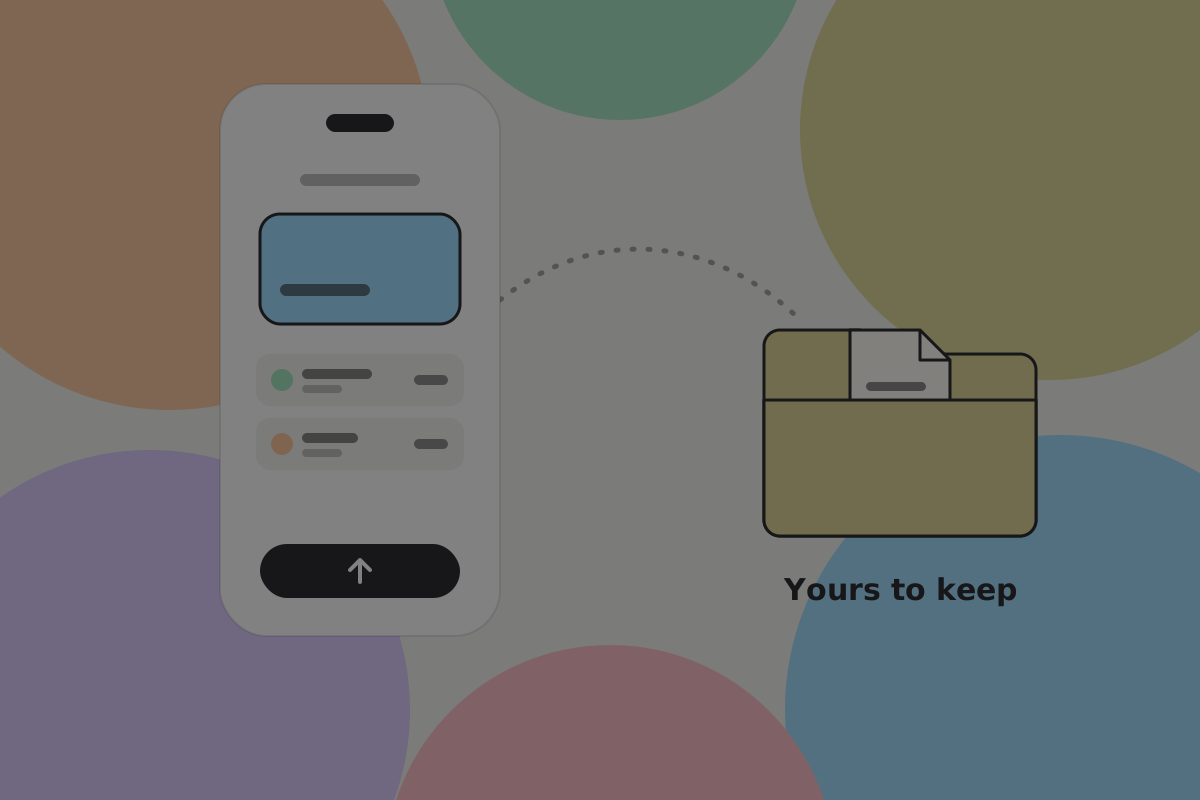
Gets right: letting the user leave. An export they hold themselves, and a send to a plain address that works without your servers.
See Interoperability.
Maintenance
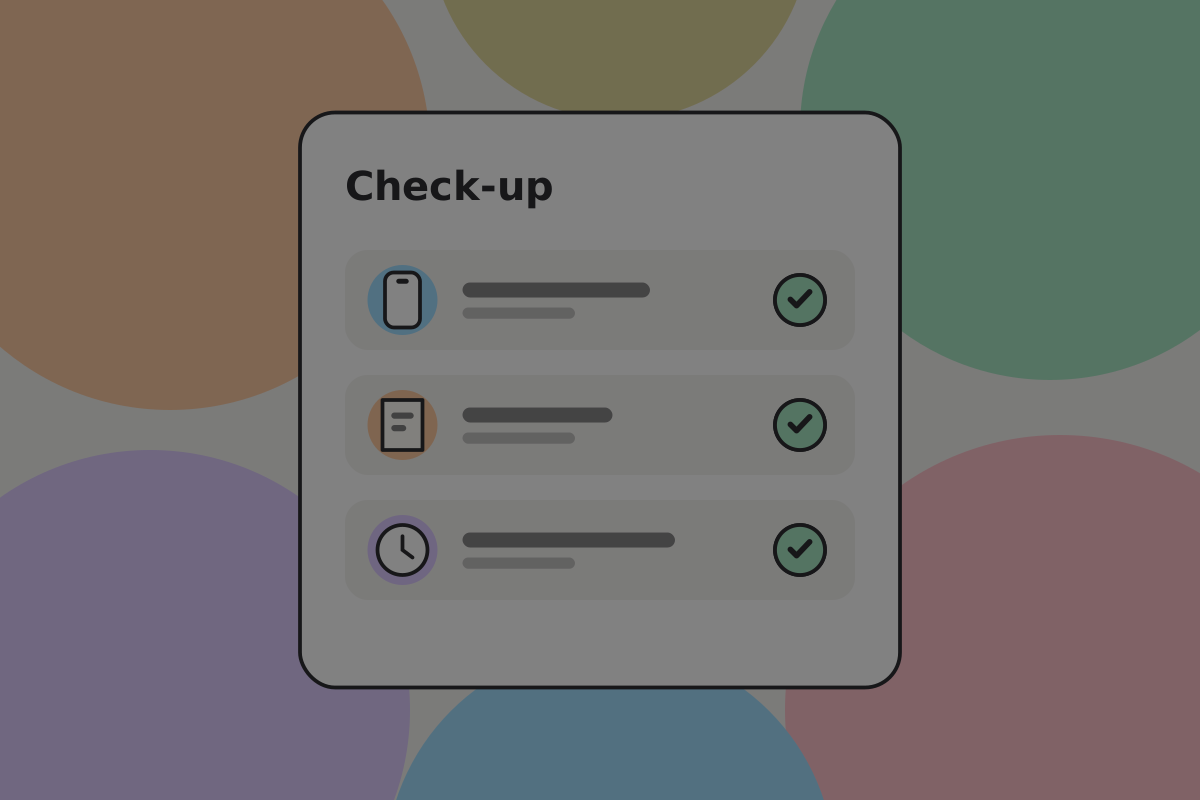
Gets right: replacing a lost device, checking a backup still works, and rebuilding anything time-based. See Backup and recovery and Making changes.
Watching without spending

Gets right: letting somebody see a balance and history without being able to spend. On BSV that means sharing a copy of the wallet's records, because with a fresh key for every payment a public key alone cannot show a balance. Useful for an accountant, a co-owner or a beneficiary.
Do
Offer a view-only mode for people who should see a balance but not spend it.
When something goes wrong
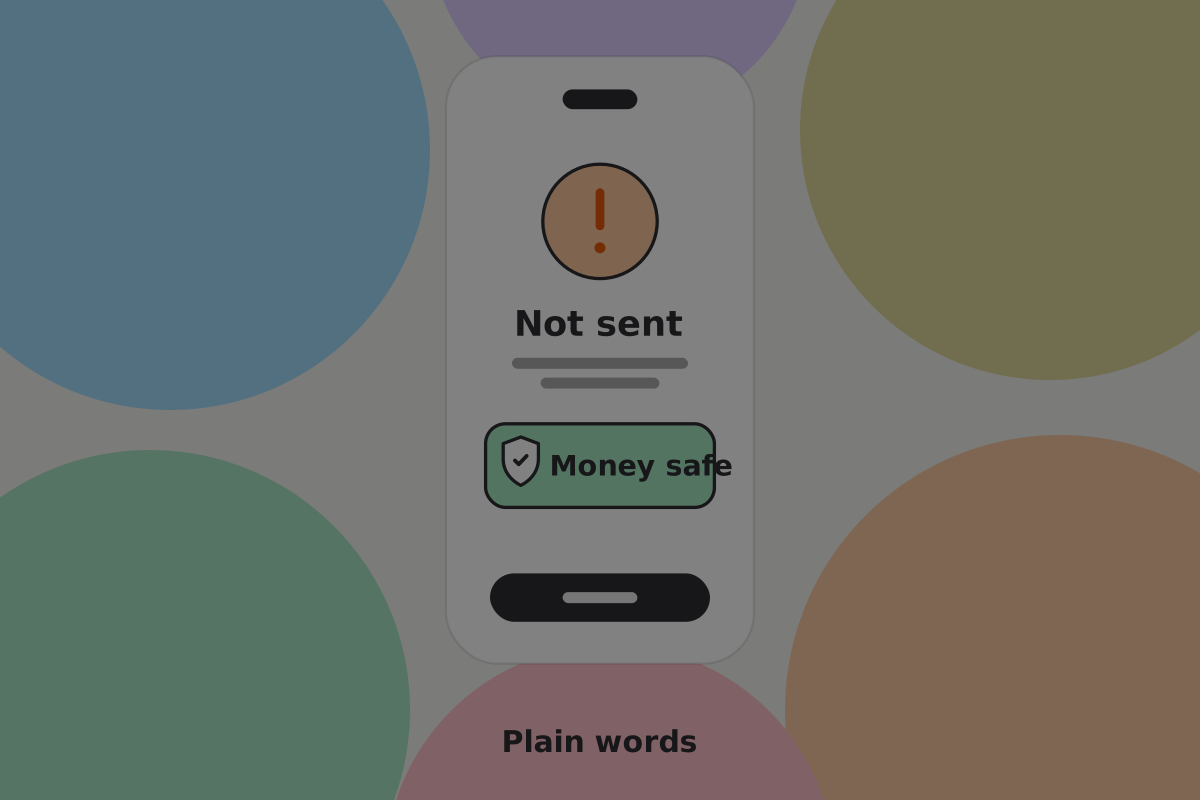
Gets right: explaining in plain words what happened and whether the money moved. That second question is what the person wants answered.
Do
Give every failure on the send and connect flows a message that says whether money moved: "Nothing left your wallet" or "The payment went through".
See Errors and failed payments.
Flows you do not need to build
Some flows look standard in wallet design but have no job to do on BSV. Leave them out:
| Flow | Why not |
|---|---|
| Choosing a fee | Fees are less than 1p and the wallet sets them |
| Bumping a stuck transaction | The first valid version seen is the one kept, so there is nothing to bump |
| Opening or managing a channel | Payments settle on the base chain |
| Waiting for confirmations | A payment is accepted when the recipient's wallet verifies it |
| Sweeping dust | A one-satoshi output is spendable |
| Coin control | The wallet chooses outputs with privacy in mind; see Coin selection |
| Mixing | Every payment uses a fresh key by default |
See How it works.
Related
Written from: BRC-29, BRC-42, BRC-100, BRC-121, BRC-169.
Checklist
The rules on this page, in a form you can work through.
5 rules