

Time-based recovery
A recovery path that opens after a period of inactivity, how BSV builds it without CHECKLOCKTIMEVERIFY, and the maintenance that keeps it from firing by accident.
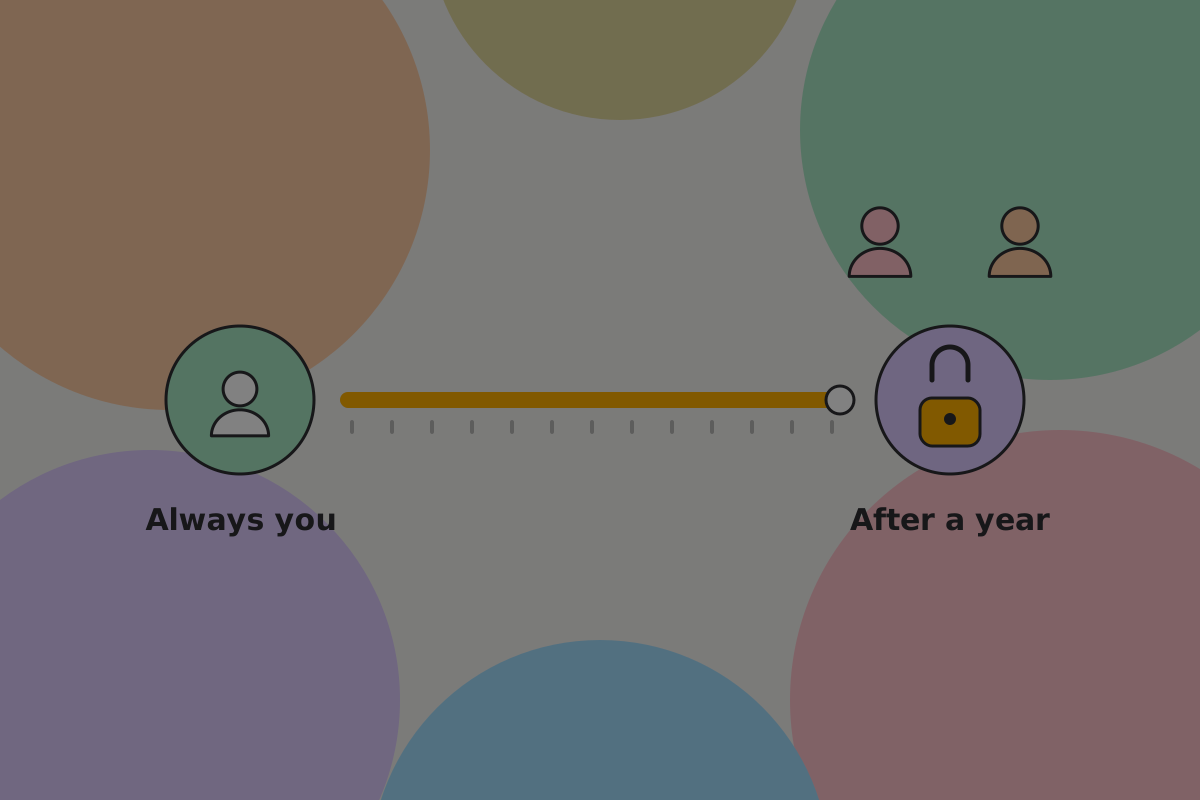
A savings wallet protects against theft and the loss of one key. It does not protect against the owner becoming unavailable: ill, travelling without their devices, or dead. A time-based recovery path does. If the owner does not push the date back before it arrives, a second route to the money opens for people they chose.
It is one of the most useful arrangements in this guide and the easiest to get dangerously wrong, because the thing that makes it work, time passing, also happens when nothing is wrong at all.
How BSV builds it
A design brought from another network breaks silently here, so this comes first.
Commonly misunderstood: time locks in scripts
On BTC, a time lock can be written into an output's script with CHECKLOCKTIMEVERIFY or CHECKSEQUENCEVERIFY, and the network refuses any spend before the date.
On BSV those two opcodes no longer act as checks. A script that relies on them runs and enforces nothing: a vault that looks locked can be spent immediately. There is no error to see, only the absence of one.
On BSV the mechanism is nLockTime and nSequence on a pre-signed transaction, and that shapes the whole design:
- The recovery route is a transaction, prepared and signed in advance, that is not valid until a date.
- It pays to an output that the recovery people control together, at the threshold you set, so whoever holds the file cannot take the money for themselves.
- It has to be kept by somebody until then.
- The keys that signed it existed at signing time, so no key is needed later.
- It stays valid until the money it spends moves. Spending that money is the only thing that cancels it.
- Money received after it was signed is not in it.
Those last two points are the whole maintenance story below. Refreshing the timer, changing the period or removing somebody all mean moving the money in a payment from the wallet to itself, which needs the keys and costs a fee, and then signing a new recovery transaction against the new outputs. Until the money moves, the old transaction still works on its old date. Money received after signing is not covered until the next refresh.
If the wallet also uses script conditions, see Spending conditions for the transaction version they need.
Creating the wallet
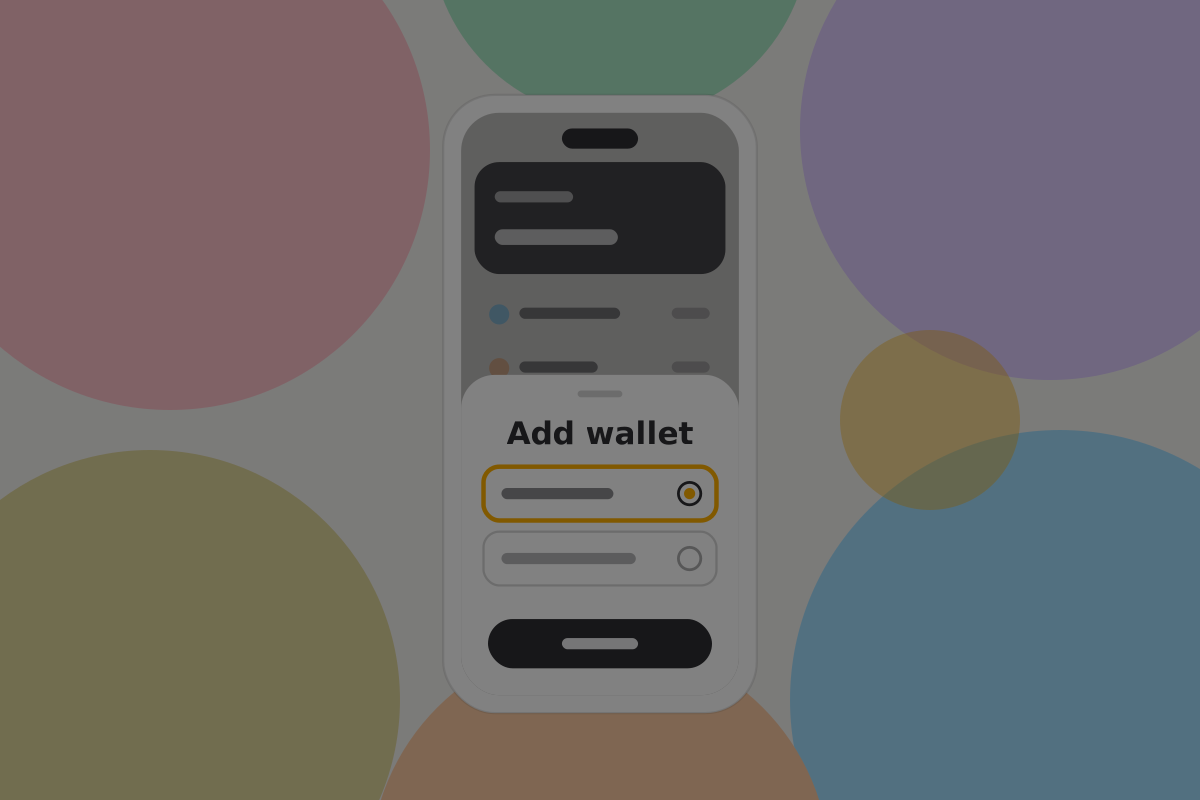
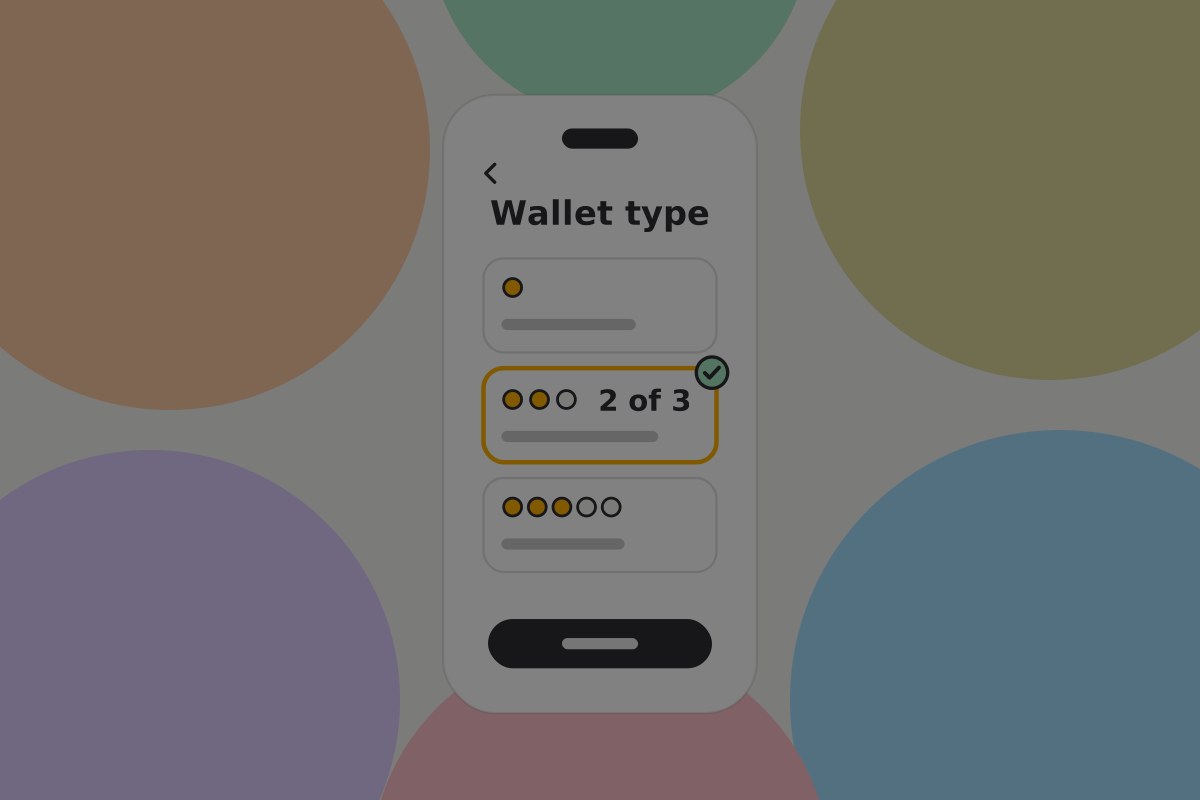
Do
Explain the arrangement before any key is created, in terms of what happens rather than what it is made of: "You can always spend this. If you don't use it for a year, the people you choose can."
The keys
Do
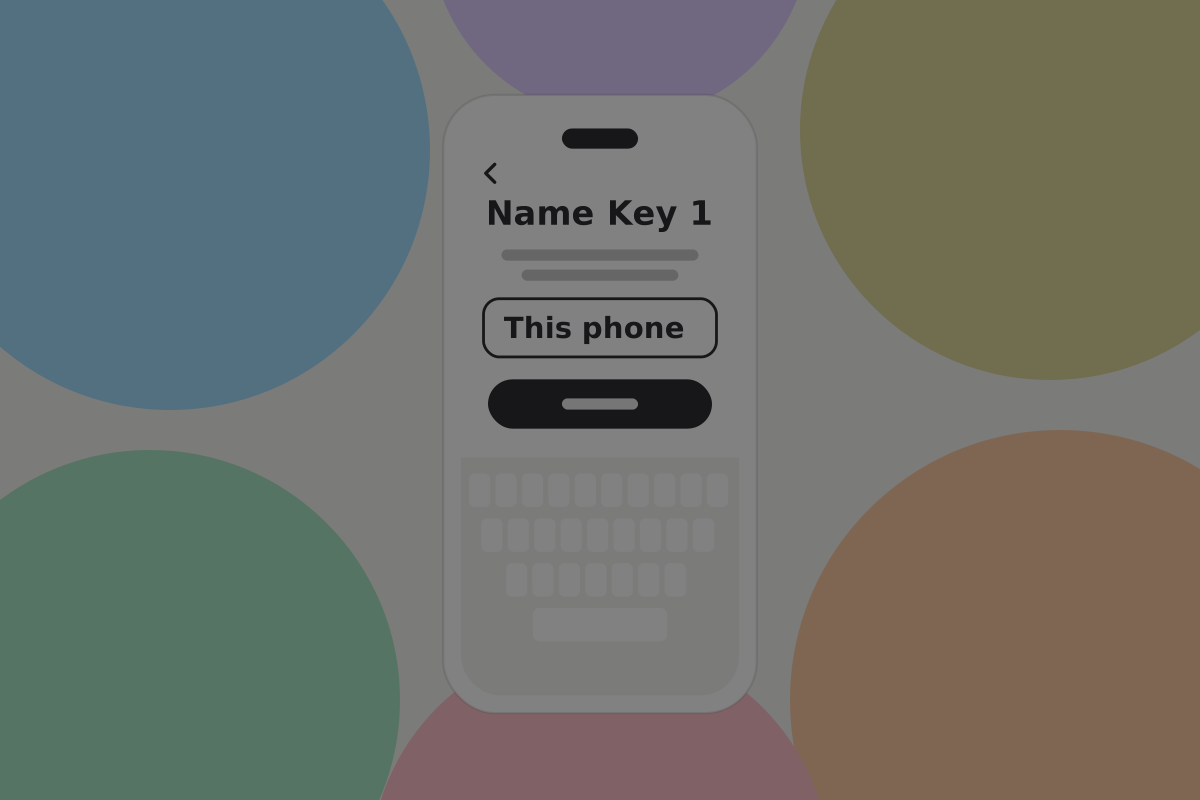
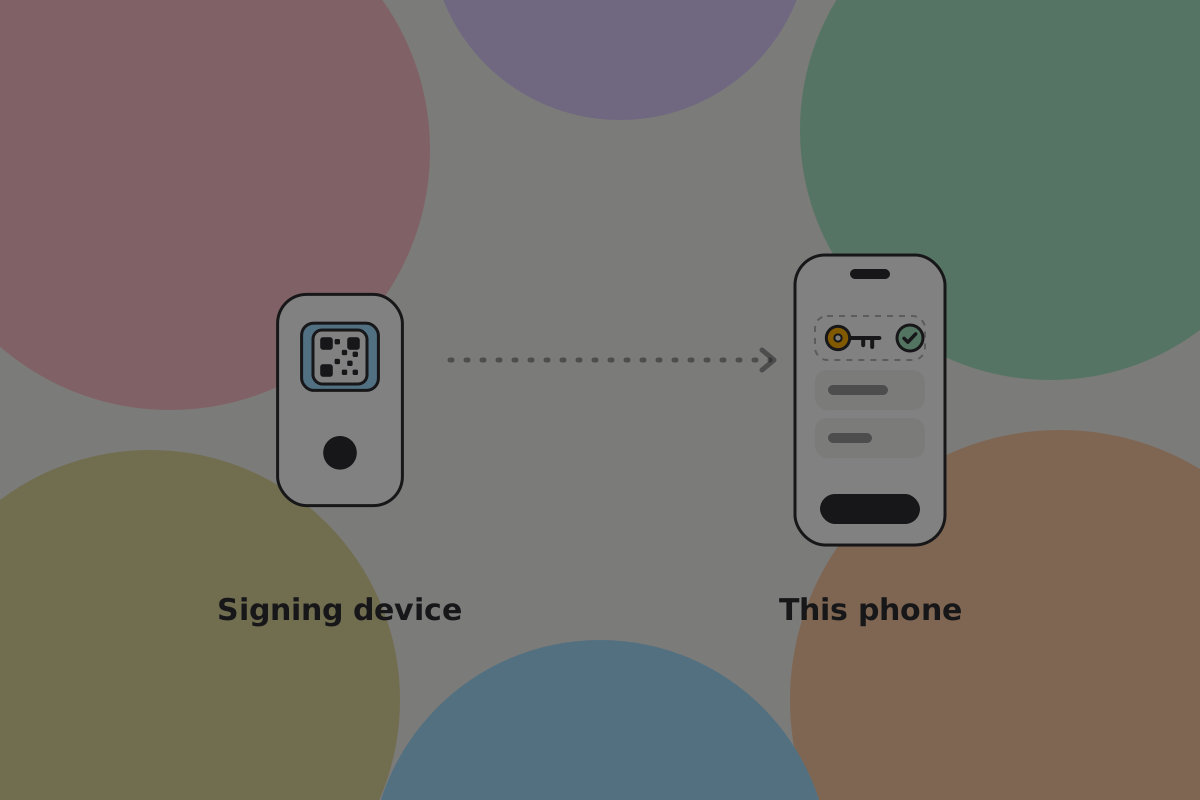
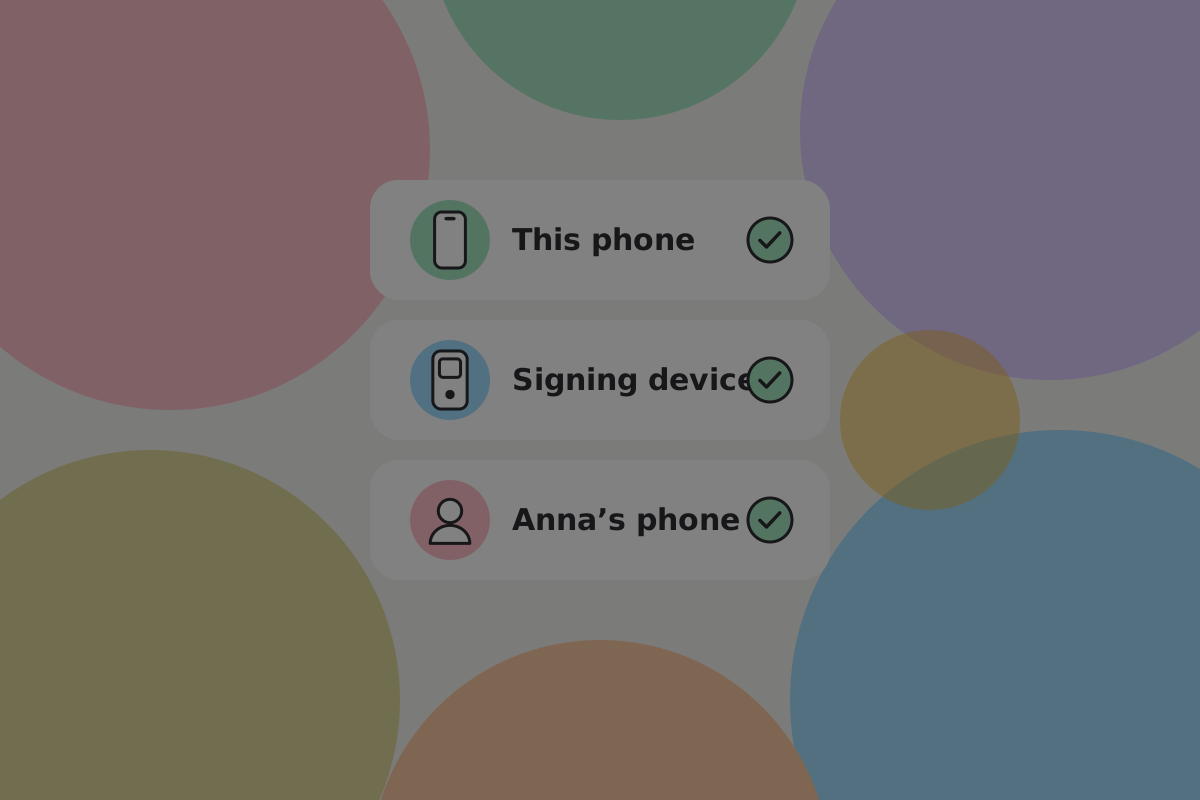
Name each key by where it is, not by its number. "This phone", "Signing device", "Anna's phone" is what the owner will need to recognise in two years.
The recovery path
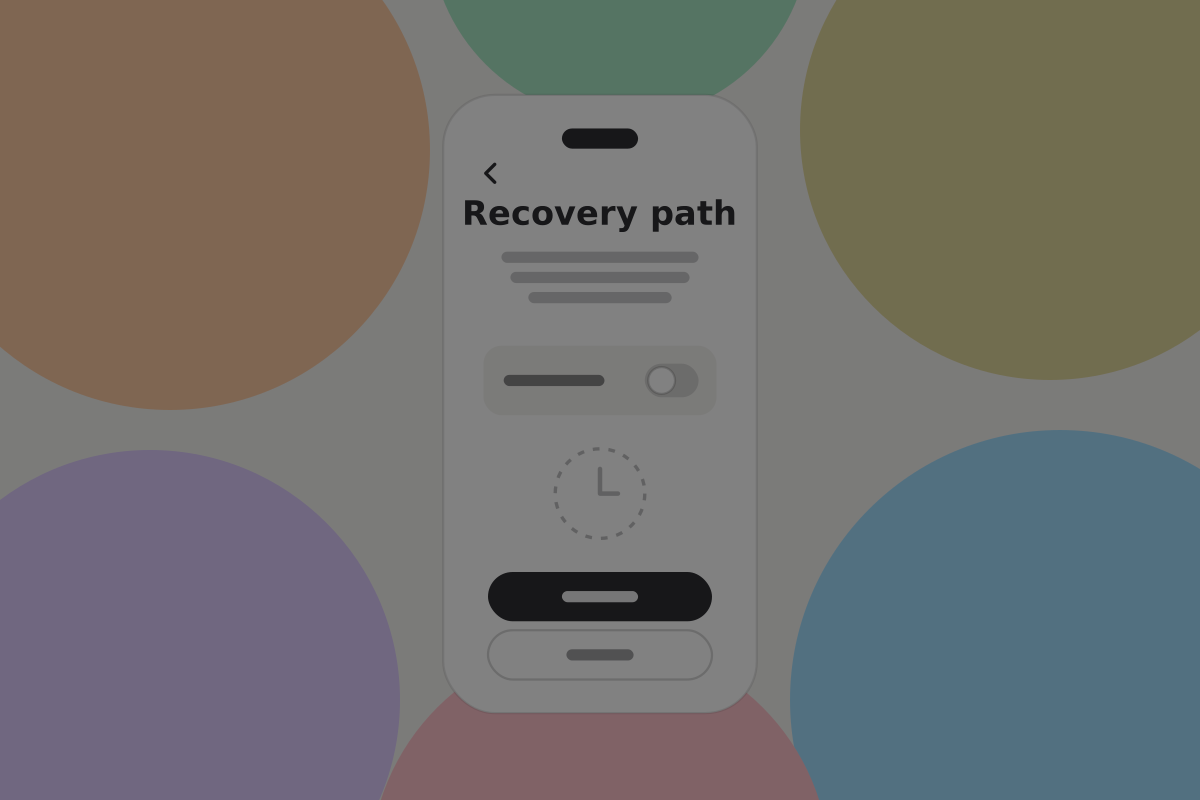
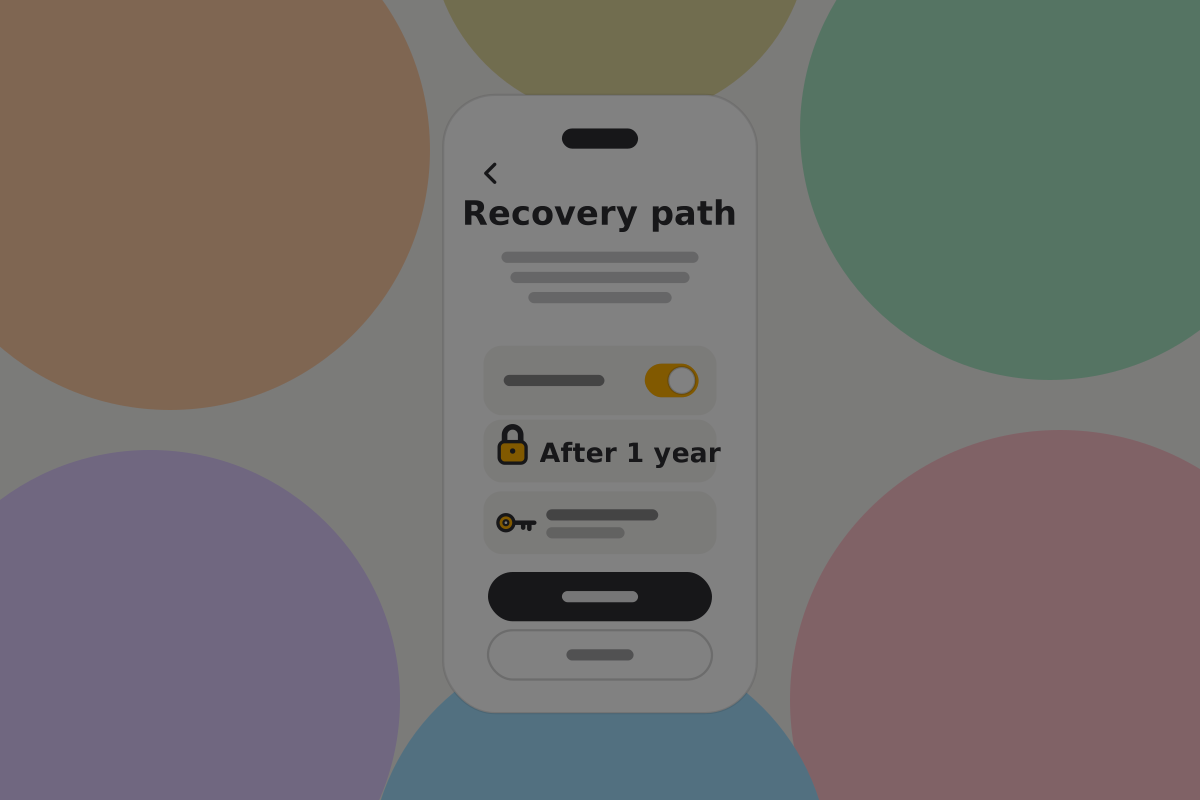
Three decisions, and all three need defaults:
- After how long? We suggest a year. Shorter means more maintenance; longer means a longer wait for the people recovering.
- Who? One or more people, each with their own key.
- How many of them? A threshold, so one recovery person cannot act alone.
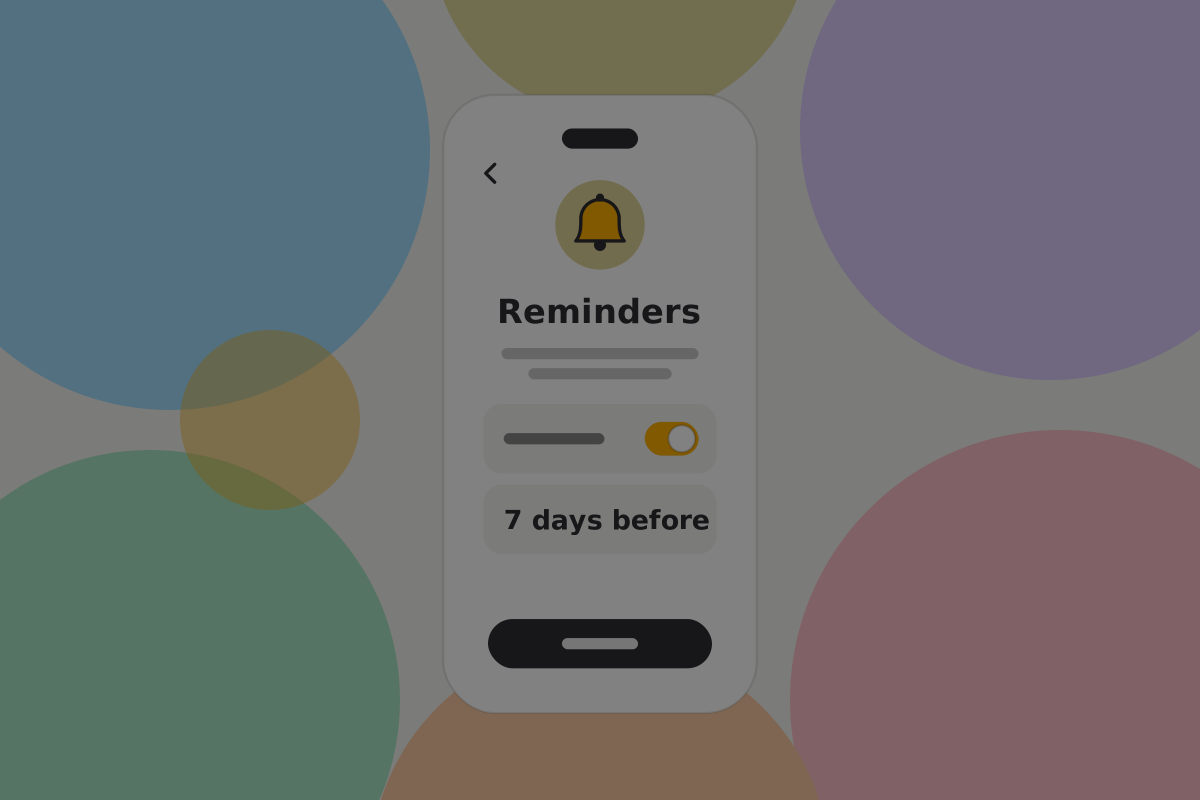
Do
Turn reminders on by default and say why: the path opening is the failure case, and a reminder is what prevents it.
Don't
Offer a period shorter than a few months. A path that opens while somebody is on a long trip is a theft risk dressed as a feature.
Bringing in the people who recover
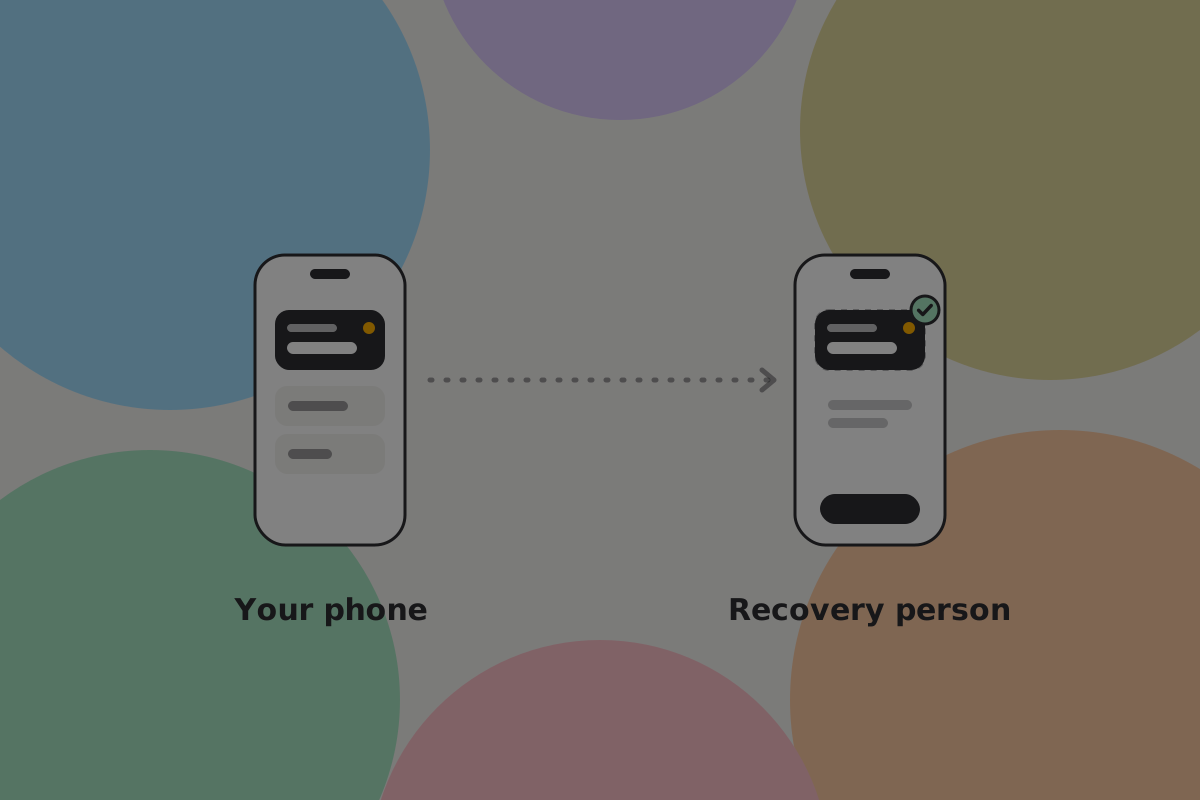
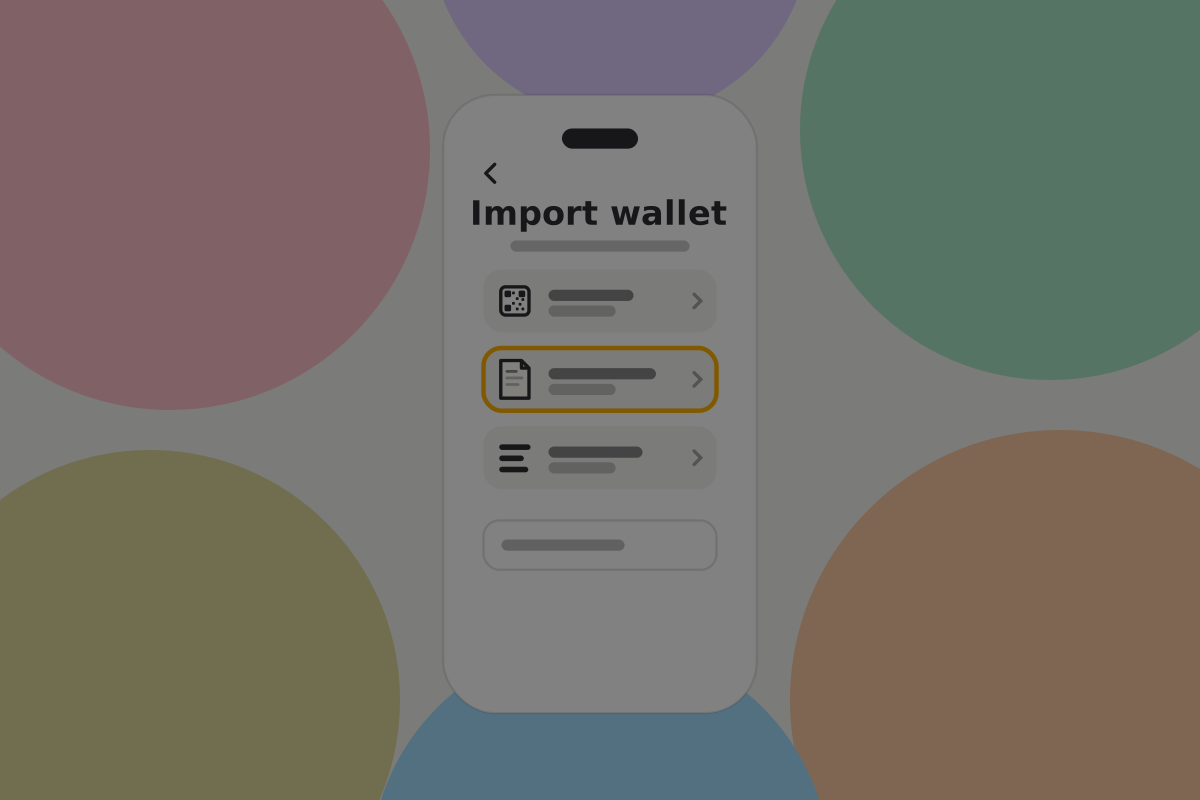
The people on the recovery path need to know they are on it, hold a key, and hold the current pre-signed transaction.
Do
Tell them what they have been given, in a message they can understand without the app: "Maya has named you on her savings wallet. You can't spend anything. If she doesn't use it for a year, you and one other person can move it on her behalf."
Do
Make sure they keep the pre-signed transaction, since without it the path is theoretical. The wallet should hold it and the backup should include it.
Don't
Add somebody to a recovery path without telling them. The arrangement only works if they still have their key when it matters.
Keeping it from firing
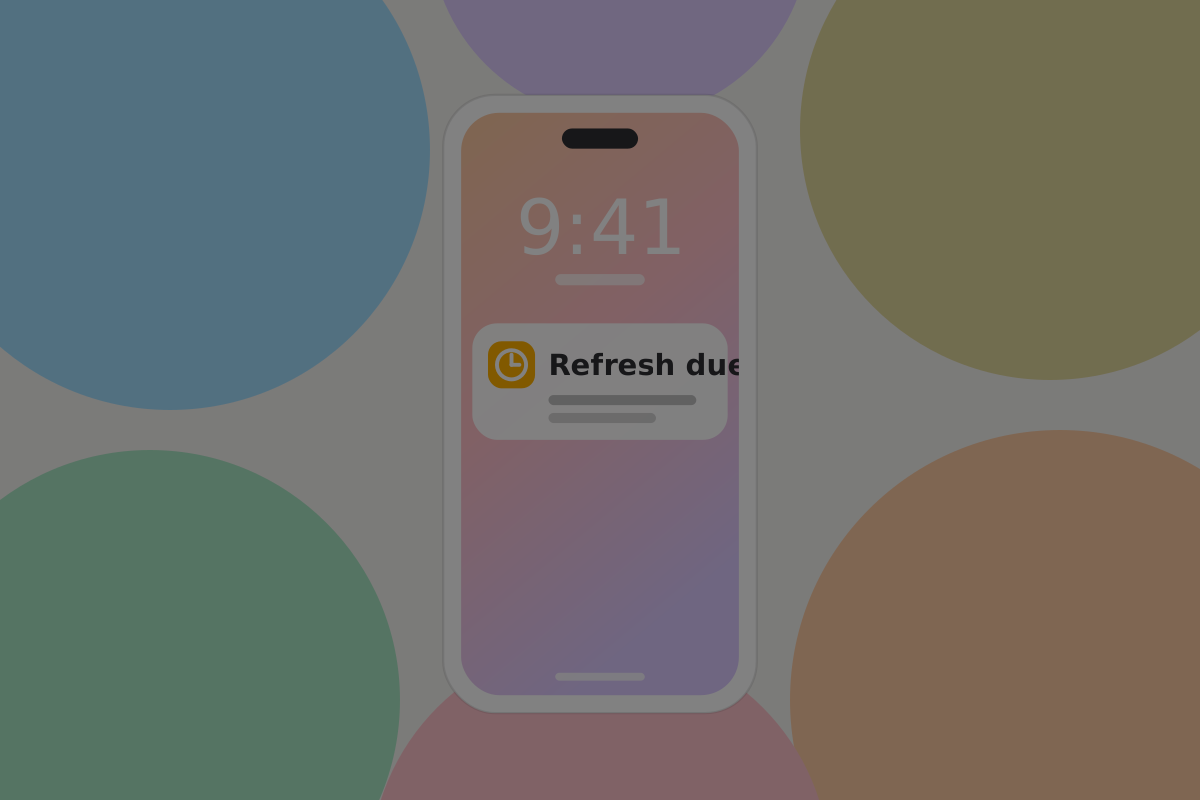
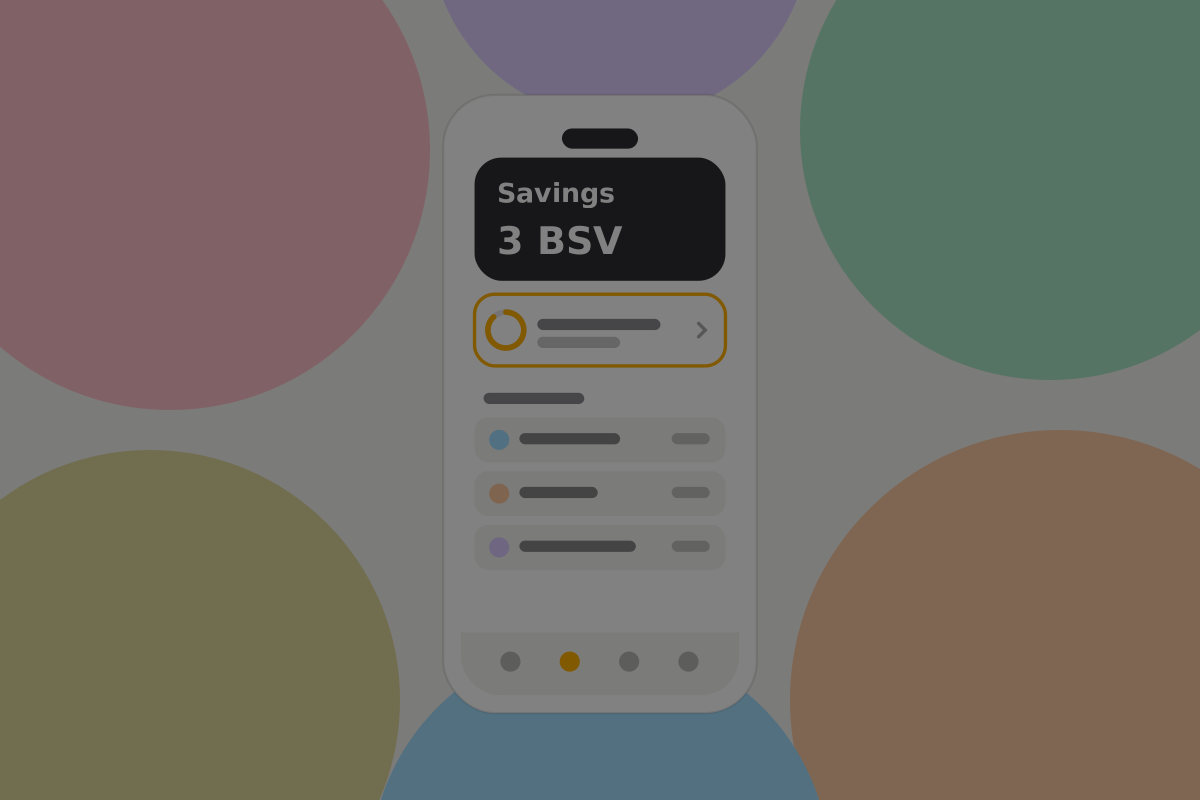
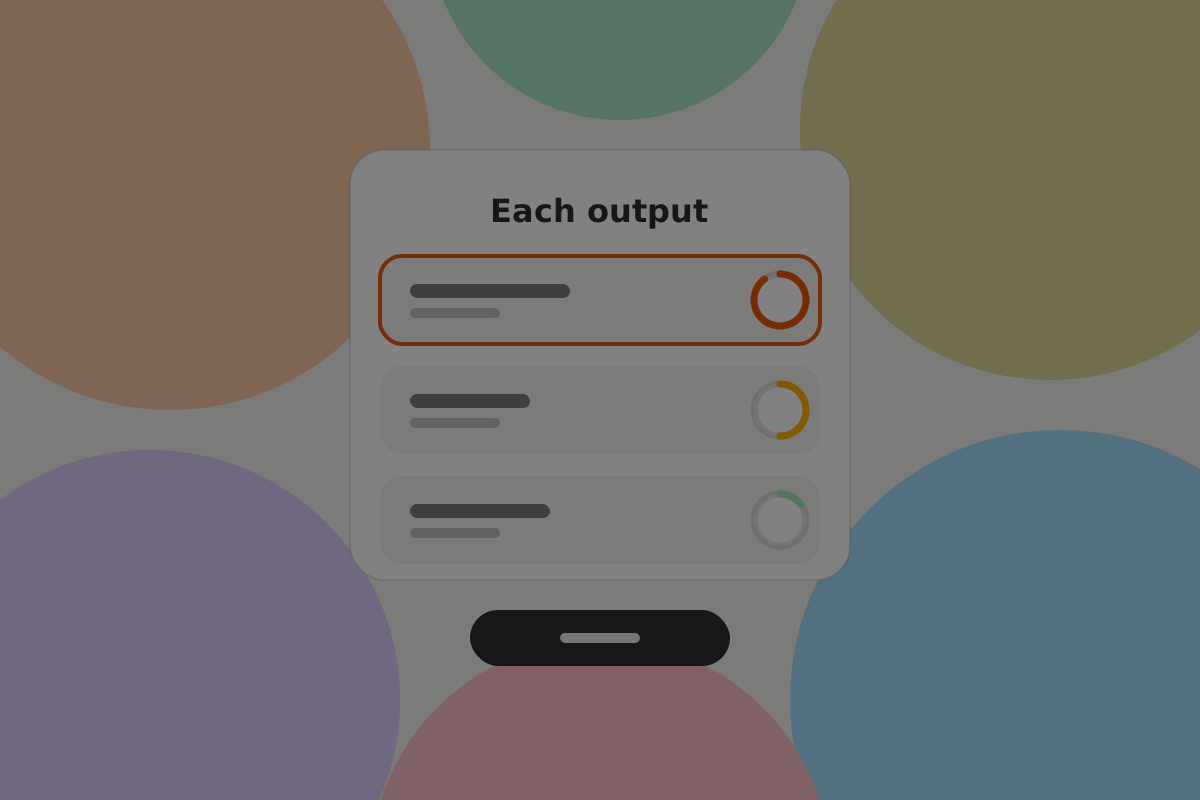
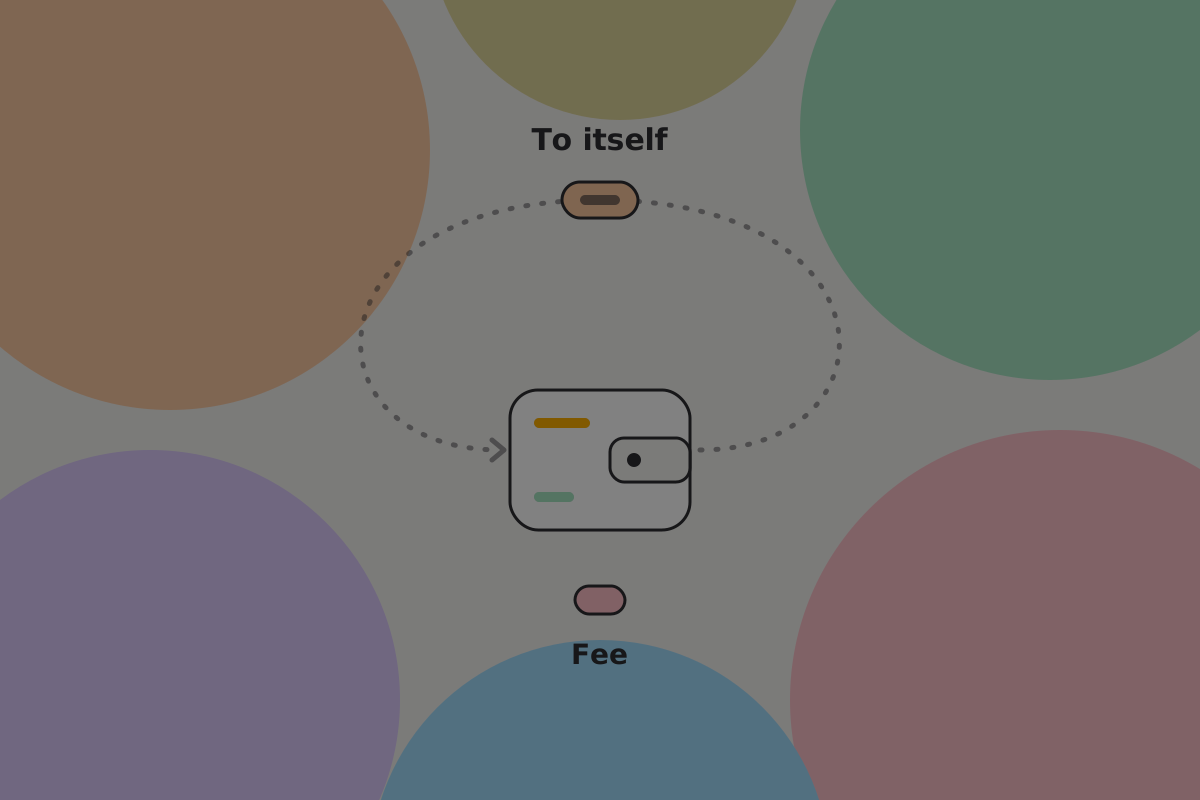
The routine job. Pushing the date back means moving the money to new outputs and signing a new recovery transaction against them. A new transaction alone is not enough: the old one still works on its old date until the money it spends has moved. So a refresh is a payment from the wallet to itself. It needs your keys, it costs a fee, and it appears in activity.
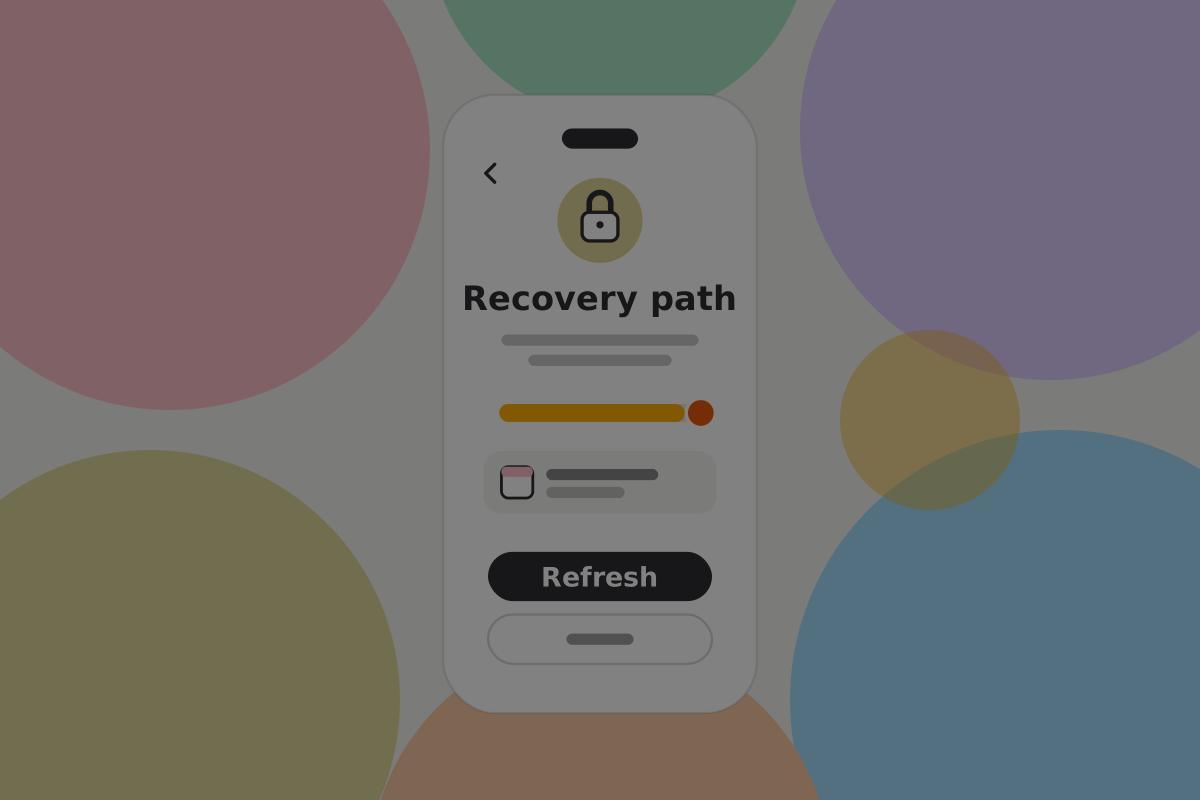

Do
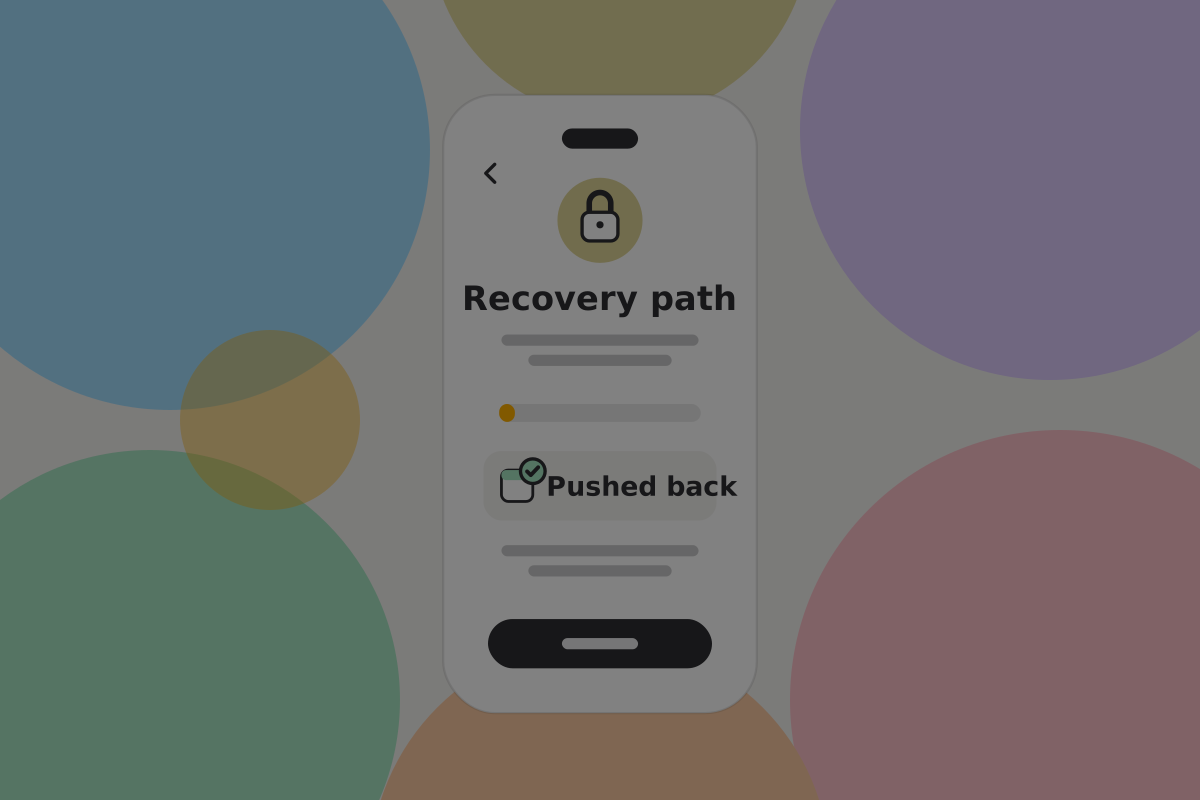
Show the date plainly on the home screen, as a date rather than a countdown. "Recovery opens 14 March 2027" is checkable; "in 237 days" is anxiety.
Do
Remind well in advance, more than once, and through a channel that is not the app. Somebody who has stopped opening the app is exactly the person who needs reminding.
Do
Notify the recovery people when the path is refreshed, so they know the arrangement is alive.
Do
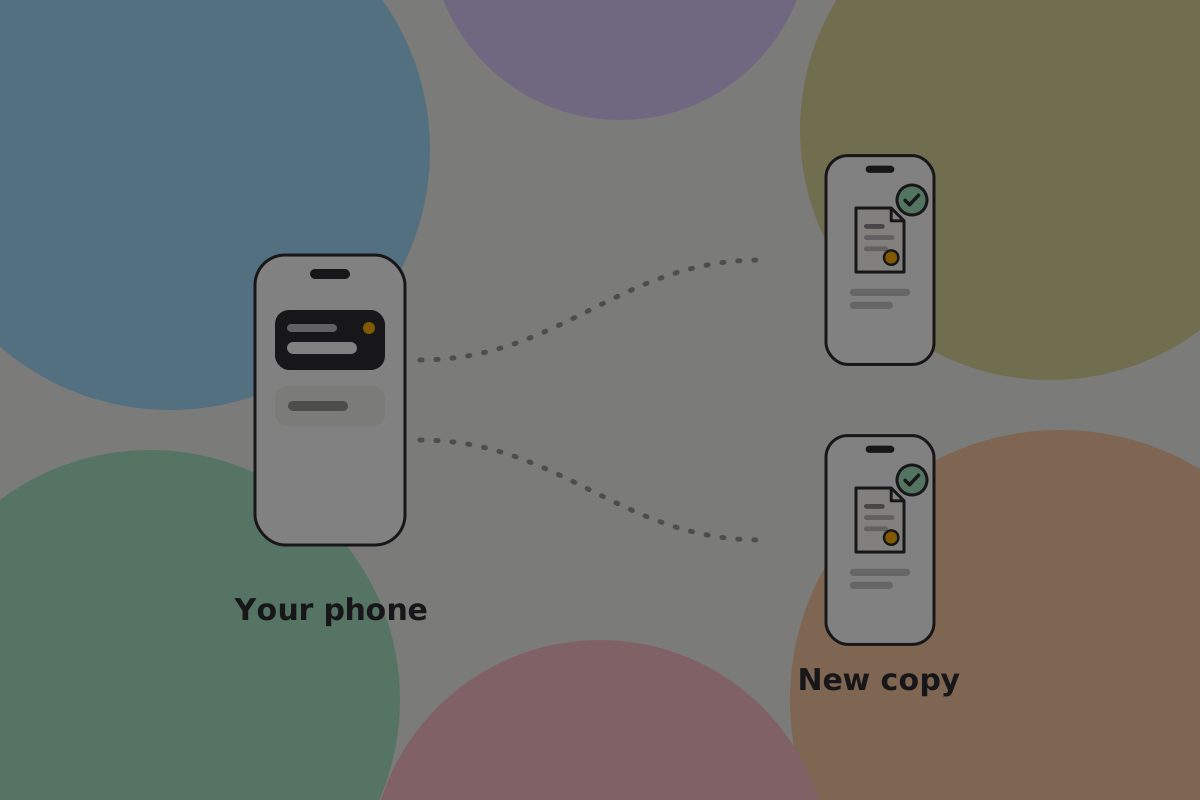
Send the new recovery transaction to the recovery people as part of every refresh, and show on the home screen anyone who has not received it.
Important
Any ordinary spend from this wallet invalidates the pre-signed transaction, because its inputs are gone. Money received after the transaction was signed is not in it either, so the wallet must rebuild the path after any payment in or out, and must say so if it cannot. A wallet that quietly leaves the path broken is worse than one with no path.
Resetting it

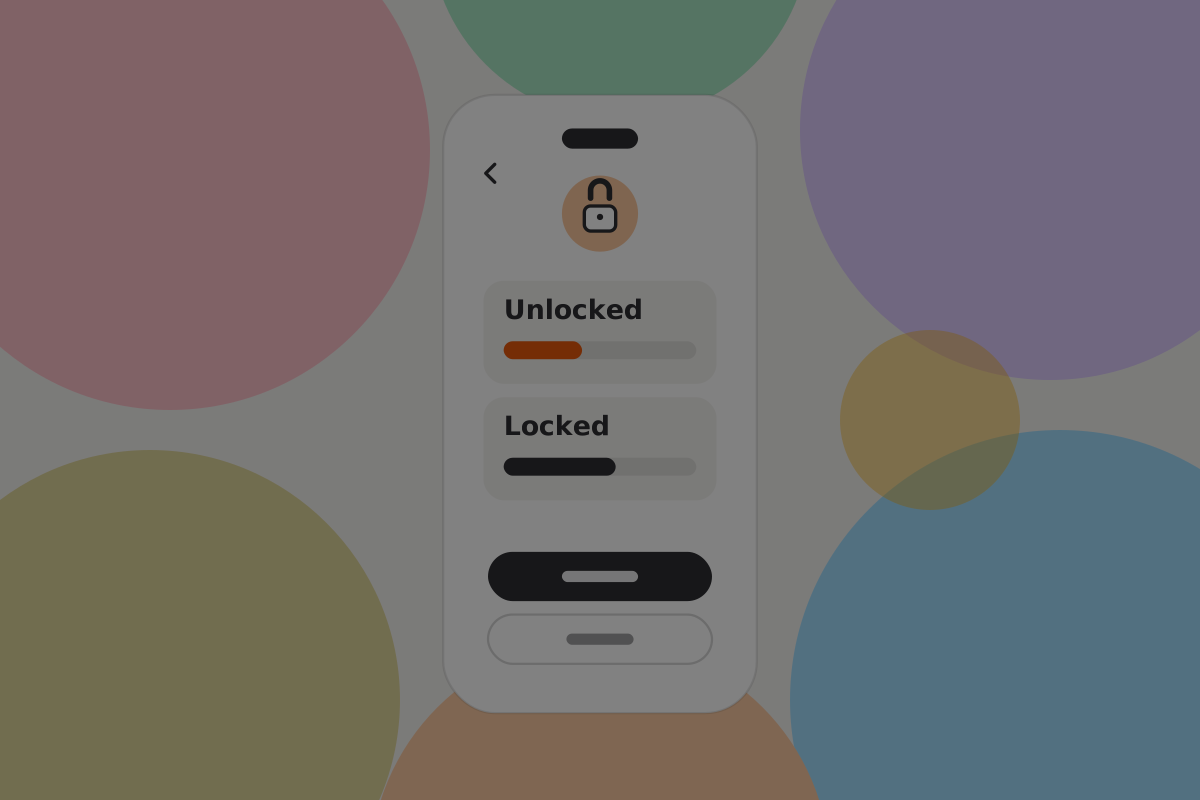
Changing who is on the path, or how long it runs, works like a refresh: the money moves to new outputs, a new recovery transaction is signed against them, and new copies go to the right people. Until the money moves, everybody's old copy still works on its old date, including the copy held by somebody you removed.
Do
Treat it as a change with consequences: move the money to new outputs first, so the removed person's copy stops working, then say who was removed and send the new transaction to the people who remain.
Don't
Let somebody be removed from a recovery path without the wallet confirming the replacement transaction actually reached everybody who needs it.
Replacing a device
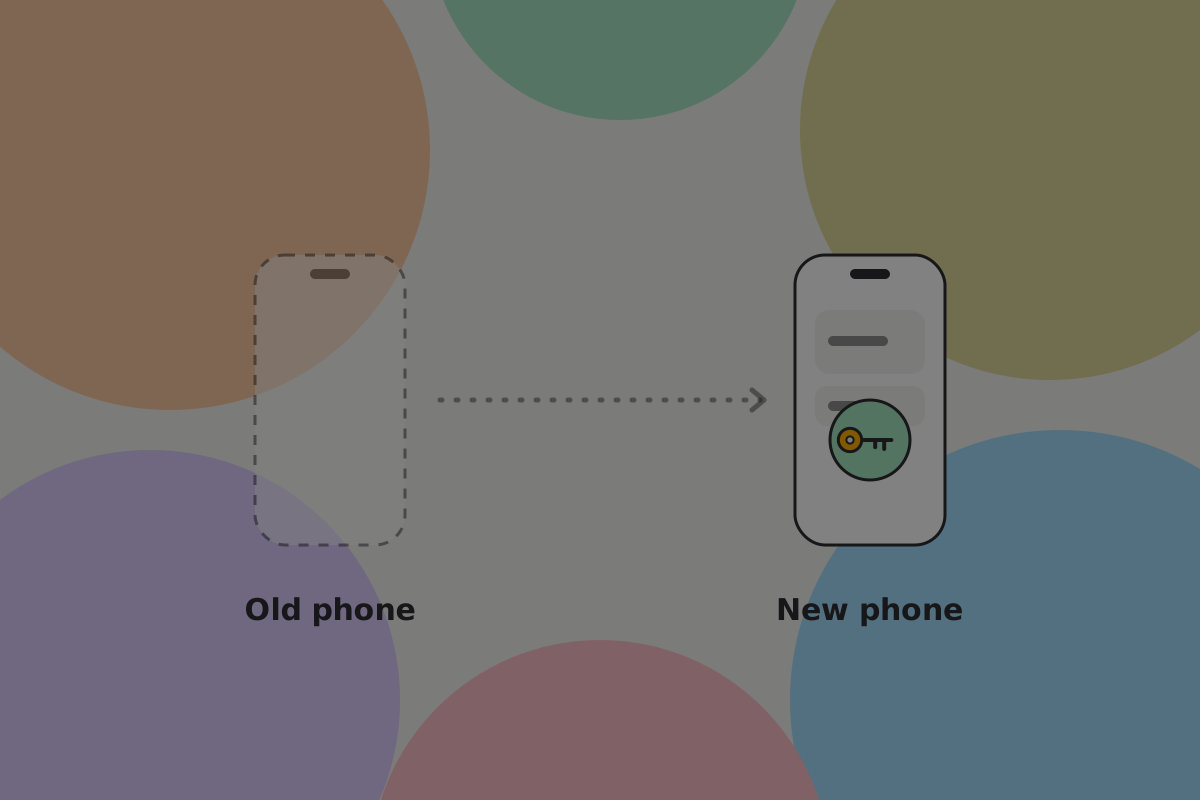
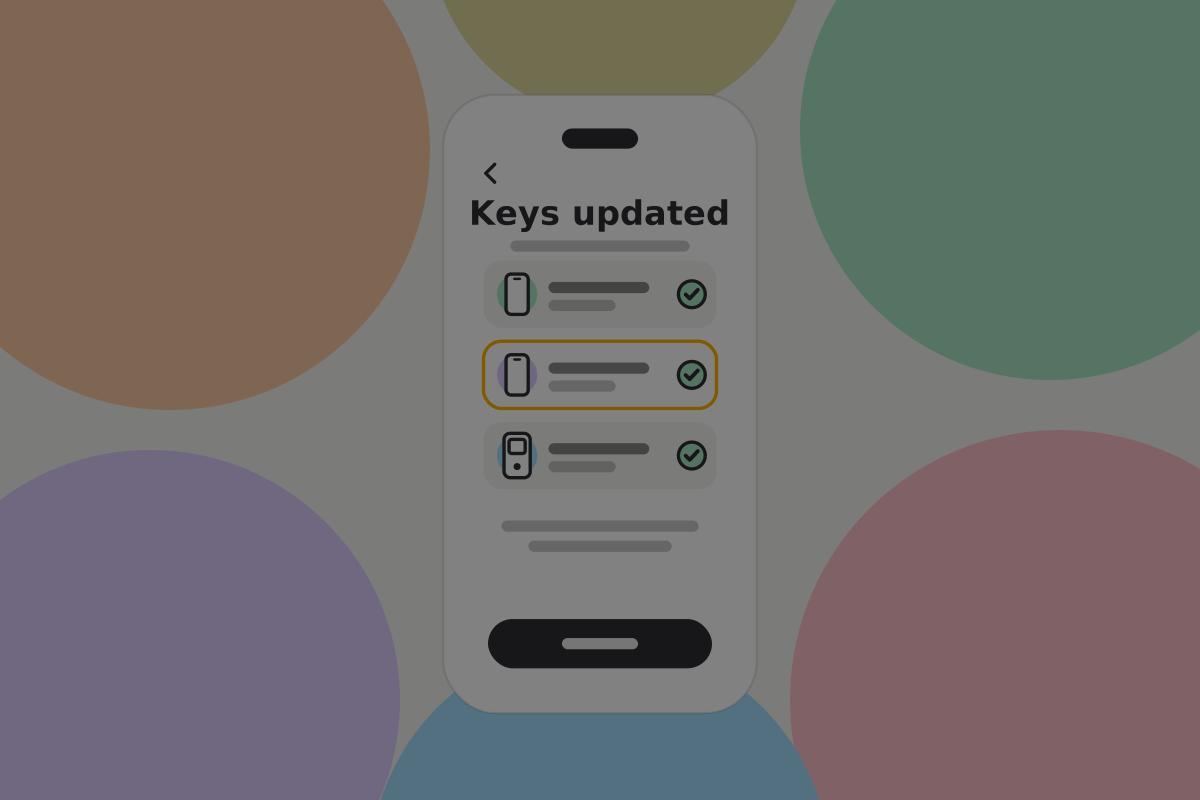
A new phone means a new key. With a multi-key script that means moving the money to outputs carrying the new key, so the device swap and the path rebuild happen together: the money moves once, and a new recovery transaction is signed against it.
Do
Fold the path rebuild into device replacement automatically, and show it as a step so the owner knows it happened.
Backup
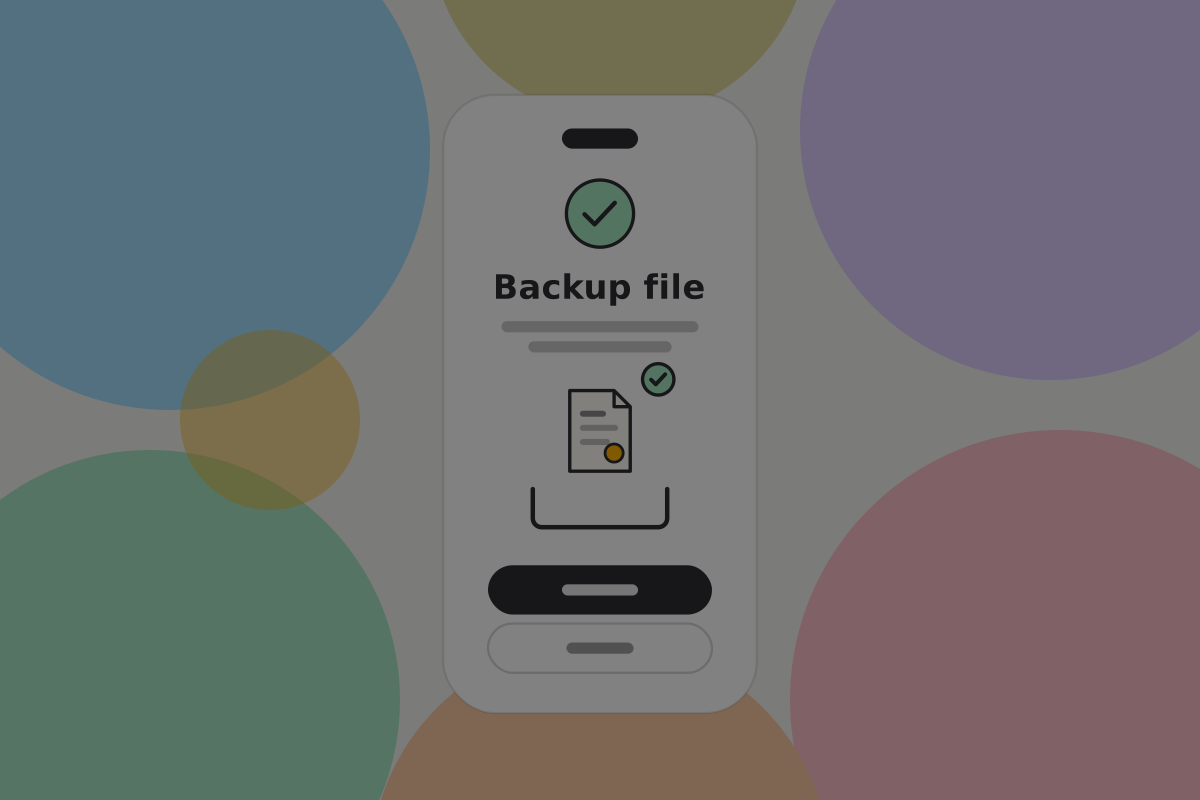
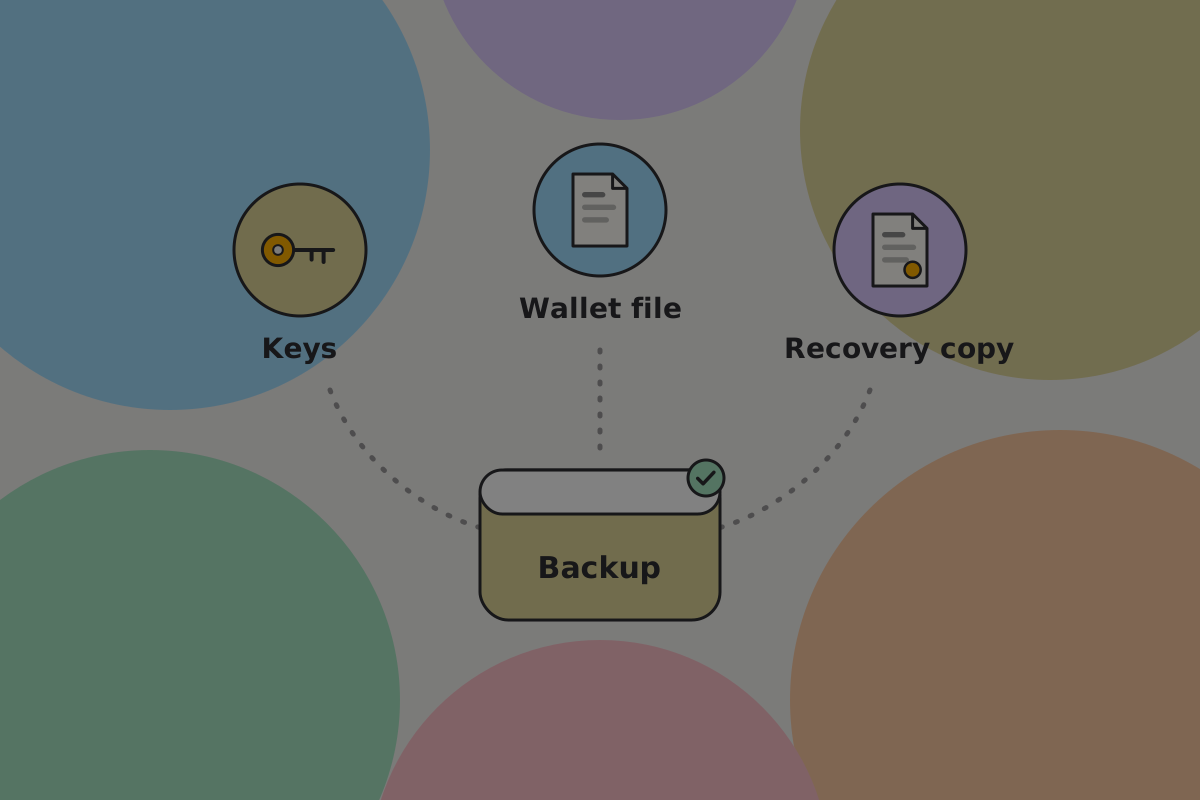
A time-based wallet has more to back up than an ordinary one:
- each key's recovery material
- the wallet configuration: which keys, what threshold, what period
- the current pre-signed recovery transaction
- who is on the path, and how to reach them
Recommendation
The pre-signed transaction is the part other backup designs have no slot for, and the part that makes this arrangement real. Back it up with the configuration, re-export it every time it is rebuilt, and include it in the recovery drill. See Backups.
What to be honest about
- It needs maintenance. The owner has to act, or the path opens. That is the design, not a flaw, but it should be said during setup rather than discovered.
- Every payment in or out puts it out of date. A spend cancels it, and money received is not in it. Either way, the wallet has to rebuild it.
- A refresh is a payment. It needs the keys, costs a fee, and appears in activity.
- The arrangement is public. Built as a multi-key script, its keys and threshold are visible, because new pay-to-script-hash outputs are not allowed. The timing is not, but the shape is.
- The recovery people hold a real power eventually. Choose them as you would choose an executor.
Open questions
- Is a year the right default period, or do people pick something they cannot maintain?
- Which reminder channel outside the app (email, text, a person) do owners accept, given that the wallet otherwise collects no contact details?
- Do recovery people understand "You can't spend anything" from the message alone, or do they think they have been given money?
- Who should be able to refresh the timer: any of the owner's keys, or the full quorum, given that a refresh moves the money?
Related
- Savings wallet
- Inheritance wallet: the same idea, designed for succession
- Spending conditions
- Multi-key
Written from: ts-stack script docs, Chronicle upgrade notes, BRC-29, BRC-42.
Checklist
The rules on this page, in a form you can work through.
15 rules