

Automatic cloud backup
The wallet backup: the records half of a BSV backup, encrypted on the device, kept continuously, and the reason a restored wallet can find its money.
This backup holds the records that say which outputs belong to the user. Without it, a restored wallet may not find all of its money.
Your recovery words restore your keys. Your wallet backup restores your records: which money is yours and how to spend it. Keep both. See Backup and recovery.
Why it has to be automatic
Records change with every payment received. A backup from last week does not include this week's money, so this cannot be a one-time flow the user completes and forgets.
Do
Run it continuously in the background, and show when it last succeeded somewhere the user passes regularly.
Don't
Make it a manual export the user has to remember. They will not, and the gap will be exactly the payments they most wanted back.
Setting it up
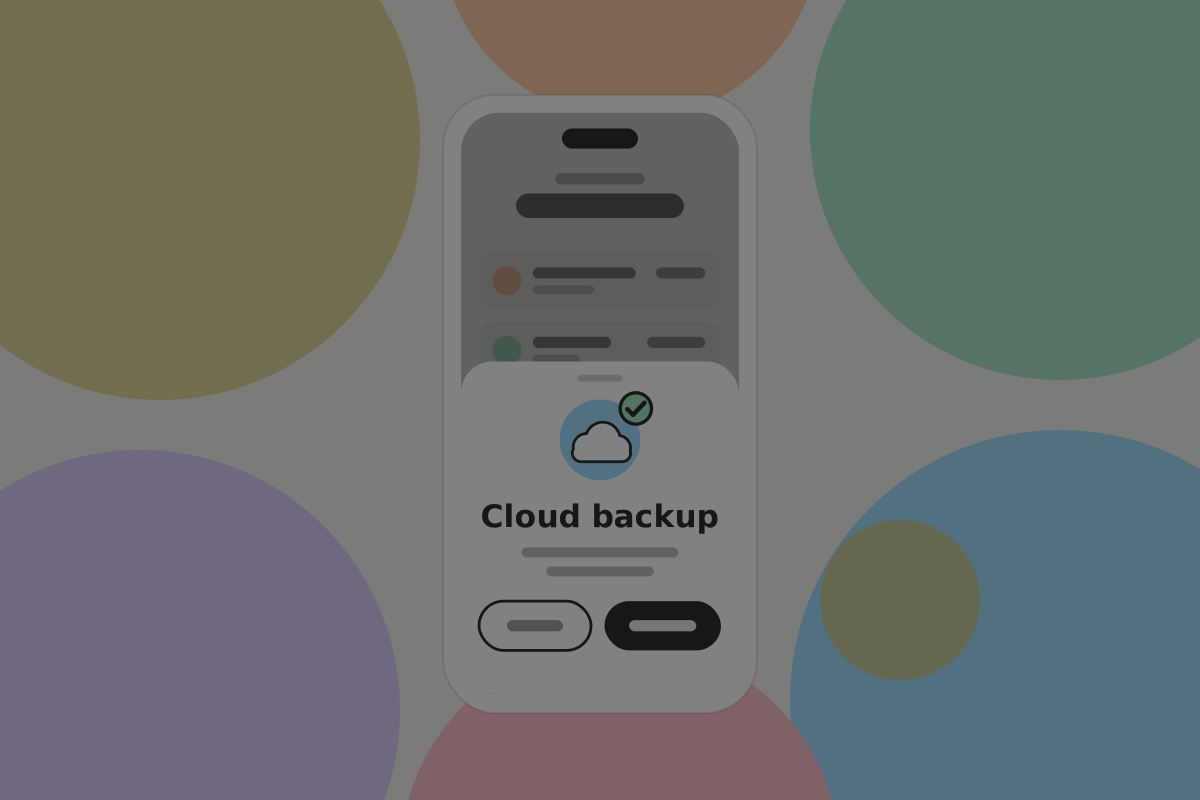

Ask during onboarding, before the recovery words, because it protects against the common failure: a lost or broken phone. Storing records with a service is the user's choice. The wallet asks once, says where the backup would go, and switches it on only if the user agrees. The full timing is on First use.
Backups describes the options neutrally, including keeping records on the device only. This design offers remote storage at setup as an explicit opt-in.
Do
Explain it in one line that says where the backup goes and what opens it: "Back up your wallet to your cloud storage? It is encrypted on this phone, and only your recovery words can open it."
Do
Let the user decline, and say what declining means in a sentence rather than a warning dialog.
Don't
Enable remote storage without saying so. It changes who can be compelled to hand over data, and that is the user's decision.
What opens it

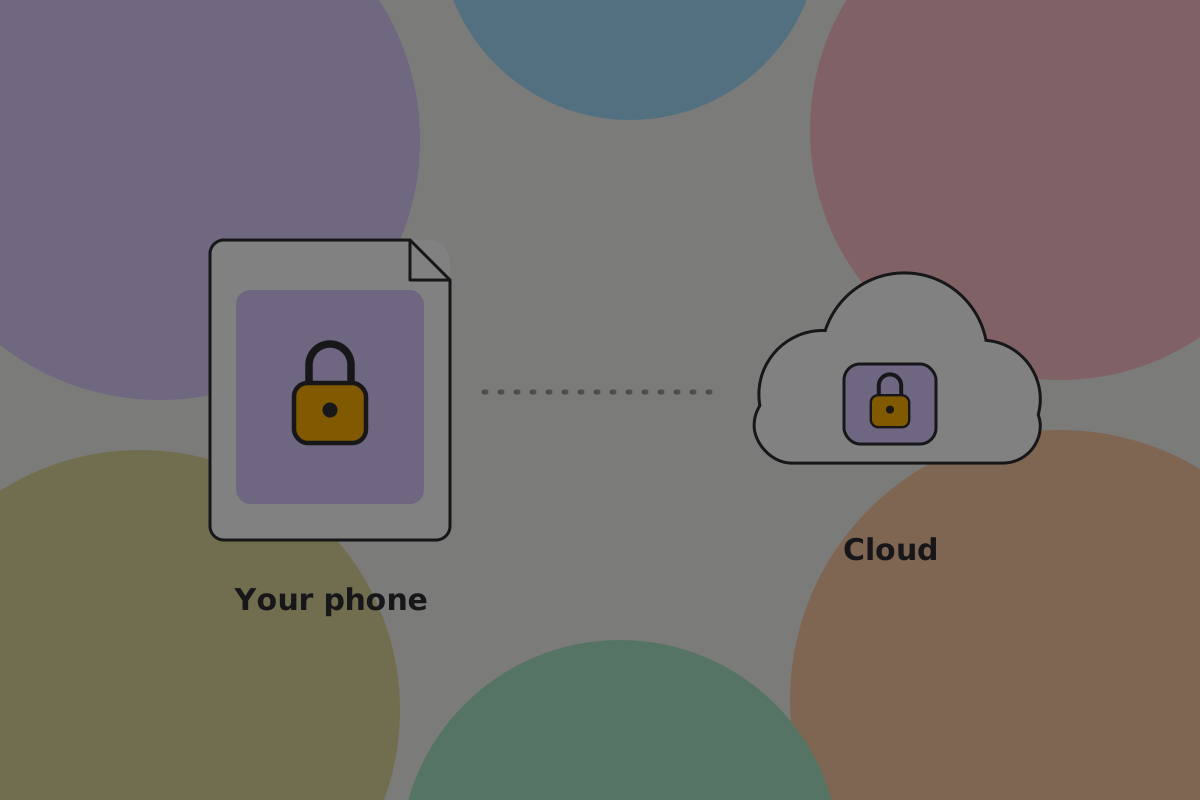
These screens show a separate backup PIN. This design does not use one: the recovery words open the backup.
Everything is encrypted on the device before it leaves, so the service holds data it cannot read. The encryption key is derived from the recovery words. A new device needs the words and the backup, and nothing else.
Do
Encrypt the backup with a key derived from the recovery words, so the words and the backup restore everything with nothing else to remember.
Don't
Protect the backup with a separate PIN or password. A short PIN can be guessed by anyone holding the file, and a password is one more secret to forget at the worst moment.
Do
Say on the setup screen that nobody else can open or reset this backup: "Only your recovery words can open this backup. Nobody can reset them, including us."
Don't
Derive the encryption key from anything the provider also holds. If they can decrypt it, this is custody and the screen should not say otherwise.
Testing the recovery path
A password manager that was only on the lost phone, or a code sent to it, fails at exactly the moment this backup exists for. The full checklist is on Backup and recovery.
Do
Test recovery by wiping a device, not by logging out.
Choosing where it goes
Do
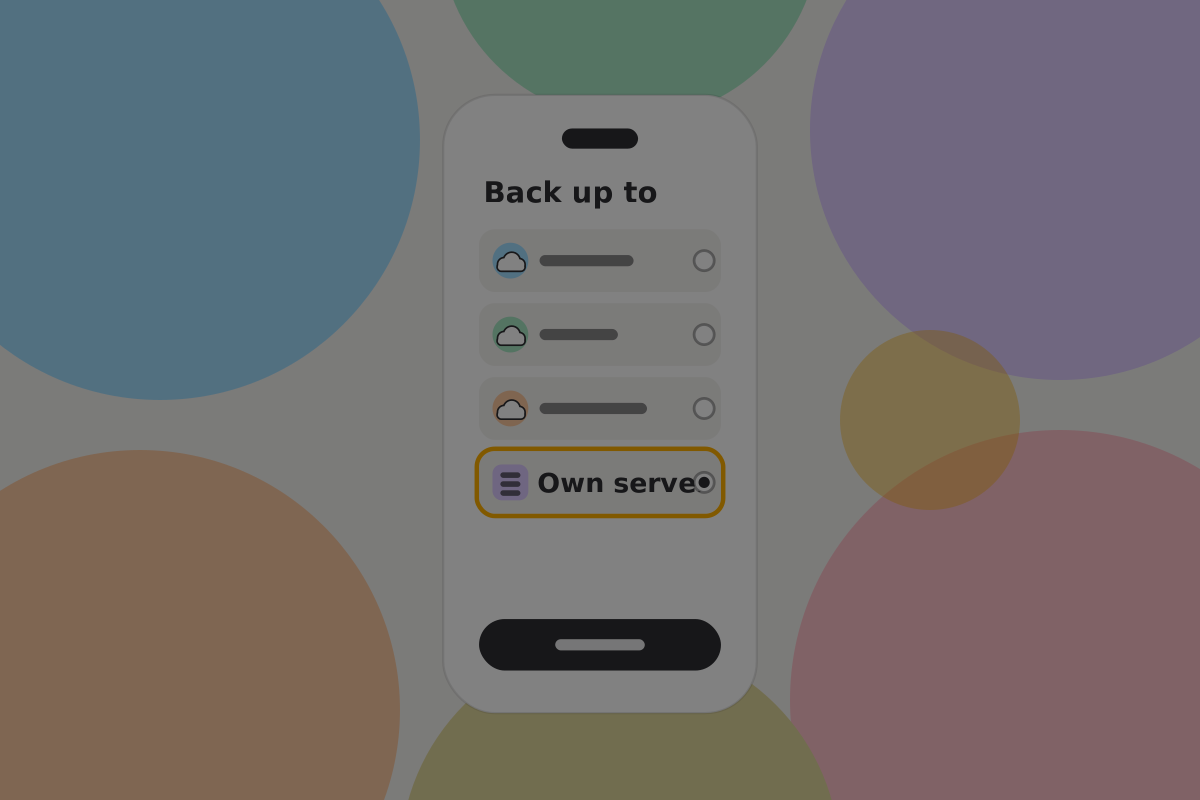
Let the user choose a provider, or run their own. A backup tied to one company has that company's lifespan.
Do
Support more than one destination at once. Two independent copies is the point of the exercise.
What it does not cover
Recommendation
Say on this screen that it does not back up the keys. A user who sets this up and sees a tick will reasonably conclude they are finished. "Your wallet backup restores your records. Your recovery words restore your keys, and you still need to write them down."
Showing its state
Do
Show the last successful backup as a time, not a tick. "Backed up 2 minutes ago" is information; a green check is decoration.
Do
Say something when it has not run for a while, and say why where you can: no network, the service rejected it, or the user needs to sign in to the service again.
Pros and cons
Pros
- Survives the common failure, which is a lost or broken phone.
- Continuous, which paper cannot be.
- Restores the part of the wallet that keys cannot.
Cons
- Adds a service and a recovery path, each of which can fail.
- The circular dependency is easy to build and hard to notice.
- Encrypted data held by a provider can still be subpoenaed, lost or deleted.
Open questions
- Do users who accept remote backup at setup understand that a provider holds their records?
- What should the wallet do when the user declines remote backup and never makes an export?
Related
- Manual backup
- Recovery
- Private key management: cloud backup: the concept
Written from: BRC-38, BRC-39, BRC-40, BRC-140, BRC-154.
Checklist
The rules on this page, in a form you can work through.
15 rules