

Software categories
The kinds of BSV software that exist, what each is for, and which of them you are most likely to be designing.
A quick map of what exists, so you know where the thing you are building sits and what it has to talk to.
Two categories matter most to a designer here, and one hardly at all. Apps that connect to a wallet are a first-class category, because the Wallet Application Interface made them one. Overlay and storage services sit behind the wallet. Node software is somebody else's problem.
Wallets
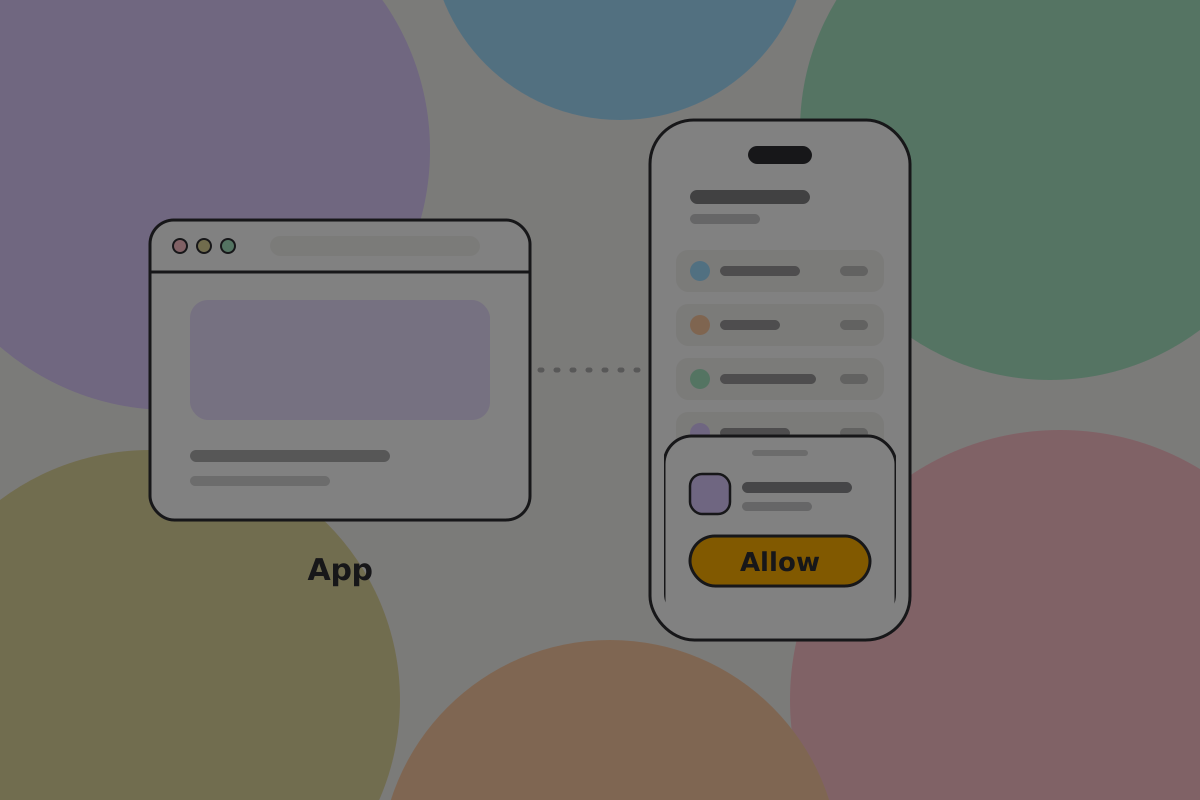
Where keys live and payments are made. The category most of this guide is about.
On BSV a wallet is also the thing apps talk to: it answers requests, holds permissions, and keeps the records that say which outputs are the user's. See Connecting a wallet and Backups.
Worth separating by what they are for rather than by platform:
- Everyday wallets, which connect to apps and hold what a person can afford to lose.
- Savings wallets, which do not connect to apps at all.
- Agent wallets, which let software spend within hard limits. See Letting an agent spend.
See Wallet setups for why these should not be the same wallet.
Apps that connect to a wallet
The category the Wallet Application Interface created, and the one with the most unbuilt products in it.
An app asks the user's wallet to pay, sign or prove something. It never holds keys, never asks for a password, and has no account system unless it wants one. A reader paying per article, a marketplace, a game, a tool that charges per request: all of them are this shape.
Recommendation
If you are designing one, read Connecting a wallet before anything else. A common mistake in this category is asking a wallet for more than the product needs.
To see one end to end, read the Pay-per-use reader, Connected web app or Agent with a budget.
Overlay and storage services
Services that index outputs relevant to a particular application, token type or user, and store the wallet records that let a restored wallet find its money.
They are infrastructure, invisible to users, and they do not hold funds. They matter to you because a wallet depending on exactly one of them has that company's lifespan. See Nodes and verification.
Broadcast services
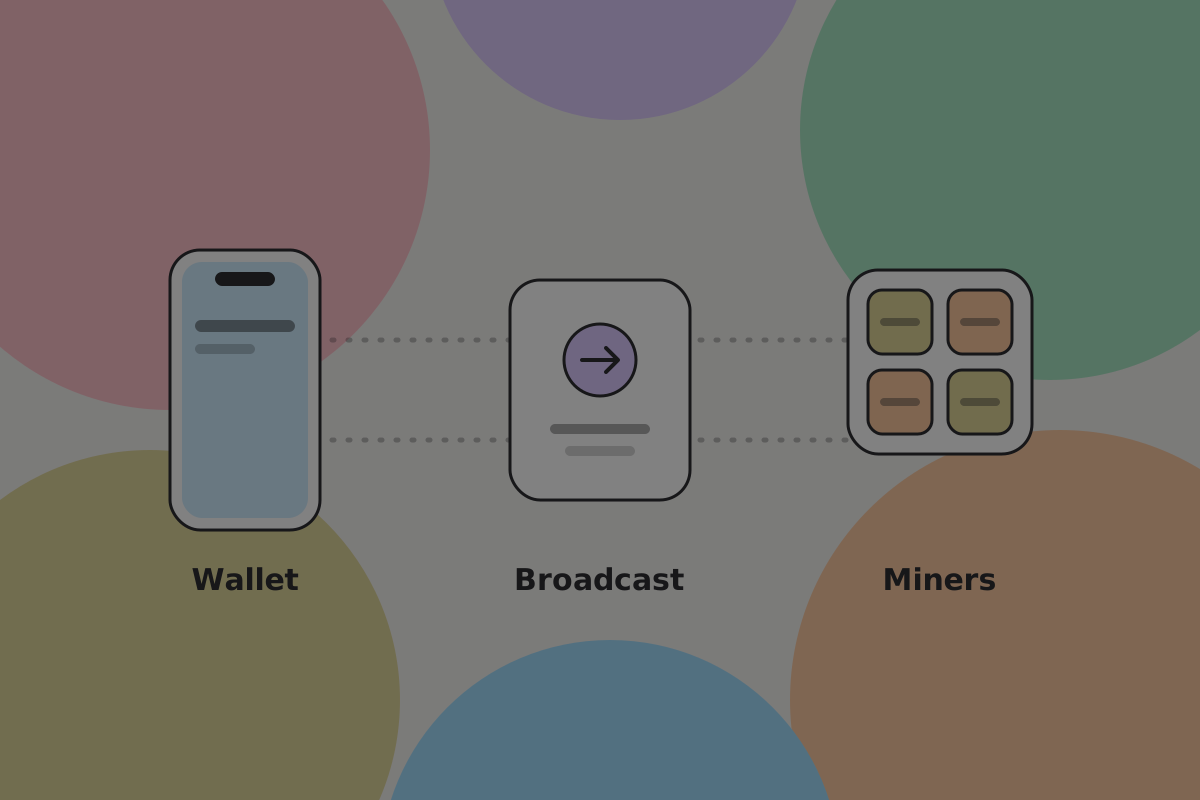
Services such as ARC that take a signed transaction, get it to miners, and return the merkle proof once it is mined. A wallet uses one; a user never sees it.
Exchanges
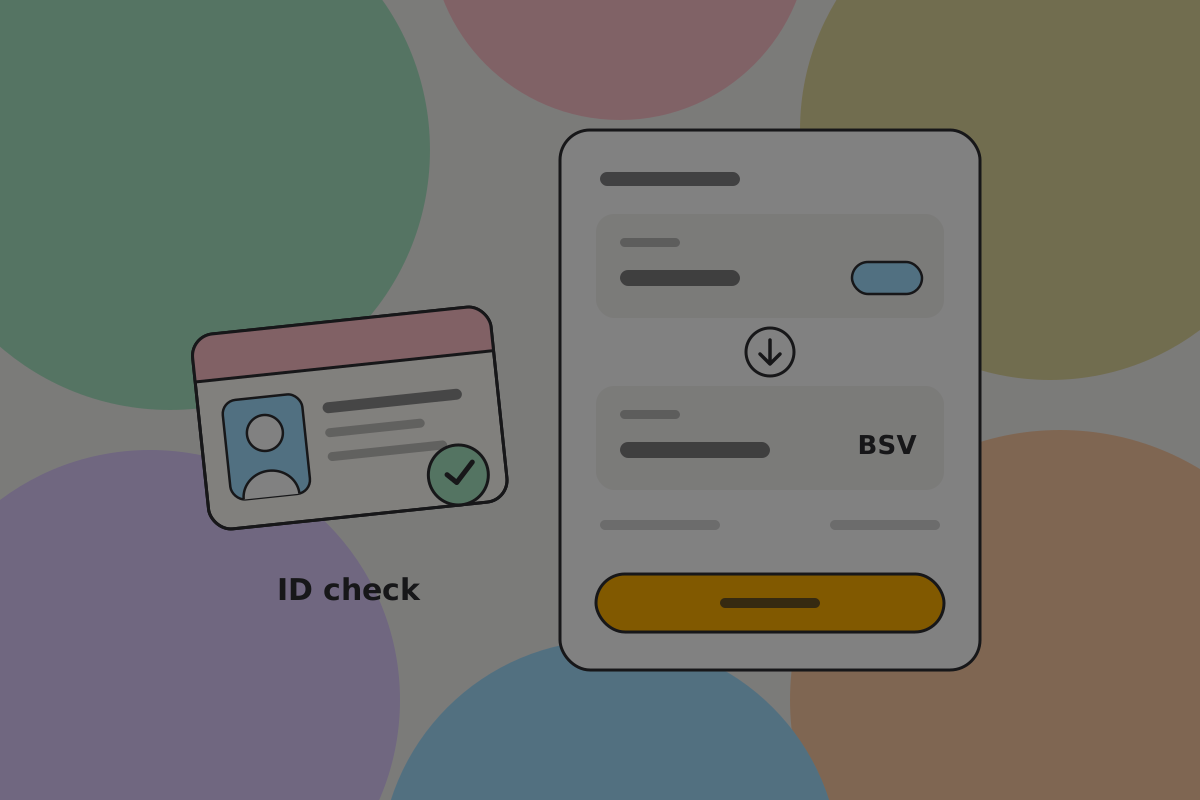
Where BSV is bought and sold for other currencies. Nearly always custodial and nearly always requiring identity documents, which is the opposite of the wallet experience and the reason onboarding through one is a jarring first contact.
Do
If your product sends people to an exchange, say what will be asked of them before they go. Being surprised by a passport request is where people stop.
Explorers

Web tools for looking up transactions and blocks. Useful for support and for developers.
An explorer is never the answer to "where is my money": a wallet should explain the state of its own payments. See Activity.
Payment processors and point of sale
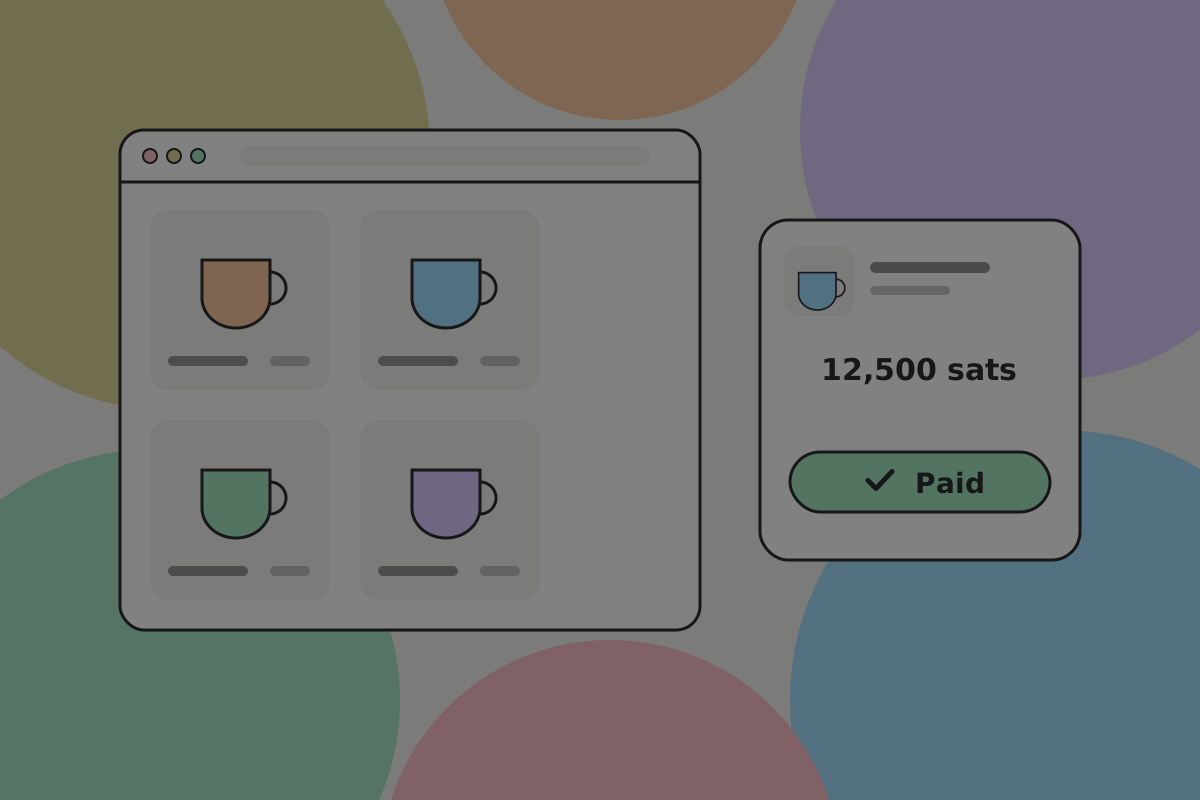
Software for taking payments in a shop or on a website. On BSV the economics are unusual enough to be the pitch: a network fee of a fraction of a penny rather than a percentage (a processor's own charge is separate), no chargebacks, and funds that are not held for days.
The design job is mostly about the moment of acceptance. Because the recipient's wallet confirms directly, a till can show "Paid" while the customer is still standing there.
Node software
The software that validates transactions and builds blocks, such as Teranode. Miners and large businesses run it.
This is the category that matters least to a product designer, and saying so is the point: on BSV, users do not run nodes, so there is no node setup, no sync screen and no node settings in a consumer product.
Libraries and command-line tools
The SDKs products are built with, and the tools developers use directly. Mostly outside a designer's remit, with one exception: error messages and terminal output are an interface, and they are often the last text anybody edits.
Related
Written from: BRC-100, BRC-121, BSV wiki, ts-stack docs.
Checklist
The rules on this page, in a form you can work through.
2 rules