

Manual backup
The screen-by-screen flow for getting recovery words onto paper, and the parts of it that decide whether a user keeps them.
The recovery words: the half of the backup that restores the keys, written down and kept by the user. It is a short flow with one hard part, and the hard part is not any of the screens.
The screens are easy. Getting somebody to put the paper somewhere sensible is the design problem, and it is easy to leave out.
Before the words appear

A user who sees twelve words with no context photographs them. One who has just been told why that is the problem usually does not.
Do
Explain first, in two sentences: what the words do, and that a photograph of them is a copy of the money. Then show them.
Don't
Lead with a warning screen full of prohibitions. "Never screenshot, never email, never store in the cloud" is three nos before a person knows what the thing is.
Showing them

Do
Number every word and show them in a fixed grid. Order matters and a reflowing list makes it ambiguous.
Do
Disable screenshots on this screen where the platform allows it, and say why rather than failing silently.
Don't
Offer copy to clipboard. The clipboard is readable by other apps and syncs between devices.
Important
BSV recovery words (BRC-75) use the same wordlist as BIP-39 and look identical, but produce different keys in a BIP-32 wallet. A user who assumes they are interchangeable will type them somewhere else, see nothing, and panic. See Legacy compatibility.
Do
Say on the words screen which wallets can restore them: "These words restore your wallet in apps that support BSV recovery words. Other wallets may show an empty balance."
Confirming
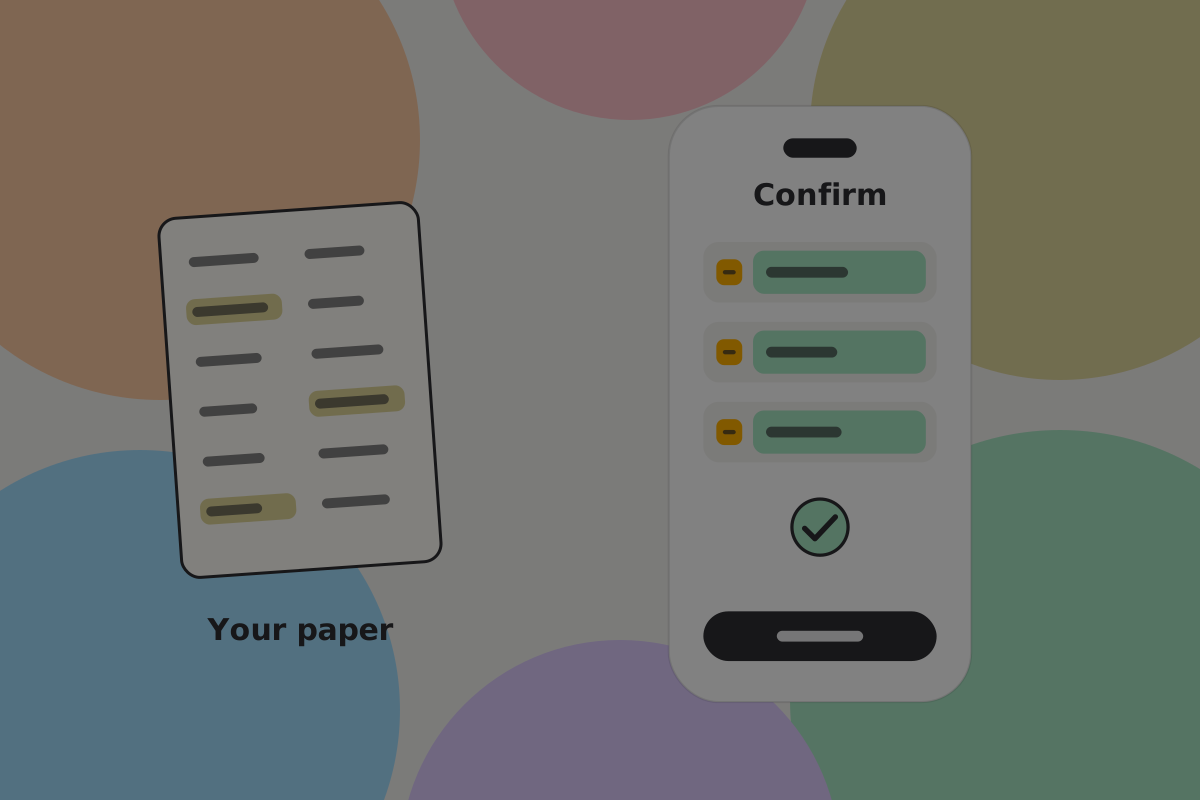
Asking for three words at known positions proves the paper is in front of the user right now. It does not prove the paper is anywhere safe. Be clear about which of those the step achieves.
Do
Confirm a few words at positions the user must read, then follow it with the question that matters: where is this going to live?
Don't
Require every word back. People copy and paste to get past it, usually from the clipboard you just told them not to use.
Where it will live
The step that is easiest to skip, and the only one that affects whether the backup survives.
Do
Ask, concretely, and offer sensible answers to pick from: a drawer at home, a safe, with a family member, a bank box. A choice is easier to make than a blank.
Do
Suggest two locations in different buildings, in plain words: "one at home, one somewhere else you can reach".
Do
Record what the user chose, so the recovery screen can remind them where they said they put it. A year later that is genuinely useful. Keep it inside the encrypted wallet backup, never in plain text with a provider.
Backup shares instead
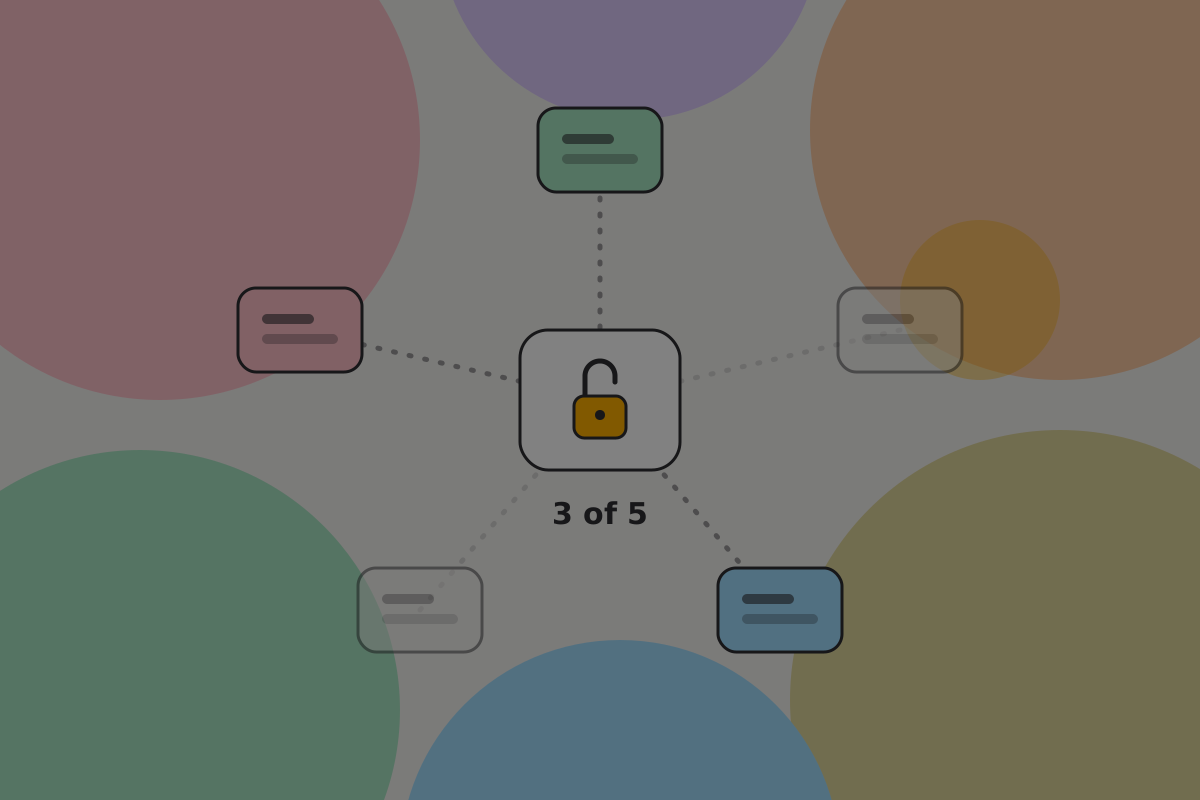
For users with somewhere to put them, splitting the secret into shares (BRC-140) beats one piece of paper. For example, any three of five rebuild the wallet, and fewer than three reveal nothing.
Do
Offer shares as an alternative, not an addition. Words and shares are two encodings of the same secret, so holding both makes two complete copies to protect rather than a safer arrangement.
Don't
Offer shares to someone who will keep all five in the same drawer. Ask where they would go before offering the option.
Checking it later
A backup is an assumption until it has been restored.
Do
Offer a recovery check at any time, which asks for the words and confirms they match without moving money. Put it where a worried user would look, which is settings and the backup screen, not a help article.
What this does not cover
Say it again here, because this is the flow users believe is "the backup":
Recommendation
End the flow by saying what it did not do, and show the state of the other part: "Your recovery words restore your keys. Your wallet backup restores your records: which money is yours and how to spend it. Keep both." See Backup and recovery.
Open questions
- Does asking where the paper will live change where people put it?
- Do people with shares keep them apart, or in one drawer?
Related
- Automatic cloud backup
- Recovery
- Manual backup: the concept
Written from: BRC-75, BRC-140, BRC-157.
Checklist
The rules on this page, in a form you can work through.
15 rules