

Settings
What belongs in settings, what belongs in the main interface, and the four sections this wallet needs.
Settings is where a wallet puts the things it could not decide. The shorter it is, the more decisions the product made on the user's behalf, which is usually the right trade.
This wallet's settings are short, because several common settings screens have nothing to set here.
The four sections
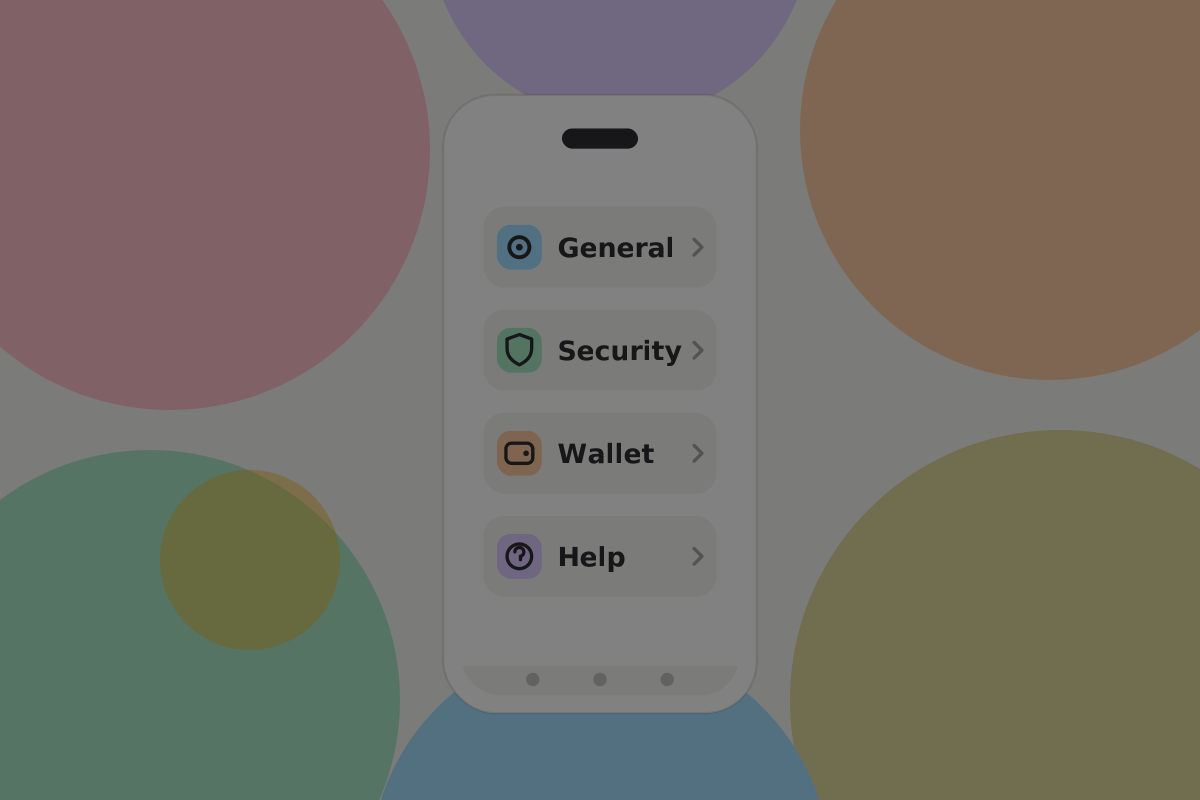
- General: units, currency, language, appearance.
- Security and privacy: the lock, payment approval, connected apps.
- Wallet: backup state, export, recovery check, deleting.
- Services and help: which services the wallet talks to, and where to get support.
Do
Put appearance and motion preferences here and nowhere else. A theme toggle in the top bar costs width on every screen for something almost nobody touches.
General
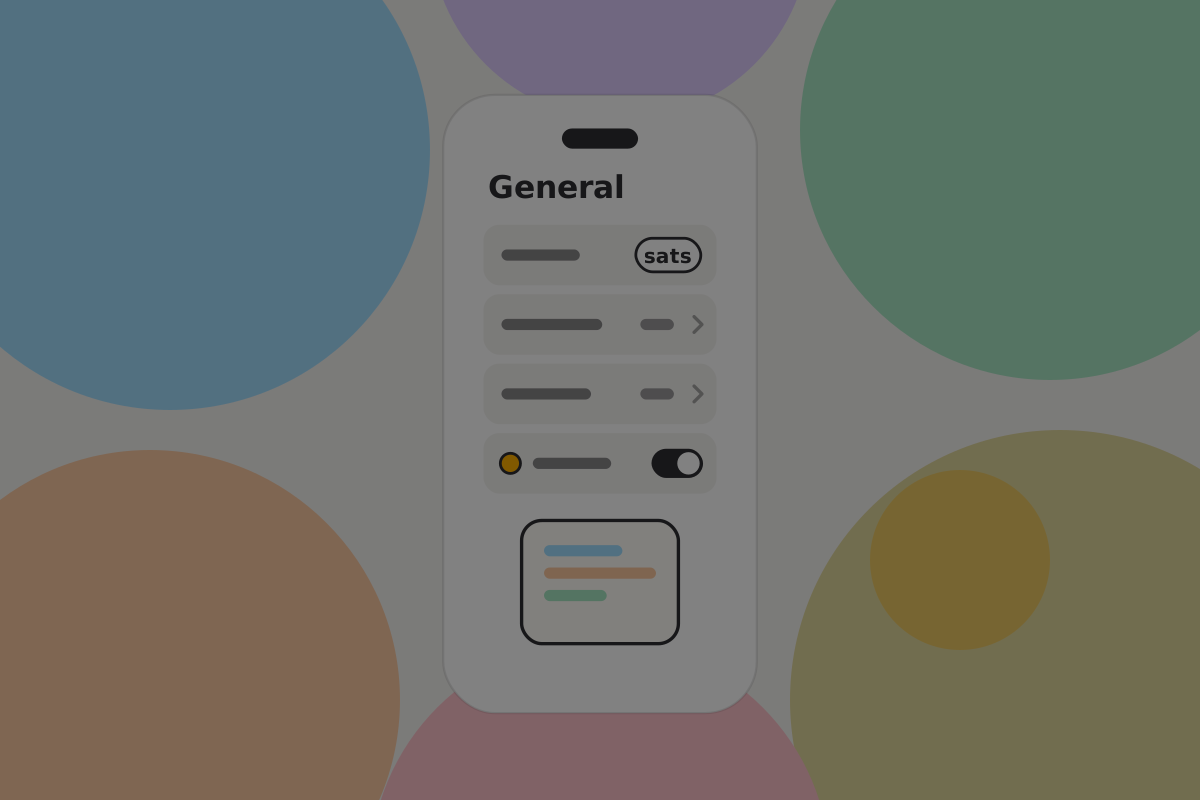
Unit and currency

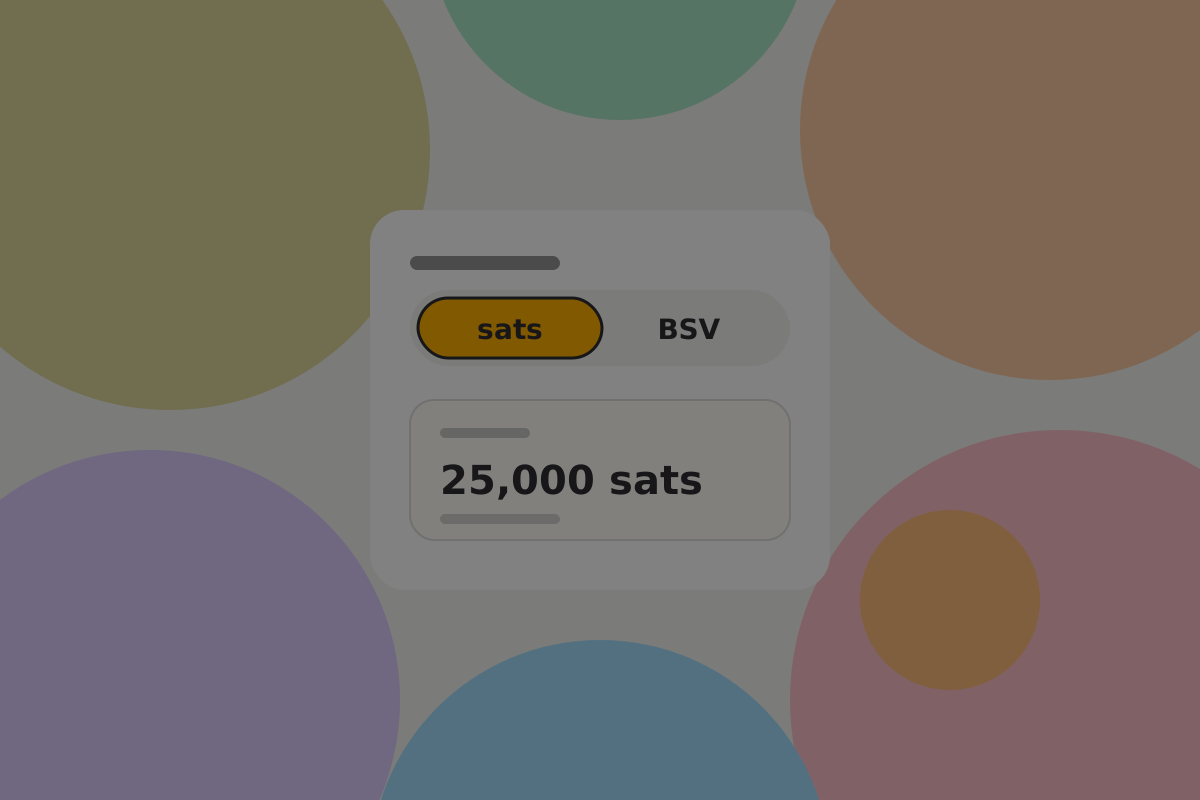
The one setting here that changes every screen. The unit setting chooses how BSV amounts are written. Amounts the user chooses lead with local currency, with sats beside them; amounts software decides, such as allowances, lead with sats. See Amounts and units.
Do
Set the BSV unit to satoshis by default. "0.00001250 BSV" is unreadable. See Amounts and units.
Do
Let the local currency be the primary display, with the satoshi amount secondary. Most people think in pounds.
Don't
Offer a choice of satoshi symbol. None is standardised, and the words "sats" work everywhere.
Security and privacy
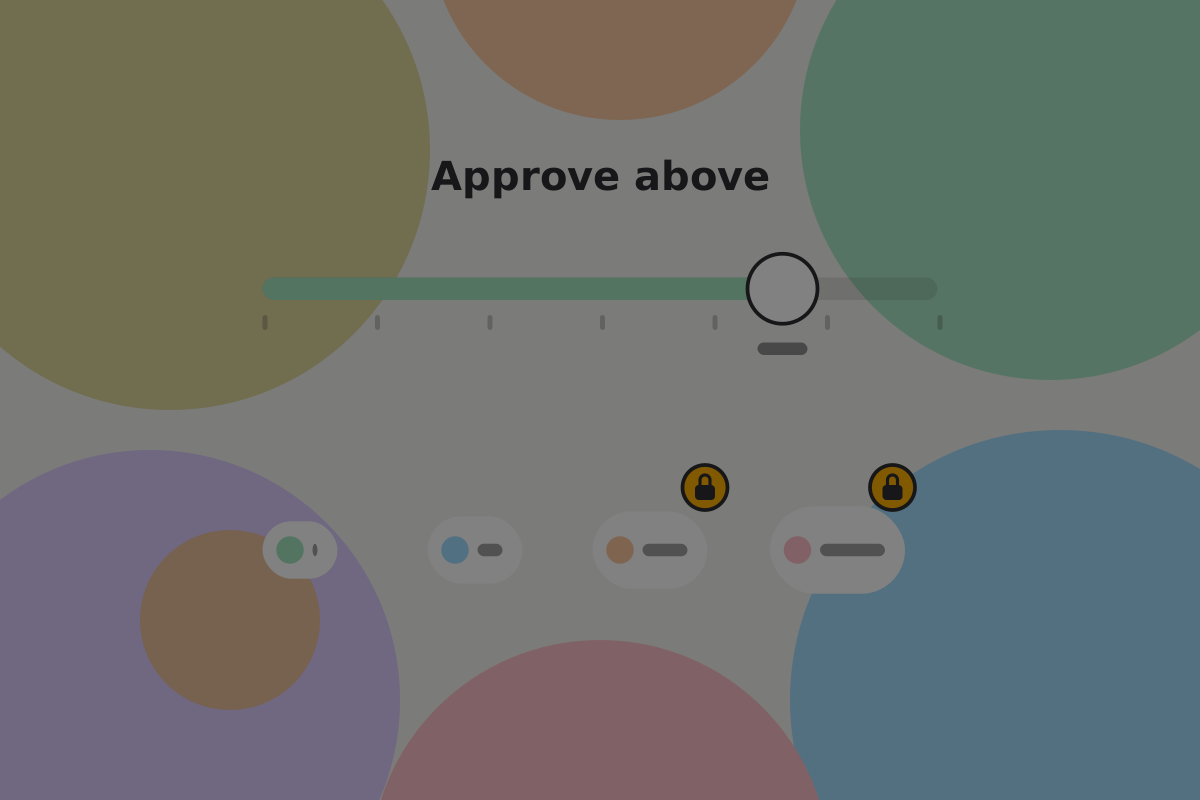
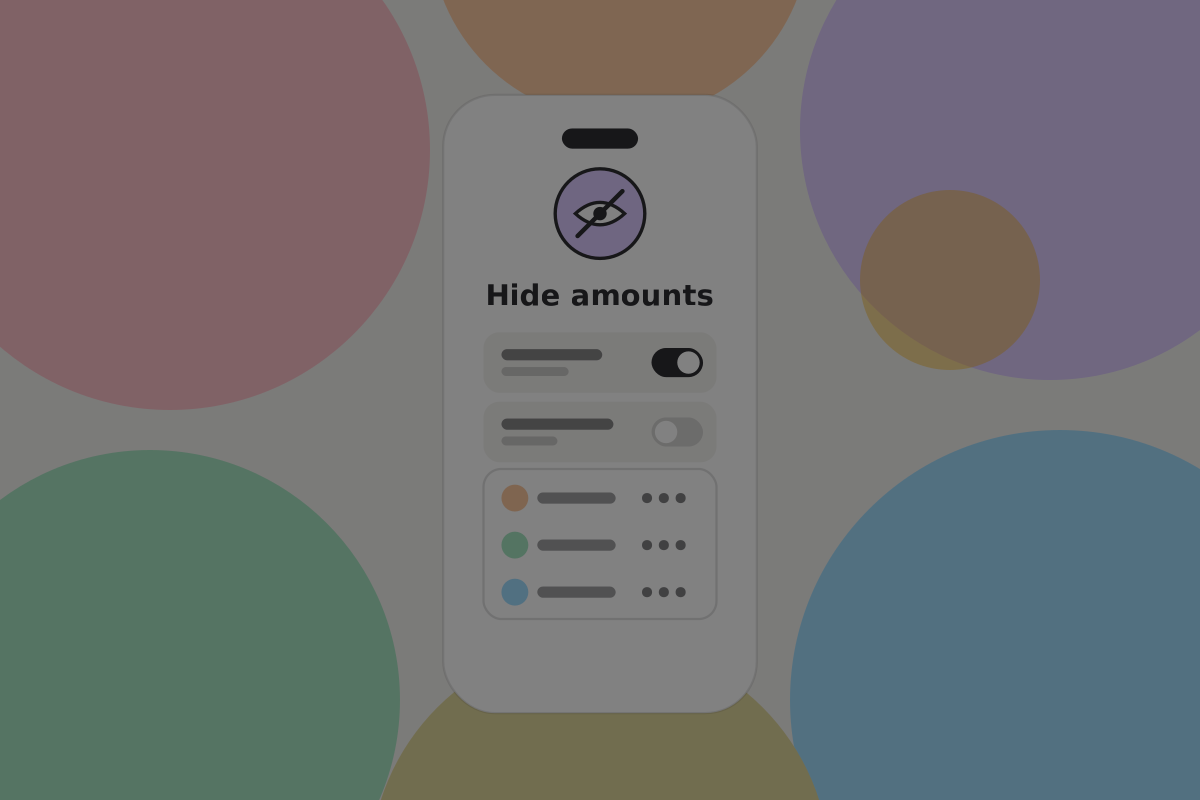
Mostly a route into controls described elsewhere: the app lock, the amount above which a payment needs authentication, and the connected apps dashboard.
Do
Put the connected apps dashboard one tap from the settings root. It governs everything that can spend without asking, and it is the most consequential screen in here. See Security.
Wallet

The backup screen uses the same words as every other backup screen: "Your recovery words restore your keys. Your wallet backup restores your records: which money is yours and how to spend it. Keep both."
Do
Show both halves of the backup with their own state: when the records were last backed up, and whether the recovery words have been written down. See Backup and recovery.
Do
Offer the recovery check here. It is where a worried user will look.
Do
Offer an encrypted export the user keeps themselves, so recovery never depends on your company existing.
Deleting the wallet
Do
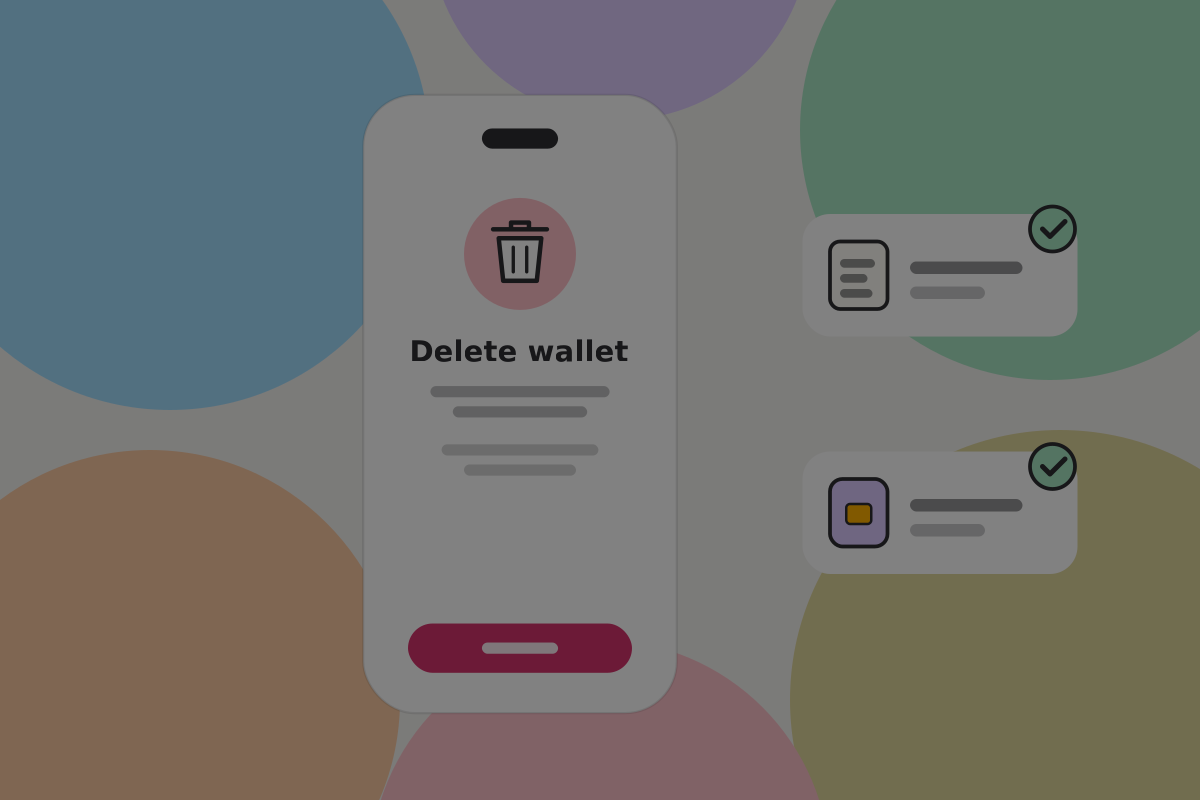
Name what is lost and what is not. The money stays where it is; the recovery words and the wallet backup together restore it on another device. If either is missing, say that deleting may make the money unrecoverable, in those words.
Don't
Accept a single tap. Require the balance to be acknowledged, and refuse outright if there is a balance and either part of the backup is missing, with a route to making it.
Services and help

Do
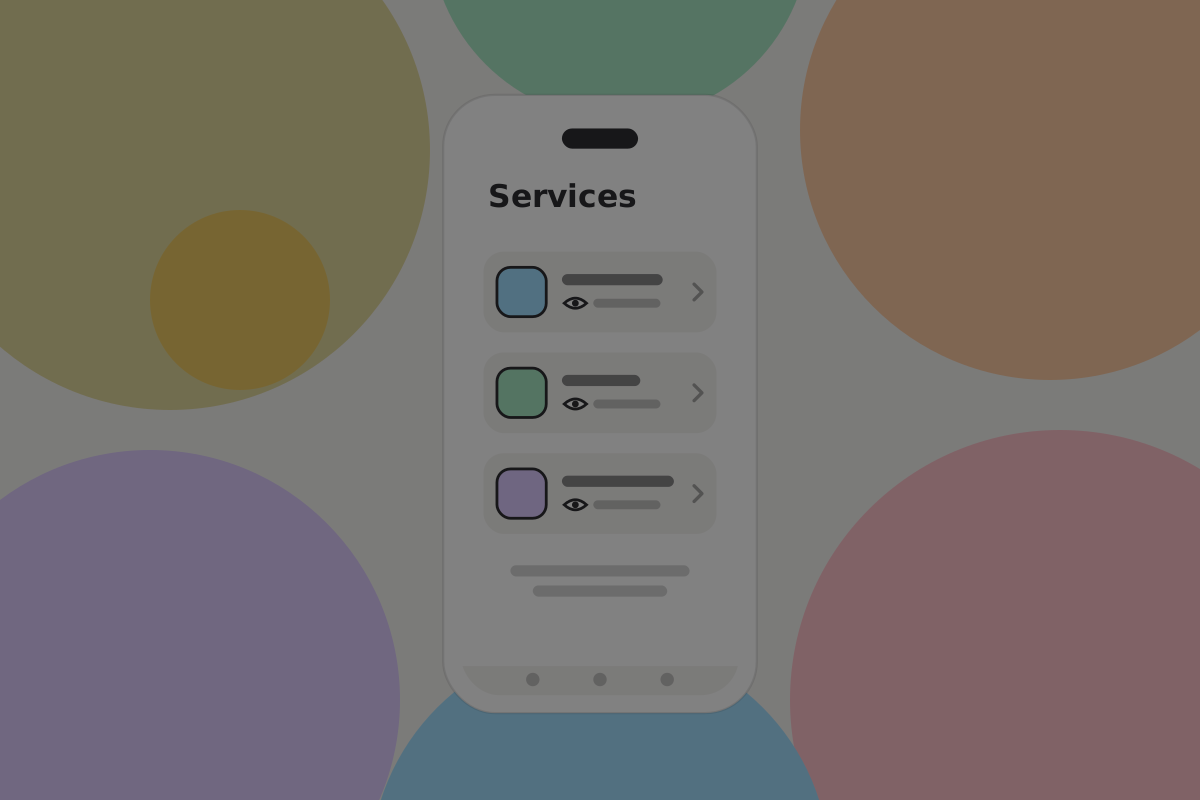
List the services the wallet uses, each with one line on what it does and what it learns, and let them be changed. See Privacy.
Do
Put the app version and a copyable diagnostic summary here. It is the first thing support will ask for.
What is not here

These are common in wallet settings and do not belong in this one:
| Setting | Why not |
|---|---|
| Fee preferences or a default fee rate | There is no fee decision to make. See Send fees |
| Network selection, node address, node port | Users do not run nodes. Changing a service is a URL in Services and help, not a node setting |
| A dust threshold | A one-satoshi output is spendable |
Don't
Add a settings section only because wallets usually have one. Each of these asks the user a question with no useful answer.
Related
Written from: BRC-100, ts-stack docs.
Checklist
The rules on this page, in a form you can work through.
13 rules