

Savings wallet
A wallet for money that moves rarely: several keys, no app connections, and deliberate top-ups to the wallet that does the spending.
The companion to the daily spending wallet, defined by what it refuses to do.
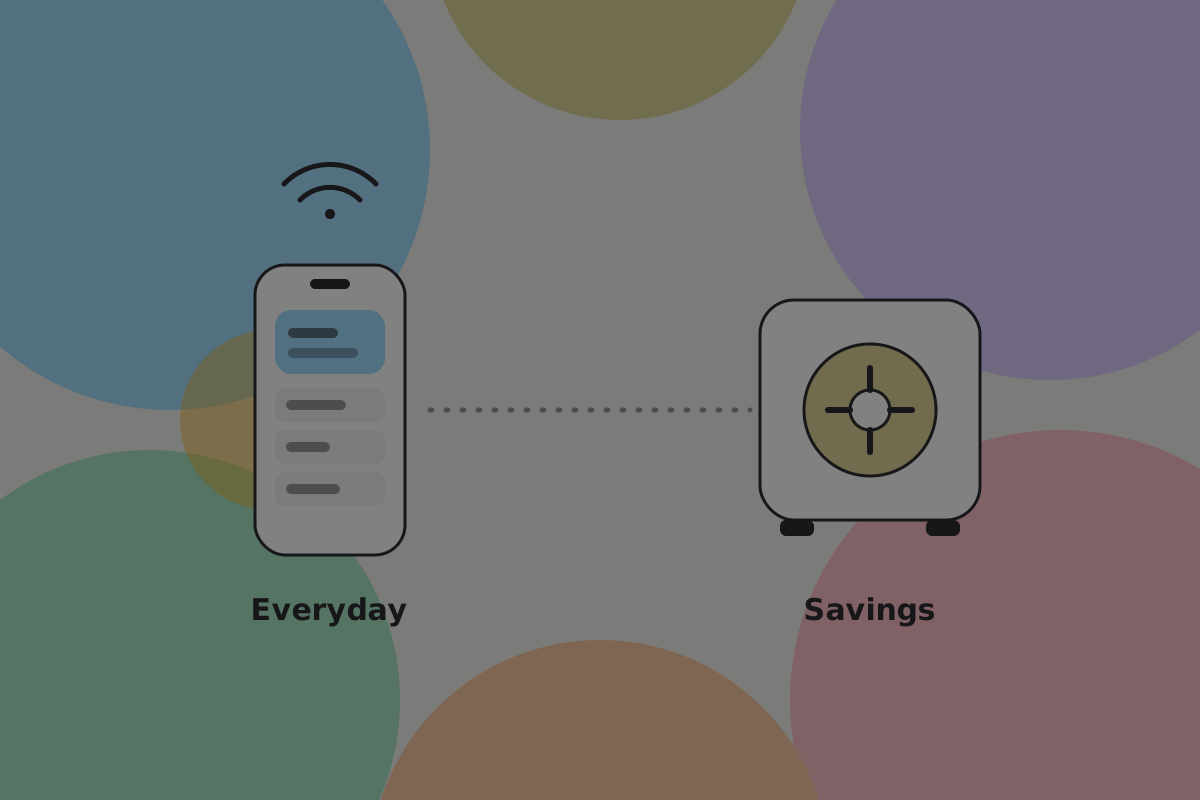
It does not connect to apps. That one rule is most of the design. An everyday wallet is useful because it answers requests all day, which is also why it should not hold everything somebody owns. The savings wallet answers nothing, so the risks that come with being connected do not reach it. See Wallet setups.
What it is for
Money the user would be upset to lose, held for months or years, moved a handful of times. Not a vault for everything, and not an investment product: a second wallet whose job is to be boring.
The person this is drawn for is close to Hugo: saving steadily, rarely spending, and unlikely to remember the setup two years later.
Do
Size it by what the everyday wallet should not hold. "How much would you be uncomfortable keeping on your phone?" is the question that produces a sensible split.
Don't
Build savings features into the everyday wallet. A wallet that is both ends up too slow for a coffee and too exposed for savings.
Several keys, not one
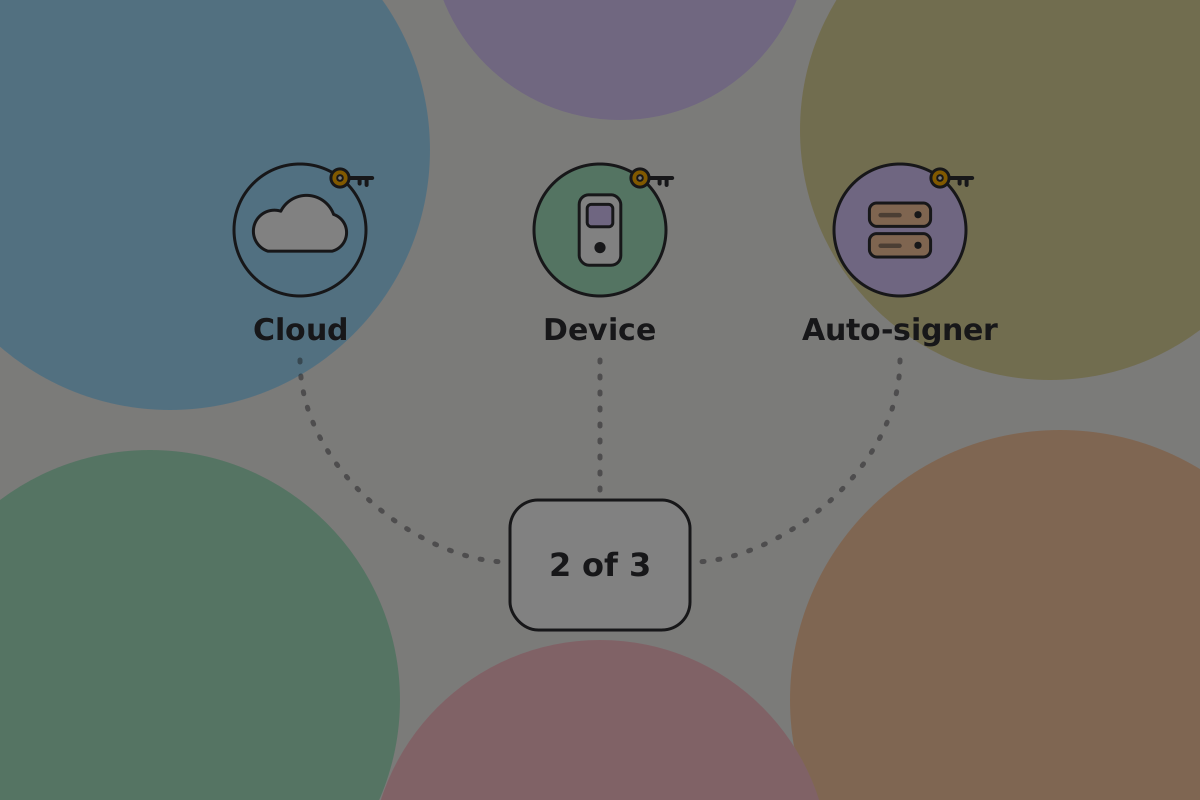
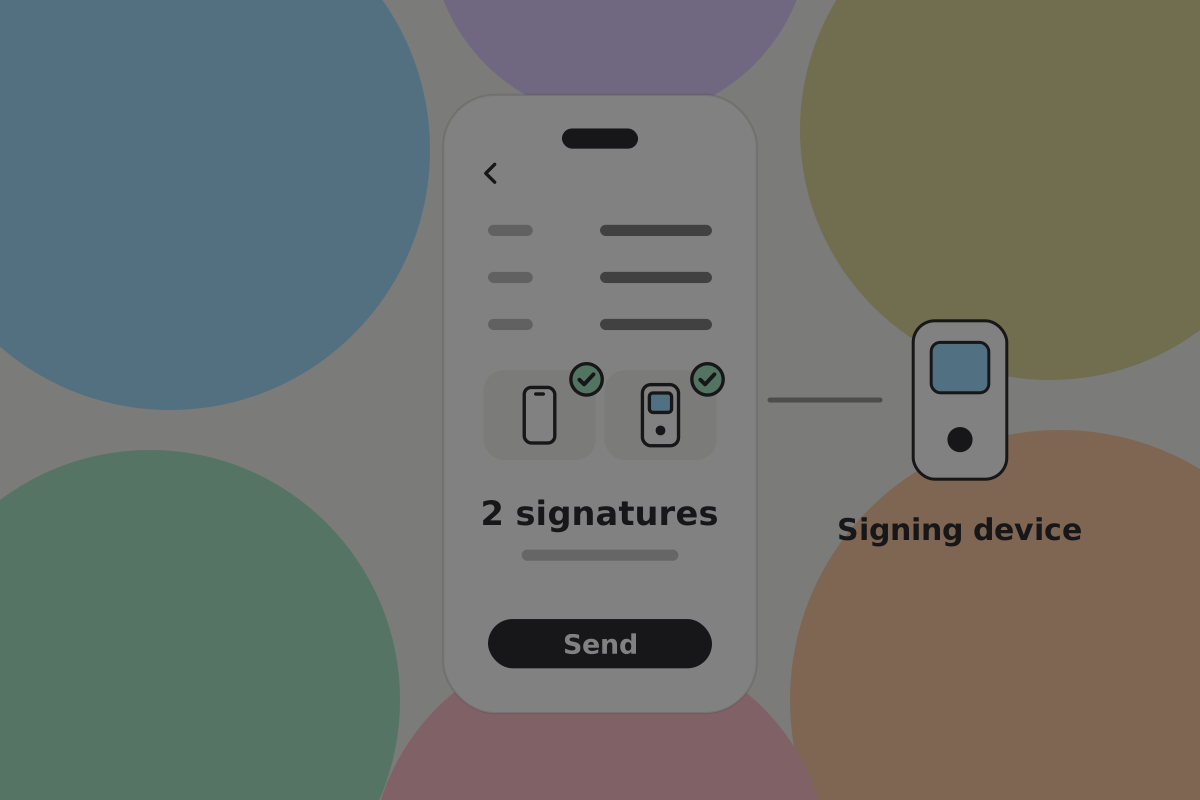
Several keys are what make a savings wallet worth the friction: no single lost key loses the money, and no single stolen key spends it.
A common arrangement is two of three:
| Key | Where it lives | What it is for |
|---|---|---|
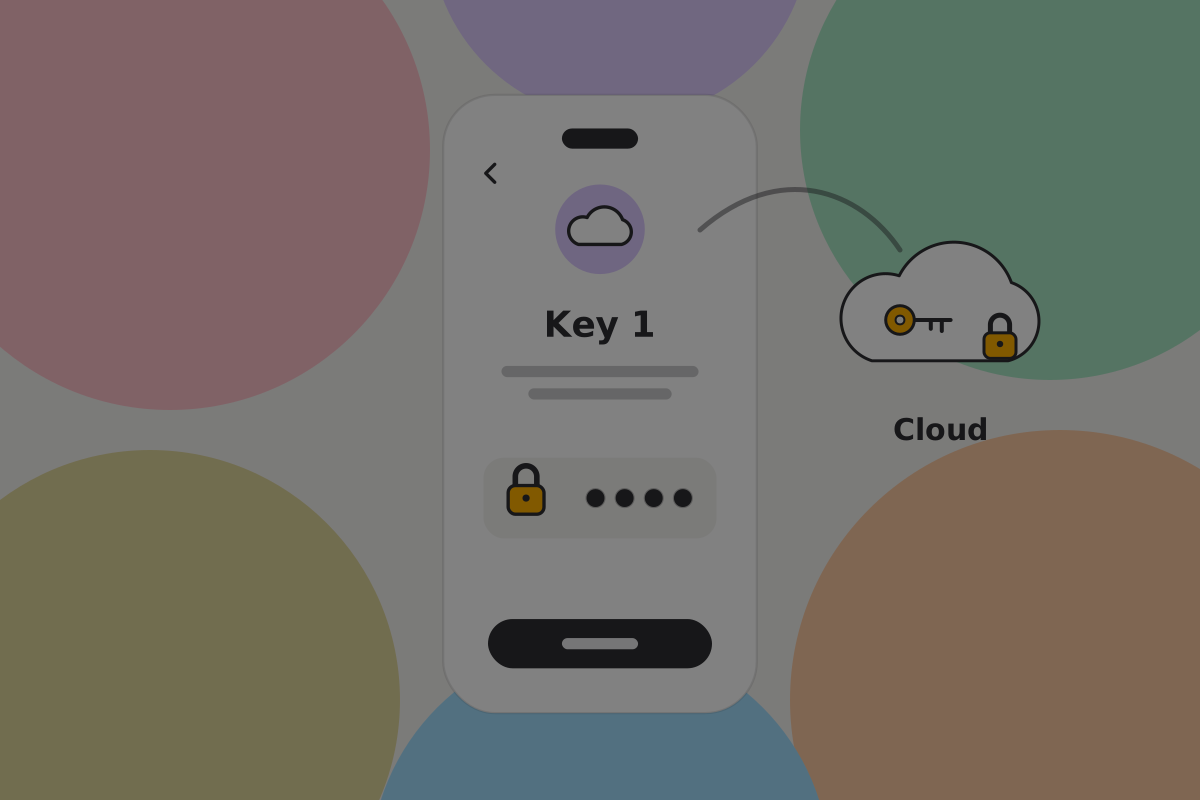
| 1 | This phone | Your everyday signature |
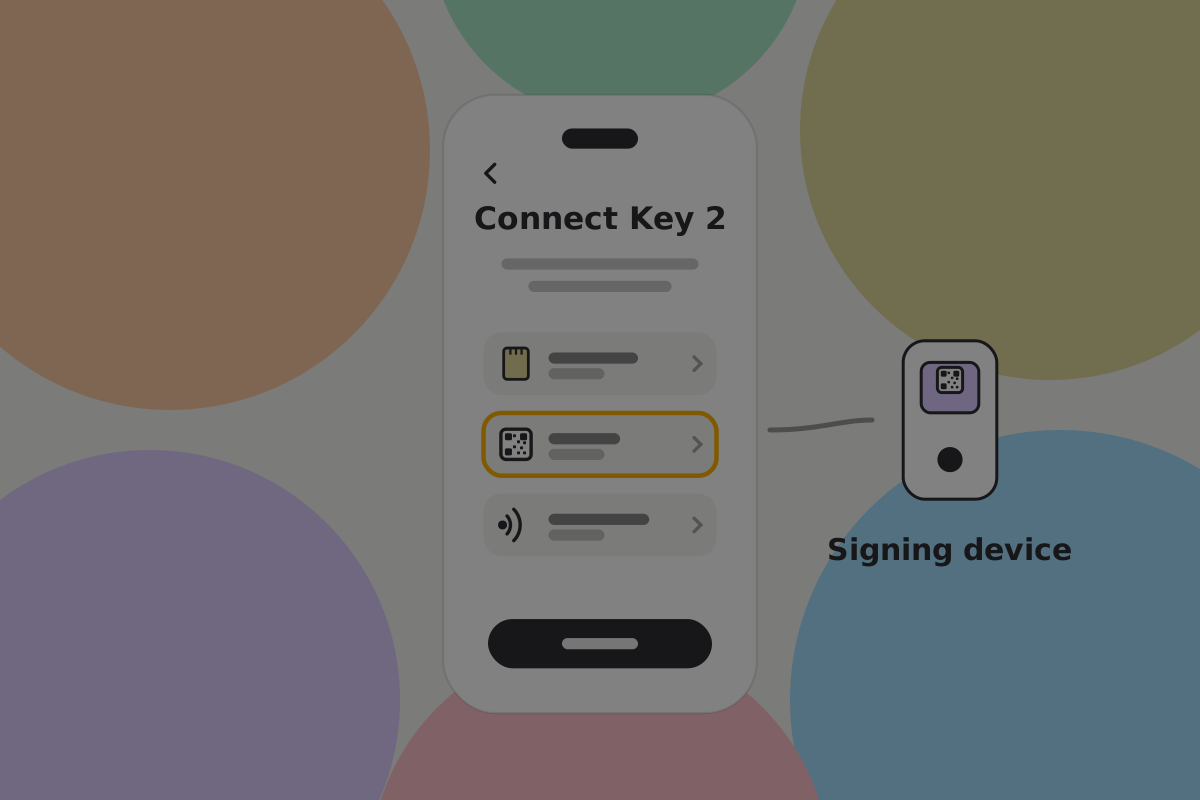
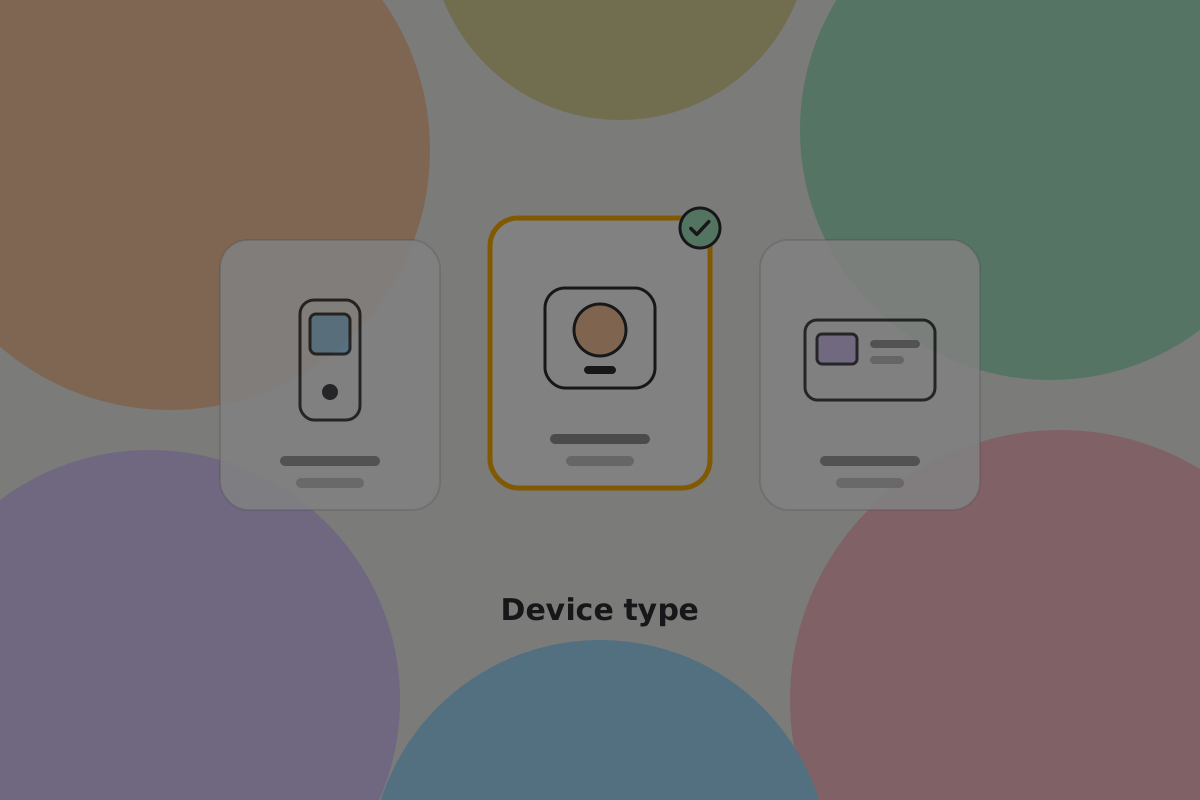
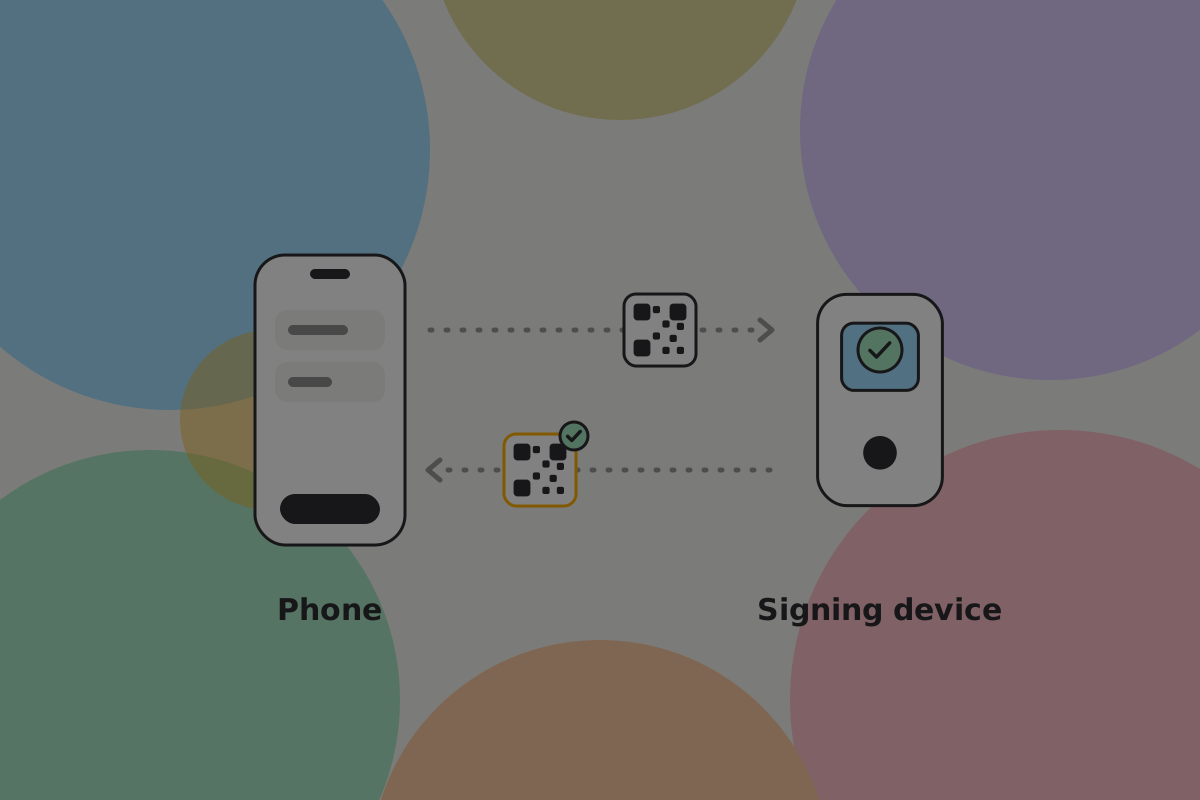
| 2 | A signing device, or a second phone | A second signature that a compromised phone or computer cannot make |
| 3 | Kept offline, or with a service | Standing in for either of the others if one is lost |
Do
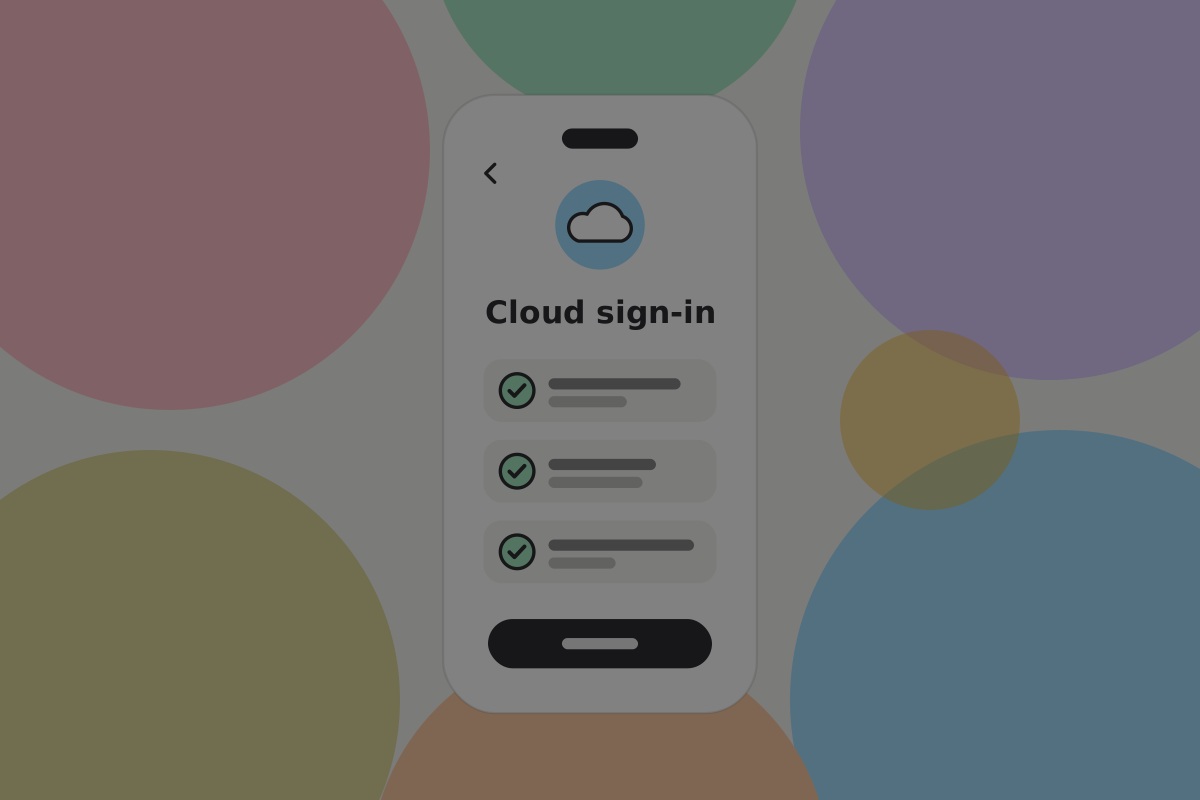
Walk setup one key at a time, saying for each where it is going and what losing it would mean.
Do
Let setup be saved and resumed. Gathering devices rarely happens in one sitting, and a setup that cannot be resumed tends to be abandoned.
Don't
Finish setup without the user having restored from it once, with a small amount. An untested multi-key wallet has more ways to fail than a single-key one.
On BSV: the arrangement is public
If you build it as a multi-key script, rather than one key split into shares, the keys and threshold are in the open, because new pay-to-script-hash outputs are not allowed. Anyone can see this is a two-of-three.
Do
Design on the assumption that the rule is readable. A recovery path that works only because nobody knows it exists is not a security property. See Multi-key.
Spending from it
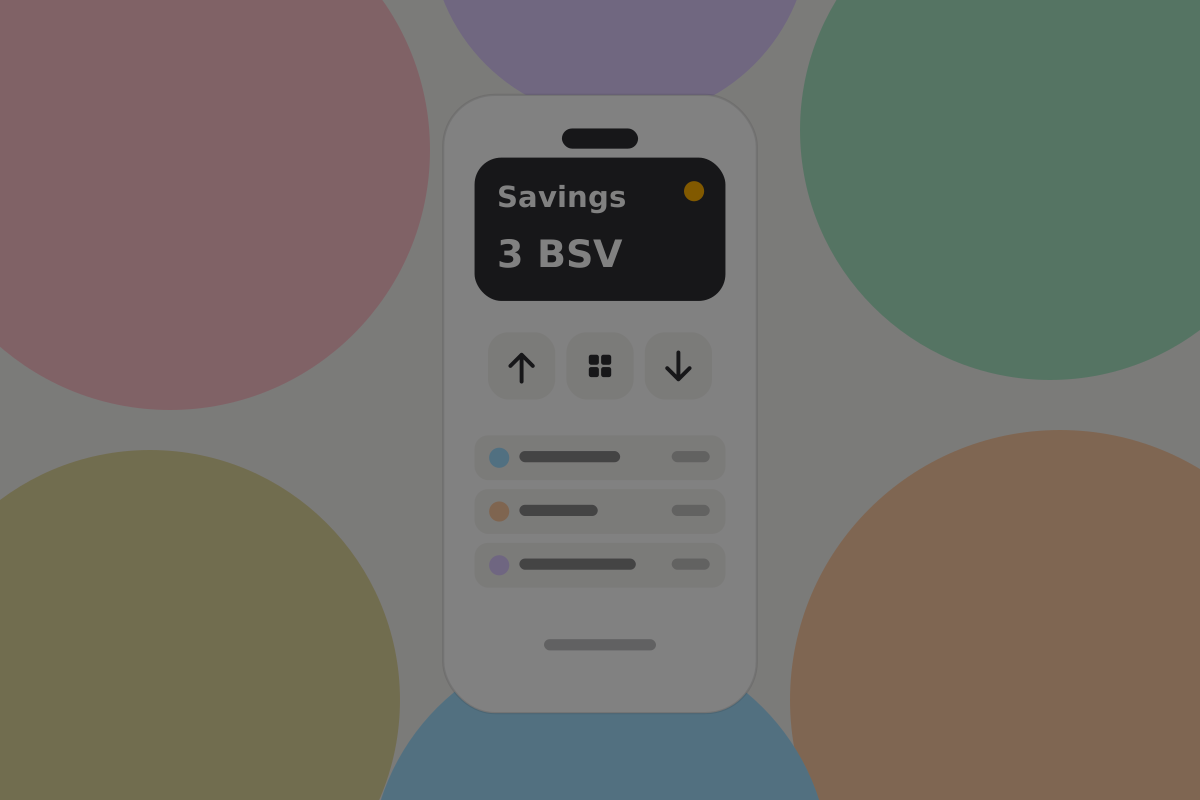
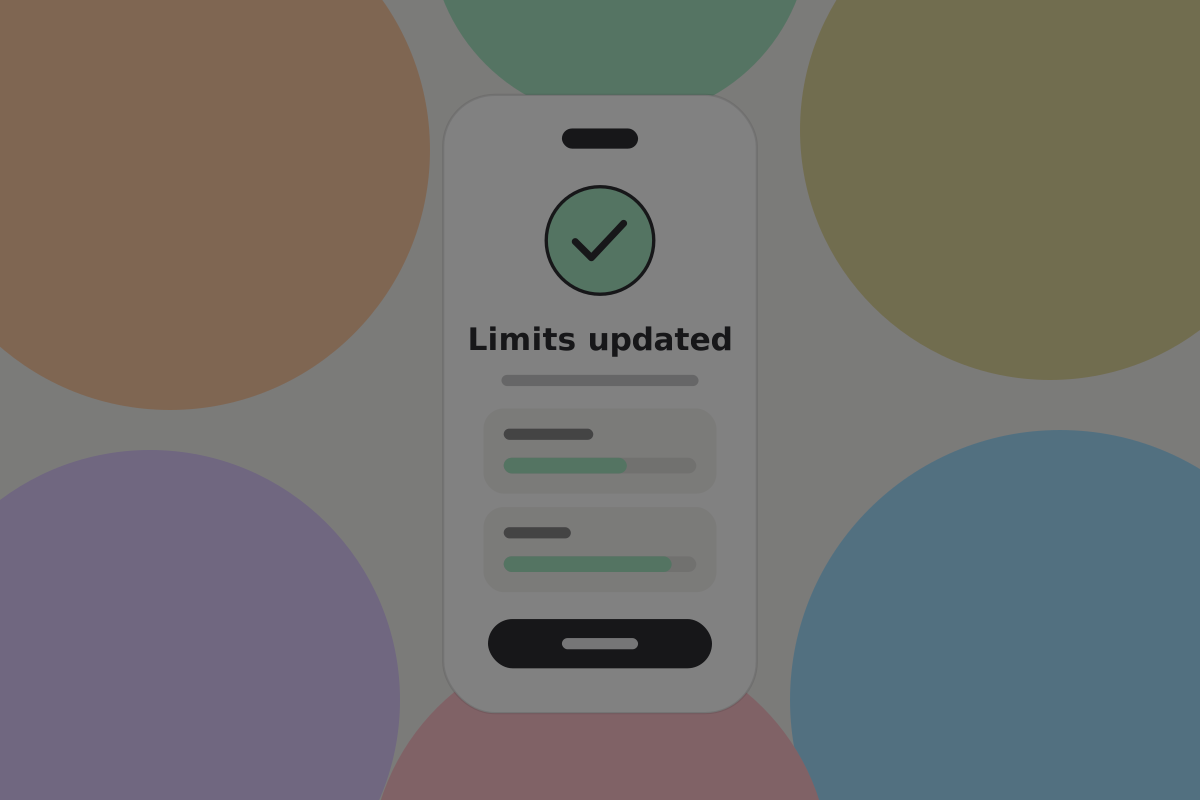
The useful idea here is a limit. It keeps a top-up quick and a large withdrawal deliberate.
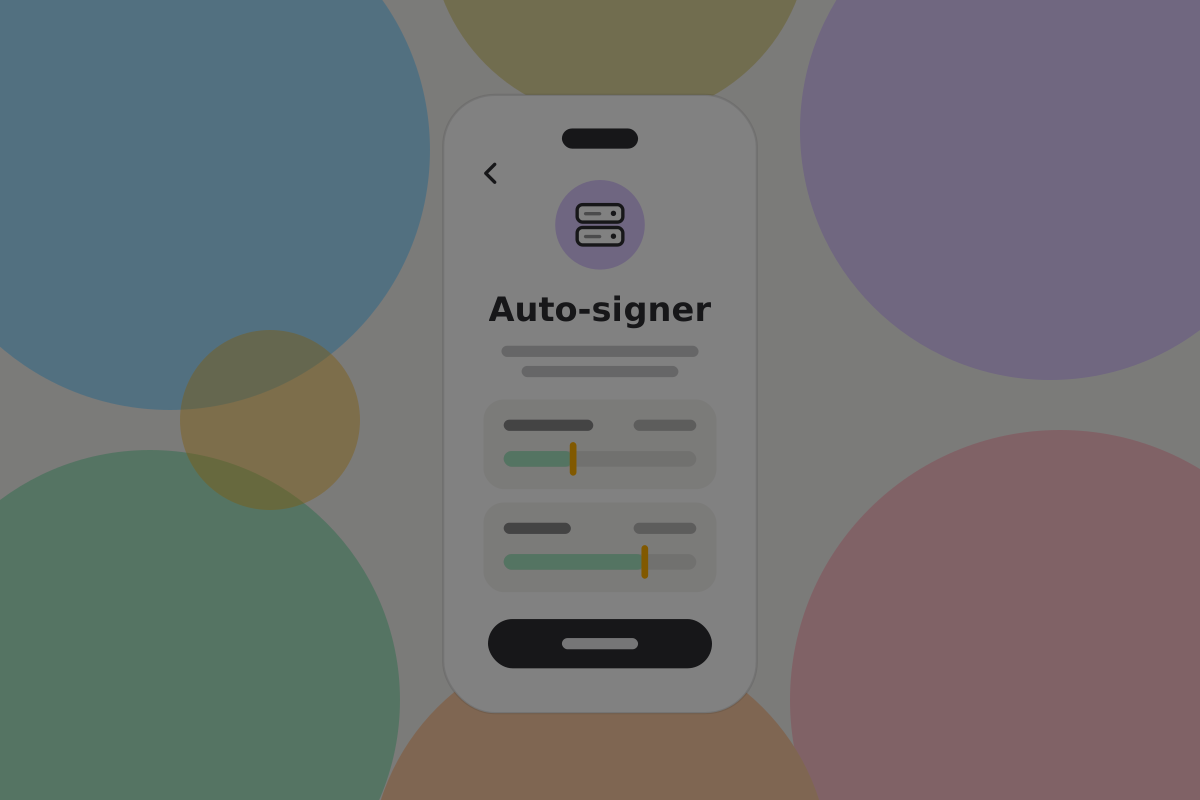
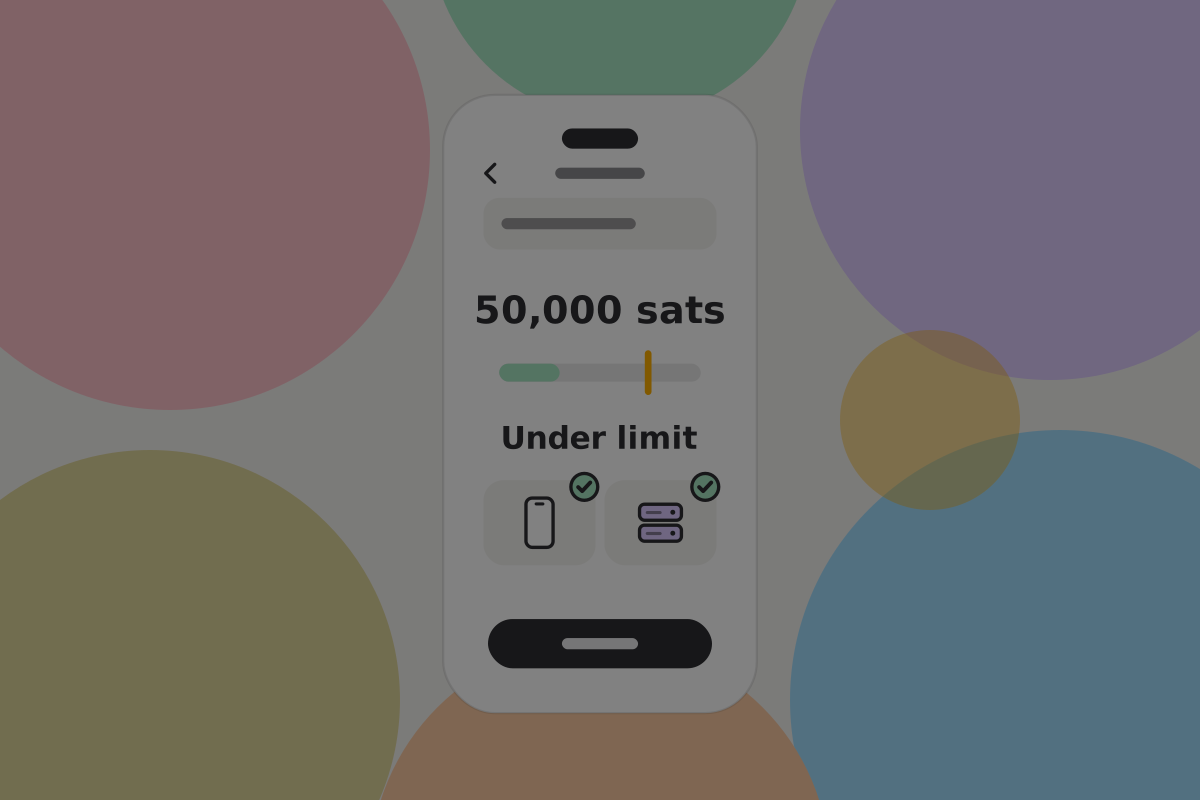
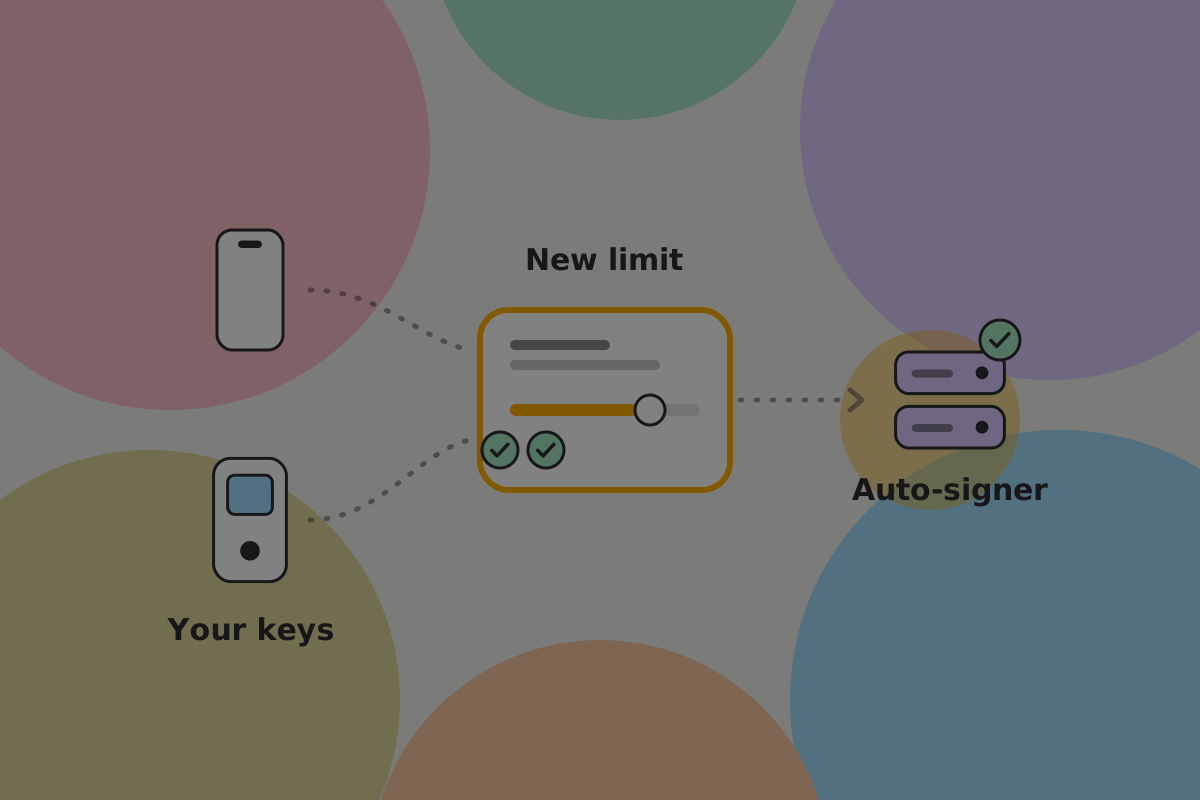
The script cannot see how much is being spent, so the limit is not in the script. It is the policy of one key, an auto-signer, for example the key held by a service. The auto-signer adds its signature on its own, but only to payments below the limit:
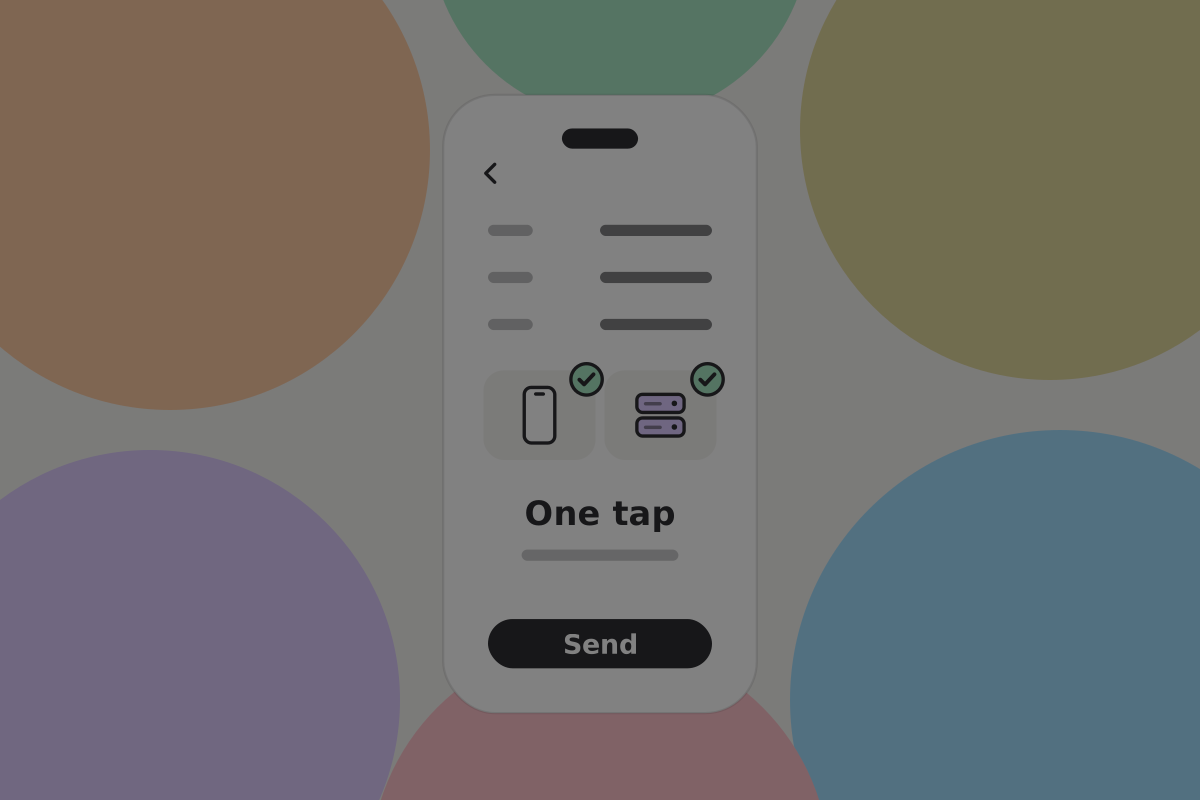
- Below the limit, your phone signs and the auto-signer co-signs. One tap.
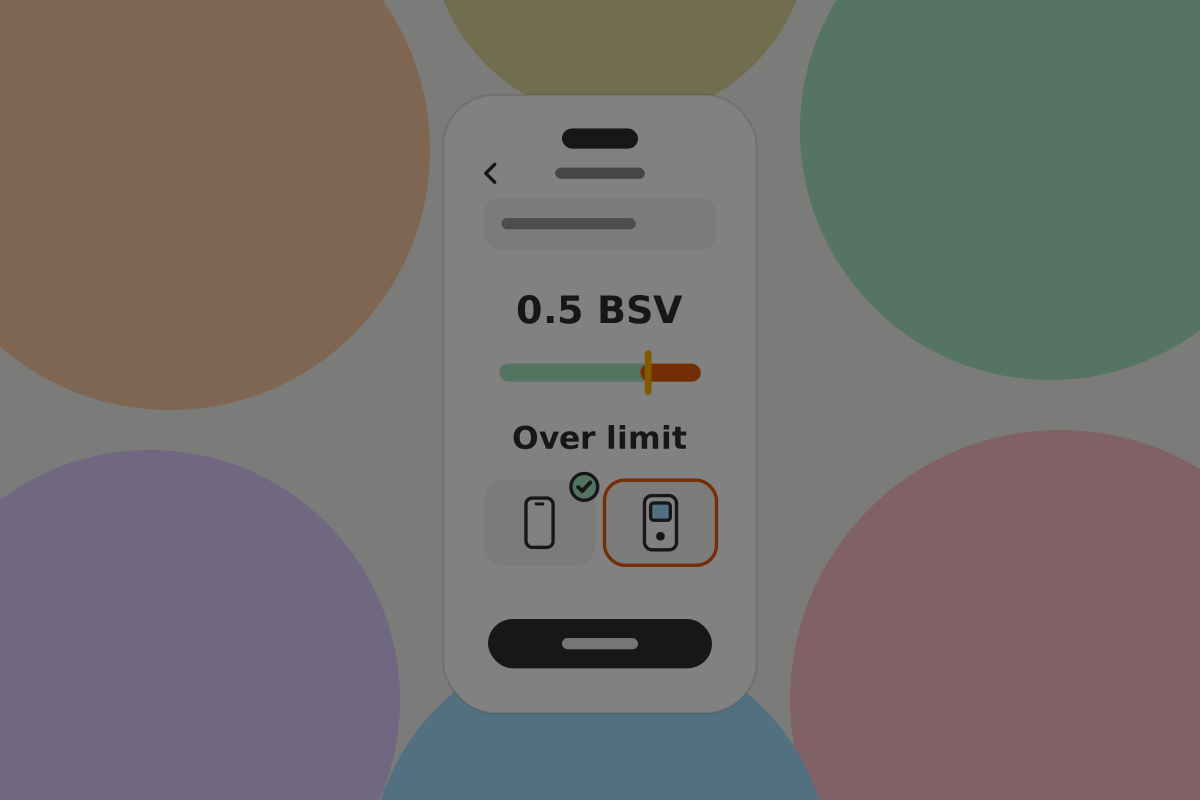
- Above the limit, the auto-signer refuses, so a second key of yours has to sign.

Do
Say which path a payment is taking before the user starts, not after. "This is above your limit, so it needs your signing device too."
Do
Show progress through a multi-key signature as collected and outstanding, naming the device still needed.
Don't
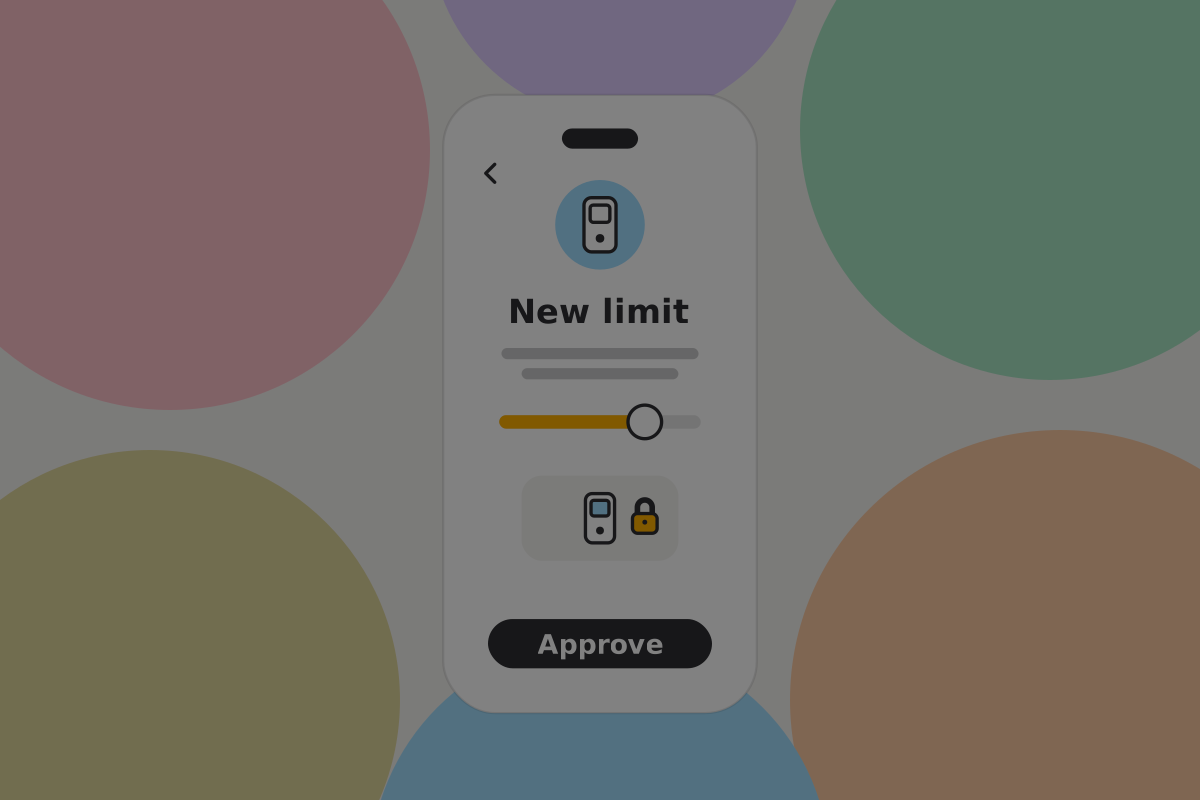
Let the limit be raised with a single key. Raising the threshold for spending is itself a high-value action and needs the quorum.
The limit is only as strong as the auto-signer's policy, so the auto-signer should accept a new limit only when the quorum has signed for it.
Topping up the everyday wallet
The one routine job. It should be short, and it only goes one way.
Do
Make the transfer a named action with the destination prefilled, so it is two taps from the savings home screen.
Don't
Let the everyday wallet pull from savings on its own. A compromised app would drain both, which defeats the whole arrangement. See Multiple wallets.
Recovery and replacing a key
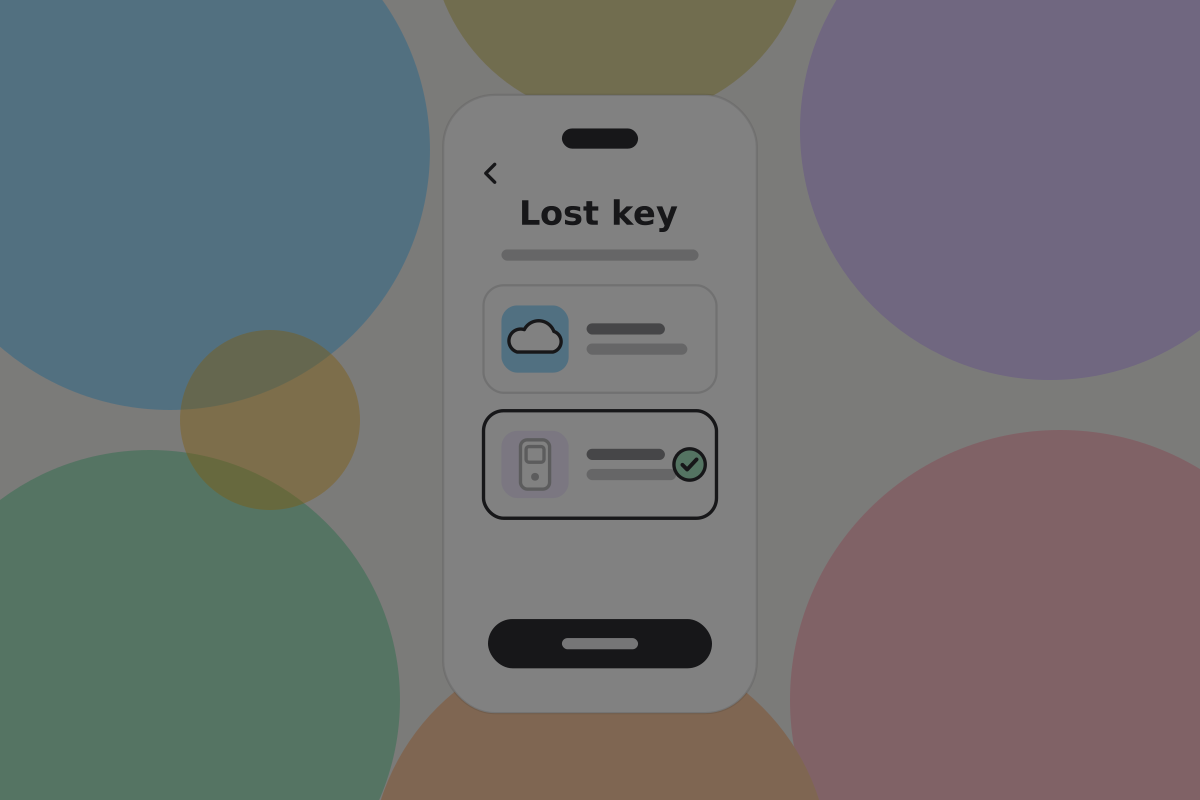
A savings wallet is used rarely, so recovery is likely to happen long after setup, by somebody who has forgotten how it works.
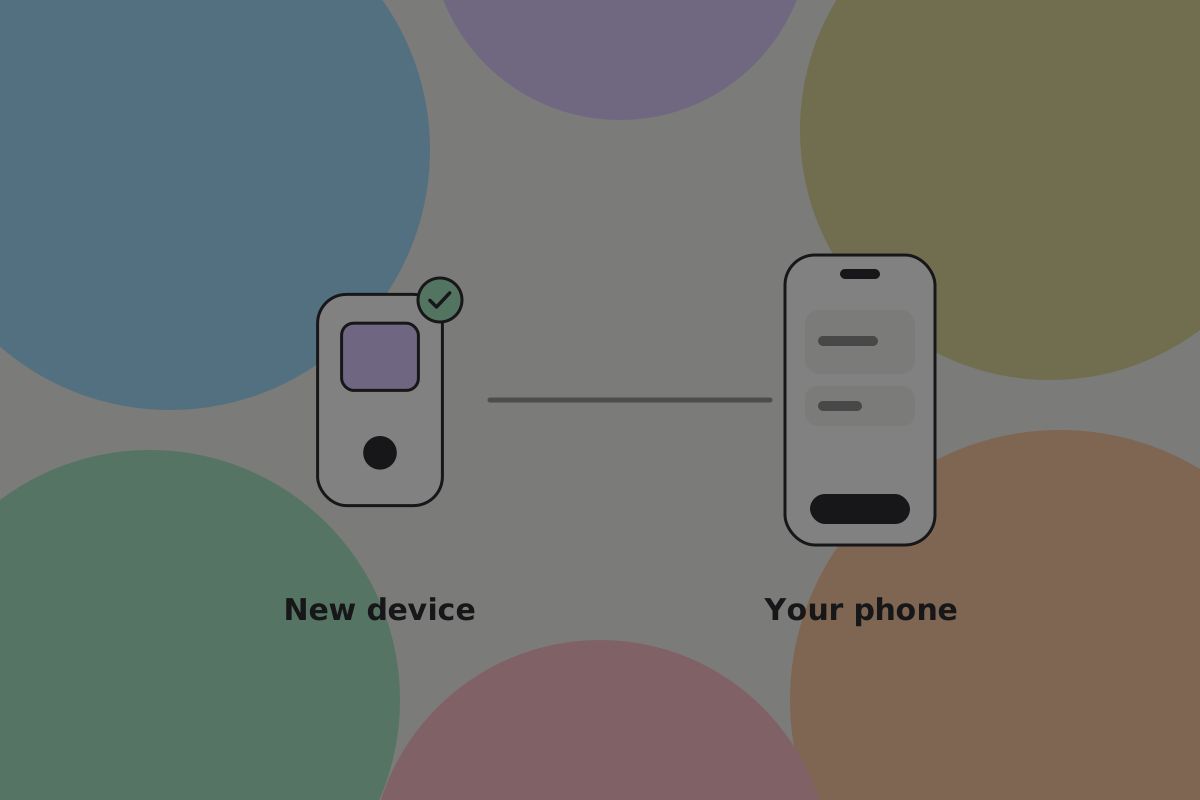
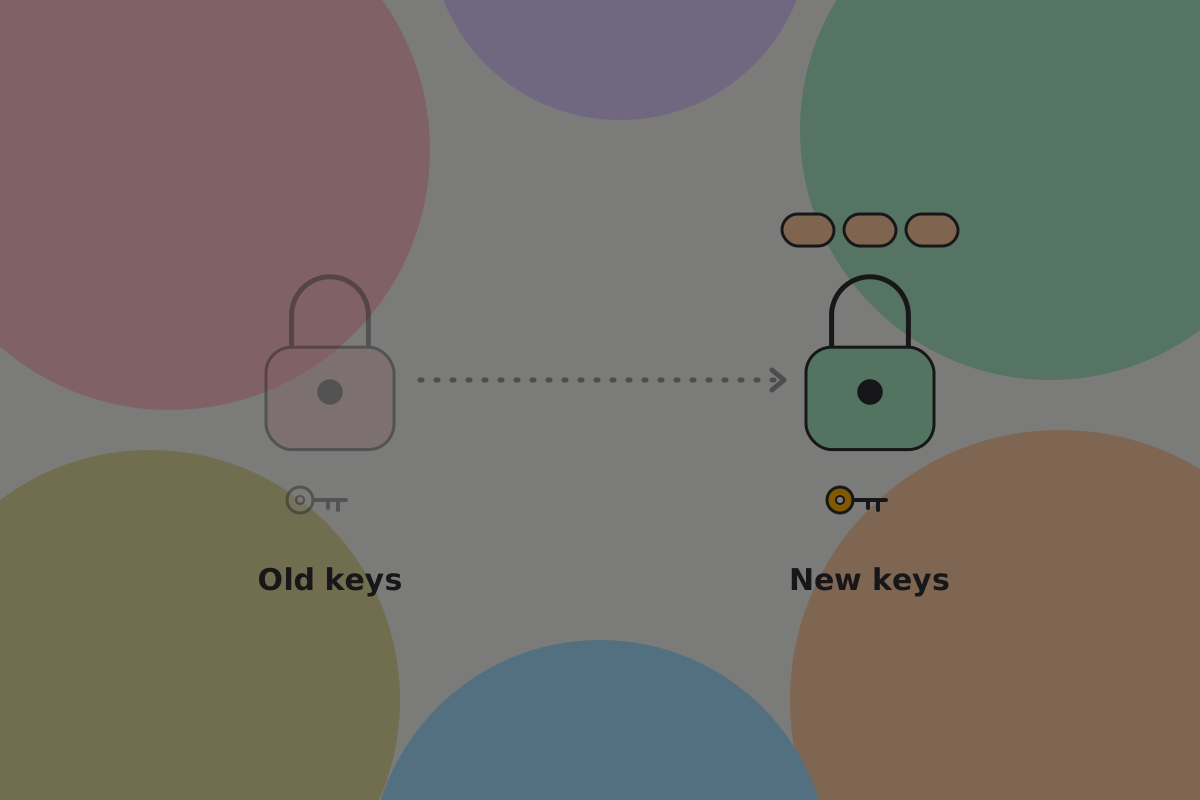
With a multi-key script, every output carries the keys it was locked to. Replacing a key therefore means moving the money to outputs that carry the new one. Until it moves, the old key still works on every output it is part of.
Do
Move the funds to a new arrangement when a key is lost, and say why: the old key still works on every output it is part of until the money moves.
Do
Back up the wallet configuration alongside the keys, and include it in the recovery drill. A quorum of signers with no record of the arrangement cannot spend. See Backups.
Do
Prompt an occasional recovery check. A wallet opened twice a year is one whose backup has had a long time to go stale.
Where a time lock fits
A recovery path that opens on a set date unless the owner pushes it back, so the money is not lost if the owner becomes unavailable. It is the main variant of this design and has its own page, because on BSV it is a transaction signed in advance, which somebody has to keep and the wallet has to rebuild.
See Time-based recovery.
Open questions
- Do people understand a limit that a co-signing key enforces, and what should the wallet say when the auto-signer is unreachable?
- How often should the wallet prompt a recovery check for a wallet opened twice a year, and does a prompt lead to a check or get dismissed?
- What split between everyday and savings do people choose when asked "How much would you be uncomfortable keeping on your phone?"
Related
Written from: BRC-42, BRC-100, BRC-140, BRC-151, ts-stack script docs.
Checklist
The rules on this page, in a form you can work through.
14 rules