

Multiple wallets
Running everyday, savings and agent wallets side by side: how separate they need to be, and how to keep that from feeling like admin.
One wallet cannot be both fast enough for a coffee and careful enough for savings. The honest answer is more than one, and the design problem is making that feel like one coherent product rather than three apps in a trench coat.
It matters here because the everyday wallet is connected to apps all day. See Wallet setups.
Degrees of separation
"Separate" is a spectrum, and products routinely pick a weaker point on it than they claim.
| Separate what | Protects against | |
|---|---|---|
| Labels | Nothing. One key, tagged outputs | Nothing. It is a filter |
| Baskets | Which outputs an app may touch | A connected app reaching the wrong money |
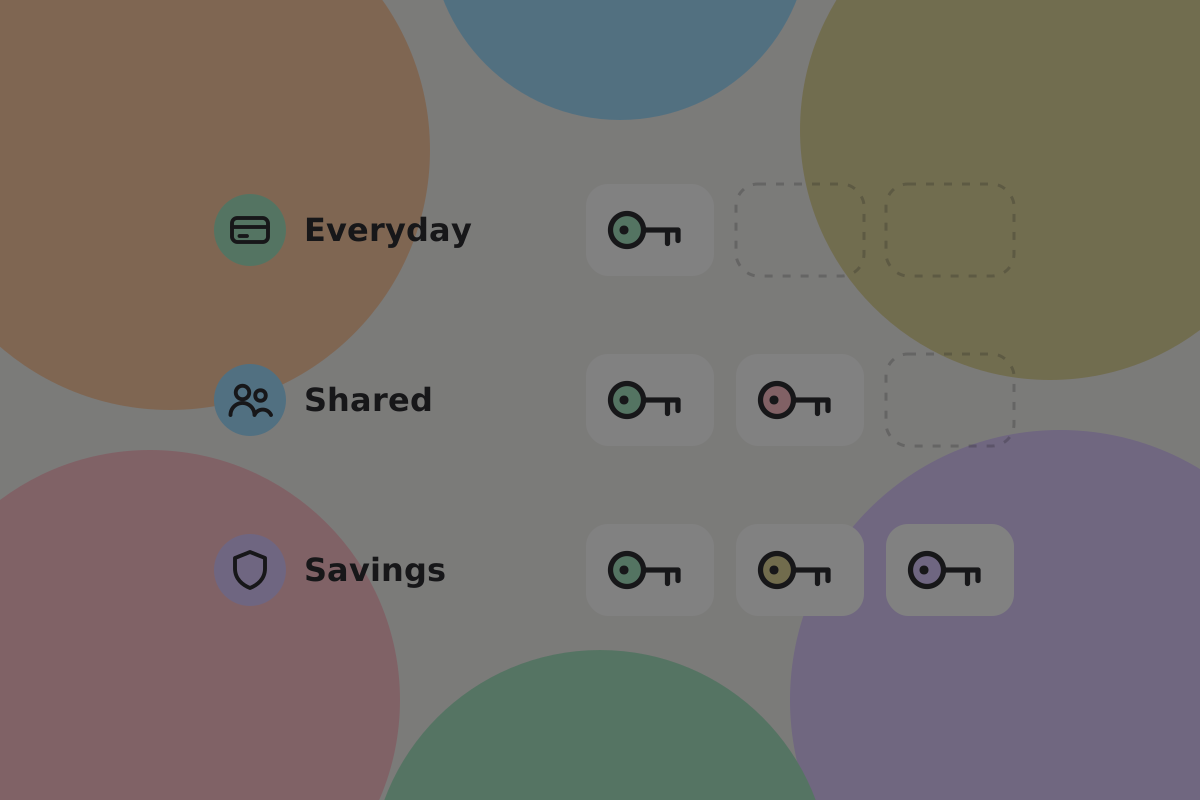
| Keys | The spending authority | One compromised key draining everything |
| Devices | Where the key lives | A compromised phone |
| Recovery | The backup material | One lost backup losing everything |
Important security note
Only the last three are real separation. Two "wallets" derived from one master key and one backup are one wallet with two views: a thief with the recovery words gets both. If your product does that, say so rather than calling them separate wallets.
Do
Give a savings wallet its own keys and its own recovery material. See Multi-key.
The wallets people are likely to have

- Everyday, connected to apps, holding what they can afford to lose.
- Savings, connected to nothing, multi-key, topped up deliberately.
- Shared, with a partner or a household. See Shared wallet.
- Agent, for software spending on their behalf within a fixed budget. See Letting an agent spend.
- A child's, with a parent as a co-signer.
Do
Offer two or three named arrangements rather than a wallet builder. "Everyday and savings" is a choice somebody can make; "configure a key scheme" is not.
Setting up a second one

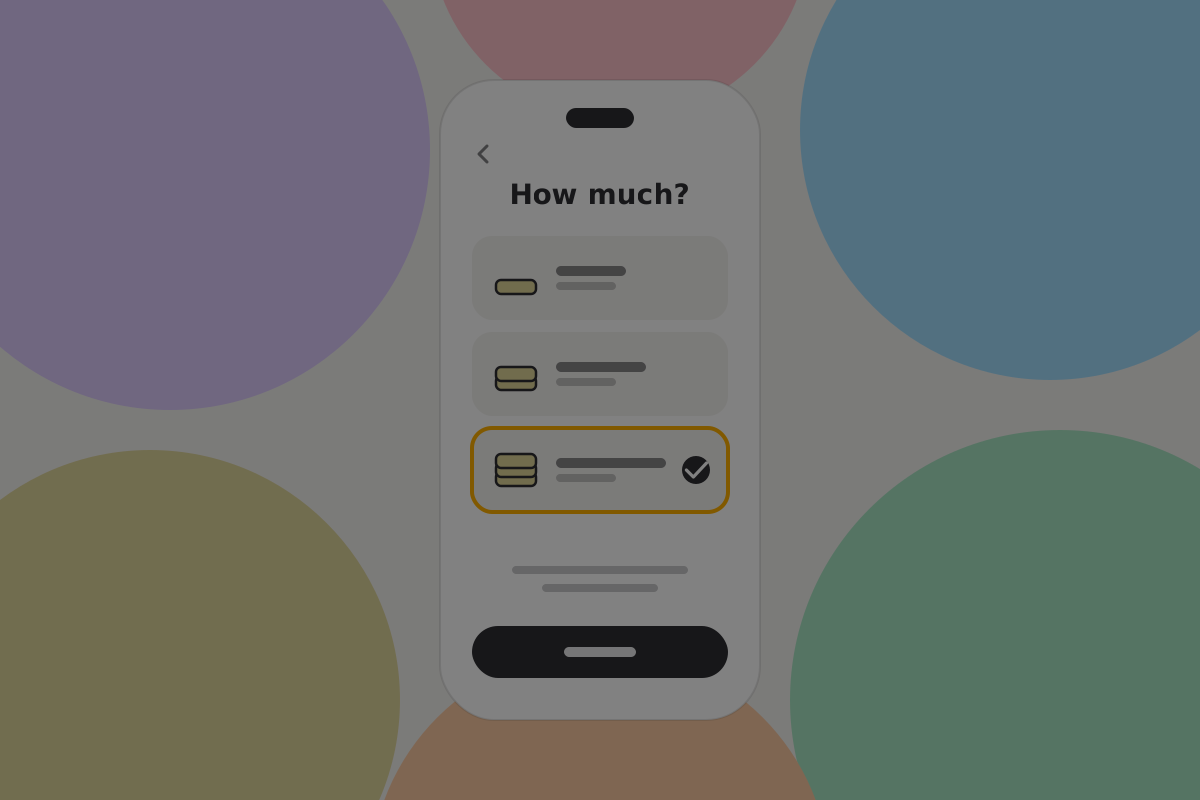
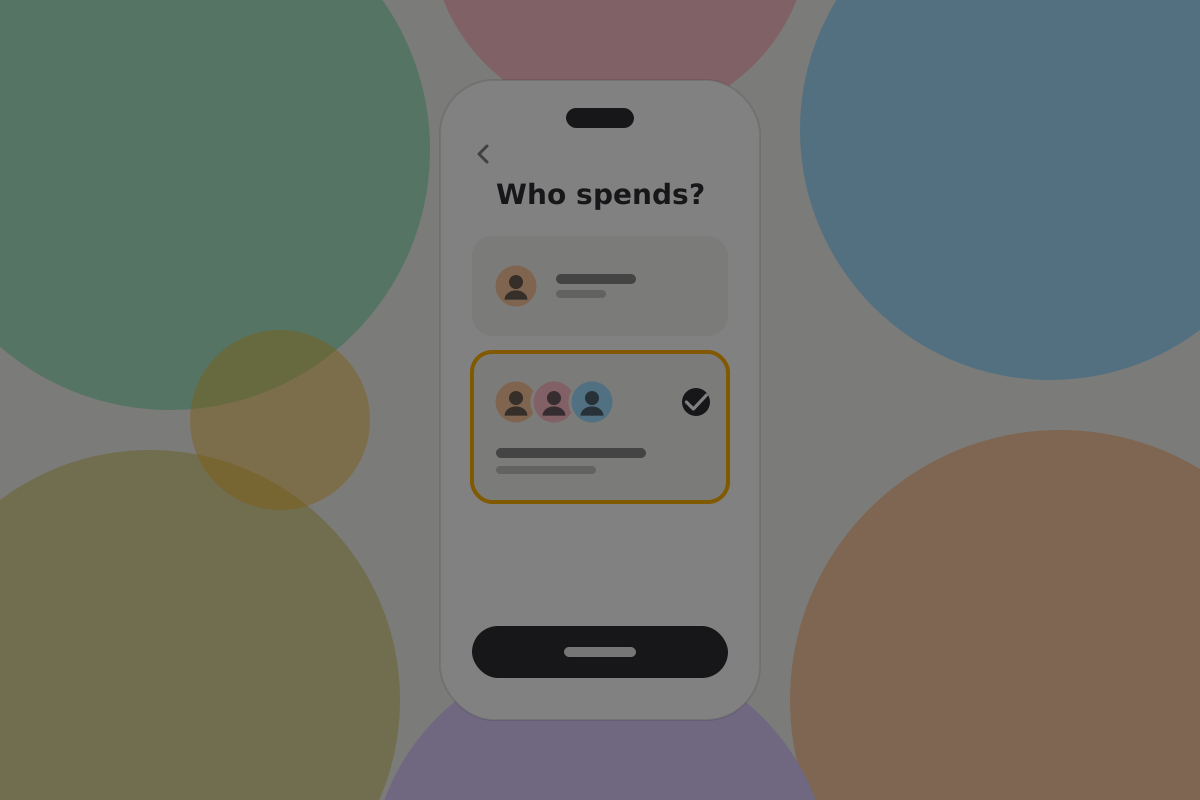
The questions worth asking, in this order, because each narrows the next:
- What is it for? Everyday, savings, shared, an agent.
- Roughly how much? This decides the key scheme, so the user never has to.
- Who else can spend? Nobody, a partner, a quorum.

Do
Recommend a scheme from those answers and explain it in one line. "Two of three keys, because you said this is most of your savings and you want to be able to lose a phone."
Do
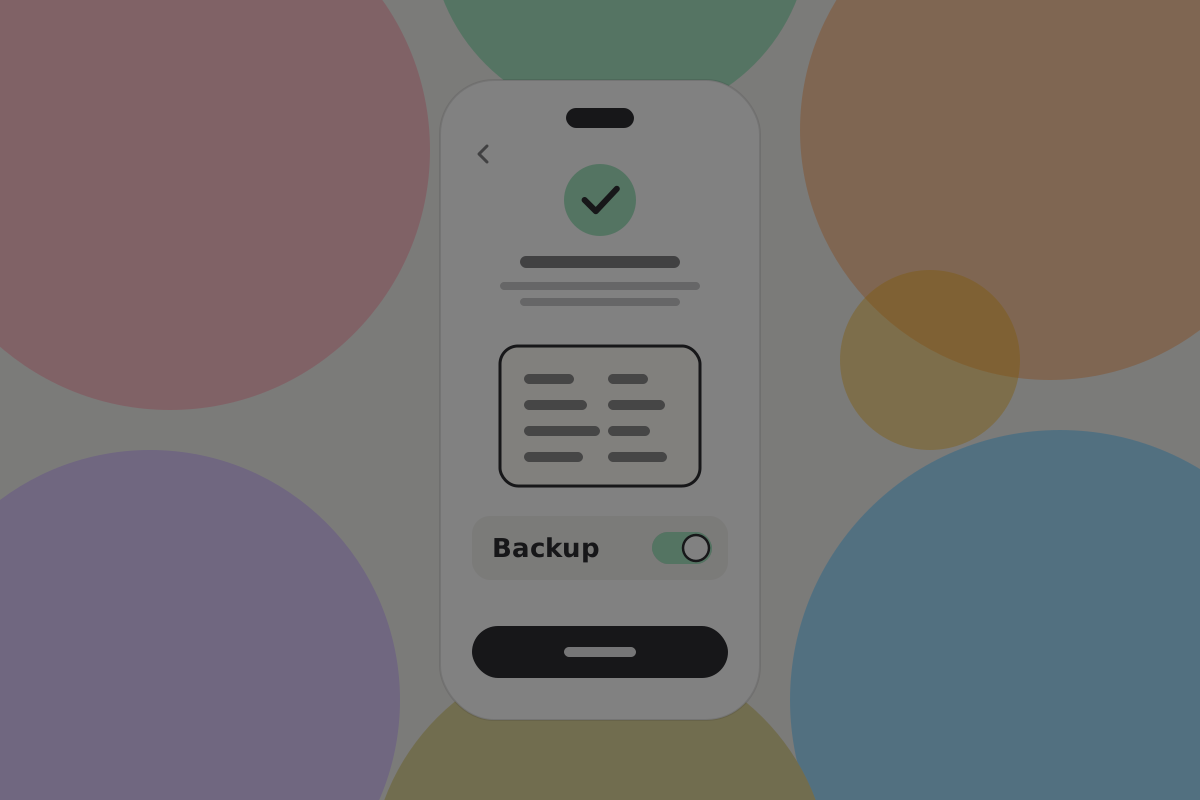
Make the new wallet's backup part of its creation, not a later prompt. A second wallet with no backup is a second way to lose money.
Seeing them together
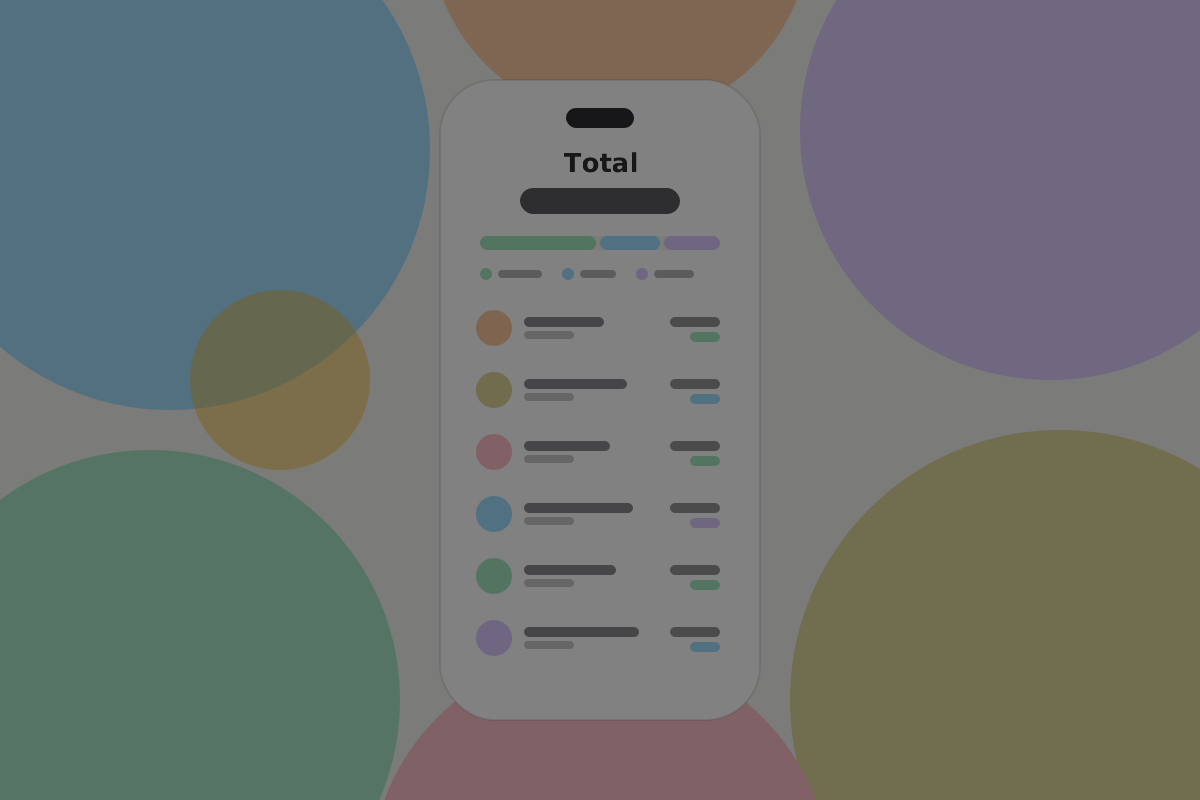
Do
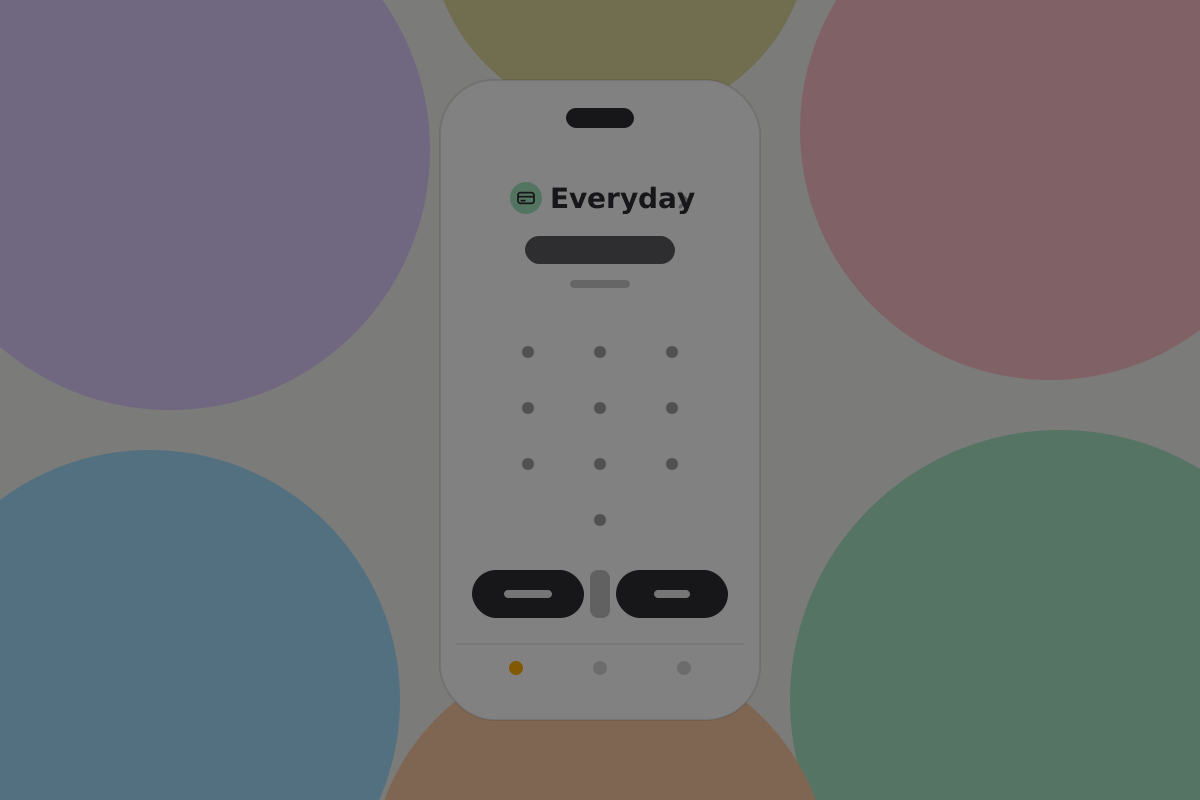
Show a combined total and the per-wallet breakdown together. People want to know what they have and where it is, in one glance.
Do
Let activity be filtered to one wallet or seen across all of them, and always label which wallet an entry belongs to.
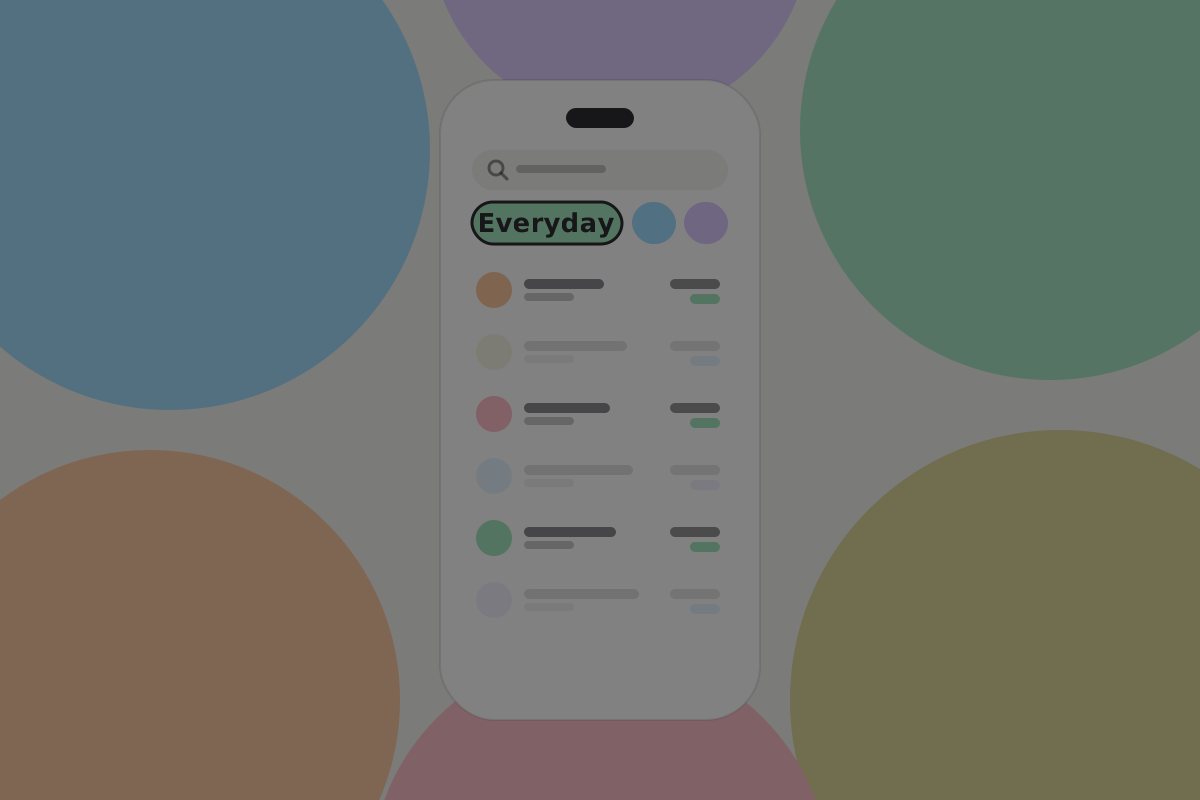
Don't
Make switching wallets a mode the user can forget they are in. A wallet-coloured header and the wallet's name on the send screen are cheap and prevent the worst mistake in this whole design.
Paying, and picking the right wallet
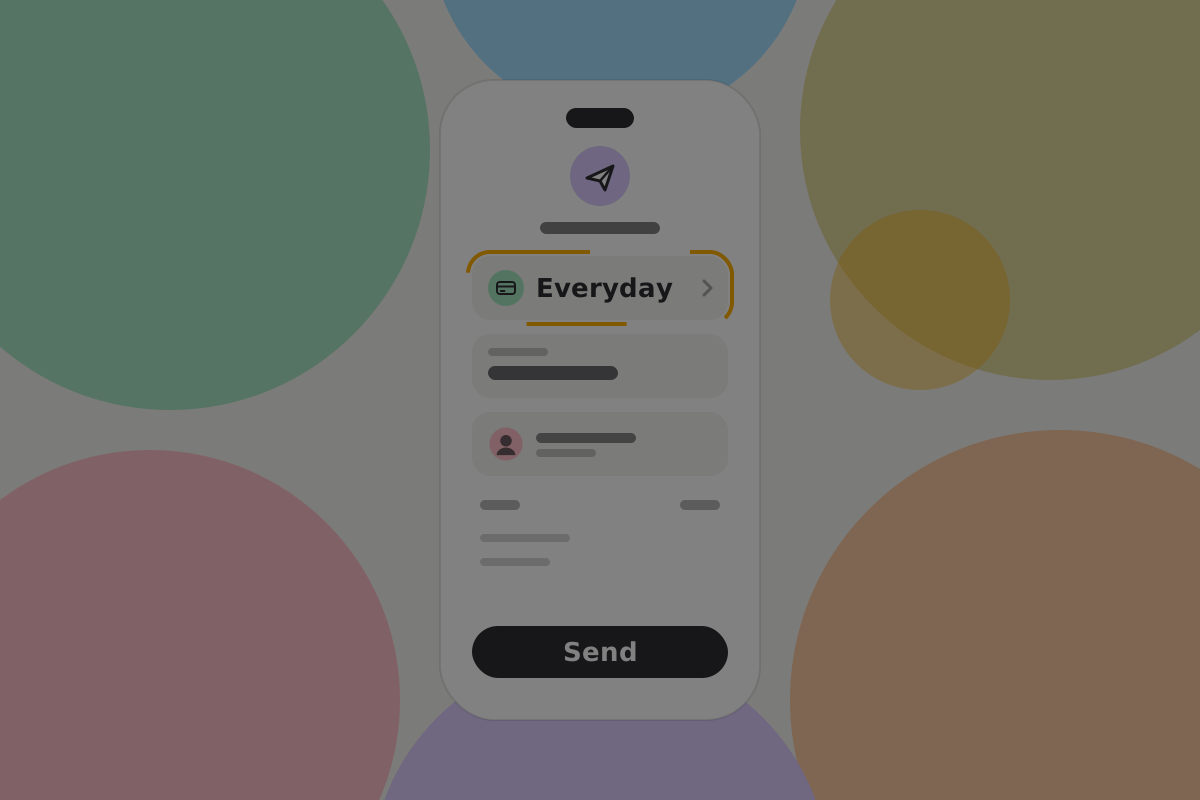
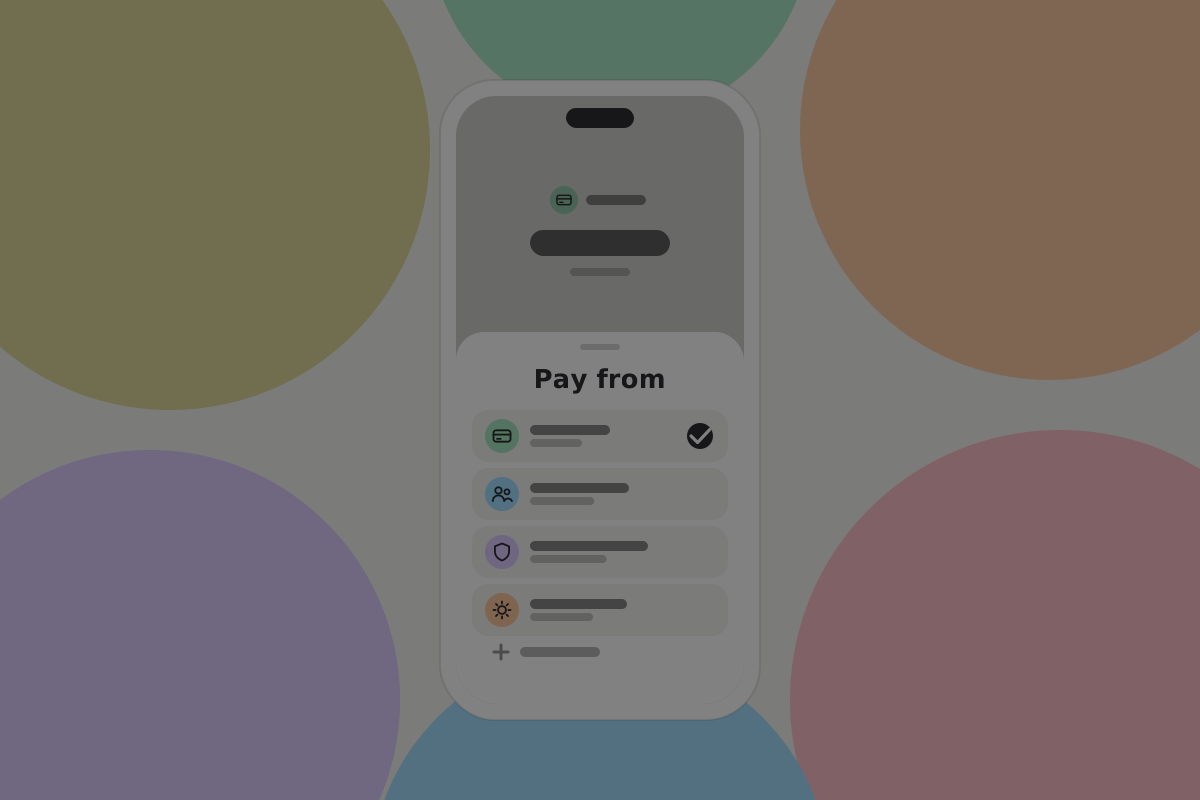
Do
Default to the everyday wallet for every payment, and make choosing another a deliberate step.
Do
Say which wallet is paying on the review screen, in words, not only as a colour.
Connected apps belong to one wallet
This is the BSV-specific rule and the most important one on this page.
An app connects to a wallet, not to the person. Permissions, allowances and baskets are properties of that one wallet.
Do
Show, per wallet, which apps are connected to it. See Security.
Don't
Offer to connect an app to the savings wallet. A savings wallet that accepts app requests is an everyday wallet with a misleading name.
Transfers between them
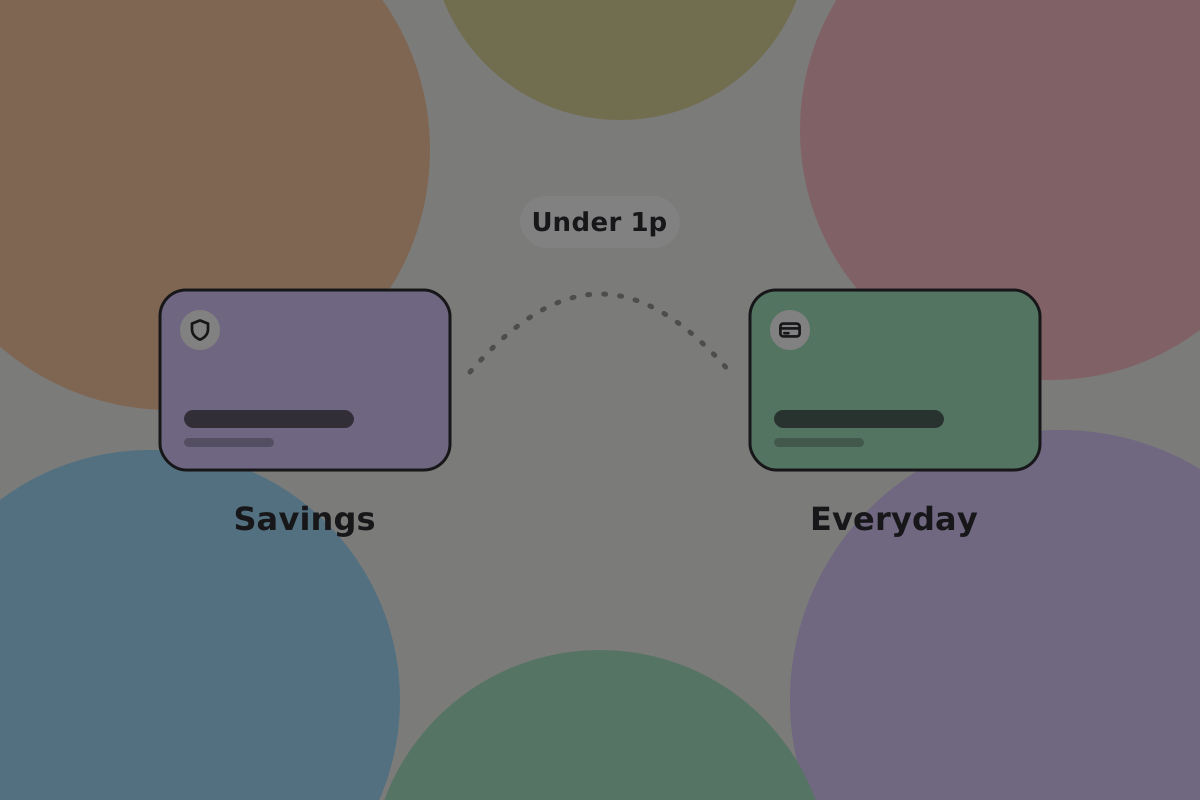
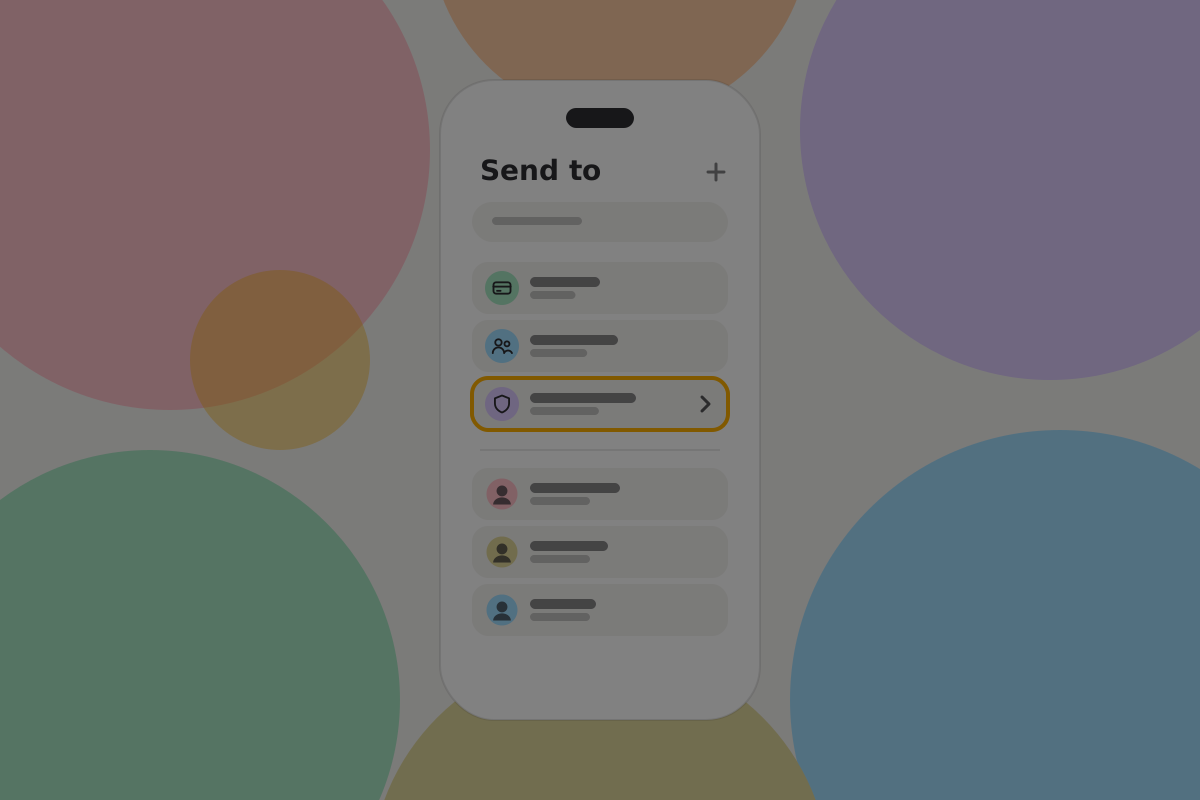
A transfer is an ordinary payment from one of the user's wallets to another. It costs less than 1p (see Send fees), so there is no reason to batch or discourage it.
Do
Show it as a transfer rather than a payment in activity: one entry, not an outgoing and an incoming.
Do
Require the savings wallet's own authorisation for anything leaving it, on its own device where that applies. Topping up should always be a deliberate human action.
Don't
Offer an automatic sweep from everyday into savings without the user setting it up explicitly, and never the other direction.
Receiving
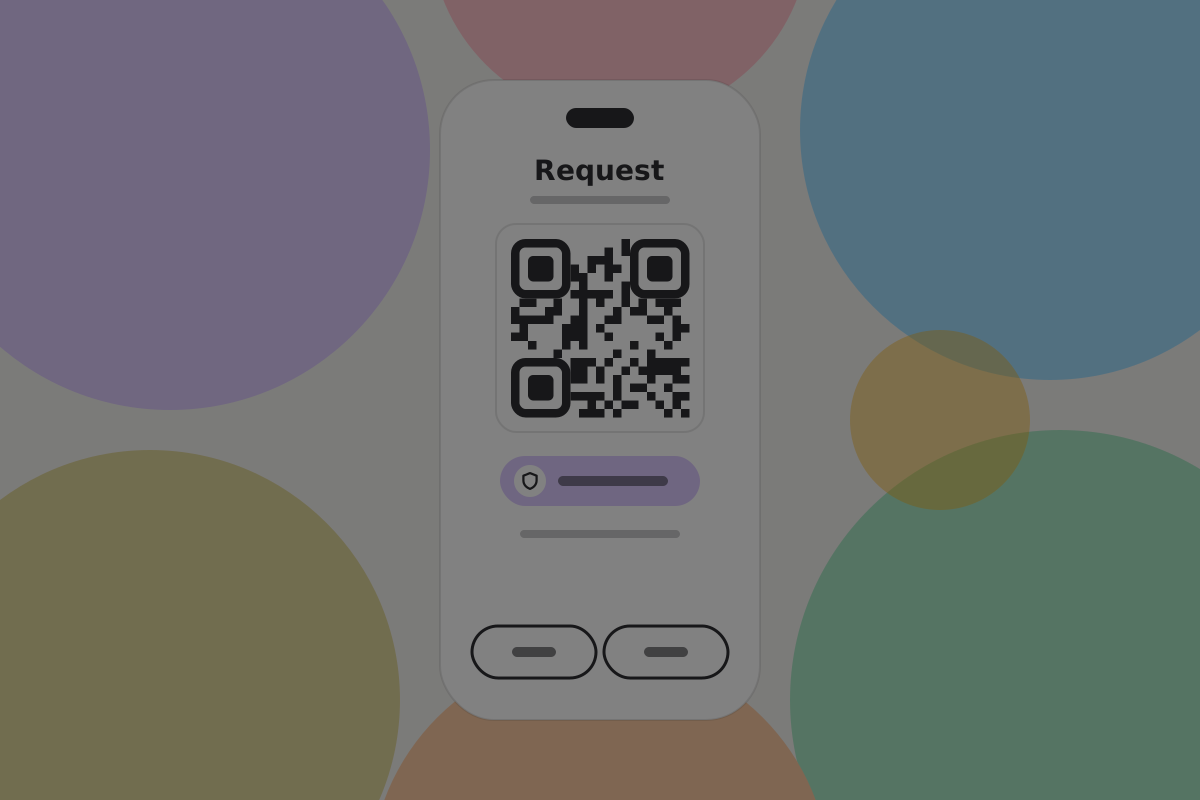
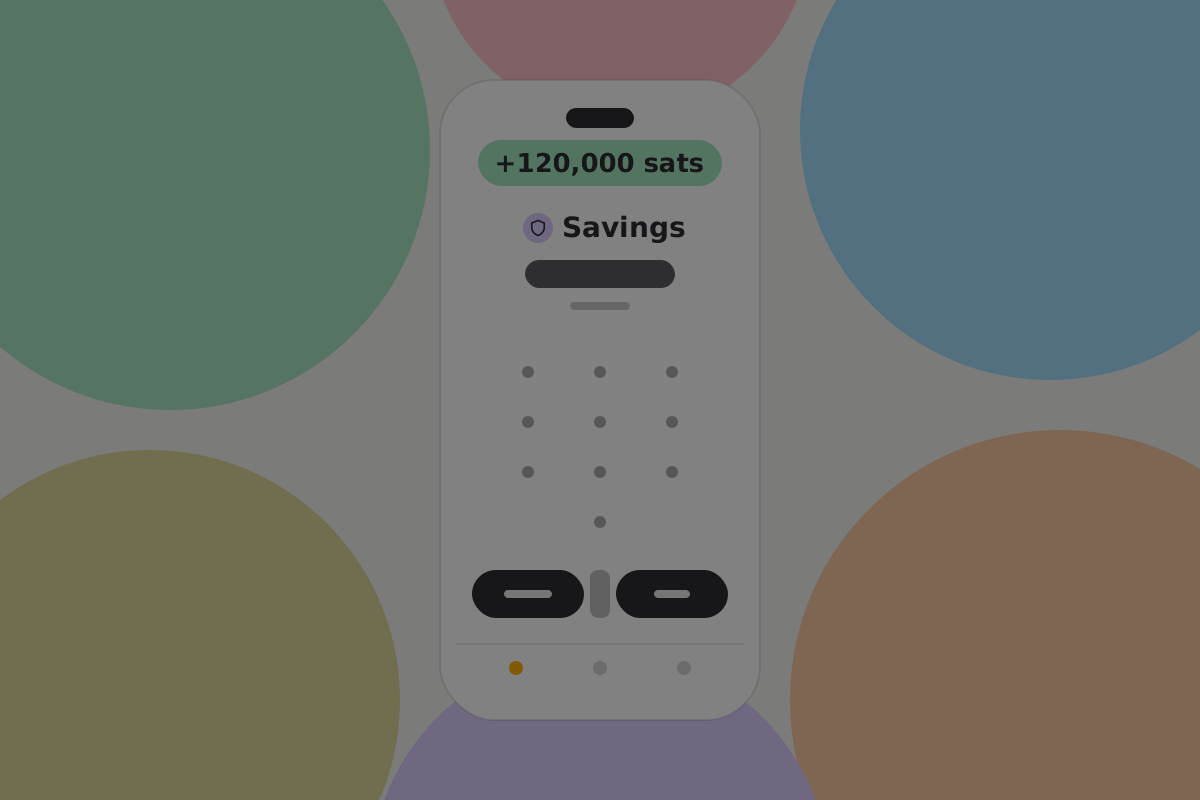
Each wallet has its own handle, so payments to the everyday handle and payments to the savings handle are not linked by the handles themselves. Transfers between the two can still link them, so say so where the user sets up the second handle.
Do
When the user creates a payment request, ask which wallet should receive it, defaulting to everyday, and remember the choice per counterparty.
Don't
Publish both handles in the same place. Doing so links the two wallets for anyone reading. See Wallet privacy.
Archiving
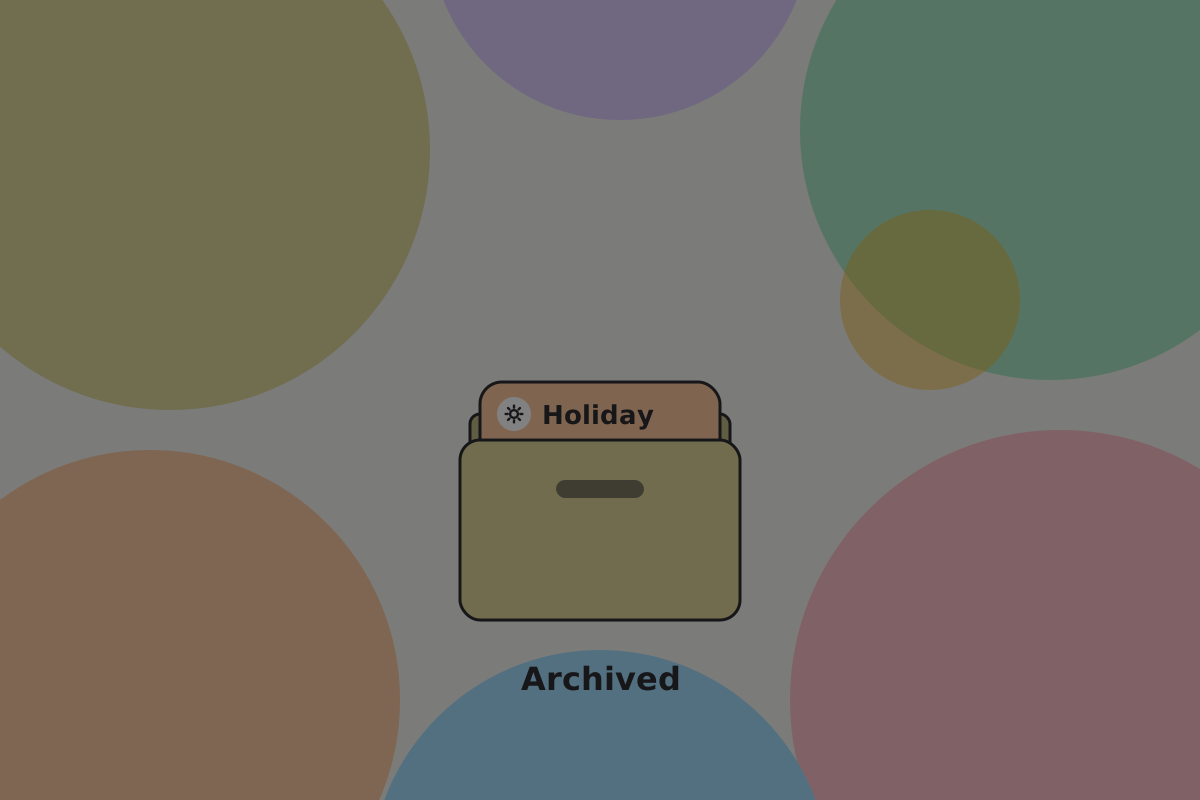
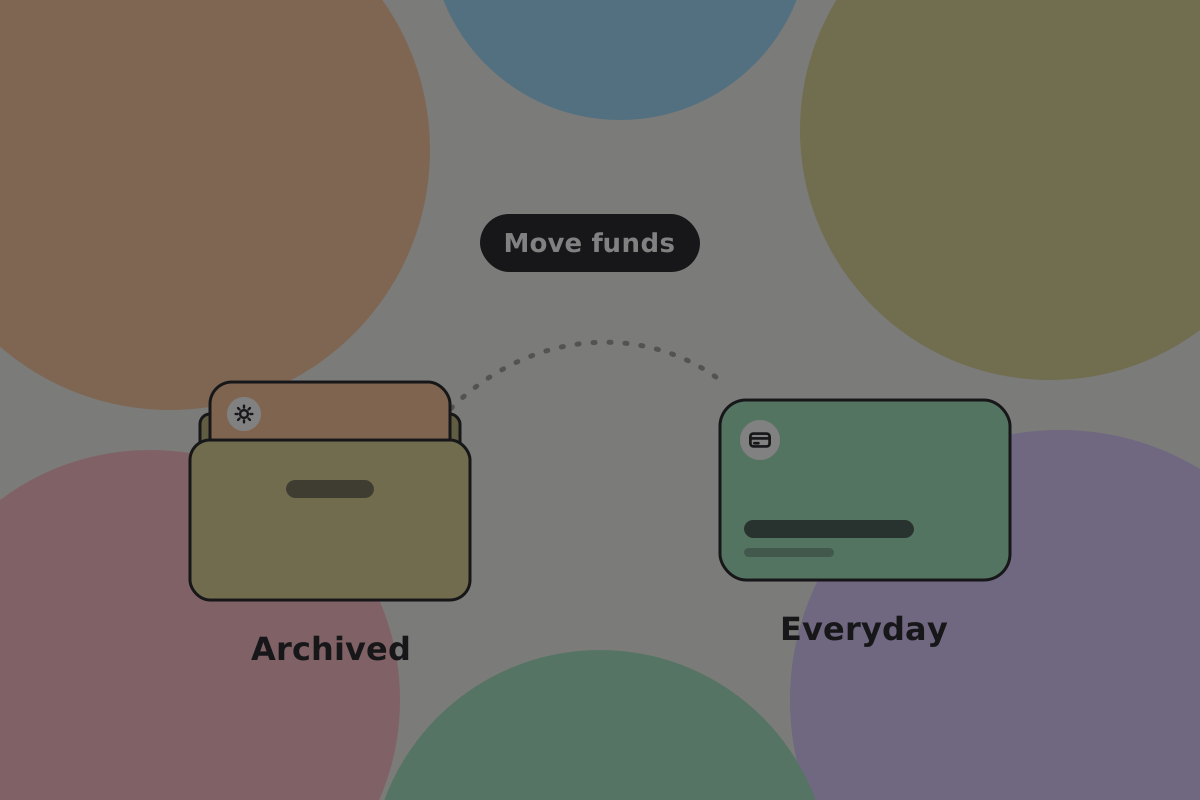
Wallets outlive their purpose: a holiday fund, a finished project, a child who has grown up.
Do
Let a wallet be archived rather than deleted: hidden from the main view, still able to receive, still restorable.
Don't
Offer to delete a wallet with a balance. Offer to empty it first, and say where the money would go.
Telling them apart

Do
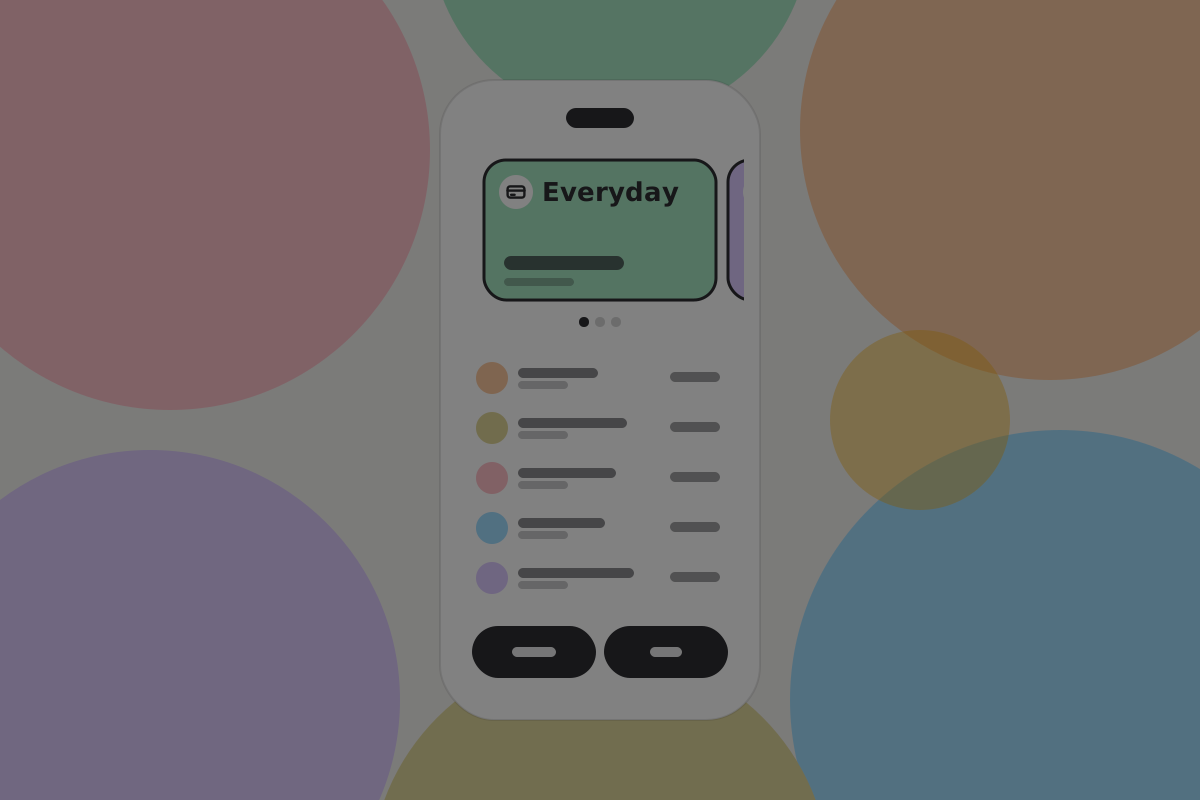
Let users name and colour their wallets. "Rent" and "Holiday" are how people think, and a distinct colour is the fastest check that they are about to pay from the right one.
Don't
Rely on colour alone to distinguish wallets. Always pair it with the name.
Open questions
- Do people read a combined total as money they can spend now?
- Does a wallet-coloured header prevent paying from the wrong wallet, or do people stop noticing it?
- Does a savings wallet need a handle at all if it never receives from other people?
Related
- Wallet setups: which wallet should hold what
- Savings wallet
- Shared wallet
- Daily spending wallet
Written from: BRC-42, BRC-100, BRC-151, ts-stack docs.
Checklist
The rules on this page, in a form you can work through.
20 rules