

Propose a change
The mechanics of changing a page, from a one-line typo fix in the browser to a larger change on your own machine.
Every page of this guide is a markdown file. Changing one means editing that file and opening a pull request.
Until the repository is public, access is on request. Ask through the enquiry form and say what you want to work on.
Recommendation
If this is your first time, fix a typo or review somebody else's change. The point of a first contribution is to walk the process once while the stakes are nothing.
What to work on
Good candidates, roughly in order of value:
- Anything factually wrong on a page. These are the most valuable reports, because nobody is looking for them.
- A dashed image placeholder you could draw. See Illustration guidelines.
- An open question on a pattern page that you have evidence for.
- A case study. See Case studies.
Do
Say what you are starting, in an issue or a draft pull request, before you write three thousand words. Two people editing the same page waste each other's work.
In the browser, for a small change
For a typo or a broken link, once you have access, you never have to leave GitHub.
- Open the page's file under
content/guide/. - Click the pencil icon.
- Make the change.
- Describe it in a sentence and choose Create a new branch for this commit.
- Open the pull request.
That is the whole process. No tooling, no checkout.
On your machine, for a real change
A larger change needs a local copy, because you want to read it on the page before anybody else does.
Once
You need Git and Node 22 or newer. A GitHub client such as GitHub Desktop is fine if you would rather not use the terminal.
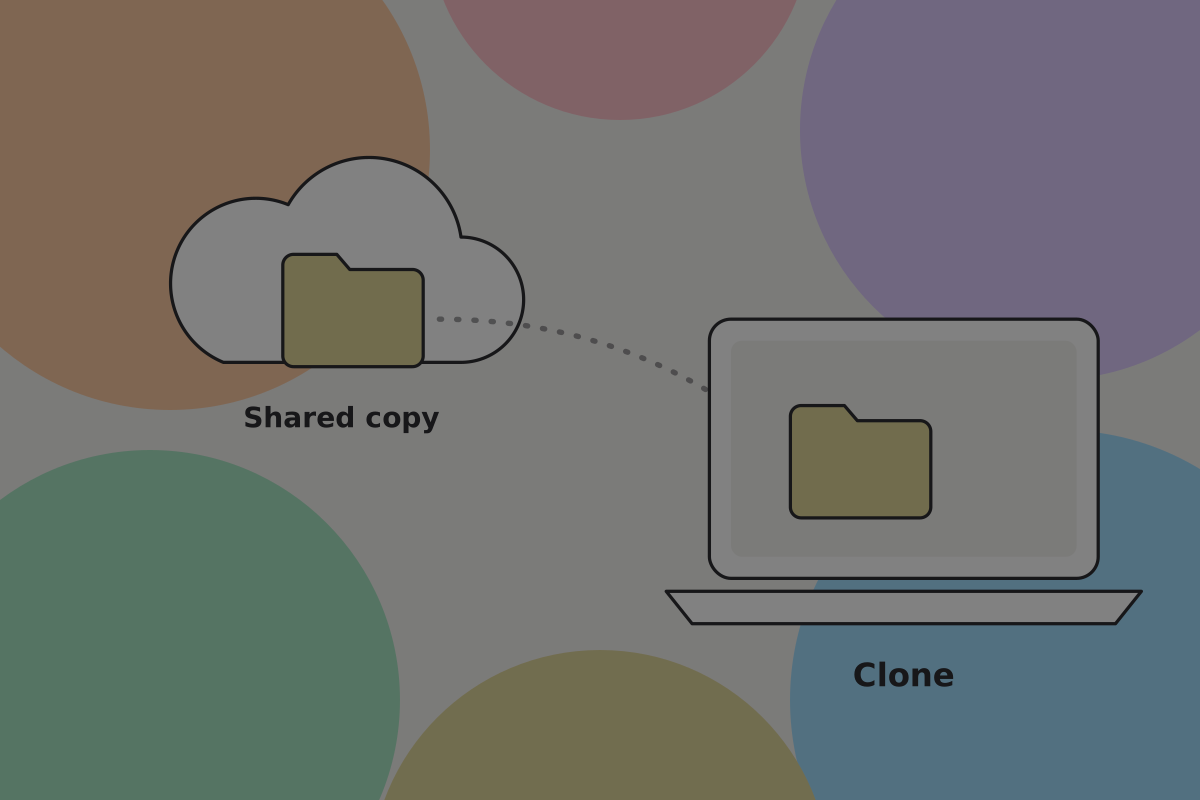
git clone https://github.com/vincemedia/connectwallet.git
cd connectwallet
npm install
npm run dev
The guide is then at http://localhost:3000, and saving a markdown file updates the page.
Each change
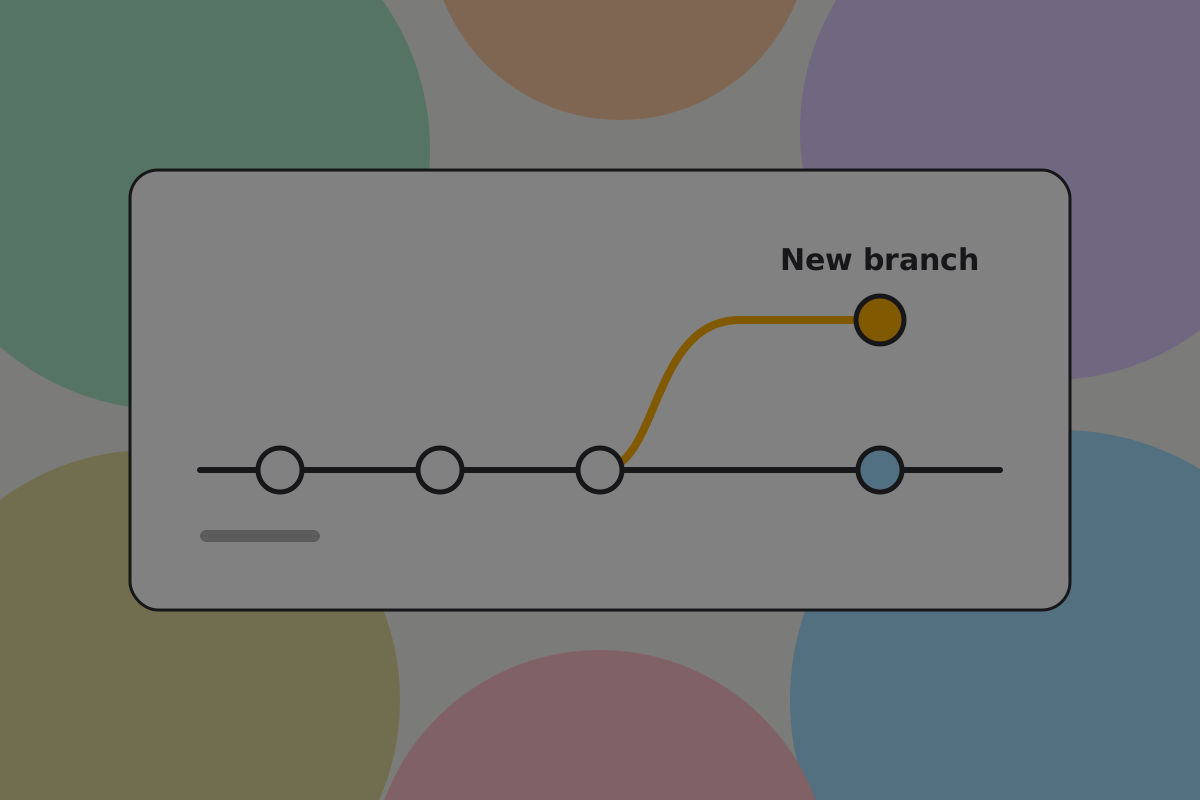
git switch -c fix-send-fees-wordingEdit the file under content/guide/, then check your work:
npm run checkThat runs the type check, the linter, the content checks and the contrast checks. The content check is the one most likely to catch you. It flags dead internal links, images not in the manifest, unresolved image prompts, em dashes, banned vocabulary, empty code spans and pages that cannot be reached from the tree. It takes seconds, and it is the same check that runs on your pull request.
Do
Update sources in the front matter with what you worked from. If the page carried a rewrite_note, delete it and set status to rewritten.
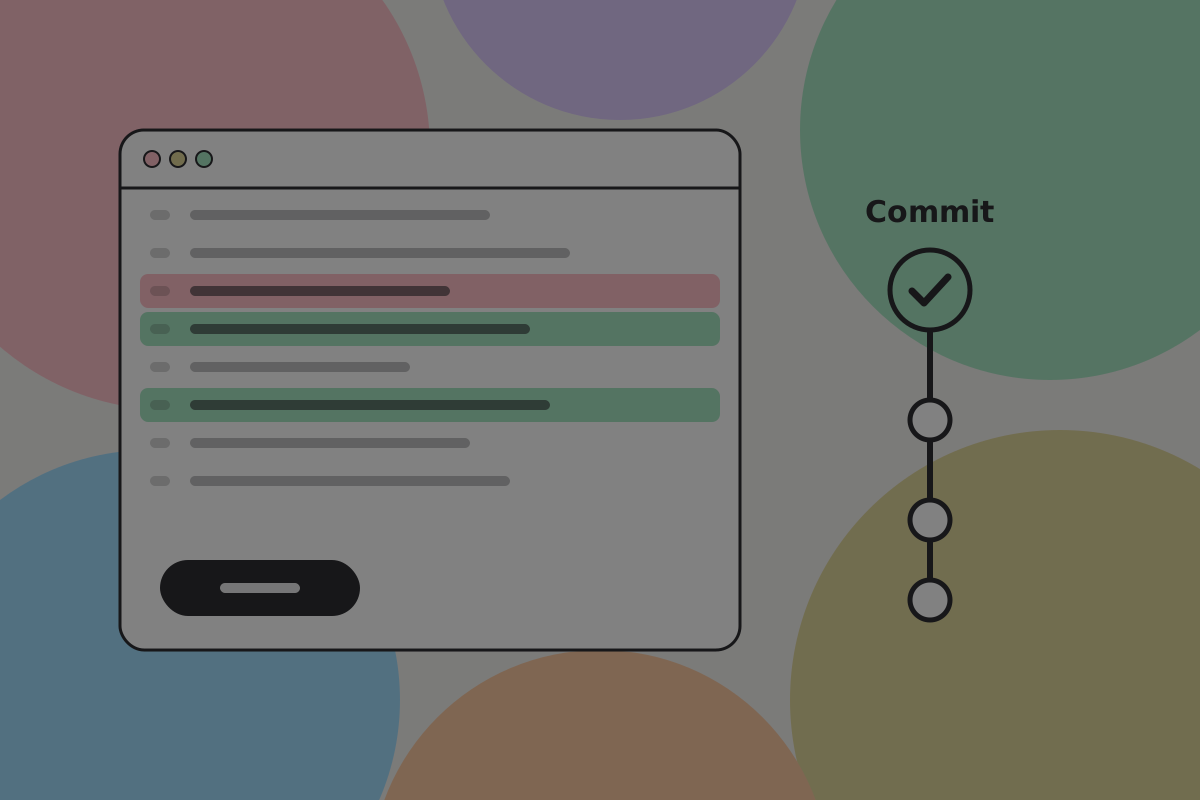
git add .
git commit -m "Correct the fee wording on Send fees"
git push -u origin fix-send-fees-wording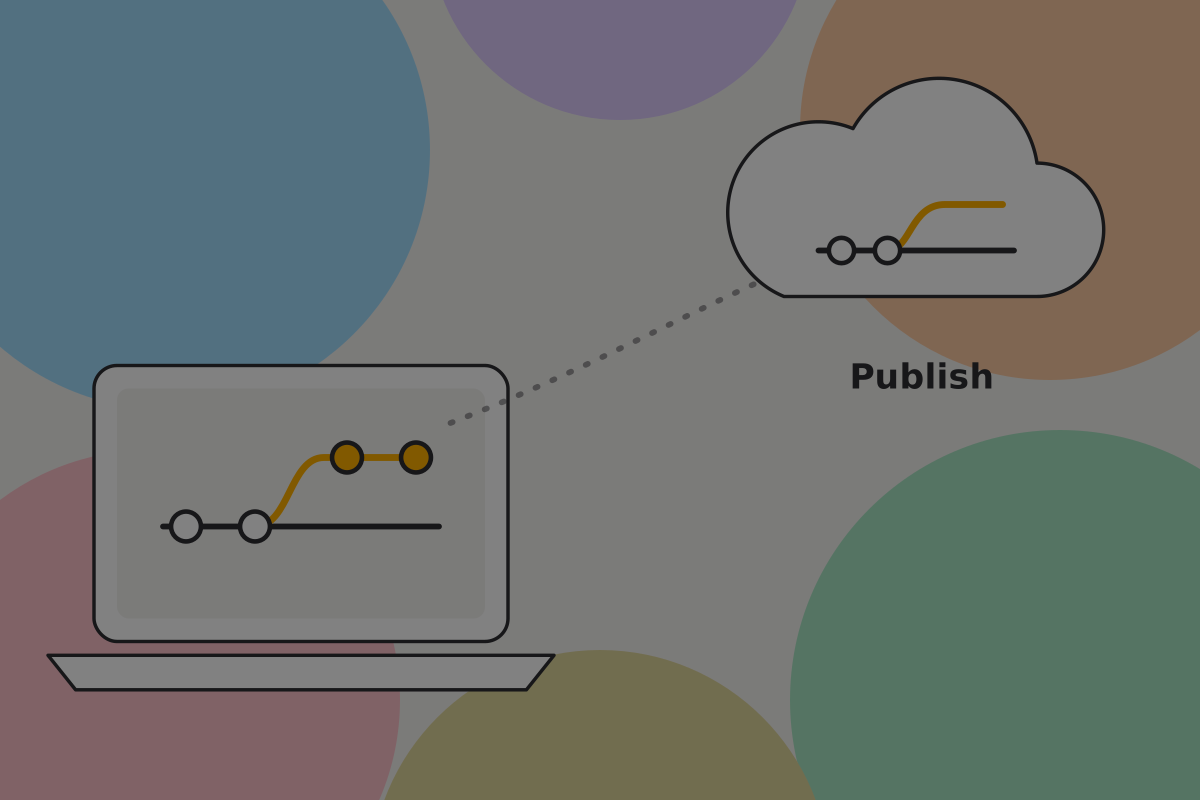
Open the pull request
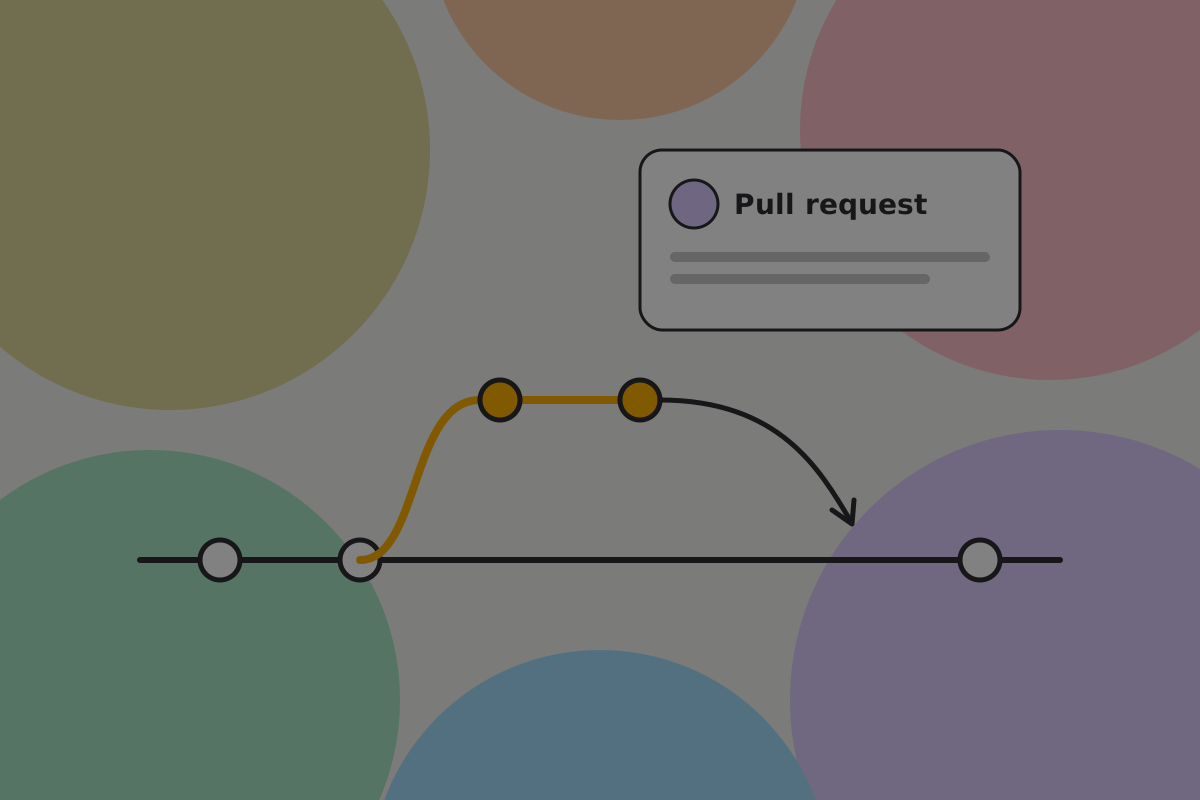
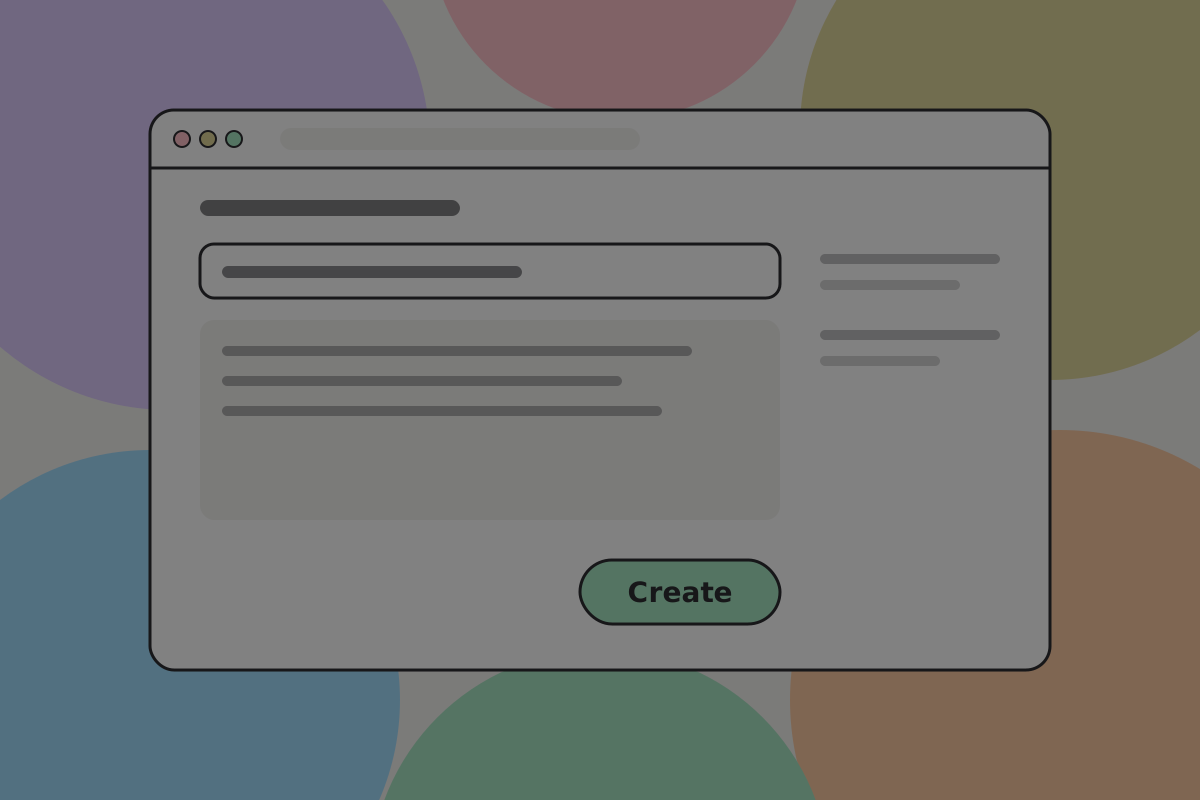
In the description, say three things:
- What changed, in a sentence.
- What you worked from. A proposal number, a documentation page, a conversation with somebody who ships a wallet.
- What you were unsure about. This is the most useful line in the description, and the easiest to leave out.
Don't
Bundle a text change with a redesign of the page structure and a new set of images. Three separate pull requests get reviewed; one large one waits.
What happens next
Someone reviews it. Expect questions, and expect at least one to ask whether a claim is true on BSV, and what you checked it against. That is the review doing its job, not a judgement on your work.
See Review for what reviewers look for.
Related
Written from: repository README, scripts/check-content.ts.
Checklist
The rules on this page, in a form you can work through.
4 rules