

Accessibility
The accessibility work every product needs, and the handful of places where an irreversible payment raises the stakes.
Ordinary accessibility practice, plus extra care on the three screens where a mistake costs a payment: review, recovery and errors.
About one in six people live with a significant disability (WHO). Add temporary and situational impairments (a broken wrist, a bright street, one hand holding a child, a bad connection) and the share of sessions affected is far higher than the share of people.
Why it matters more here
Why this is different
A mislabelled button in a photo app costs a moment. A mislabelled button on a send screen costs the payment, because it cannot be recalled and there is no support desk holding the money.
The three places where the stakes are highest:
- The review screen. If a screen reader cannot read the recipient, the person is confirming something they have not been told.
- Recovery. Writing down twelve words is a task designed for sighted, literate, manually dexterous people. Everyone else needs another route.
- Error states. If the only signal that something failed is a red border, users with colour vision deficiency and anyone on a screen reader do not get it.
Who this covers
Vision, physical, cognitive and hearing impairments, each with its own assistive technology: screen readers, magnification, switch access, voice control, captions. Design for all of them; the rules below say where.
Literacy and numeracy. Over 700 million adults cannot read a simple statement about their daily life (UNESCO). This is the one most affected by the words you choose.
Label everything
Labelling every interactive element correctly does more good than anything else on this page.
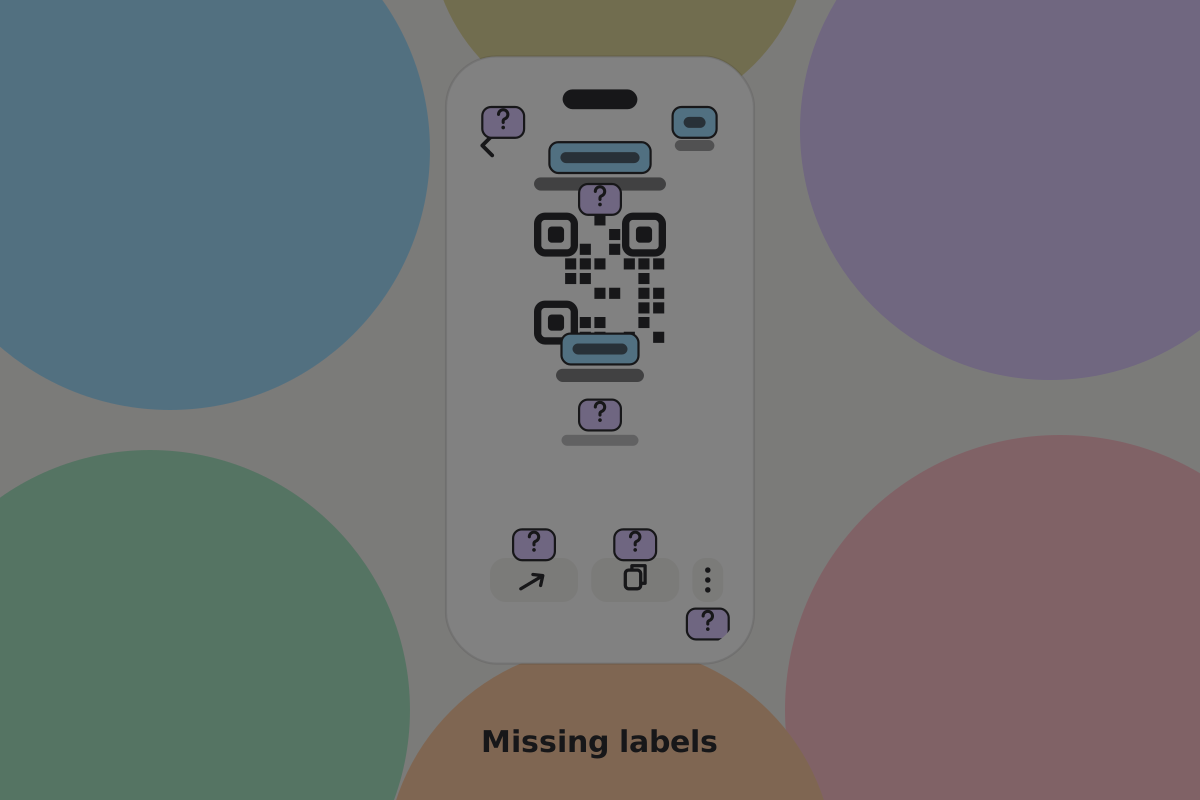 Missing button labels. The overlays show what reaches a screen reader.
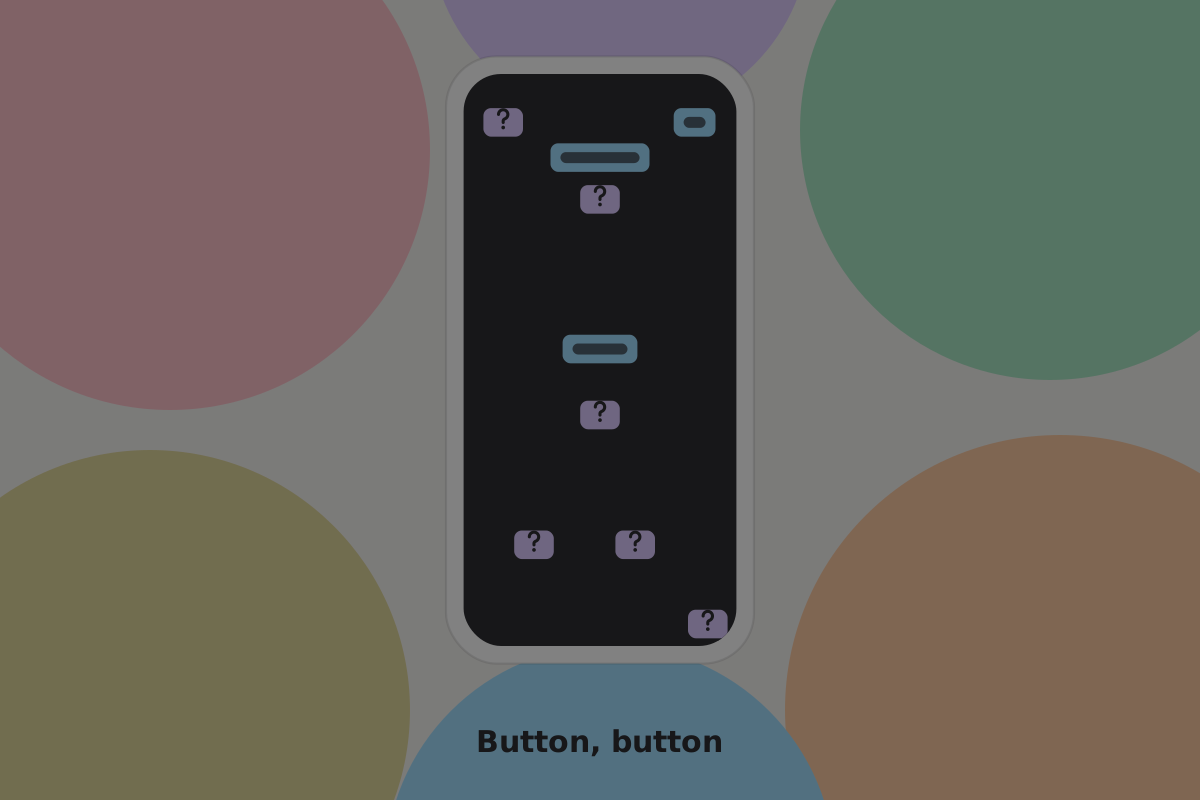 The same screen without the visuals, which is roughly what a blind user gets.
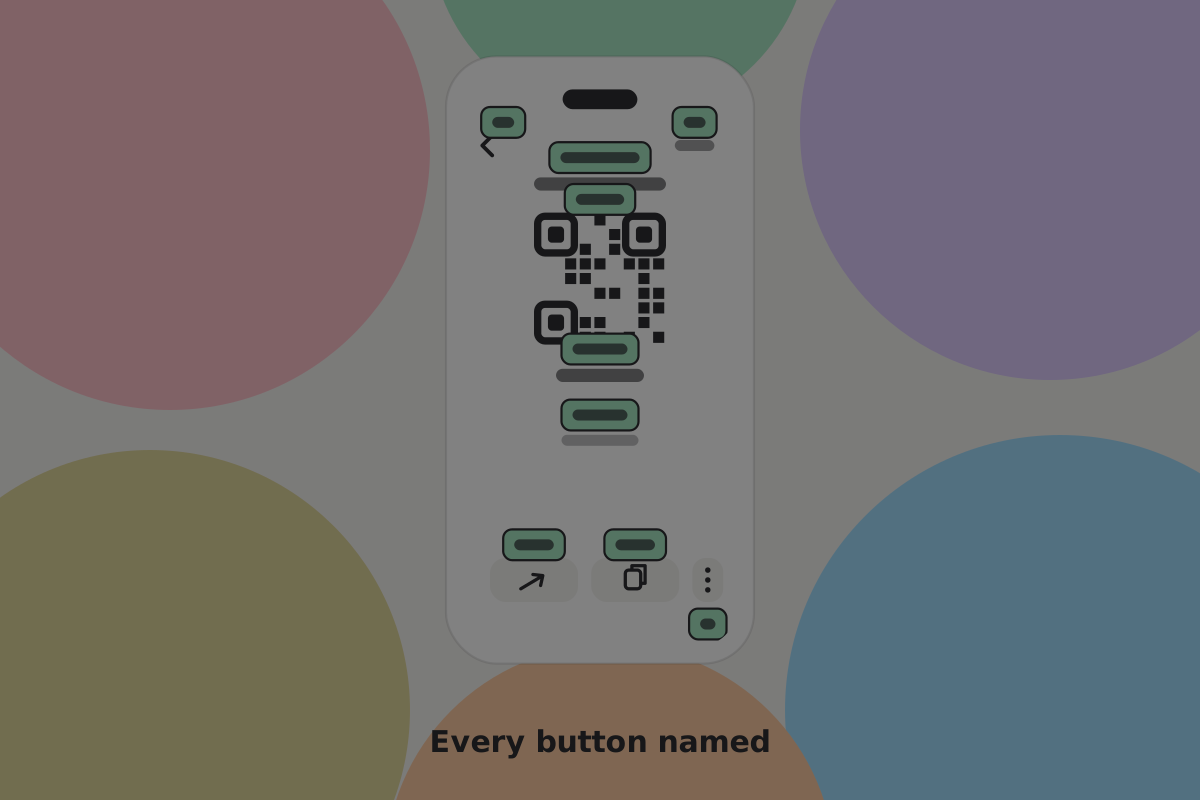 Every element selectable, ordered and named, with more than one way to share the request.
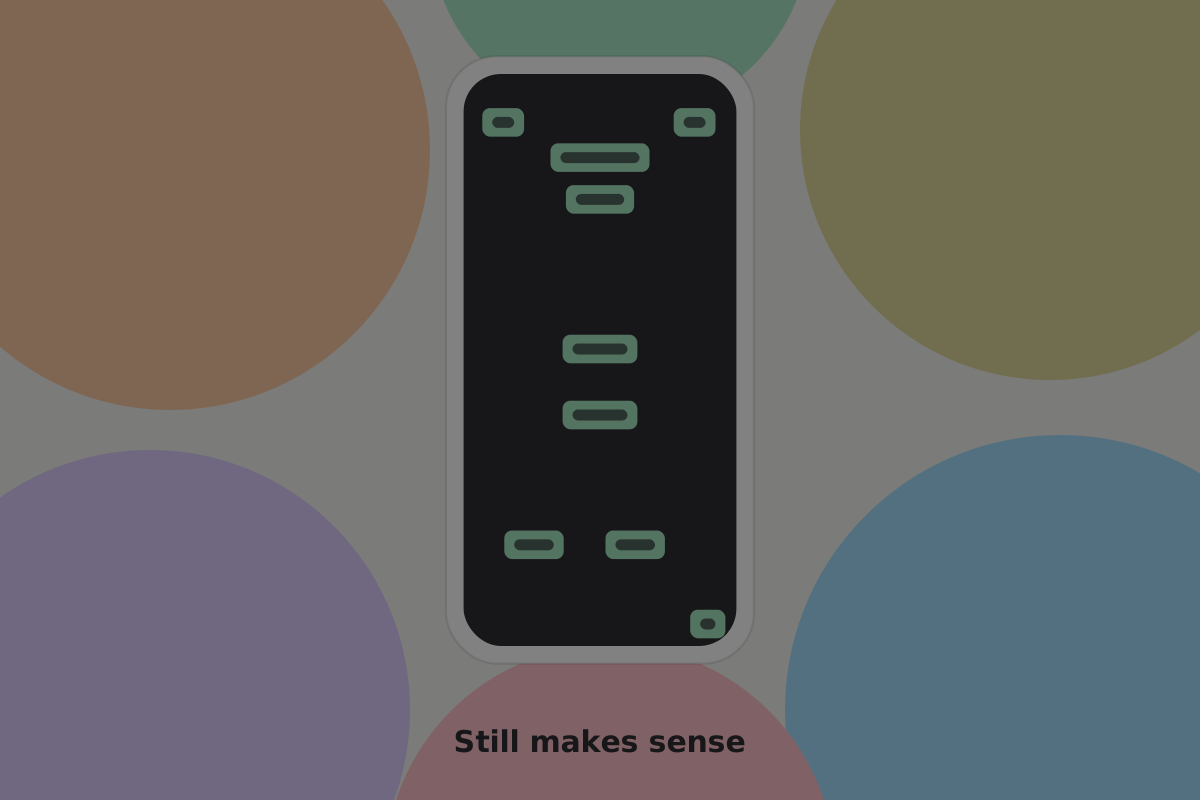 Well annotated content still makes sense when the screen cannot be seen.
Don't
Ship a control labelled "button". A QR code built as an unlabelled image is not selectable at all, so it does not exist for a screen reader user.
Do
Name the thing and its effect: "QR code, double tap to copy the payment handle".
Do
Make a wallet's permission prompt readable in full by a screen reader: who is asking, what for, and for how long. A grant the person could not hear is not consent.
Order matters
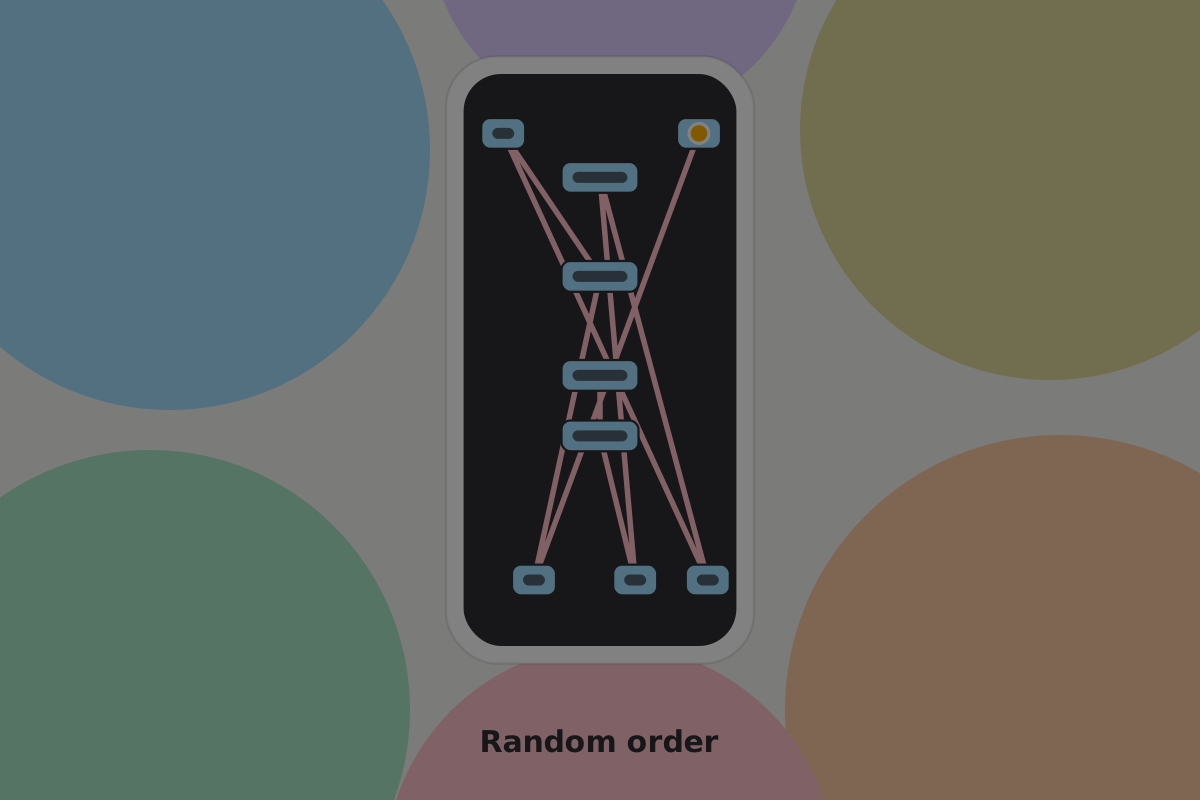 An undefined order makes the screen a puzzle for anyone navigating linearly.
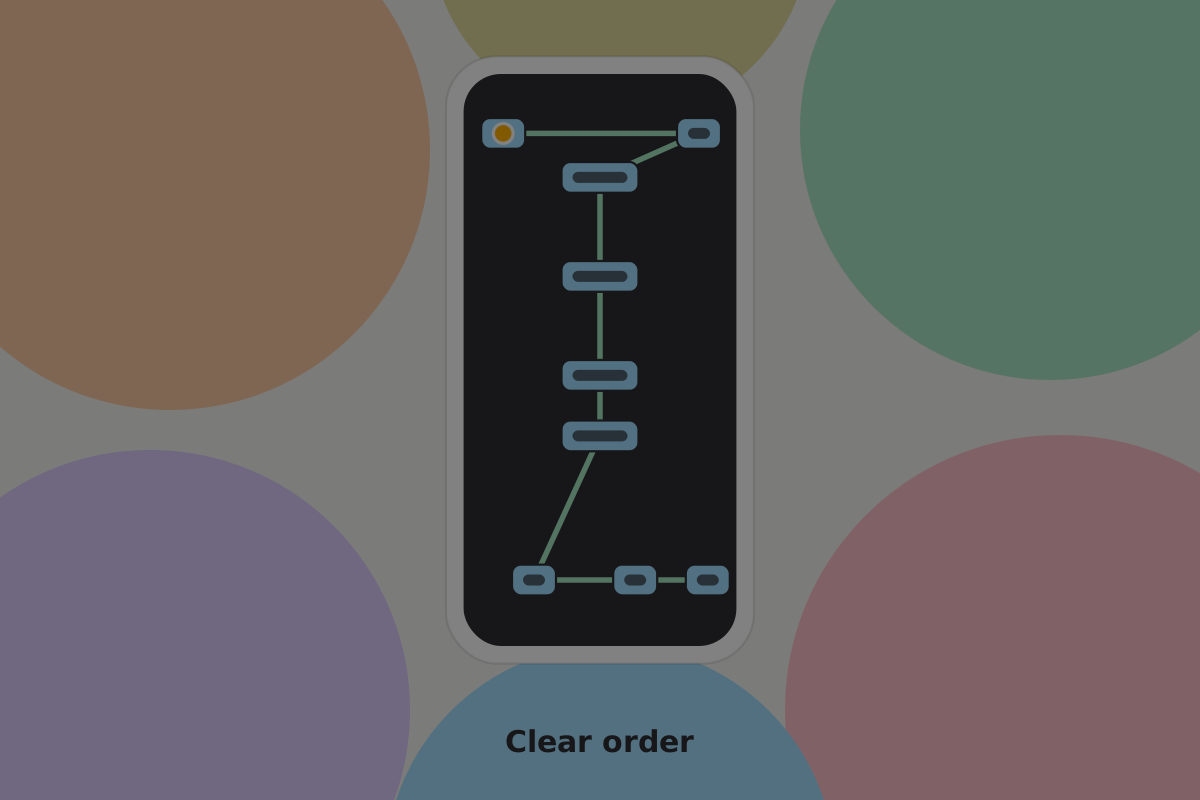 A deliberate order walks the user through the screen in the order it means.
Do
Put the recipient before the amount in the reading order of a review screen. It is the field most worth hearing first.
More than one way through
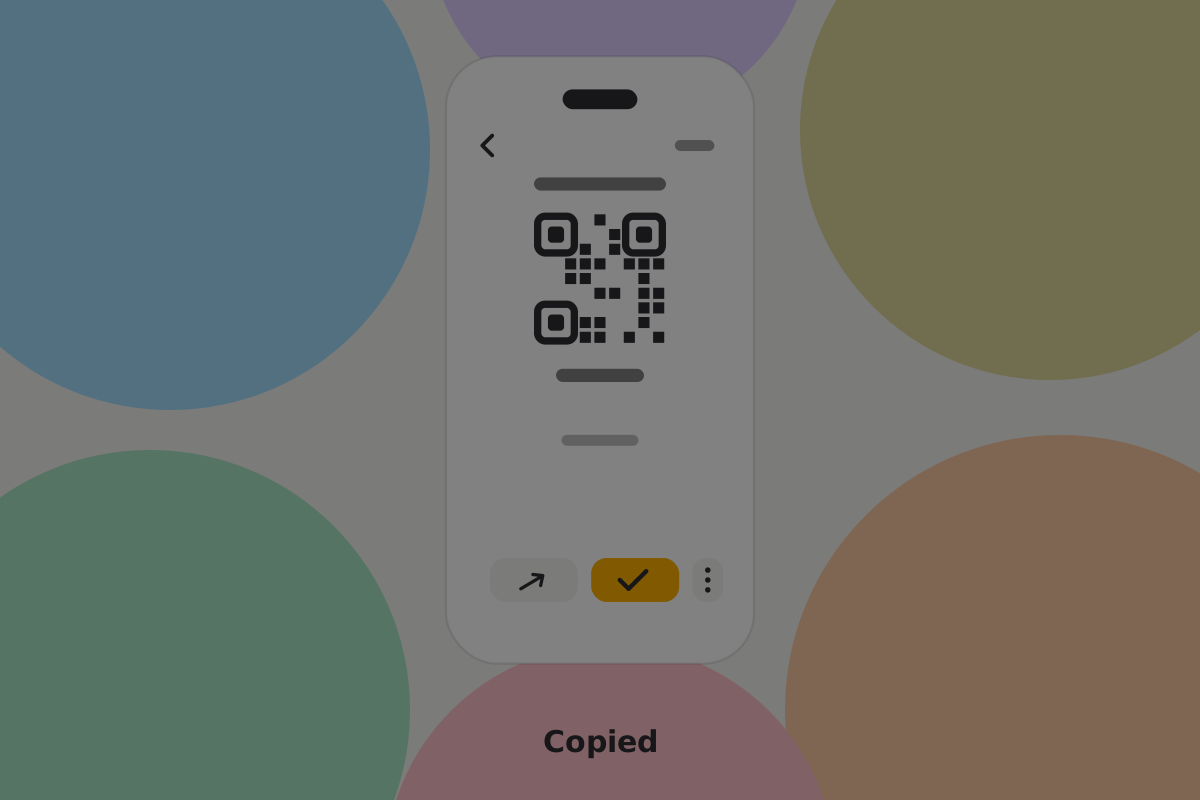 Offer alternate interactions and confirm actions in more than one sense.
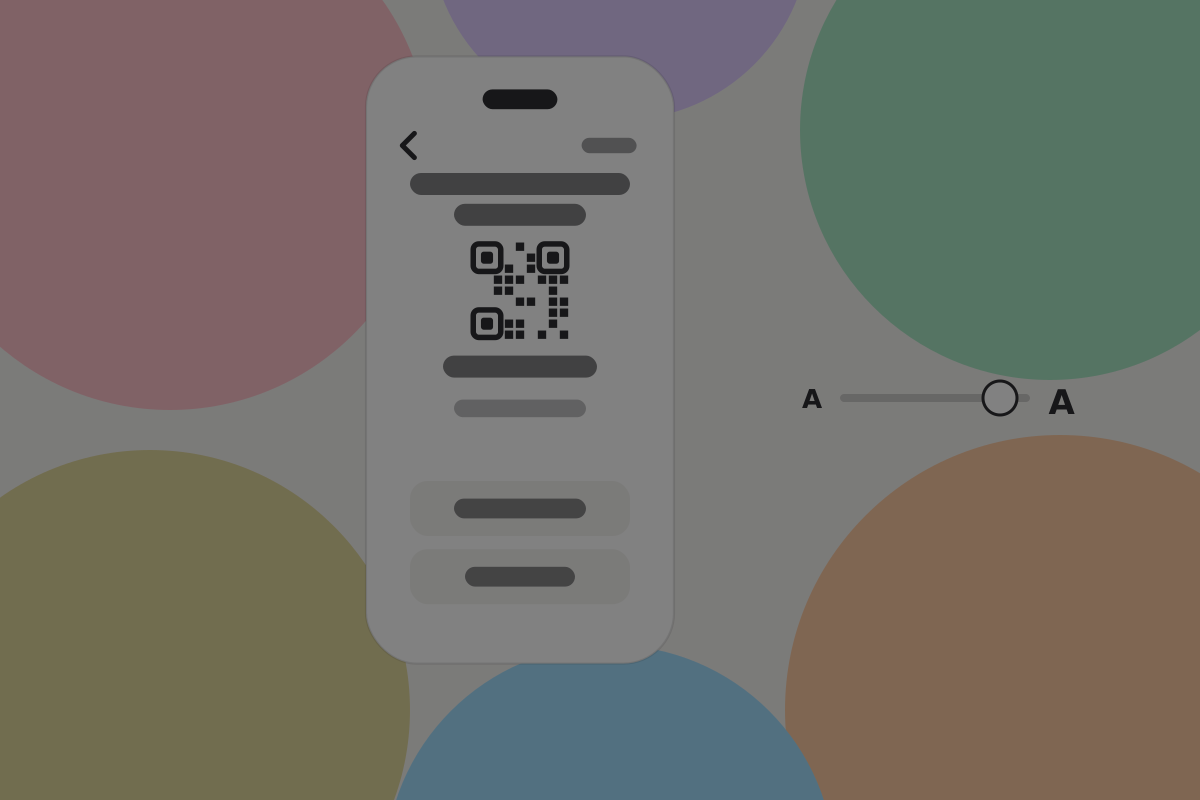 The layout has to survive the text size the user chose, along with reduced motion and increased contrast.
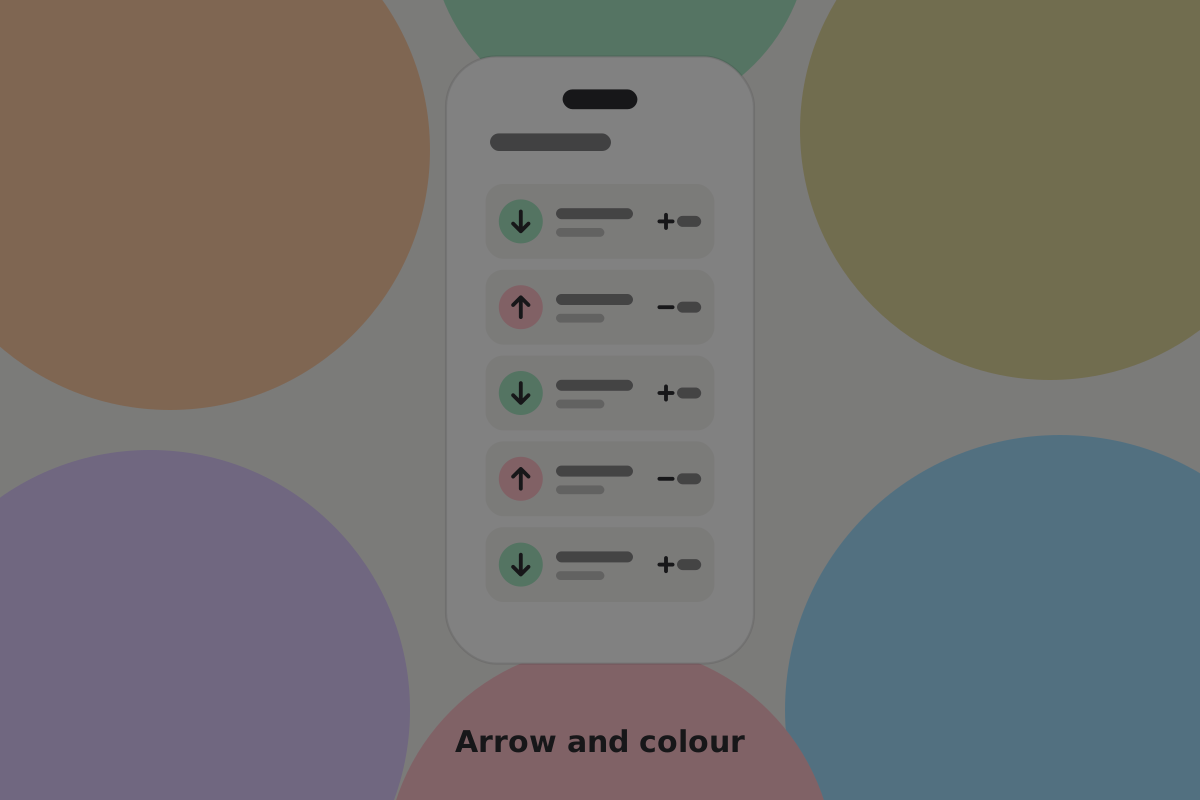 Direction carried by a sign as well as a colour, so greyscale loses nothing.
Do
Give every scan a typed or pasted equivalent. A user who cannot aim a camera still needs to pay.
Do
Pair colour with a word or a symbol, always. Sent and received, plus and minus, not just red and green.
Don't
Put a countdown on a confirmation. Nothing here expires, so a timer is a difficulty you added. If a rate quote goes stale, refresh it rather than timing the person out.
Amounts and numbers
Do
Make sure an amount reads aloud correctly. "12,500 sats" should be spoken as a number and a unit, which means it has to be text with a real unit beside it.
Do
Use fixed-width digits (tabular-nums), so a changing balance does not shift the layout under a magnified viewport.
See Amounts and units.
Recovery, for everyone
Words on paper should be one way to back up a wallet, not the only one.
Do
Offer at least one route that does not need handwriting: an encrypted file the user stores themselves, split shares held by people they trust, or a signing device.
Do
Let the words be read aloud in private, and let the confirmation step be completed with a screen reader. A test that only works by sight makes recovery impossible later.
See Backup and recovery.
Words
Do
Write at a reading age of about twelve. Short sentences, common words, one idea each.
Do
Say what happened and what it means for the money. "The payment did not go through. Nothing left your wallet." beats an error code every time.
See Glossary for which terms belong on screen at all.
Testing
Do
Run the send and recovery flows with the screen reader on and the screen off. It takes an afternoon and finds problems an automated audit misses.
Do
Include people with disabilities in research, paid, rather than simulating them.
See Conducting research.
Tools and references
Built into the operating systems: VoiceOver, TalkBack, Narrator, keyboard navigation, voice control and eye tracking. Most work without special effort, provided the screen is marked up honestly.
- Web content accessibility guidelines (WCAG) 2.2
- Accessibility guidelines for non-web software
- Apple, Android and Microsoft accessibility guidance
- Usability studies for accessibility, Nielsen Norman Group
Related
Written from: WCAG 2.2, WHO World report on disability, UNESCO.
Checklist
The rules on this page, in a form you can work through.
15 rules