

Hardware categories
The physical objects in a BSV product's picture, from a sheet of paper to a till, and which of them a designer actually has to account for.
Several physical objects end up inside the flows you draw. A backup screen that ignores what the user is writing on will fail.
Physical backups
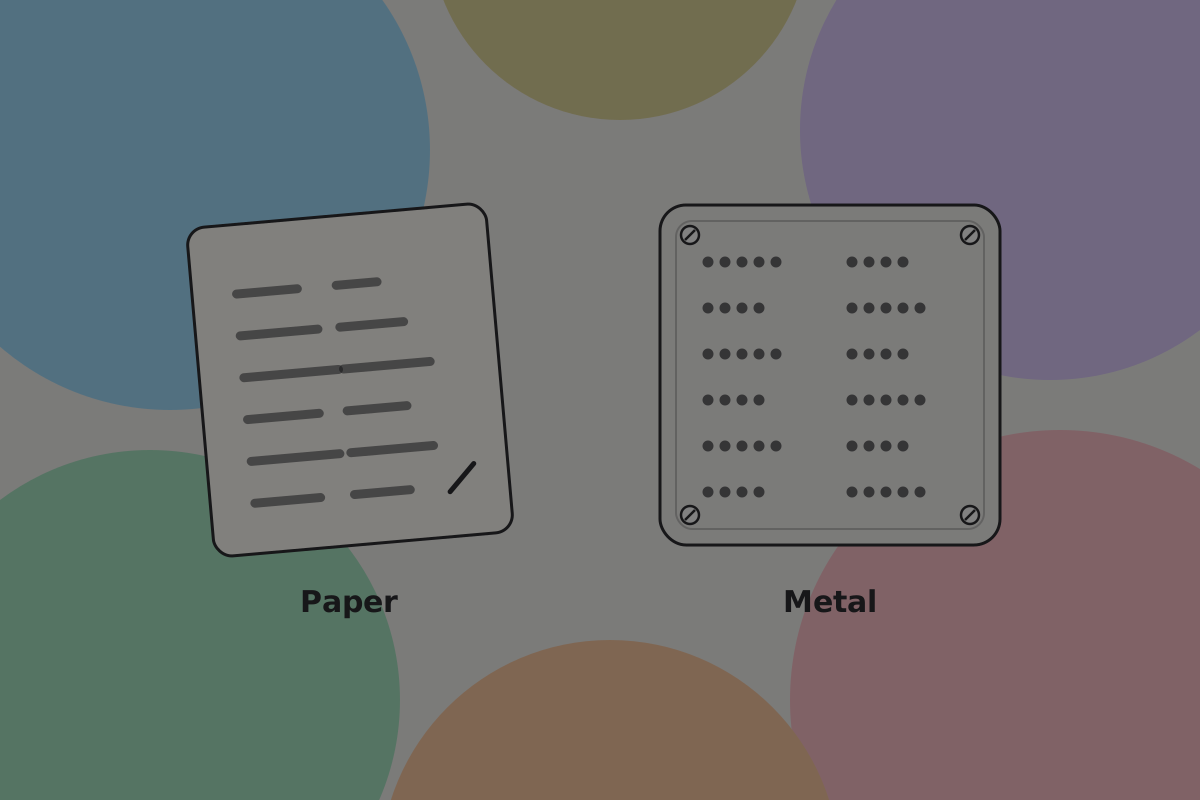
Paper, card, or stamped metal holding recovery words or backup shares. The cheapest form of key storage, and the one many of your users will rely on.
Paper is fine, and fails to fire and water. Metal plates survive both, cost more, and take longer to make.
Do
Suggest two locations in different buildings, in plain terms. "One at home, one somewhere else you can reach" is advice somebody can act on.
Don't
Let recovery words reach a screenshot, a cloud note, a password manager on the same device, or a chat message.
Do
Block screenshots on the screen showing recovery words, where the platform allows it.
See Manual backup.
Signing devices
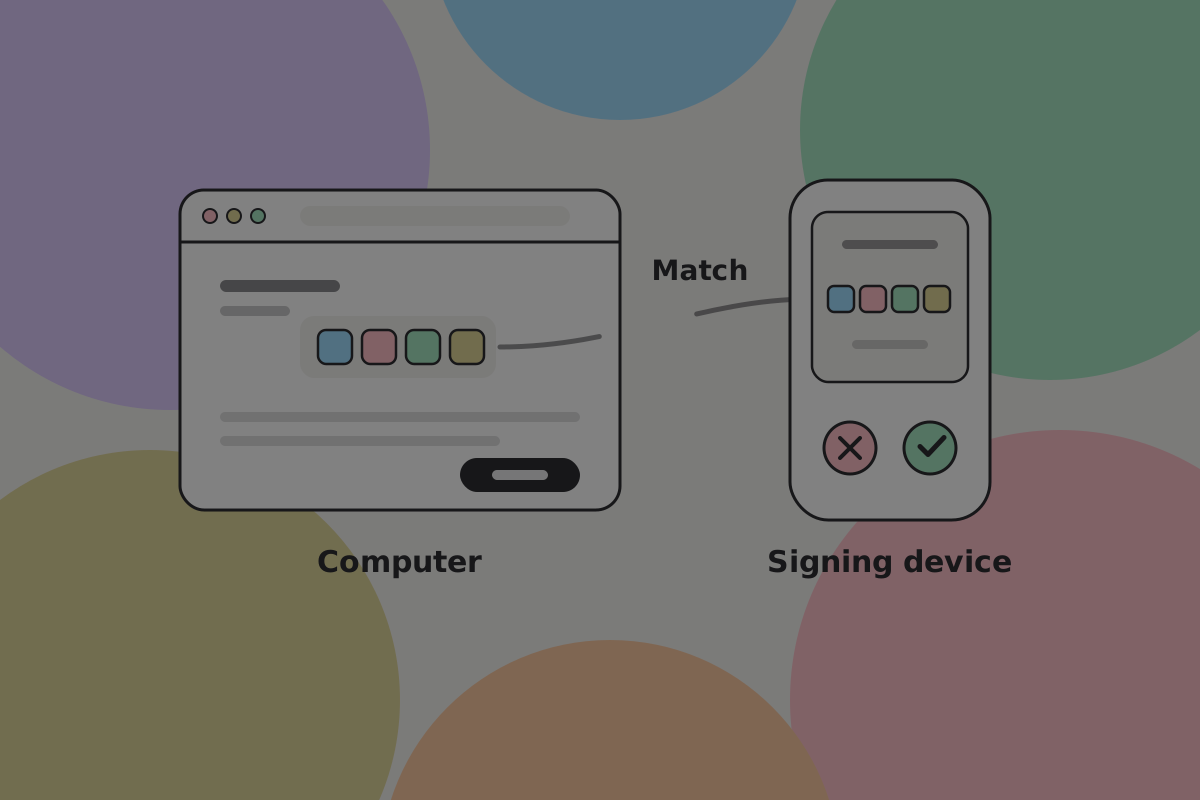
Devices whose only job is to hold a key and sign with it. Often called hardware wallets, though "signer" is more accurate: the money is on the chain, not in the device.
What matters for design is the second screen. It is the only display malware on the user's computer cannot rewrite, which means the comparison between the two screens is the security model.
Transfer happens over USB, over removable storage, or optically. The optical route is the BSV-specific one: a signed transaction with its proofs is too large for a single code, so the air-gap transport (BRC-141) splits it across an animated sequence of codes, and the camera collects frames until it has enough to rebuild it.
Do
Show progress as a proportion collected while an animated code is being scanned. Users point a camera at a flickering screen for several seconds and need to know it is working.
What exists today
No mainstream signing device ships native support for the BSV path described above. Where one works with BSV, it is older desktop software driving it by an older route, which buys key isolation and little else. Check current support with the manufacturer before you design a flow around it. See External signers.
Node and mining hardware
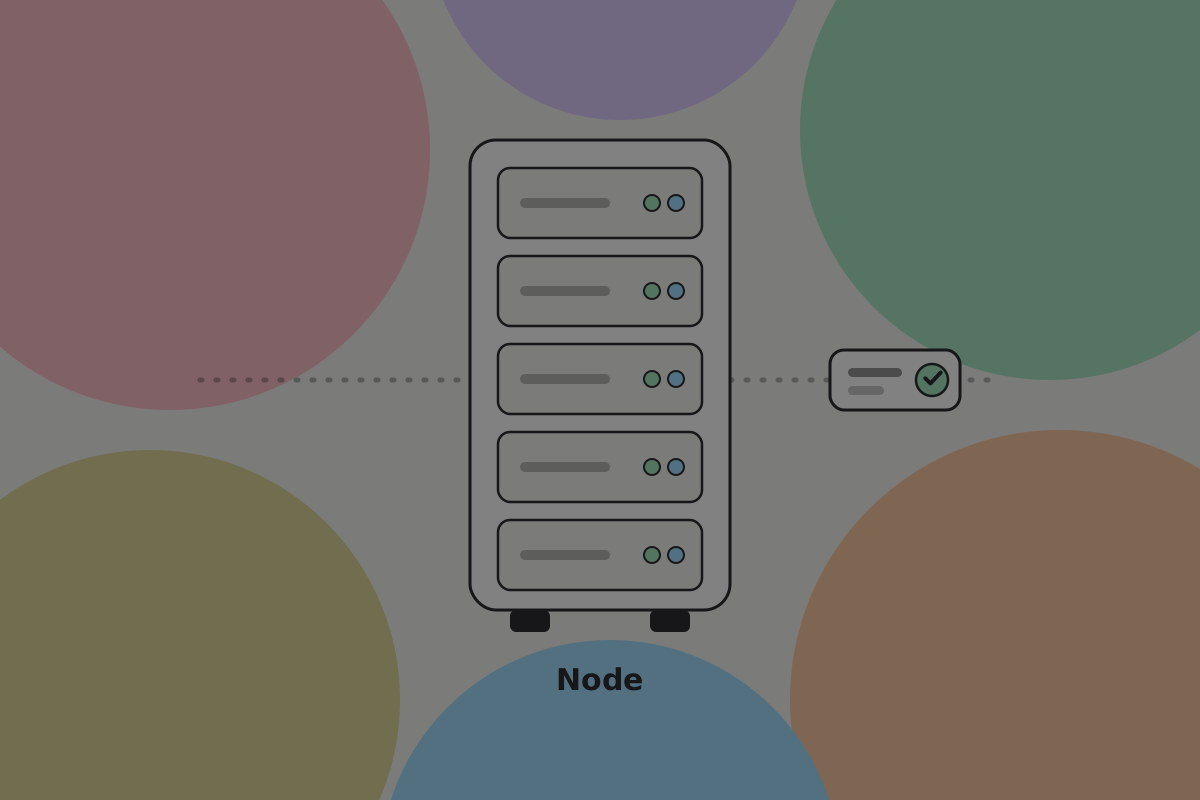
Servers running node software such as Teranode, and purpose-built machines doing the proof-of-work computation. Miners and large businesses run both, sited where electricity is cheap.
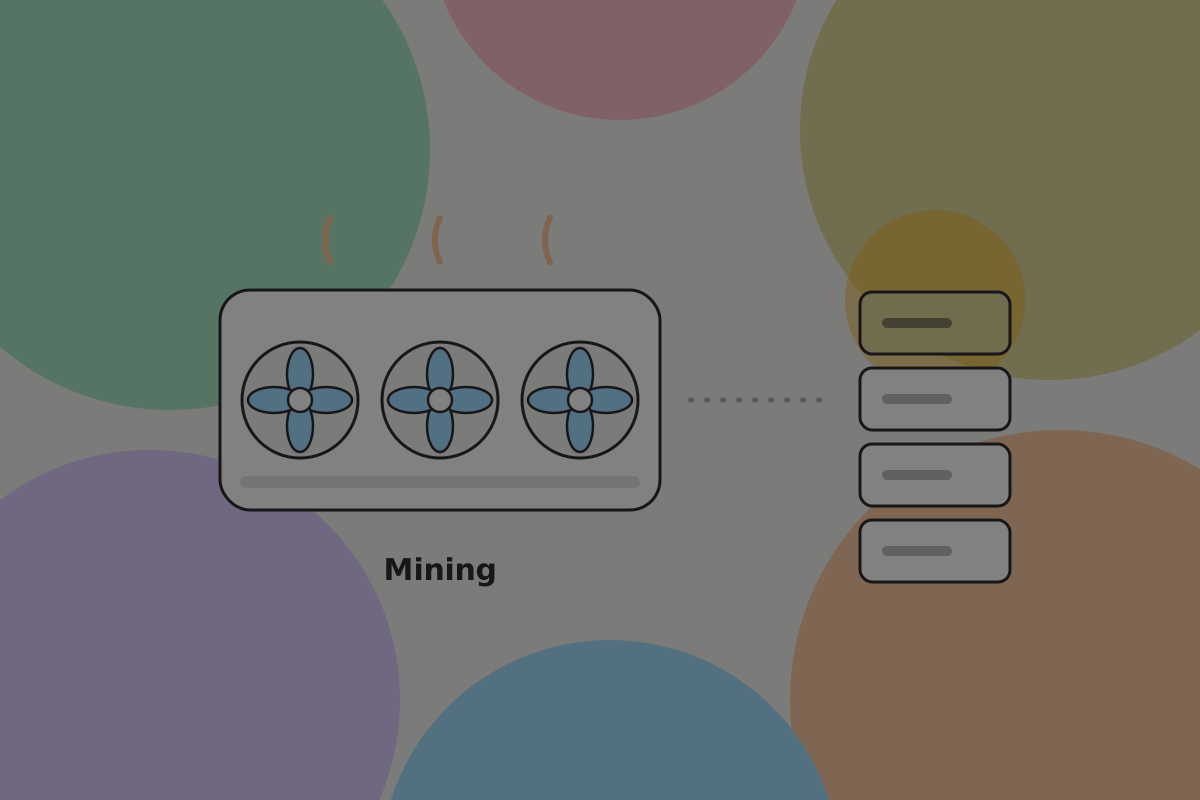
This is the category to stop worrying about. On BSV users do not run nodes, so there is no "connect to my node" setting to design and no hardware to recommend. Mining matters to a designer only as the reason the chain is secure and capacity keeps up with demand. See Nodes and verification.
Point of sale
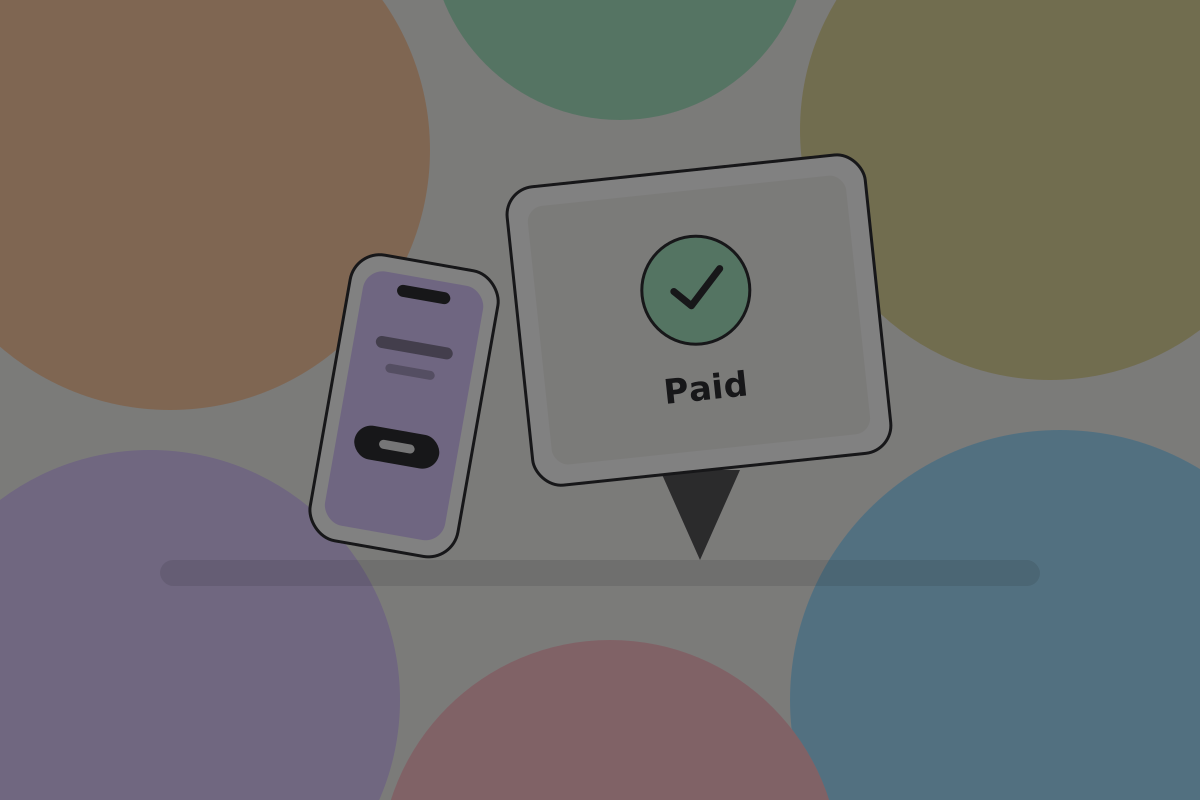
Terminals, tablets and phones taking payments in shops. The hardware is ordinary; what is unusual on BSV is the timing. Because the recipient's wallet confirms acceptance directly, the till can show "Paid" while the customer is still at the counter.
Do
Design the paid state for a glance across a counter. Large, unambiguous, and legible to both people at once.
Don't
Make a shopkeeper wait on a confirmation count for a cup of coffee. See Transactions.
ATMs
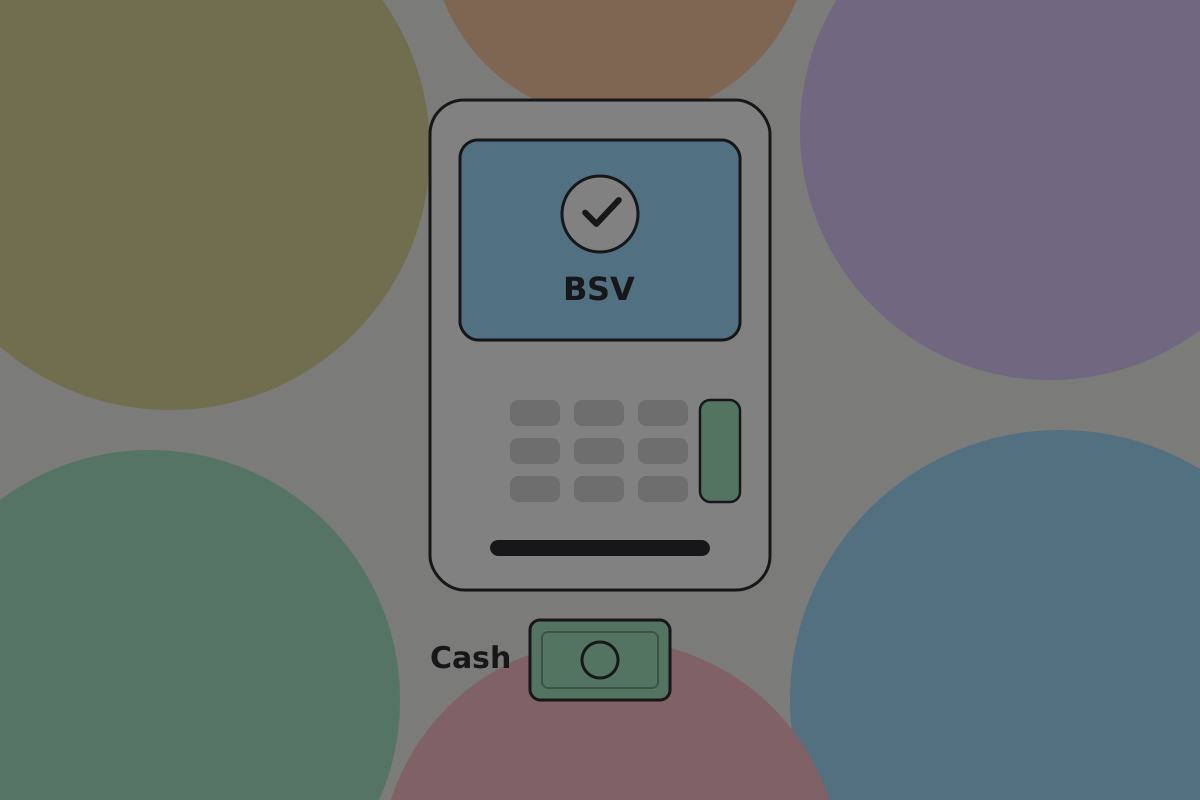
Machines that exchange cash for BSV and back. Rare, and worth knowing about mainly because they are one of the few ways to get started without an exchange account and an identity check.
Do
Say what the fee is before the user commits. An ATM's margin is often a large share of a small purchase, and a product that routes somebody to one without saying so has not been straight with them.
Related
Written from: BRC-140, BRC-141, BSV wiki.
Checklist
The rules on this page, in a form you can work through.
7 rules