

Backup and recovery
Why a BSV wallet backup has two parts, what each one restores, and how to design a flow that tells users the truth about it.
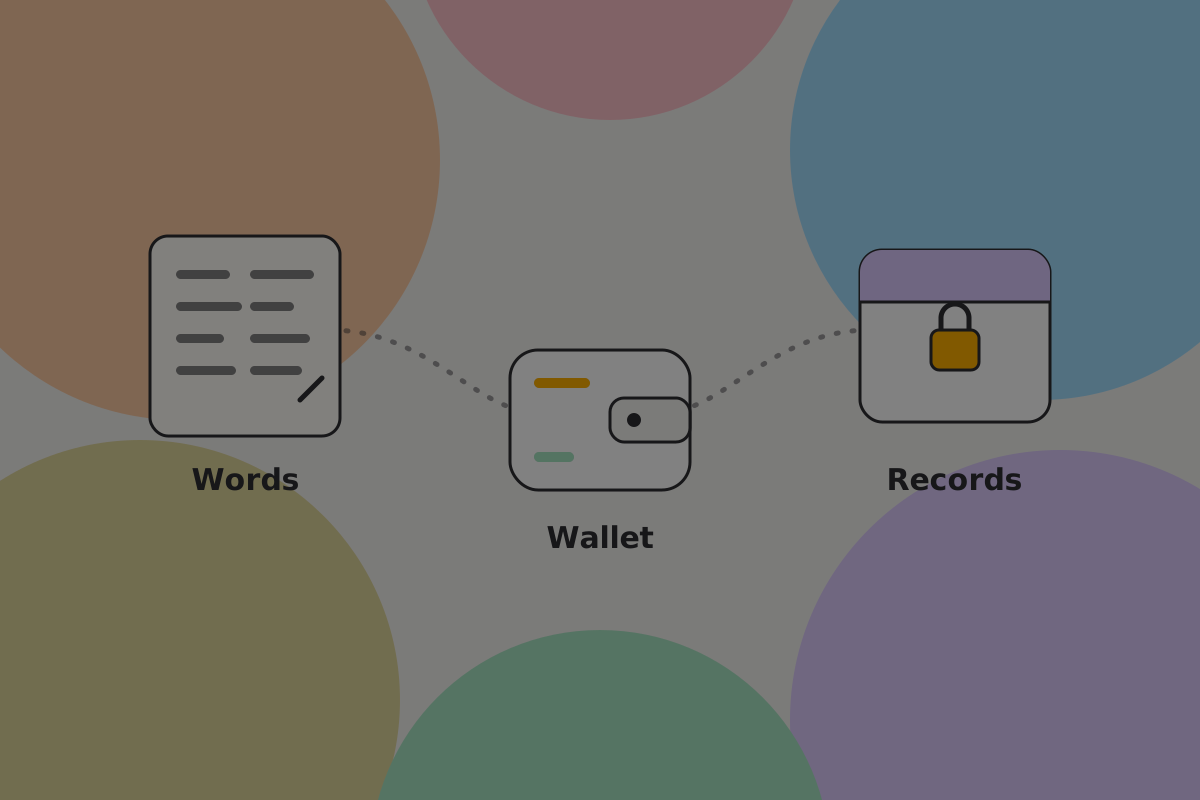
A complete backup has two parts. A design that backs up one while calling it "backup" leaves the user believing they are safe when they are not.
The two parts
| What it is | What it restores | Who holds it | |
|---|---|---|---|
| Recovery words | Words on paper, or backup shares | The keys: the authority to spend | The user, offline |
| Wallet backup | The records: which outputs are the user's, and how each was derived | Which money is the user's and how to spend it | The wallet: on the device, in an encrypted export, or with a storage service the user chose |
Losing either part can lose money. Records without keys cannot sign anything. Keys without records may not find all of the user's money.
Why keys alone may not be enough
Some wallets derive every key from one seed in a fixed sequence, so the words alone let a wallet using the same scheme scan the chain and find everything. Wallets built on BSV's per-payment key derivation (BRC-42) cannot work that way.
This wallet derives a fresh key for each payment from both parties' keys plus details specific to that payment. Those details, who paid and the derivation values that came with it, live in the wallet's records. They were never written to the blockchain, so there is nothing to scan for.
Don't
Tell users "these words are your wallet" unless your wallet can restore everything from the words alone. A user who believes it will one day restore an empty-looking wallet and conclude the money is gone.
What to say
Users do not need the cryptography. They need to know there are two things and that both matter:
Your recovery words restore your keys. Your wallet backup restores your records: which money is yours and how to spend it. Keep both.
Use these words everywhere the backup appears: onboarding, the backup screens, settings and recovery.
Do
Put both items on one screen, each with its own state, so the user can see at a glance that one is done and the other is not.
Don't
Call the whole thing "backup" and show one tick. That is the error this page exists to prevent.
How each part is backed up
The two parts have opposite requirements, so they are separate flows.
Recovery words are backed up once and should then never change. They go on paper or metal, offline, in the user's keeping. See Manual backup.
Records change constantly. Every payment received adds to them, so a backup from last week is missing this week's money. They have to be backed up continuously and automatically, which means encrypted storage rather than paper. See Automatic cloud backup.
In this design the wallet backup is encrypted on the device with a key derived from the recovery words. The words and the backup together restore everything, with nothing else to remember. Storing the backup with a service is an explicit choice the user makes at setup; the wallet never switches it on silently.
When to ask
Ask for the records backup at setup and the key backup when there is money to protect. The flow is on First use.
Avoiding the circular backup
A backup that can only be opened with something stored on the lost phone is not a backup. It is easy to design in by accident: a two-factor code that arrives on the lost phone, an encryption key in its keychain, a password manager only installed there. Each fails at exactly the moment the backup is needed.
Do
Walk the recovery path assuming the device is gone, not locked, and remove anything that only exists on it.
Testing it
Offer a recovery check the user can run at any time (see Manual backup and Settings), and run a full recovery drill before launch, as described on Recovery.
Always provide an exit
Every wallet should let the user send ordinary BSV to any plain address, clearly labelled, working without your servers or any vendor service. It is the last-resort route out if everything else fails. See Legacy compatibility.
Open questions
- Does the explanation leave users believing the words alone are enough?
- Do users who opt in to remote records backup understand that a provider holds their encrypted records?
- How often does records backup stop without the user noticing?
In this section
- Manual backup: the recovery words, on paper or in shares.
- Automatic cloud backup: the wallet backup, encrypted and continuous.
- Recovery: putting both back, on a new device.
Related
- Backups: the concept in full
- Private key management
Written from: BRC-38, BRC-39, BRC-40, BRC-42, BRC-75, BRC-140, BRC-157.
Checklist
The rules on this page, in a form you can work through.
4 rules