

Security
Locking the app, approving payments, and managing what connected apps are allowed to do, which is where the real risk in a connected wallet lives.
Three things, in increasing order of how specific they are to BSV: locking the app, approving payments, and governing what connected apps may do.
The third is the one specific to a connected wallet, and it is where the real risk lives.
Locking the app
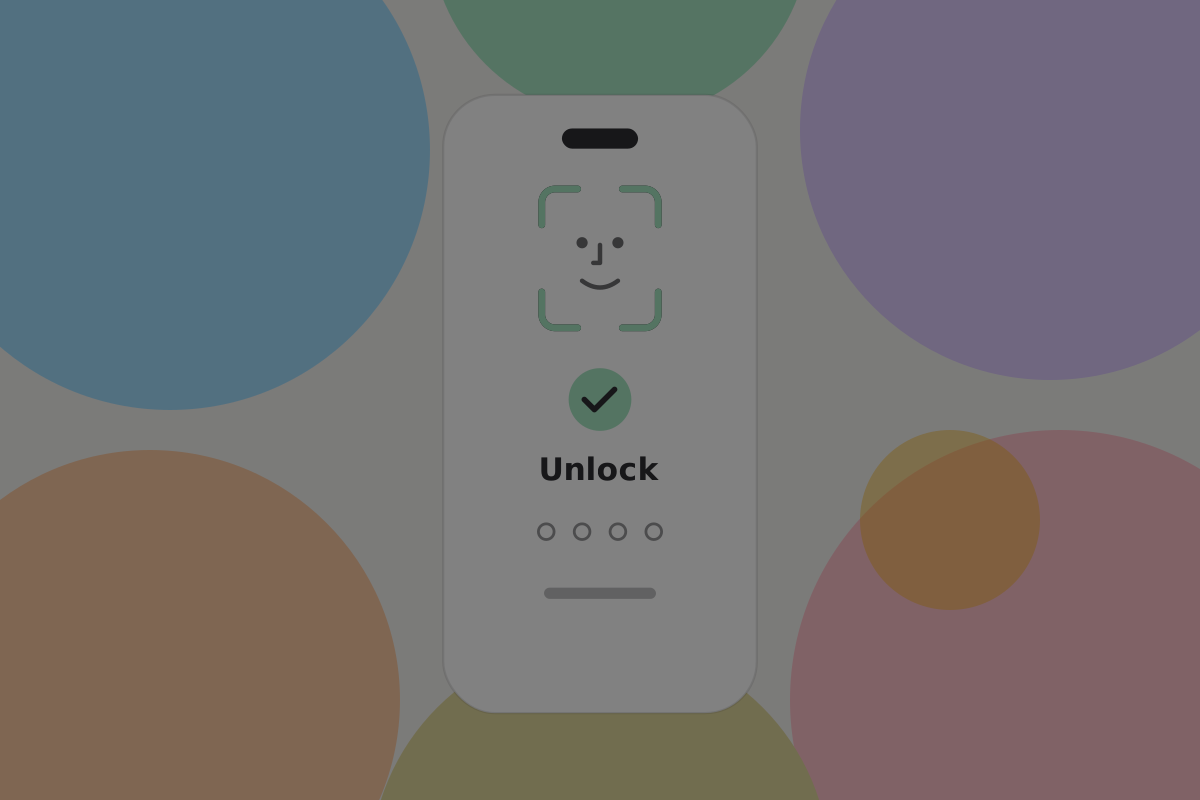
Use the device's own biometric with a passcode fallback, set during onboarding. It protects against somebody picking up an unlocked phone.
Do
Use the platform's authentication rather than inventing a second one. It is what people already use, already trust, and already have recovery for.
Do
Let the user set a threshold above which authentication is required per payment, and default it to something sensible rather than to every payment or to none. We suggest an amount around the price of a coffee.
Don't
Require authentication to open the app and again for every payment under a pound. People turn off what gets in their way, including the parts that were protecting them.
Approving payments
The review screen is the last chance to catch a mistake, and the mistake is almost always the recipient. See Sending.
Two cases deserve more than the default:
A new recipient. Nothing saved, nothing to compare against. Resolve the handle and show the profile before confirming.
A contact whose key changed. Either a legitimate rotation or an attempt to redirect payments. Require acknowledgement. See Contacts.
Governing connected apps
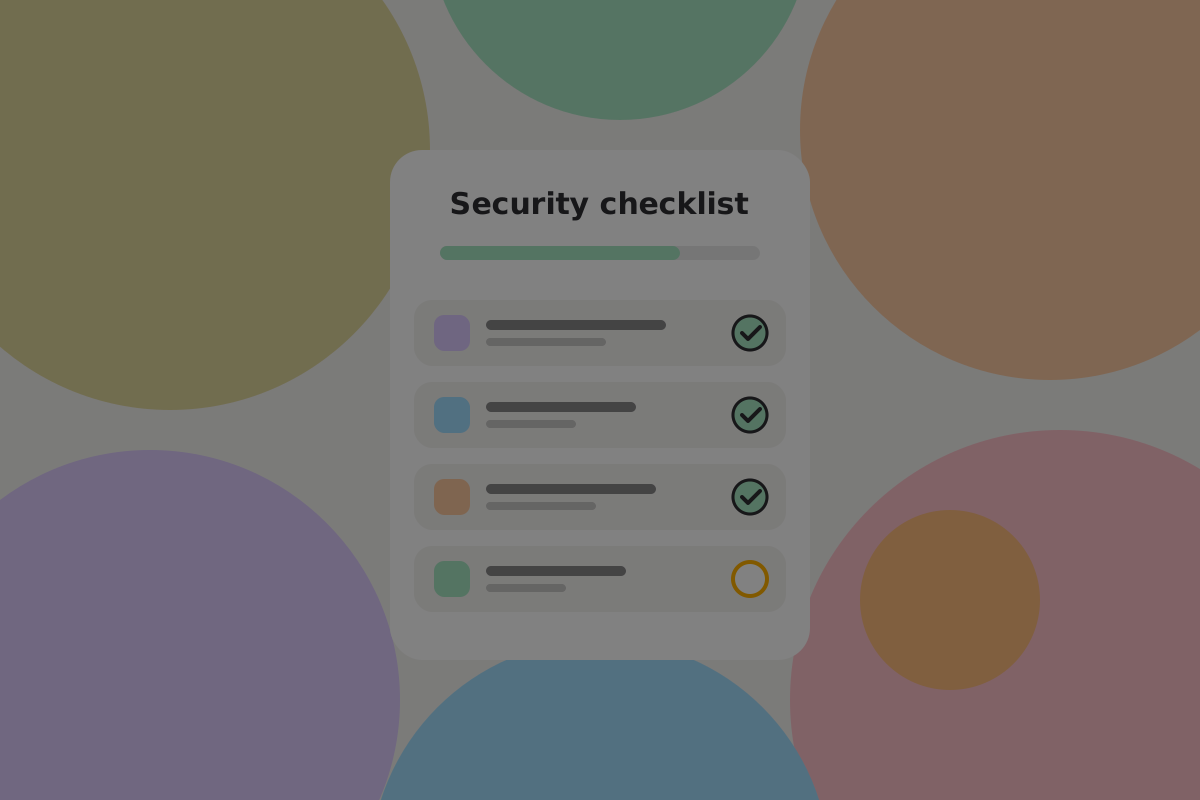
This is the part worth the most attention. The independent risk assessment of the wallet interface (BRC-151) is blunt about how much a connected wallet can be asked for: money, permissions, transaction history, identity and Passes all pass through one interface. See Permissions and allowances.
The permissions dashboard

Every connected app, what it may do, and one action to stop it.
Do
Show spending against the allowance as a number and a proportion, per app. "The Satoshi Vision: 1,240 of 5,000 sats this month" is what a user needs to judge whether to keep it.
Do
Make revoking immediate and obvious, and say what it will break: the app stops working until it asks again.
Do
Expire spending and sensitive permissions by default, and tell the user when one is about to lapse rather than renewing it silently.
Don't
Bury this in settings. It is the control panel for everything that can spend the user's money without asking each time.
Spending allowances
An allowance is what makes per-use payment usable: the user agrees a budget once and small payments stop prompting.
Do
Set allowances per app, with a per-payment cap as well as a total. A thousand payments of a satoshi and one payment of a thousand satoshis are different risks.
Don't
Offer an unlimited allowance. There is no amount of convenience that justifies it, and a product offering it will have users who accepted it without reading.
See Permissions and allowances.
Key linkage requests
The request most likely to be approved without understanding, because it sounds technical and is not.
Important security note
Revealing key linkage for a whole relationship lets the app work out every key the user has used, or will use, with that counterparty, and read messages encrypted under them. Present it as what it is, not as one permission among others. See Wallet privacy.
Do
Give it its own confirmation, outside any bundle, naming who is asking and what they will be able to see.
Don't
Include it in a connect-time grant. Nothing legitimate needs it at connect time.
What inadequate security looks like
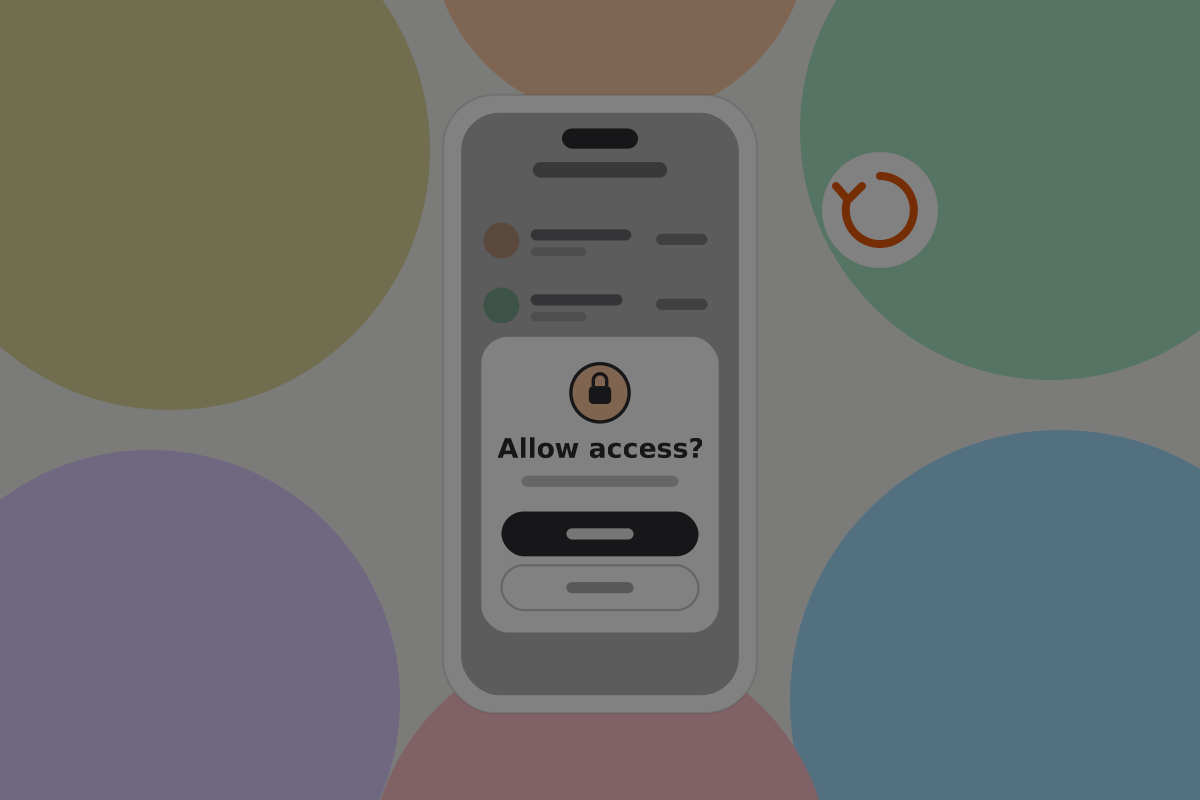
These patterns all look reasonable in a design review:
- A permission prompt that reappears until accepted.
- Pre-ticked permissions, or a single "allow all".
- A dashboard that lists apps but not what they have spent.
- An allowance with no expiry and no cap.
- A security reminder that blocks the app, so users learn to dismiss without reading.
The first two are Don'ts on Permissions and allowances; the rest break rules on this page.
Reminding without nagging
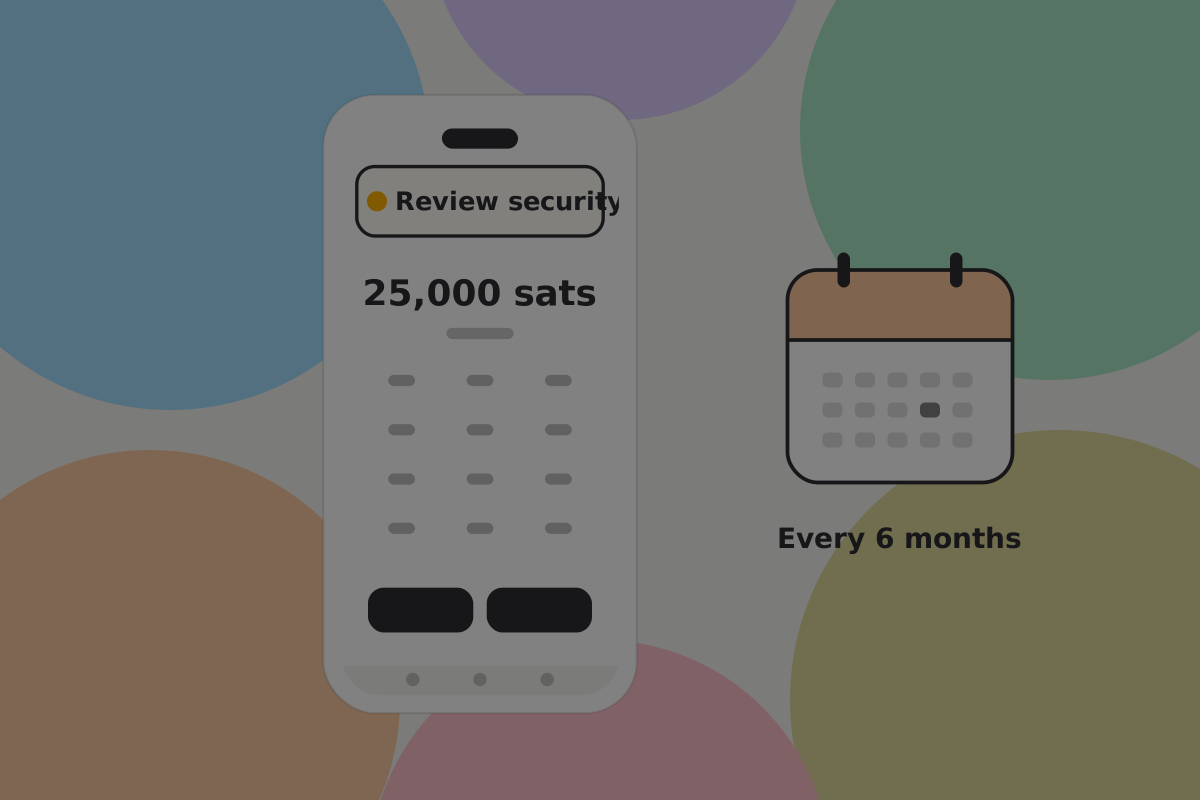
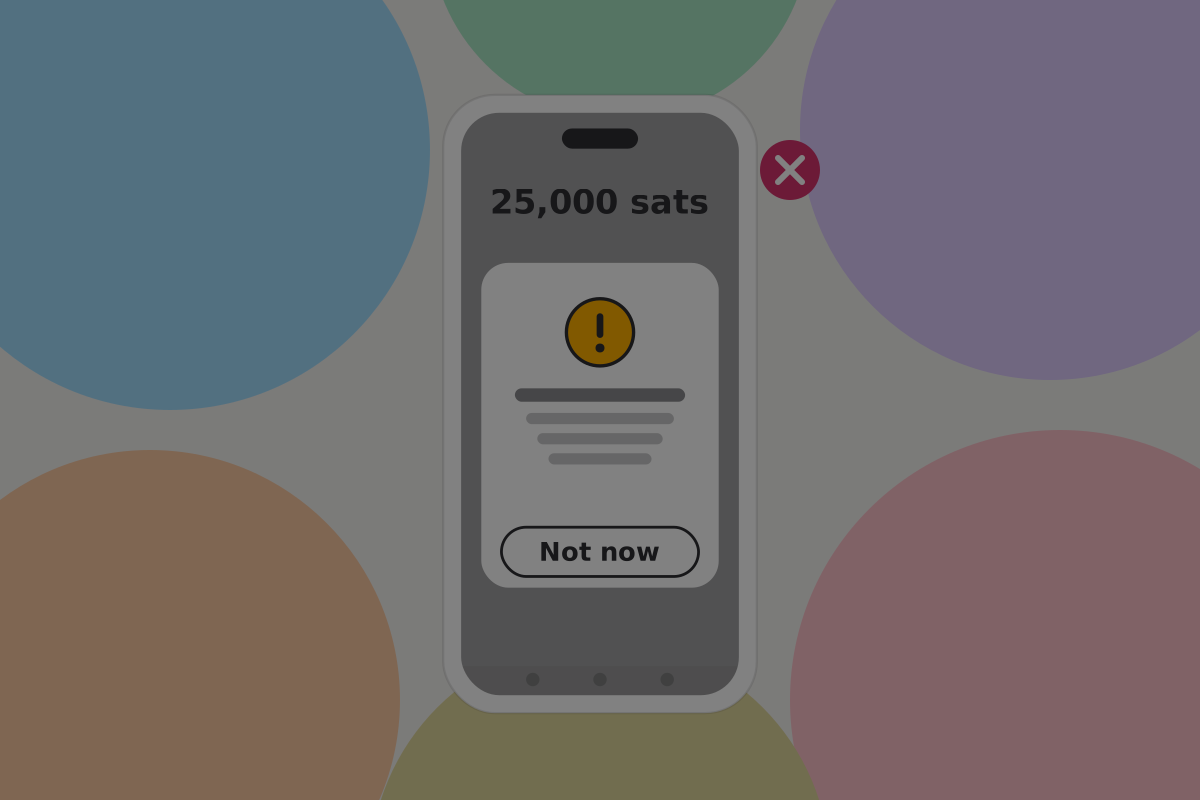 The modal version, shown for contrast. This design uses the banner, specified on First use.
Don't
Show a modal on launch. It is the most ignored component in software, and it trains people to dismiss your warnings as a reflex.
Related
- Connecting a wallet
- Permissions and allowances
- Contacts
- Privacy
- Backup and recovery
- Wallet setups: what does not belong in this wallet
Written from: BRC-43, BRC-69, BRC-100, BRC-151.
Checklist
The rules on this page, in a form you can work through.
12 rules