

Sending
Paying a person, a shop or an app on BSV, and the review screen that is the only chance to catch a mistake.
The flow is short: who, how much, confirm. It is worth a page because a payment is final once accepted, and the "who" step is where people get defrauded.
There is no fee to choose, no invoice to decode, no expiry and no protocol to pick, so none of them appear in this flow.
The shape of it
- Pick who. A contact, a handle, a QR code, or a request someone sent.
- Enter how much, or accept the amount the request specifies.
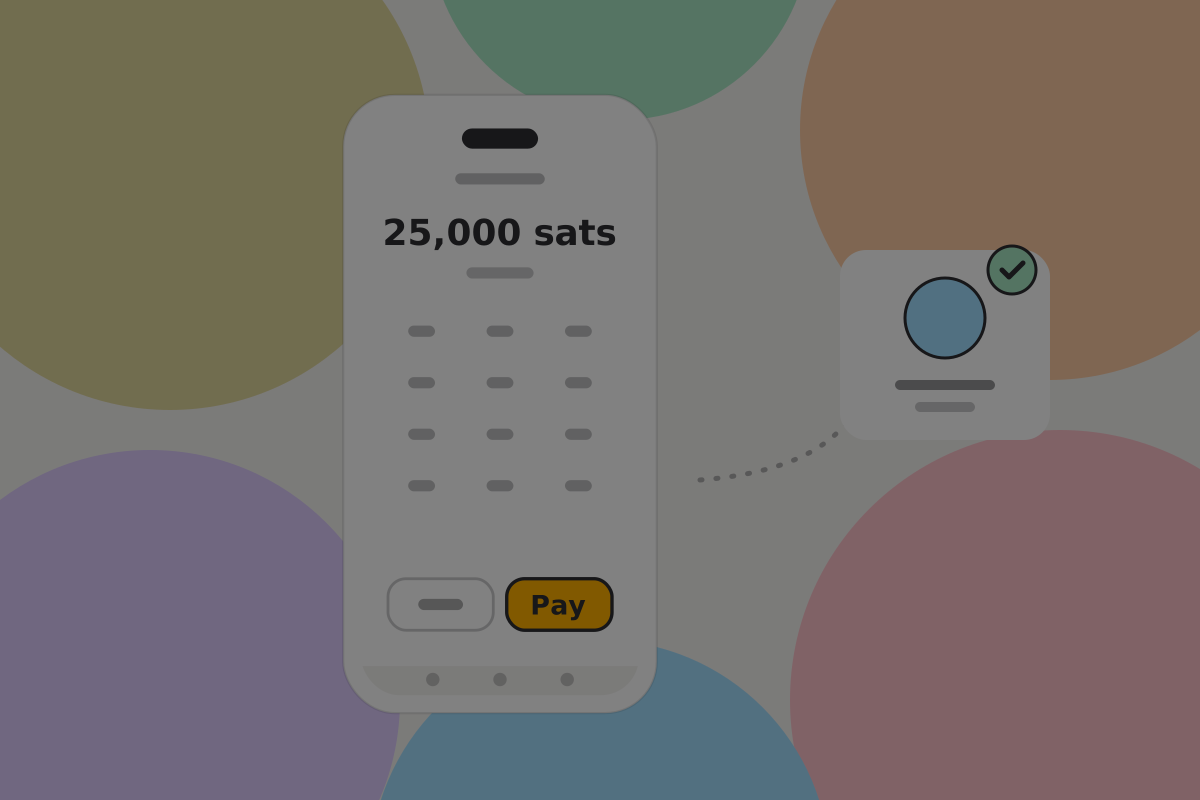
- Review, with the recipient shown as a person rather than a string.
- Confirm, once, with the device's authentication when the amount is above the user's threshold.
- Done, with the recipient's acceptance arriving in seconds.
Picking who

Four ways in, in descending order of how safe they are:
| How | Safety | Notes |
|---|---|---|
| A saved contact | Highest | No typing, and the wallet can warn if the key changed |
| Scanning a QR code | High | The code carries the handle; nothing to mistype |
| A request someone sent | High | Amount and recipient both come from the request |
| Typing a handle | Lowest | One character wrong is a different person |
Do
Autocomplete from contacts before accepting free text, and make saving a new recipient the obvious next step after a first payment. The second payment to someone should never involve typing.
Do
Resolve the handle and show the profile name and avatar before the confirm button. Paying "Anna Keller" is checkable; paying anna@example.com is only spellable. See Paying by handle.
Don't
Let a typed handle go straight to a confirm screen with no resolution step. The resolution is the check.
When the key behind a contact has changed
A saved contact whose identity key is different from last time is either a legitimate rotation or an attempt to redirect payments. The wallet warns before paying, and requires acknowledgement. The wording is on When the key changes.
Entering how much
Do
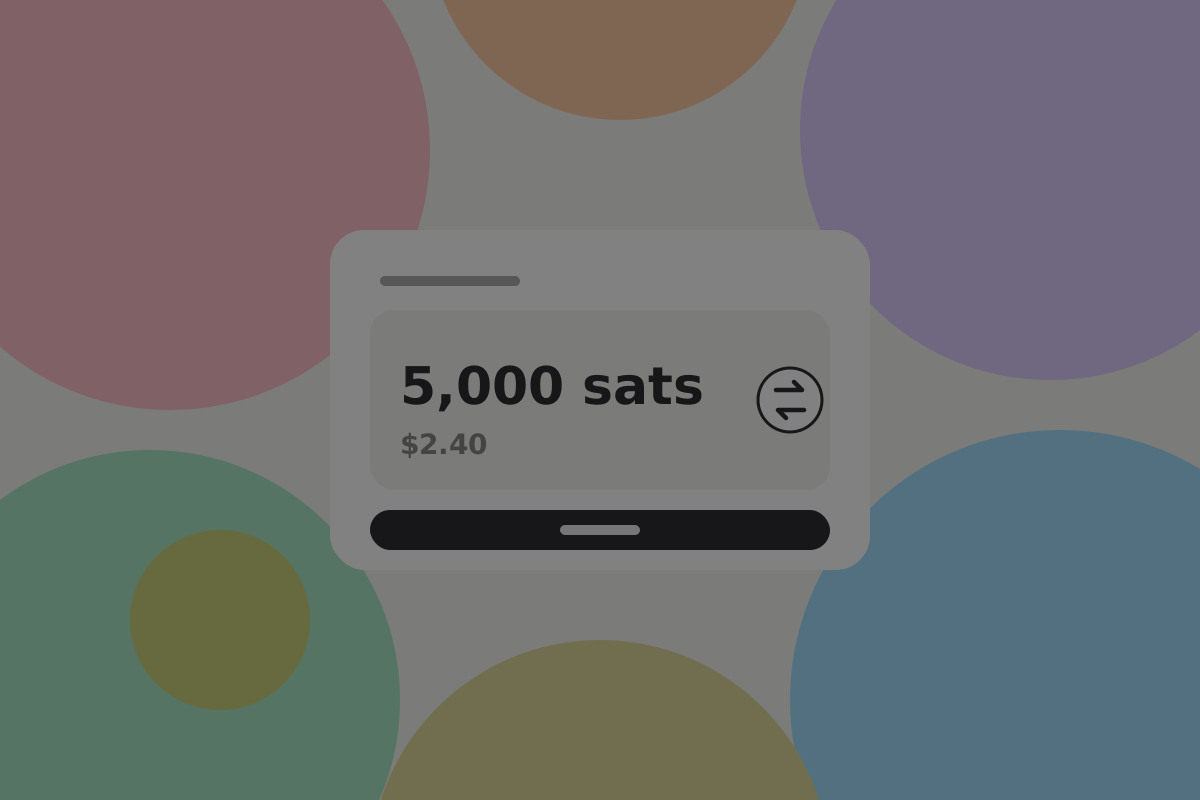
Default to the unit the user set, and let them switch between it and their local currency in one tap. See Amounts and units.
Do
Allow very small amounts without complaint. A payment of 50 satoshis is ordinary, and a minimum blocks it for no reason.
Don't
Show a "max" button that empties the wallet without saying so. Label it with the resulting amount.
Paying apps
An app that charges per use does not go through this flow at all. It asks the wallet, the wallet checks it against the allowance the user granted, and if it fits, nothing is shown.
That is the point of allowances, and it is also the thing to get right: a user who granted an allowance should be able to see what it has been spent on without hunting.
Do
Show the running total against the allowance somewhere the user passes regularly, and make every agent or app payment visible in activity, marked as such. See Permissions and allowances.
Don't
Prompt for every per-use payment. An article that costs 20 satoshis cannot carry a confirmation dialog, and a wallet that insists makes the whole category unusable.
The review screen

This screen is the last chance to catch a mistake, and the mistake is almost always the recipient rather than the amount.
It should carry:
- Who, as a profile name and avatar, with the handle smaller beneath
- How much, in both the user's unit and their local currency
- A note, optional, which the recipient will see
- One confirm action
And it should not carry a fee picker, a protocol selector, a priority choice, or an expiry countdown.
Do
Make the recipient the largest thing on the screen. The amount is usually right; the recipient is what gets checked too quickly.
Do
Require the device's authentication to confirm, above whatever threshold the user set.
Don't
Put an "advanced" disclosure on the review screen. If something matters enough to show, show it; if it does not, it belongs in the transaction's details afterwards.
After confirming
The recipient's wallet verifies the payment and replies, so the states follow that reply rather than the chain:
| State | What happened | What to show |
|---|---|---|
| Sending | Building and handing over | A brief inline spinner, not a full screen |
| Paid | The recipient's wallet accepted | Paid, with the recipient's name |
| Settling | Broadcast, not yet mined | Only for amounts large enough to matter |
| Failed | Rejected, or a conflicting spend was seen first | A plain reason and what to do |
Recommendation
Show "Paid" on acceptance and stop there for everyday amounts. A spinner that waits for a block makes the user wait for nothing. See Transactions.
While it works
Each step between confirm and Paid takes a moment, and an unlabelled spinner in that moment reads as "something is wrong". Say what is happening, in the user's terms, and name the person where there is one:
| What is happening | What to say |
|---|---|
| Resolving a typed handle | Finding Anna… |
| The wallet's own prompt is open | Waiting for your wallet… |
| Handing the payment over | Handing payment to Anna's wallet… |
| The recipient's wallet accepted it | Paid |
Do
Label every wait with the step and, where there is one, the person. "Handing payment to Anna's wallet…" tells the user what is happening and to whom.
Don't
Show a spinner with no words, or a full-screen loader for a step that takes a second. Both make an ordinary pause look like a fault.
Errors

Six worth designing properly. Full wording, codes and next actions are in Errors and failed payments.
The handle does not resolve. Say which part failed: no such handle, the domain is unreachable, or the certificate did not check out. "Couldn't find that" sends people to retype rather than to look harder.
The recipient cannot take a peer-to-peer payment. Some older services only accept a plain address. The payment can still go, with weaker confirmation. Say so rather than silently downgrading. See Legacy compatibility.
Not enough money. Say the shortfall, not just the fact. "You need 1,200 more sats" is actionable.
The payment was rejected. Give the reason in a sentence and say whether the money moved. It usually did not, and that is the thing the user wants to know first.
The user cancelled in their wallet. This is a choice, not a failure. Say "You cancelled the payment. Nothing was sent." and return them to the review screen with everything still filled in.
A conflicting payment was seen first. The same money was spent elsewhere before this payment reached the network, so the network kept the other one. Say that this payment did not go through and nothing left the wallet for it, and suggest checking recent activity. See Transactions.
Do
Say first whether money left the wallet.
Don't
Show an error code as the headline. Put it in the details for support, with plain words on top.
Sending to a plain address
Every wallet needs this, deliberately out of the main flow: a clearly labelled Send to external wallet for exchanges, older wallets, and the user's own exit route.
Important security note
An address from another network can look identical to a BSV one: several start with "1" too. Money sent to the wrong network is very hard to recover. See Wrong-network payments.
Do
Warn on every pasted address that money sent to an address on another network is very hard to recover, and offer the user's contacts or a handle instead.
Do
Make sure this works without your servers, any Pass, or any vendor service. It is the user's guaranteed way out if everything else in the stack fails. See Backups.
Related
Written from: BRC-29, BRC-42, BRC-100, BRC-121, BRC-169, ts-stack docs.
Checklist
The rules on this page, in a form you can work through.
18 rules