

Review
Reviewing a proposed change: the easiest way to start contributing, and the check this guide needs most.
Reviewing is the best way into the project, because reading somebody else's change teaches you the guide faster than writing one does. You need a GitHub account and access to the repository.
Before you start
- Create a GitHub account.
- Ask for access to the repository through the enquiry form. Until the repository is public, access is on request.
- Read the content guidelines.
- Skim formatting, so you can tell a syntax mistake from a style choice.
The question this guide needs asked
A change can be well written, well structured and clearly argued and still carry a claim that is not true on BSV. Claims from other systems are the kind to look for first.
The one review question
Is this true on BSV, or is it true somewhere else and still on the page?
Check for these by name:
- A fee picker, a fee estimate, or any mention of a fee market.
- Replacing or bumping a stuck transaction.
- Waiting for confirmations before treating a payment as received.
- Channels, liquidity, routing, or anything else from a second layer.
- Dust, sweeping dust, or a minimum spendable amount.
- Script conditions that rely on opcodes BSV treats differently. Check them against Spending conditions.
- A proposal number cited for the wrong thing. This error looks the most authoritative and is the hardest to spot.
The automated check does not catch the guide's house rules, so look for these too:
- A rule that cannot be checked, or one that only makes sense next to the paragraph above it.
- A confident rule where the guide is guessing. Ask for an open question instead.
Do
Check a cited proposal number against the proposal. A sentence that names a standard reads as verified, which is exactly why a wrong one survives.
Do
Ask for a rule to be reworded only when the new wording is clearly better. Rewording gives the rule a new permanent link.
Reading a pull request
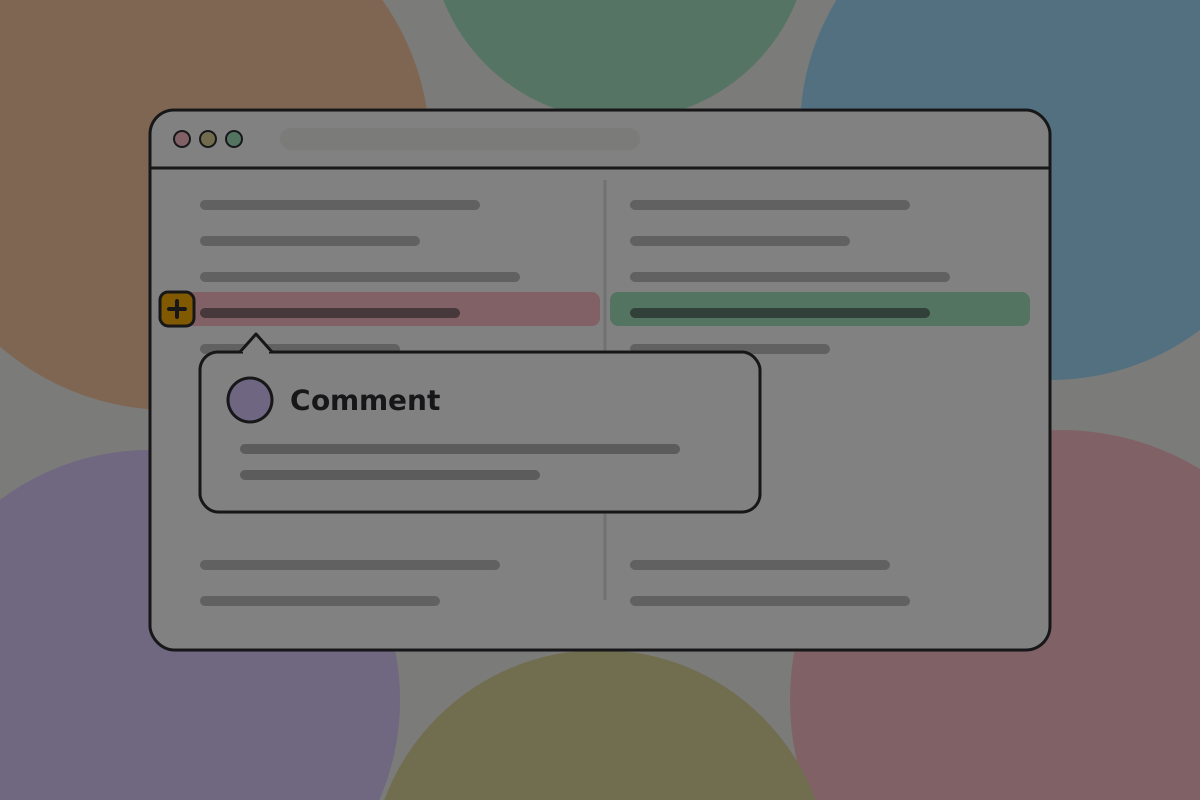
Open the Files changed tab. The left column is what is on the site; the right is what is proposed. If it shows as one column, the gear icon switches to a split view.
Read top to bottom. To comment on a line, click the + beside it.
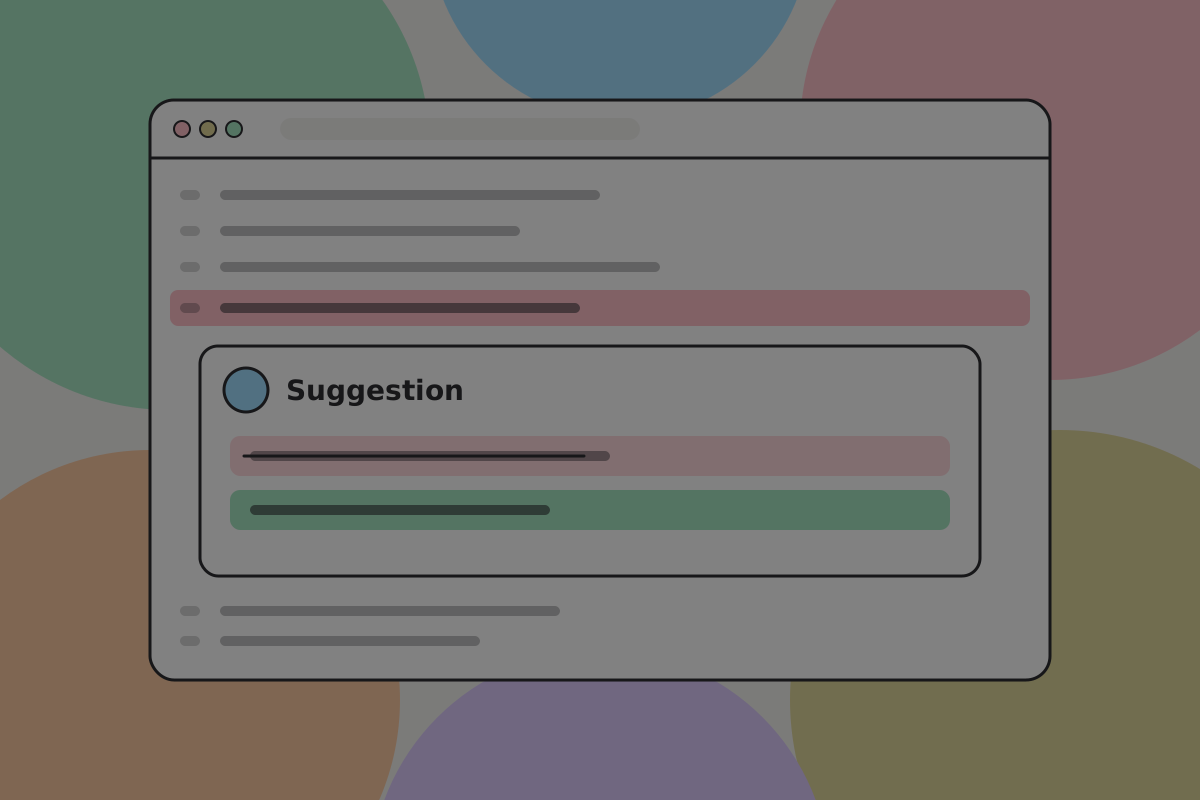
If you know what the line should say, make it a suggestion, not a comment. An accepted suggestion becomes a commit with you as co-author.
When you are done, click Review changes and choose one of:
- Comment: feedback without a verdict.
- Approve: you believe this should ship.
- Request changes: something here should not ship as it stands.
A pull request marked Draft wants structural feedback, not line edits. If it does not say what kind it wants, ask.
Do
Suggest the exact wording for a typo or a grammar fix. It costs you a keystroke and saves the author a round trip.
Do
Say which claim you checked and where you checked it. "Verified against the proposal" is worth more than "looks good".
Don't
Request a change without saying why. A reason can be argued with, which is the point.
Don't
Hold a change for a style preference. If the page is accurate and clear, approve it and open an issue for the preference.
Testing it on the page
Reading a diff tells you whether the words are right. Reading the page tells you whether it works.
Every pull request gets a preview deployment, linked at the bottom of the pull request under the deployment checks. Open it, find the page, and look at:
- The page on a phone-width window. Tables and image grids are where layouts break.
- Both themes. The theme switch is in the header.
- The links you did not expect to be checked.
- The images, which should carry real dimensions and not jump as the page loads.
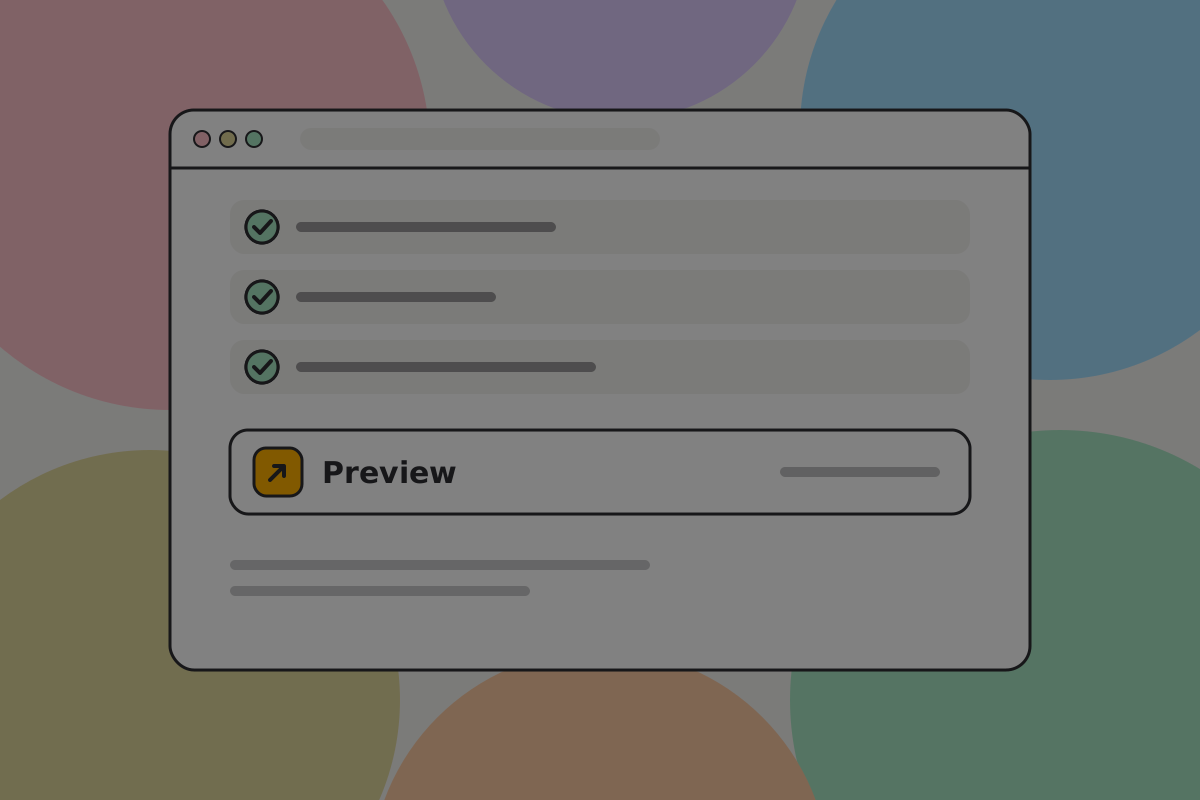
The automated checks run on every pull request. They catch dead internal links, images not in the manifest, unresolved image prompts, em dashes, banned vocabulary, empty code spans, pages that cannot be reached from the tree, and low colour contrast. If they are green, spend your attention on whether the page is true and whether it is clear.
Related
Written from: scripts/check-content.ts, DESIGN.md.
Checklist
The rules on this page, in a form you can work through.
6 rules