

Illustration guidelines
Making and preparing the guide's artwork: what to draw, where to put it, and how it gets onto the page.
This is a design guide, so much of it is pictures. A screen, a flow or a diagram usually explains a thing faster than the paragraph it replaces.
The briefs are already written
Every image the guide needs but does not have appears on the page as a placeholder with its full prompt inside it. That prompt is the brief: what the image shows, its aspect ratio, and why the page needs it.
Recommendation
Open any page in How it works or one of the newer reference designs and look for a dashed box. If the prompt reads like something you could draw, you have found your first contribution.
The prompts live in content/IMAGE-PROMPTS.md, numbered, and the placeholder cites the number.
What to draw
Do
Draw the thing the text is about. A diagram of the connection boundary, a screen with the recipient shown large, two layouts side by side with one wrong.
Do
Make the comparison explicit where the point is a comparison. Good and bad beside each other, labelled, beats two separate figures a page apart.
Don't
Decorate. An image that carries no information costs the reader a scroll and costs everybody the download.
Reference-design screens are wireframes in the Family B style, described under "Style families" at the top of content/IMAGE-PROMPTS.md. Match it, so a flow reads as one product.
You do not need to label each screen as shipped or proposed. Each app design opens with an "About these screens" panel that says so once for the whole section.
Artwork this guide has not yet replaced is CC BY 4.0 and credited on the credits page. Some of it shows interfaces this guide does not recommend, so replacing one is as useful as drawing a missing one.
Keep the source file
Artwork is reviewed and revised the same way text is, and that needs the editable file, not only the export.
Do
Share the source: the editable file in the repository, or a public link to it (Figma, Penpot or similar). Put the link in the pull request.
Where the files go
Artwork made for this guide lives in assets/, mirroring the public path. An image for this page sits at:
assets/images/guide/contribute/illustration-guidelines/my-diagram.pngand the markdown refers to it as:
Then run:
node scripts/import-images.mjsThat re-encodes everything to WebP, measures it, and writes lib/content/image-manifest.json so the page reserves the right space before the image arrives. Commit the result.
Why the paths differ
Markdown refers to a .png that is not what ships. The manifest maps each path to the WebP that does, which is why swapping an image is a re-import rather than an edit across every page that uses it.
File names and formats
Do
Use lowercase, hyphens and no spaces: transaction-review.png. Short and descriptive.
Do
Export at 2x and name it my-diagram@2x.png. The import prefers the 2x original and derives everything else from it.
Do
Use PNG for flat colour and interface work, JPG for photographic or heavily textured images, SVG for true vector diagrams, GIF only for a short animation.
Don't
Commit a 4000px export of a diagram that is read at 760px. The import downscales above 2000px, but the source file still has to be reviewed and stored.
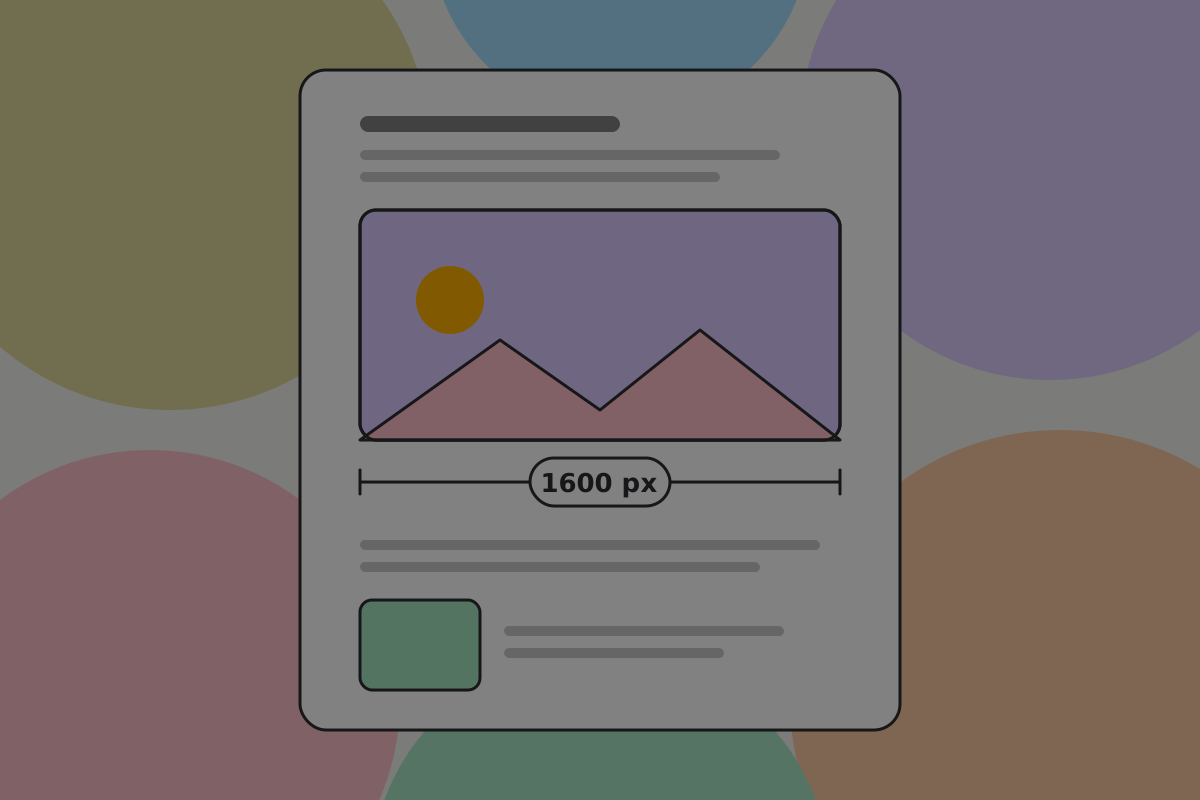
The reading column is 760px at its widest, so an image that fills it needs about 1600 real pixels. A header banner is the same width and shallower. Anything inline can be much smaller.
Mobile
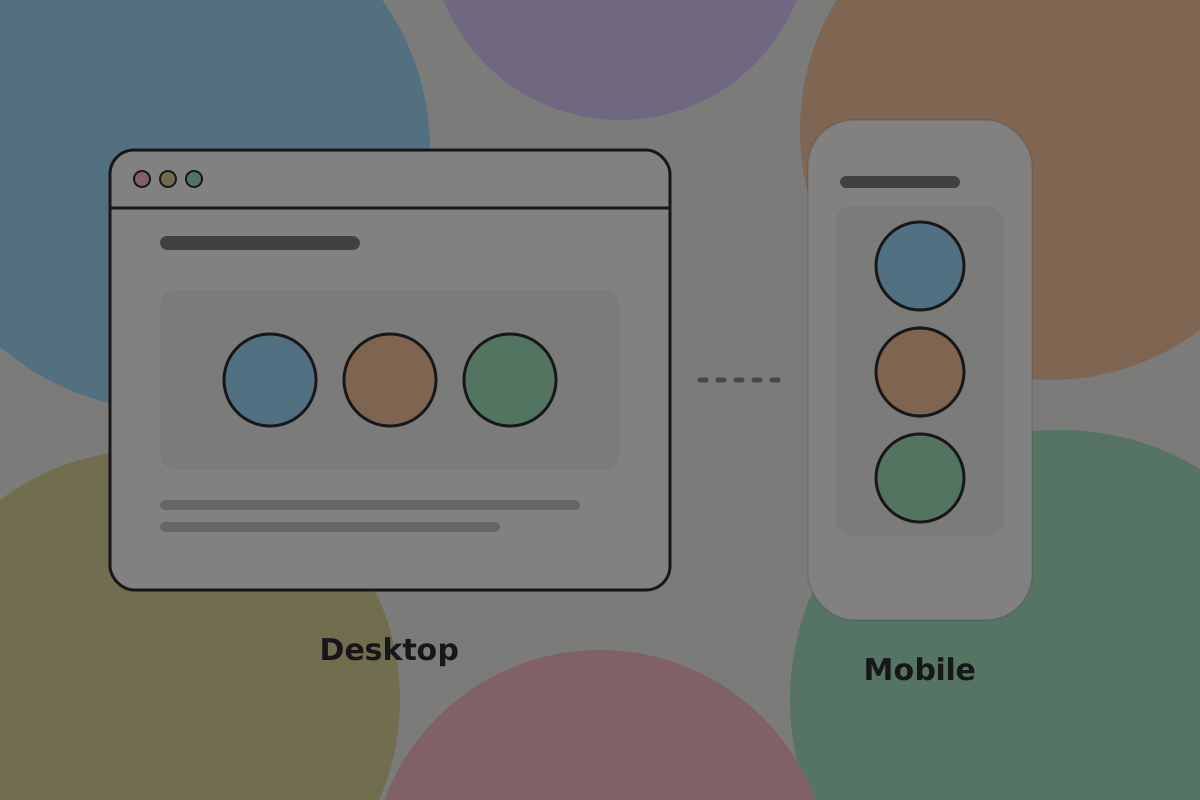
A wide diagram shrunk to a phone screen is an image of a diagram, not a diagram.
Do
Redraw for portrait where the landscape version would become unreadable, rather than letting it scale down.
Do
Check your image on a phone-width window before opening the pull request. A diagram that shrinks out of legibility is easy to miss on a desktop screen.
Captions and alt text
Do
Write alt text that says what the image shows, because a screen reader user gets only that. "A send screen with the recipient set larger than the amount", not "screenshot".
Do
Put a caption underneath in italics when the image needs one. It renders as a caption, not as emphasis.
See Accessibility.
Link preview images
Nothing to make. The card a page shows when it is shared is drawn at request time from its title, its description and its section's colour, so it is always in step with the page and there is no file to keep current.
Related
Written from: scripts/import-images.mjs, content/IMAGE-PROMPTS.md.
Checklist
The rules on this page, in a form you can work through.
13 rules