

Receiving
What happens when money arrives, how the wallet knows, and the three cases that are not the happy path.
Receiving in this wallet is a conversation. The payer's wallet hands the transaction to the recipient's with the proofs needed to check it, the recipient's wallet verifies and replies, and both sides know within seconds.
What the wallet does
- Takes delivery. The payment arrives as a message, over a web request, a message box, or Paymail, rather than being found on the chain.
- Verifies it. The payment arrives as a package (BEEF) with the earlier transactions it depends on and proof that they are in blocks. The wallet checks those proofs against block headers it holds. See Nodes and verification.
- Records it. The derivation details go into the wallet's records, which is what makes the output spendable later. The wallet backup restores these records; the recovery words do not. See Backups.
- Replies accepted or rejected.
- Tells the user.
Recommendation
Because step 4 happens, the payer can be shown "Paid" at the same moment the recipient is shown "Received". Design both ends of that: the two people are often standing next to each other.
The happy path
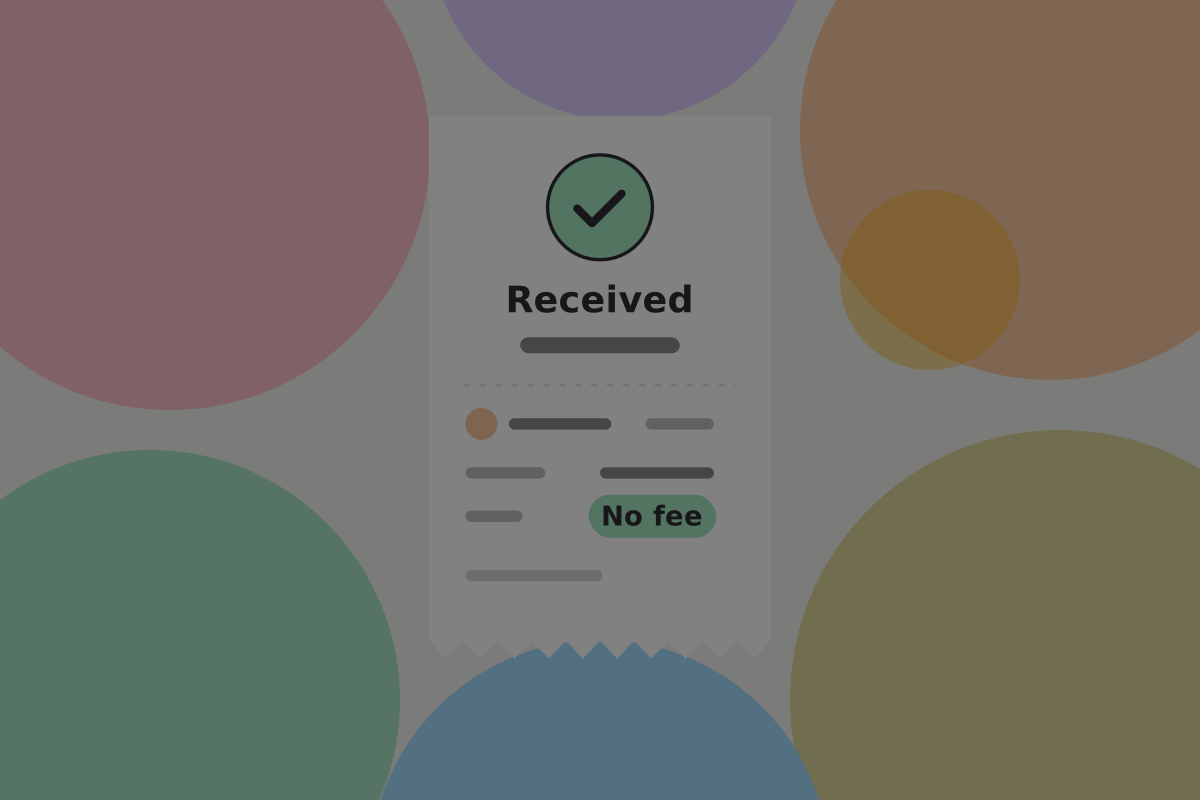

Do
Show who paid, how much, and the note. When the payer's wallet shares a profile name and avatar, an entry can read "Anna Keller, for lunch"; otherwise show their handle.
Do
Make it noticeable. A received payment is one of the few genuinely good moments in a finance app, and a silent list entry wastes it.
Don't
Show a confirmation counter. It was verified on arrival, and counting blocks afterwards tells the user that your "Received" was provisional. See Transactions.
When the wallet is not running

A peer-to-peer payment needs somewhere to be delivered. If the recipient's wallet is closed, the payment goes to a message box and waits.
Do
Collect anything waiting on launch, verify it, and show what arrived while the user was away as a group rather than a burst of separate notifications.
Do
Say on the receive screen's help, or in Settings › Services, that payments wait in a message box when the wallet is closed. It is the one real cost of the peer-to-peer model. See Payments.
The three cases that are not the happy path
The payment will not verify
A package whose proofs do not check out, or whose ancestry is incomplete.
Do
Reject it, and tell the user in plain words that a payment arrived and could not be verified, so it was not accepted. Do not add it to the balance.
Don't
Show a cryptographic error. "Merkle proof invalid" tells the user nothing they can act on.
A plain-address payment arrives
Some senders, especially exchanges, can only broadcast to an address. There is no handover and no acceptance reply, so the wallet finds out by watching the chain.

Do
Use a different state for these: "Incoming" until it is mined, then "Received". It is genuinely less certain than a peer-to-peer payment and the interface should not pretend otherwise. See Legacy compatibility.
Money arrives that the user did not expect
Someone pays a handle for a reason the recipient does not recognise, or a small amount arrives from an unknown sender.
Do
Show it with whatever the sender provided, and let the user add their own note. An unexplained entry is the one they will be puzzling over in six months.
Don't
Build a returns flow into a consumer wallet. Sending it back is just a payment, and the sender's handle is already there to pay.
Receiving from an app
An app that pays out (a game, a marketplace, a service refunding a per-use charge) pays the same way a person does. Activity shows it under the app's name, with repeated small amounts grouped into one row. See Grouping the small ones.
Open questions
- How long does a message box hold a waiting payment, and what does the payer see if it is never collected?
- Should small payments from unknown senders be kept apart from other money, so spending them does not link the user to the sender?
Related
- Requesting
- Activity
- Errors and failed payments
- Payments
- Backups: why the records matter as much as the keys
Written from: BRC-29, BRC-62, BRC-169, ts-stack docs.
Checklist
The rules on this page, in a form you can work through.
11 rules