
Design files
Source files worth reusing, what each one gets wrong for BSV, and what nobody has made yet.
There is no BSV design file kit that we know of. The nearest thing is code: the BSV Association's wallet components, which implement the permission prompts and review lists this guide describes (see Code resources). The design files that exist were made for other networks. This page says which parts you can reuse for a BSV product and which you should redraw.
The design files listed under Worth taking are CC BY 4.0 and free for commercial use, so they can be taken apart and rebuilt, not merely referred to. The BSV wallet components are under the Open BSV License.
Worth taking
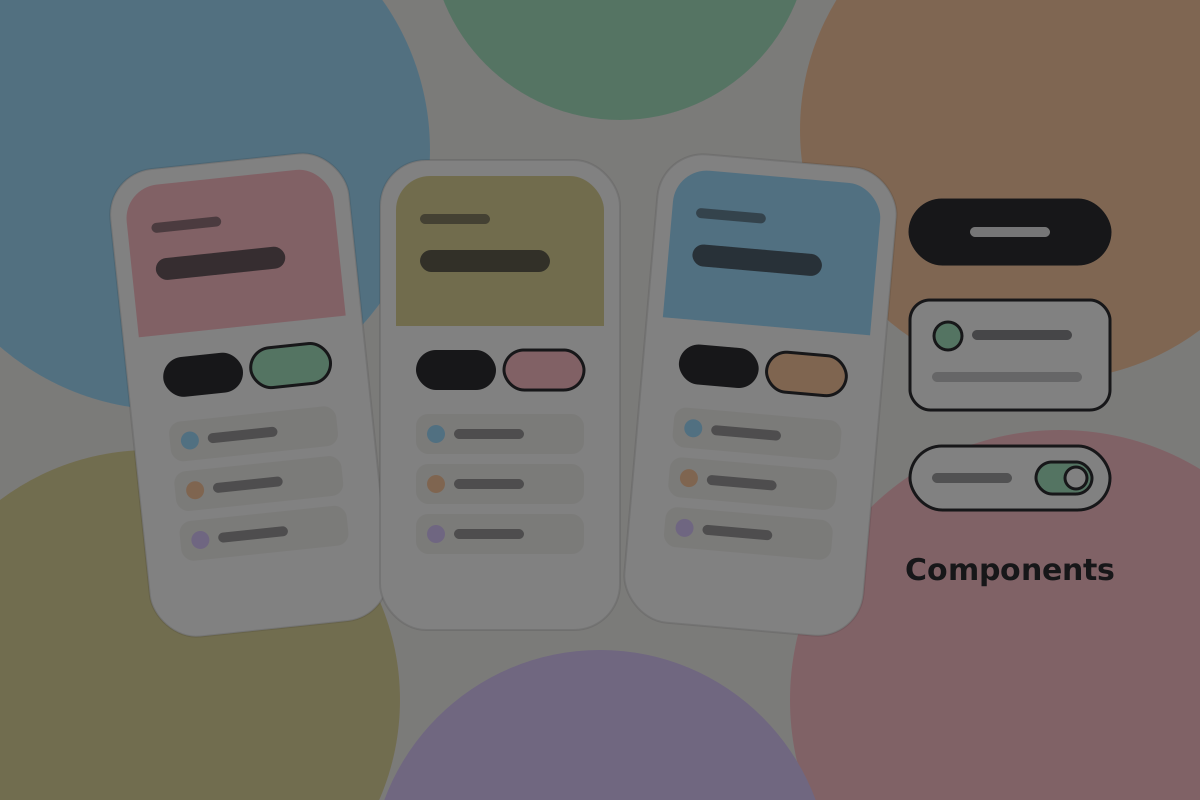 Bitcoin UI Kit. Components, type scales and screen templates. Take the components. The flows assume a fee picker and an invoice, so redraw those.
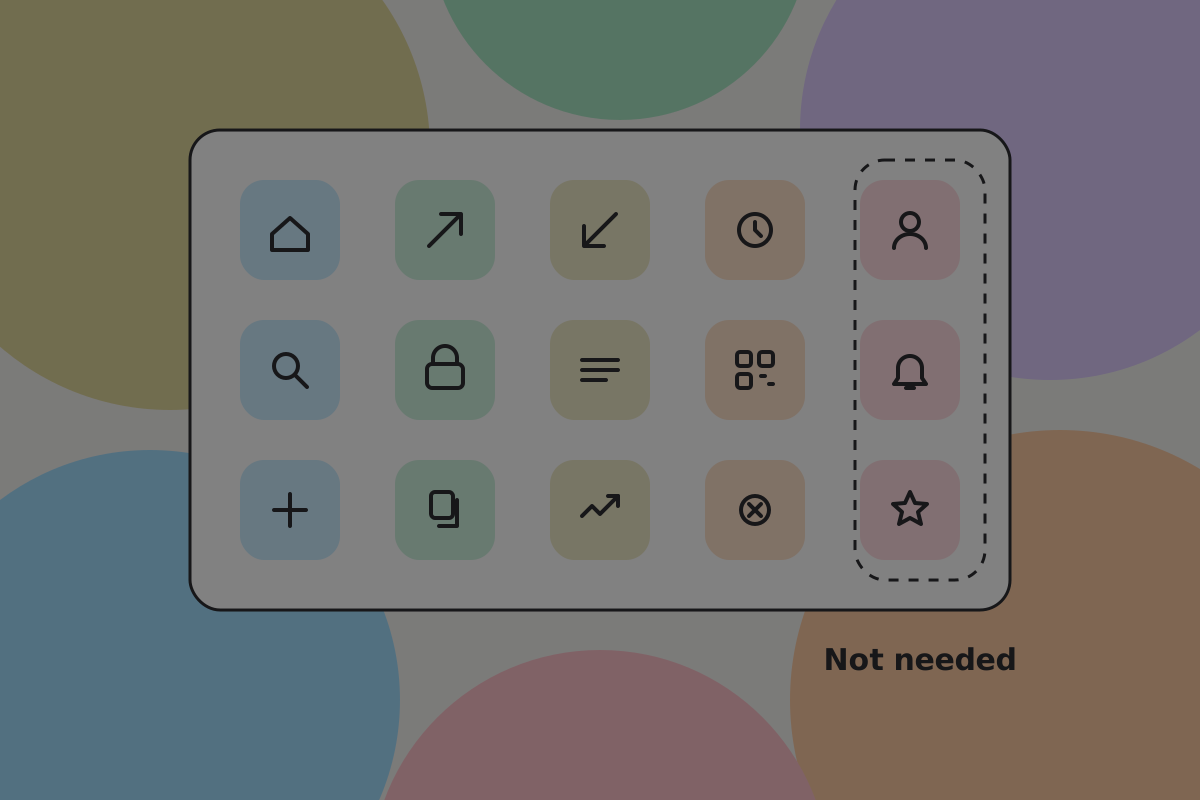 Bitcoin Icons. A complete, consistent set. Roughly a fifth of it covers payment channels, which a BSV product does not need.
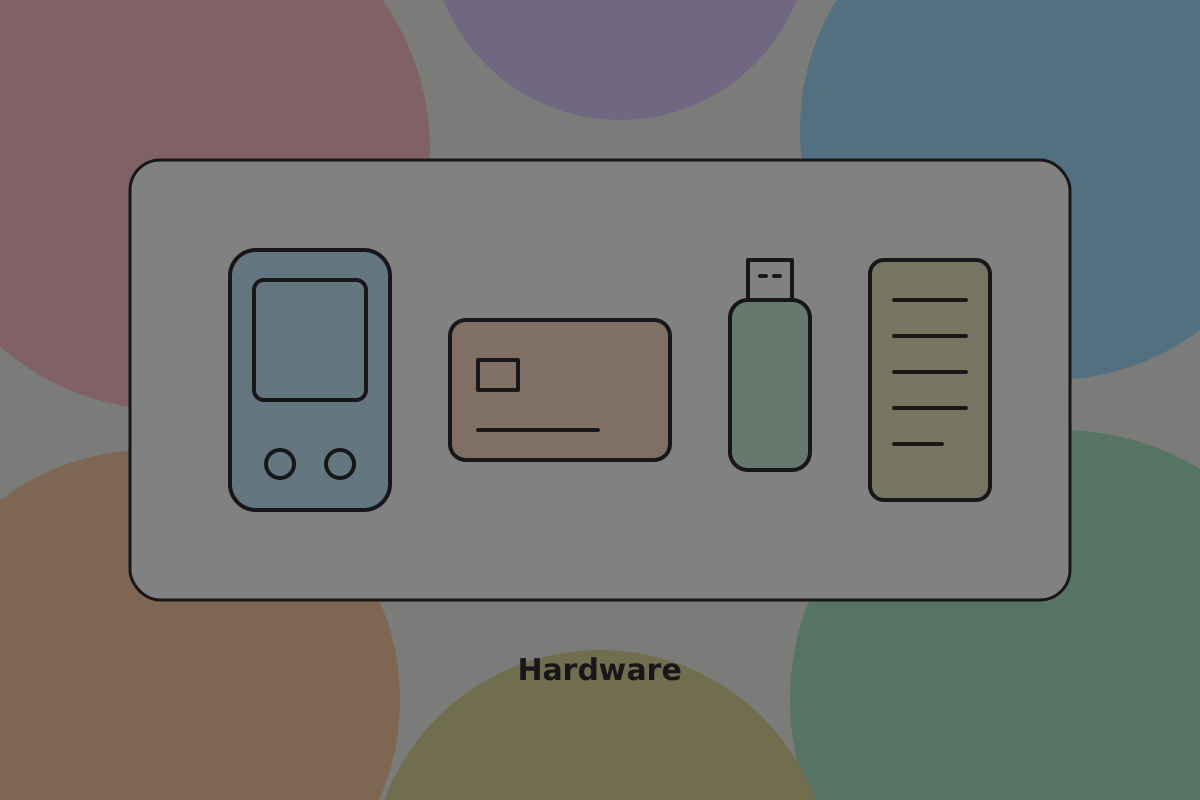 Hardware illustrations. Devices and accessories, drawn consistently. Not tied to any network, so they can be used as they are.
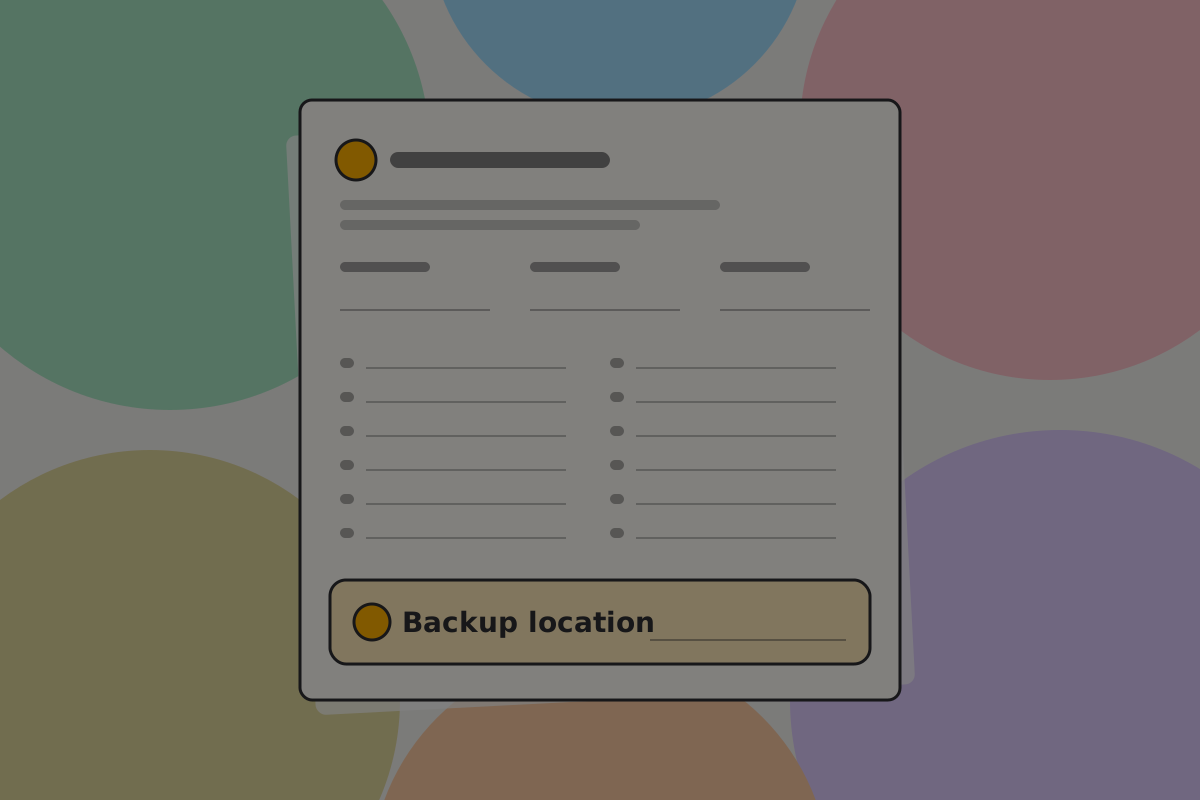 Backup print template. A good starting point, but it covers only the recovery words. Add a field for where the wallet backup lives.
Don't
Adopt a send or receive flow from another network's kit wholesale. Those flows assume a fee picker and an invoice, which a BSV flow does not need.
What nobody has made
If you are looking for a piece of work with obvious value and no competition:
- A BSV component kit as design files. Send, receive, review, permission, activity, recovery. Even a rough one. The wallet components exist in code, but nobody has drawn them as something a designer can edit.
- An app-side kit. The connect button, a pay-per-use meter, a receipt, a permissions summary inside the app. The wallet components cover the wallet's half of the conversation, not the app's.
- A handle-first receive screen. The receive screens in existing kits are built around an address and a QR code.
- Icons for the things only this ecosystem has. A connected app, a granted permission, an allowance, a Pass. No existing set draws them.
See Contribute.
Tools
Most of this work is in Figma, because it is where the files are. Penpot is the credible open-source alternative, and is worth using if an open toolchain matters to your project.
Sharing your own
Do
Publish the source, not only the export. A file somebody can duplicate is a contribution; a PNG is an illustration.
Do
Say what the file assumes. A kit built for one product saves everyone time when its assumptions are written down rather than discovered.
To propose changes to a file you do not own, duplicate it, make your edits on a duplicated page, annotate them, publish the remix, and talk to the owner about merging. That workflow exists because these files are maintained by individuals on free accounts, not by an organisation.
Use comments for quick feedback, but put anything that should be on the record in the pull request.
Related
Written from: Bitcoin UI Kit, Bitcoin Icons, @bsv/brc100-ui-react-components 0.2.3.
Checklist
The rules on this page, in a form you can work through.
3 rules