

First use
From finding the app to holding money, without a wall of warnings: what to ask, what to defer, and when to ask for a backup.
First use is where a new user decides whether to stay. What drives them away is rarely difficulty. It is being asked things they cannot answer yet: which key scheme, where to keep recovery words, whether they accept the risks of self-custody, all before they hold a penny.
The flow below defers every question it can until the user has something to lose.
Discovery and installation
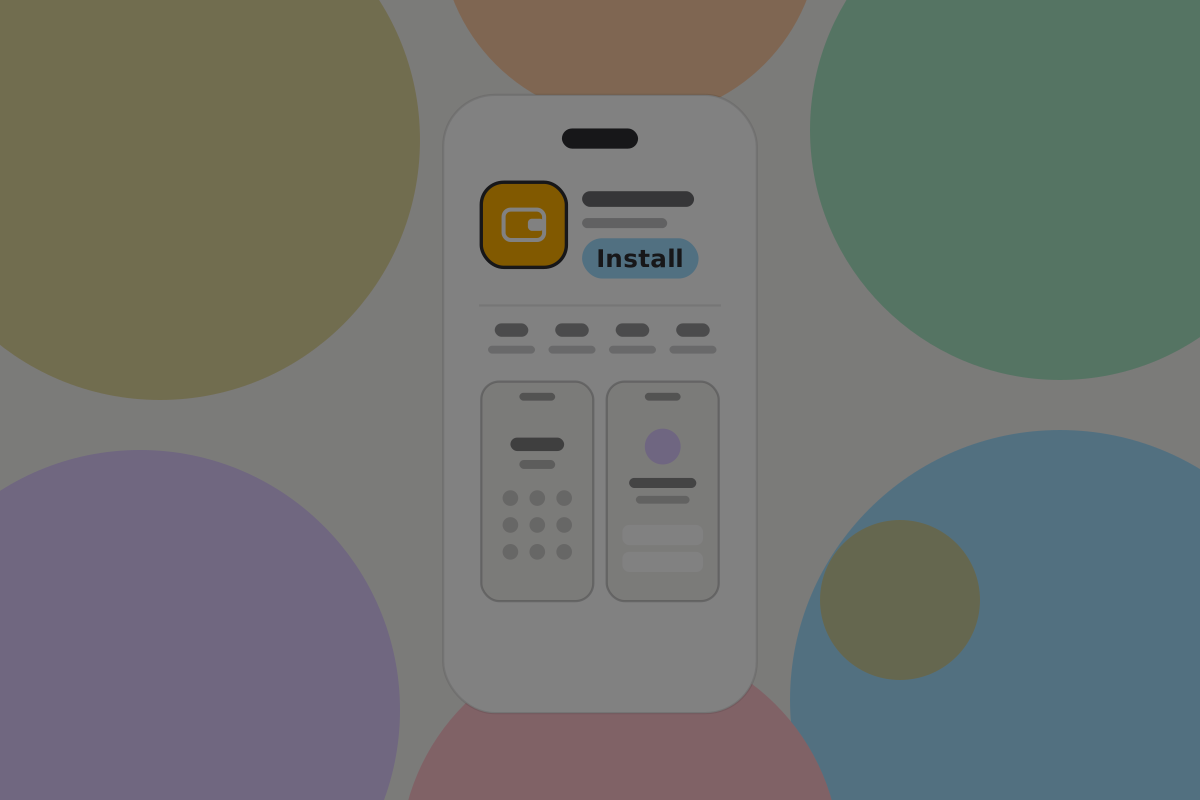
The store listing is the first screen a user sees, and the easiest to write for people who already agree with you.
Do
Say what it does in the first line, in the words of someone who does not know what BSV is. "Pay anyone in seconds, for less than a penny" works. "Non-custodial BSV wallet with a standard app interface" does not.
Don't
Lead with self-custody, sovereignty or decentralisation. They are reasons to stay, not reasons to install.
Creating a wallet
Creating a BSV wallet means generating a key. It takes no time and needs no input, so the only thing between installing and a working wallet is whatever you decide to ask.
Ask almost nothing.
Do
Create the wallet and show it. The user can have a working, empty wallet within seconds of opening the app.
Don't
Ask for an email address, a phone number or an identity document to create a wallet. None is needed, and requiring one discards the main advantage the product has.
Don't
Offer a choice of key scheme during onboarding. Somebody setting up their first wallet has no basis to answer. See Private key management.
The disclaimer screen
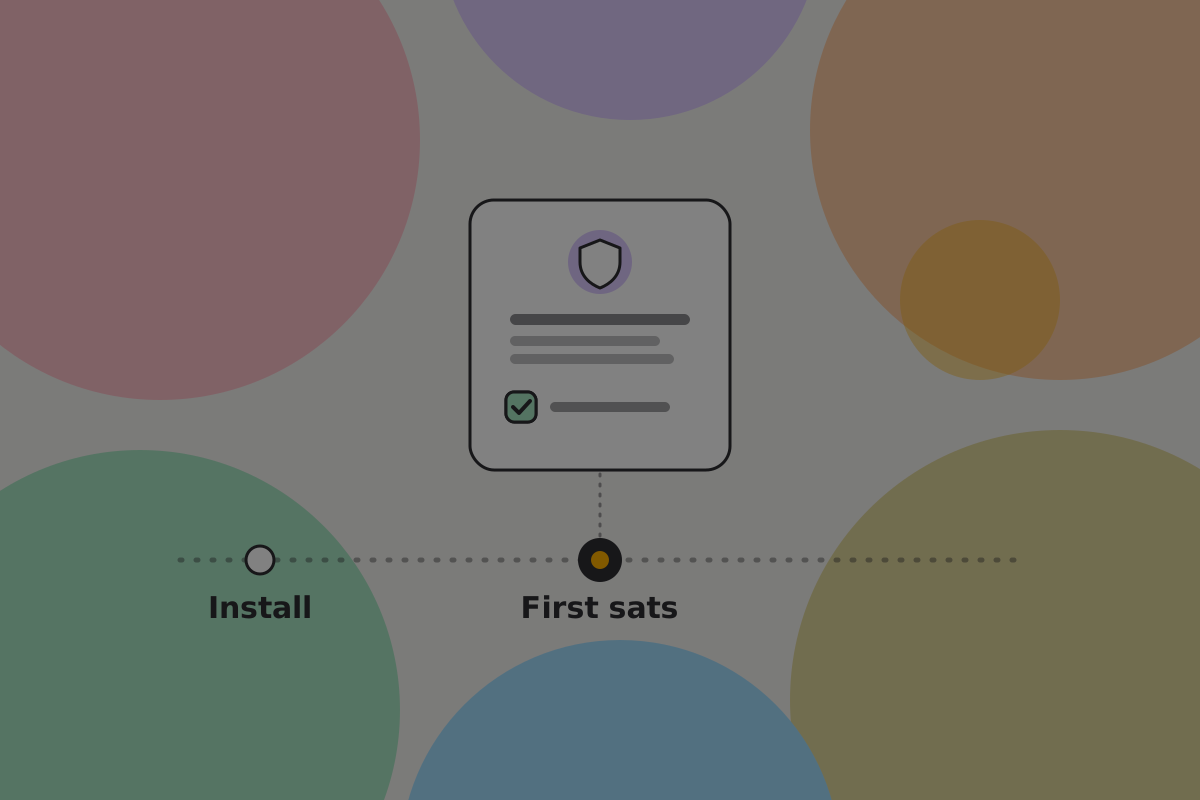
A typical onboarding includes a screen saying the user is responsible for their own money and nobody can recover it, with a checkbox to tick. People tick it without reading.
What it says is still true. The fix is timing, not wording.
Do
Say it once, in one sentence, when money first arrives rather than when the app opens, alongside the key-backup prompt: "This money is yours. There is no password reset, so back up your recovery words now."
Don't
Put a scrolling legal text and a checkbox between a person and an empty wallet. It protects nobody and teaches them that your warnings are furniture.
Backup, at the right moment
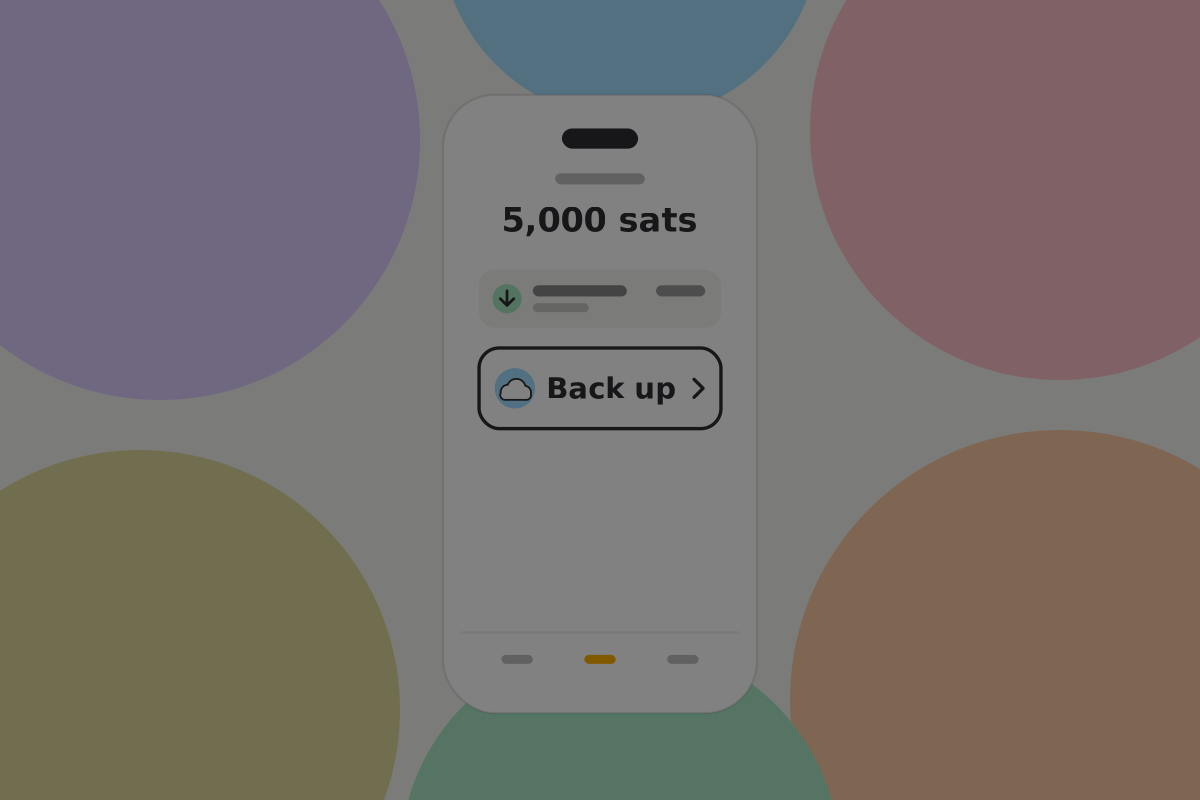
This decision defines the onboarding, and both obvious answers are wrong:
- Forcing backup before use blocks an empty wallet behind a chore, and produces recovery words photographed in a hurry.
- Never prompting produces users who lose everything on their first broken phone.
The middle path: ask about the records backup at setup, where it costs one tap, and ask for the key backup once there is money to protect.
The wallet backup is encrypted on the phone with a key derived from the recovery words. The words and the backup together restore everything, with nothing else to remember. Sending that backup to a storage service is the user's choice, made here.
Do
Offer automatic encrypted backup of the wallet's records during onboarding, with one line saying where it goes, and turn it on only if the user says yes. Never switch remote storage on silently. Records are the part that must be continuous anyway. See Backups.
Do
Prompt for the key backup once there is money to protect, at the latest when the balance first crosses an amount the user would mind losing, and let the user do it then and there.
Don't
Show recovery words during onboarding. A user with nothing to lose photographs them, and the screenshot outlives the carelessness.
Recommendation
Say what the backup covers, because it is two things: "Your recovery words restore your keys. Your wallet backup restores your records: which money is yours and how to spend it. Keep both."
Security setup
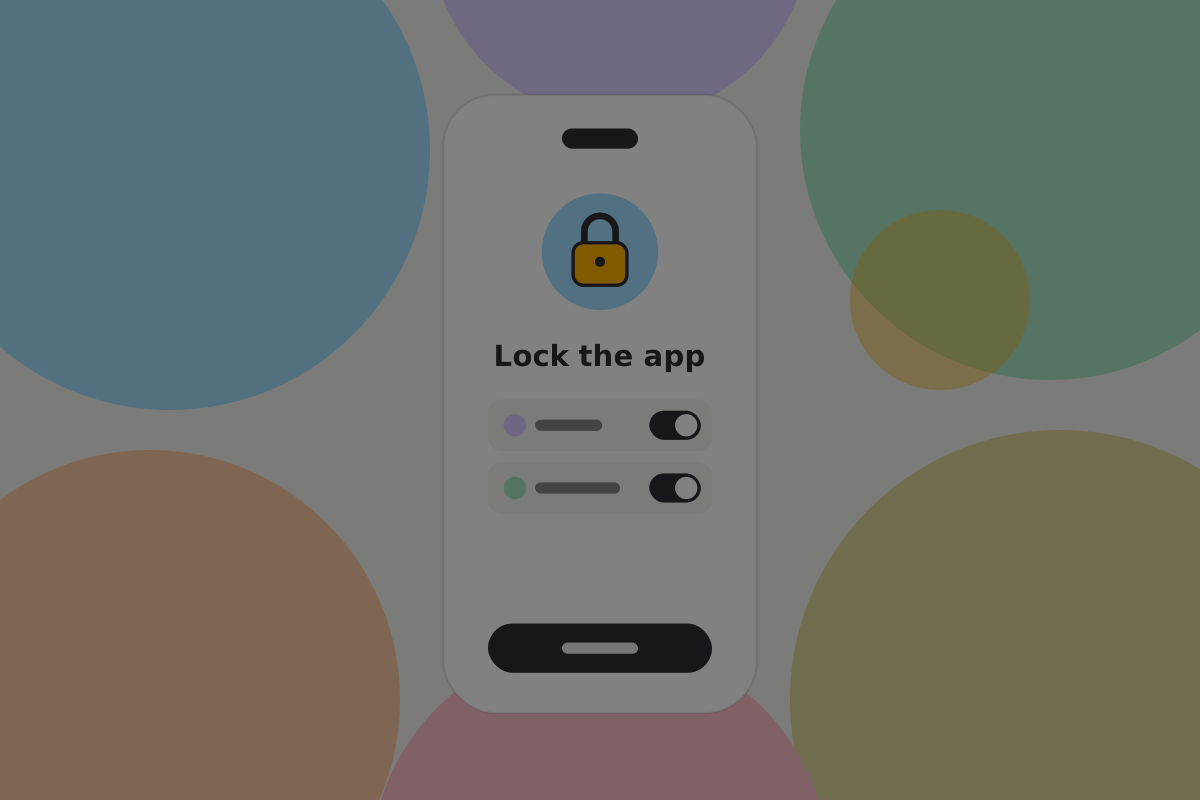
Set a passcode or biometric lock during onboarding. It costs one tap and protects against somebody picking up an unlocked phone. The lock rules are on Security.
Getting the first money in
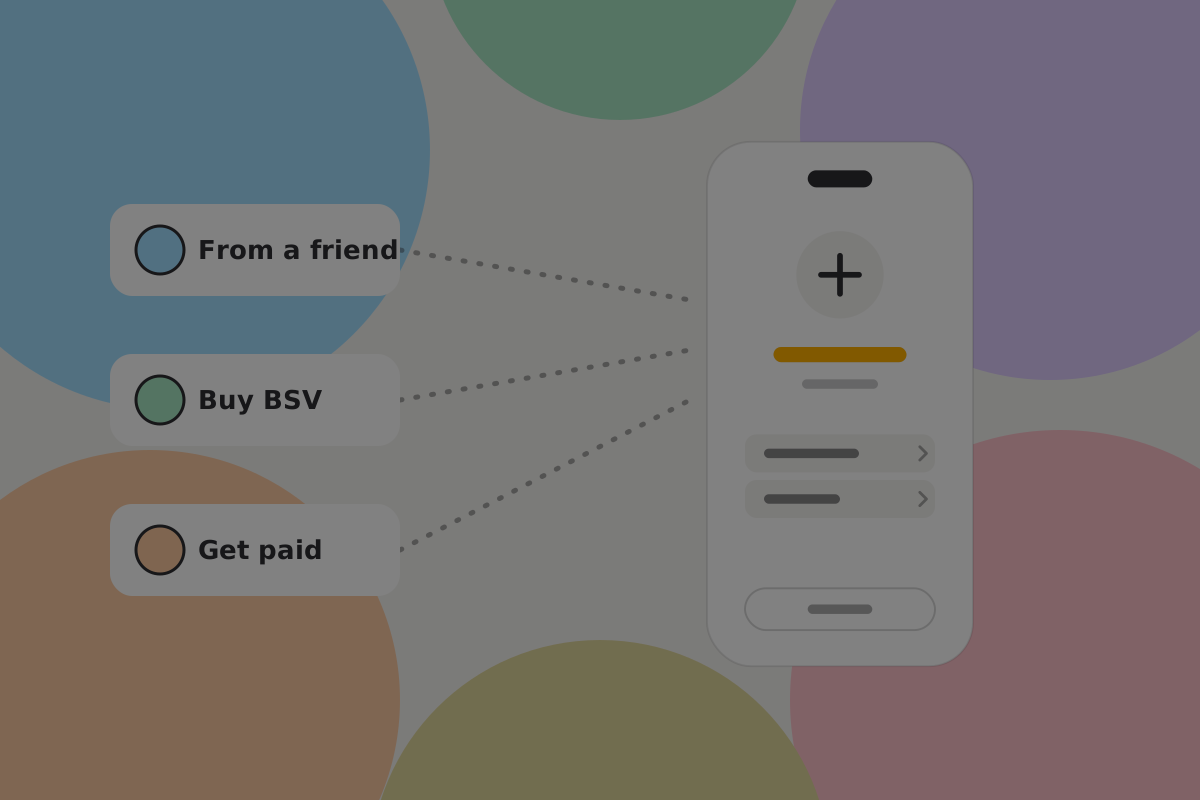
This is the hardest unsolved problem in the flow, and largely outside your control. An empty wallet is useless, and every route to filling it is harder than using the wallet itself.
Offer the routes that exist, and be honest about each:
- Being paid by someone. The best route, and the one to make easiest: share a handle, receive, done.
- Buying through an exchange. Requires an account and usually identity documents.
- An ATM. No account, high fees.
Do
Say what each route will ask for before the user goes there. Being surprised by a passport request is where people stop.
Do
Make "ask someone to pay you" a first-class option. It is free, instant and needs no account, and it is easy to bury under the buy button.
Being paid first also teaches more than any explanation can. Somebody who has just watched a real payment arrive understands what a wallet is. See Learning by holding something.
Your handle
The wallet gives the user a handle during setup, from the wallet provider's domain, so there is something to share before there is anything to receive.
Receiving it
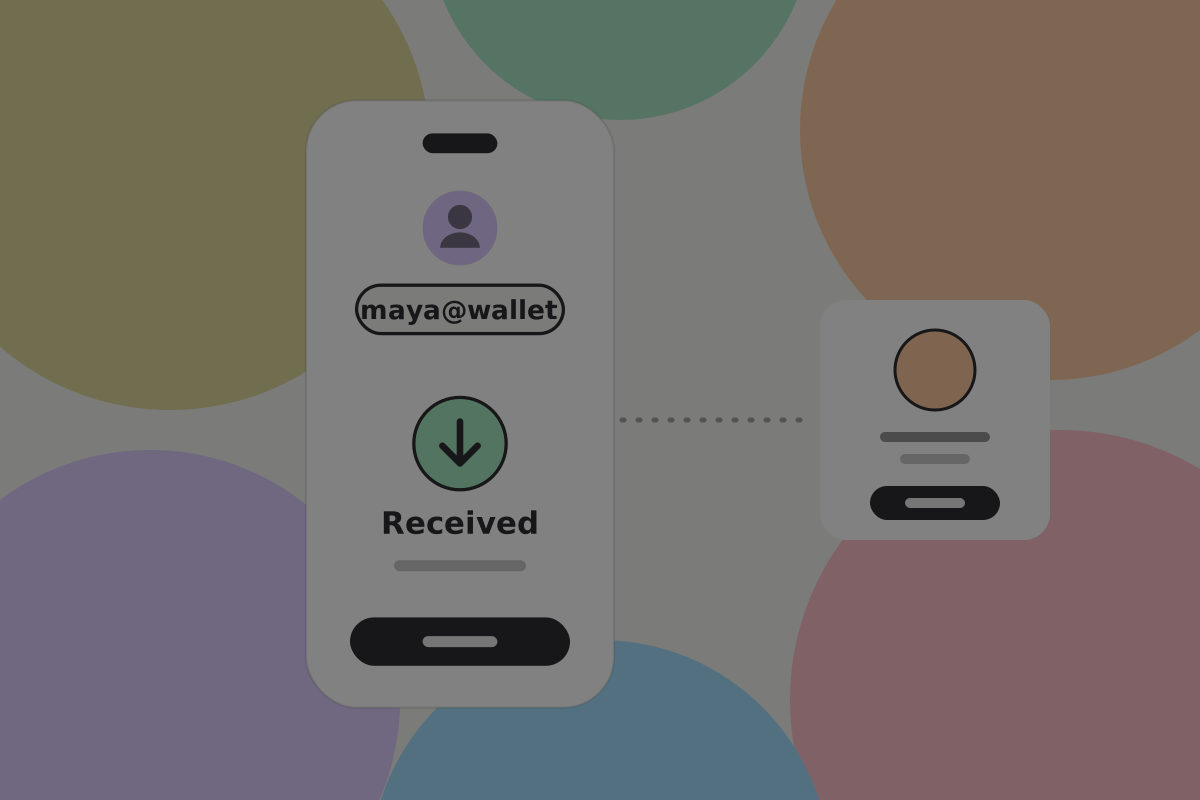
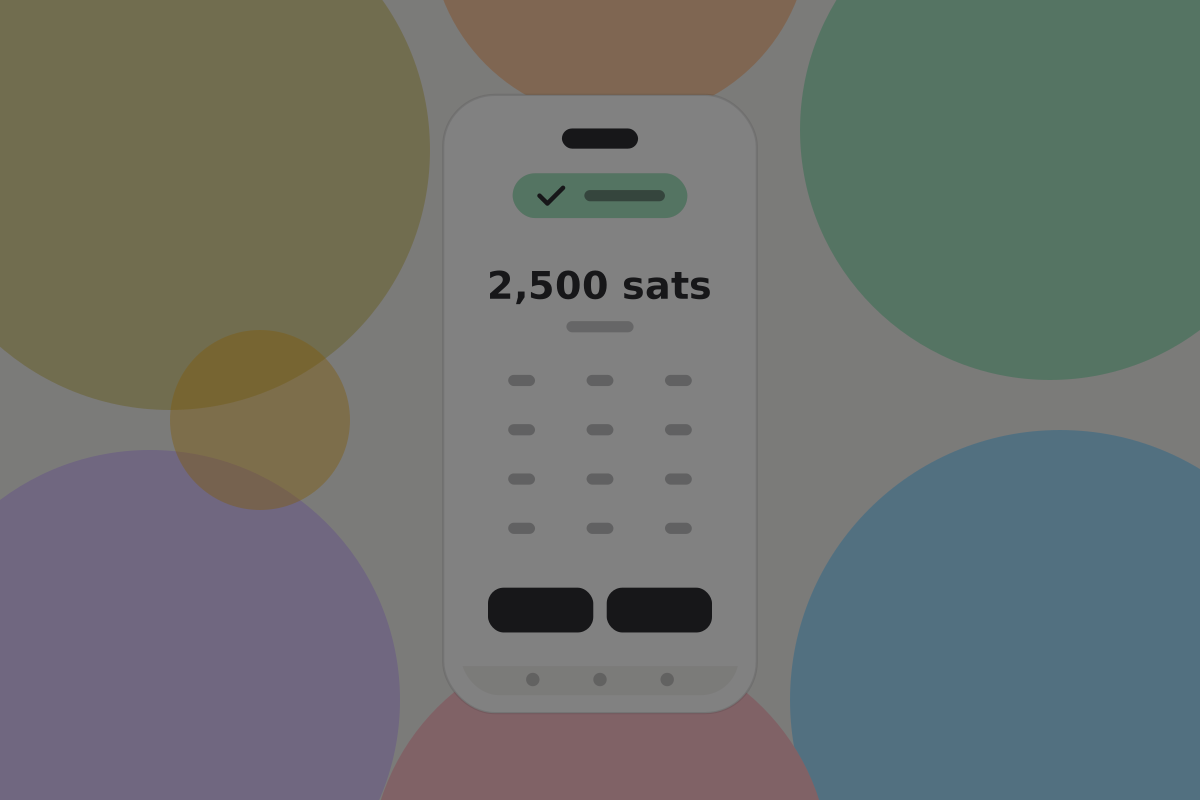
Receiving is the simplest part of this wallet, so keep it that way:
- The user shares a handle, not an address. It is readable, it is theirs, and it does not change. See Paying by handle.
- When a peer-to-peer payment arrives, the wallet verifies it and can say Received at once.
- There is no fee to receive, so none appears.

Do
Show the handle as the primary thing to share, with the QR code as the in-person version of the same thing.
Don't
Show a derived address. It is a one-time internal value and putting it on screen invites comparison nobody can usefully perform.
Don't
Show a fee breakdown on a first receive. See Send fees.
The reminder, once there is something to remind about
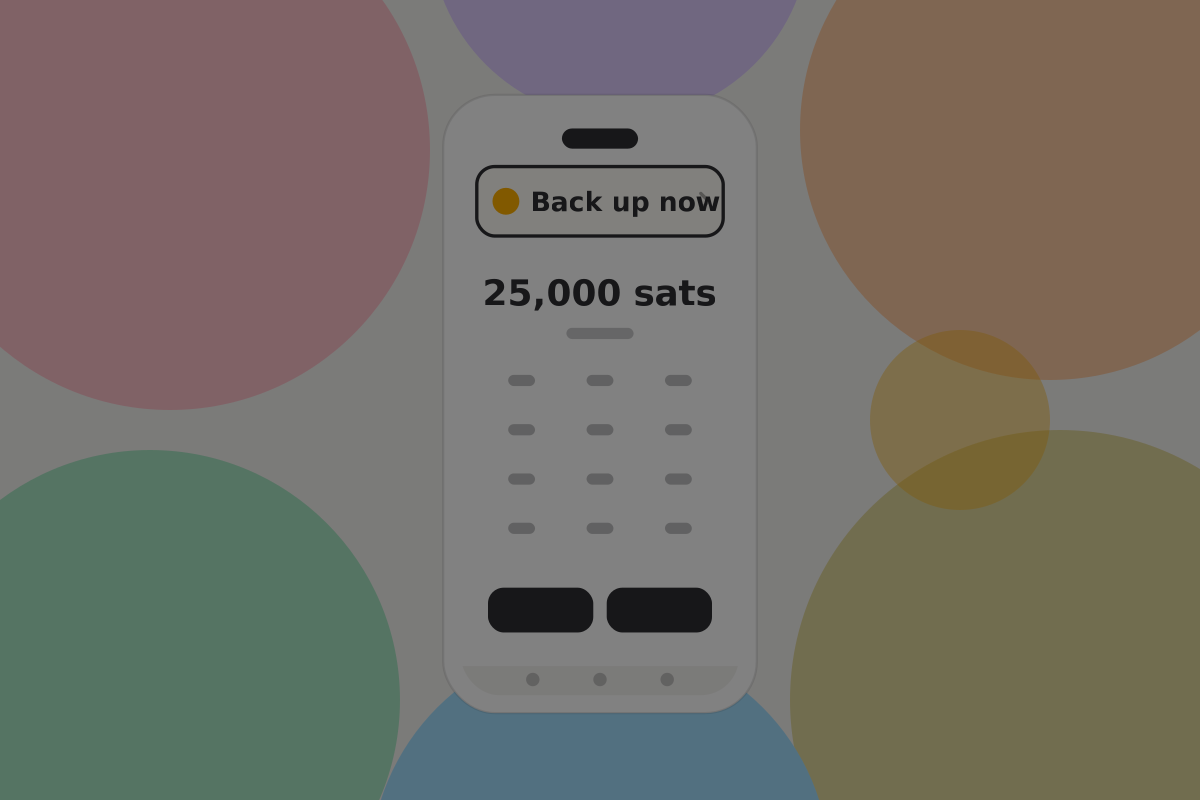
Now the key-backup prompt earns its place, because there is money behind it.
Do
Make the reminder persistent but quiet: a banner on the home screen that does not block anything and does not reappear as a modal.
Do
Say what is at risk in terms of the balance, not in the abstract. "Back up your wallet to protect the 4,200 sats you're holding" is a reason; "secure your wallet" is wallpaper.
Don't
Nag on a schedule. One persistent, dismissible reminder beats a modal every third launch, which people learn to dismiss without reading.
What is still unsolved
Open questions
- How can somebody fund an empty wallet without an exchange and an identity check?
- Does the backup explanation above tell people enough, without a wall of text?
- Should the user choose their handle during onboarding, or get a generated one they can change later?
- What prompt timing makes people complete the key backup rather than dismiss it?
- Can someone be paid first when they know nobody else with a BSV wallet?
Related
- Backup and recovery
- Requesting
- Security
- Contacts: the step after a first payment
Written from: BRC-75, BRC-100, BRC-157, BRC-169.
Checklist
The rules on this page, in a form you can work through.
19 rules