

Recovery
Putting a wallet back on a new device: both parts of the backup, in order, with honest reporting of anything that did not come back.
Users meet this flow once, usually at the worst moment: a phone lost, stolen or dropped, with money on it. They are stressed, on a borrowed or brand-new device, and not reading carefully.
Design it for that person.
The two situations
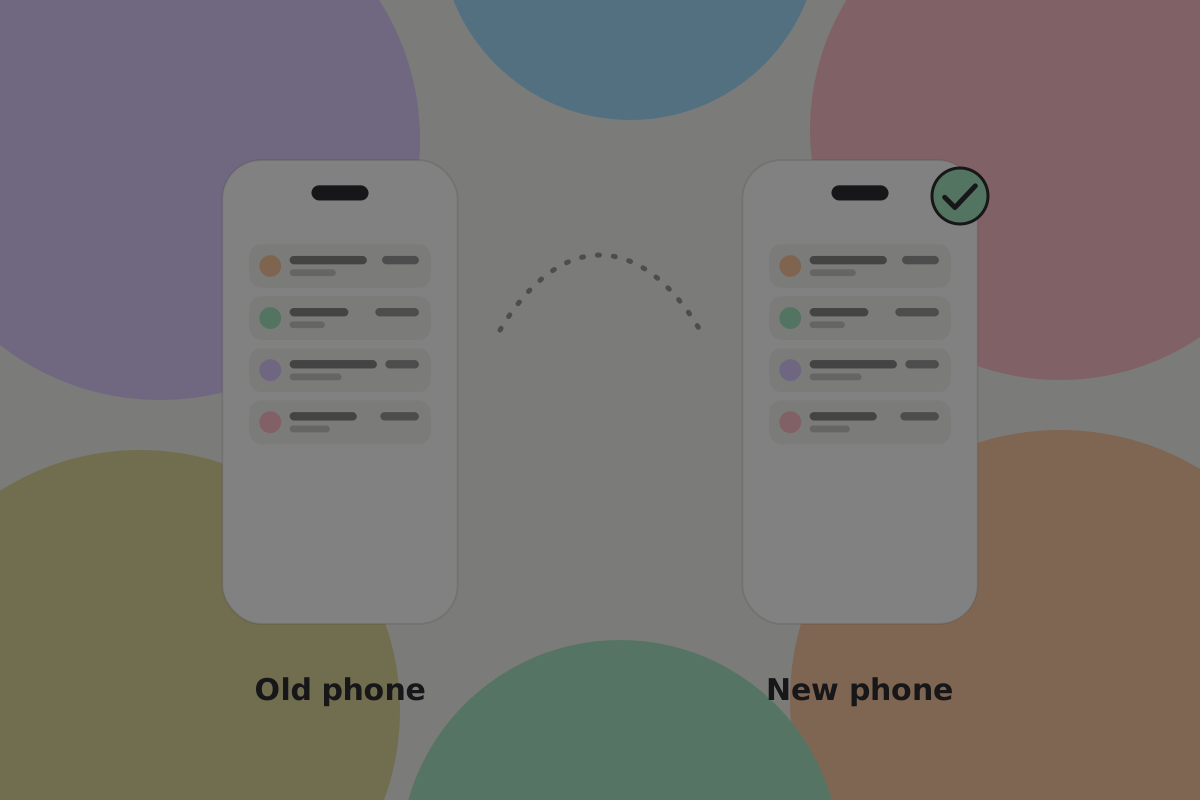
Planned. Moving to a new phone, with the old one still working. Calm, and the easy case.
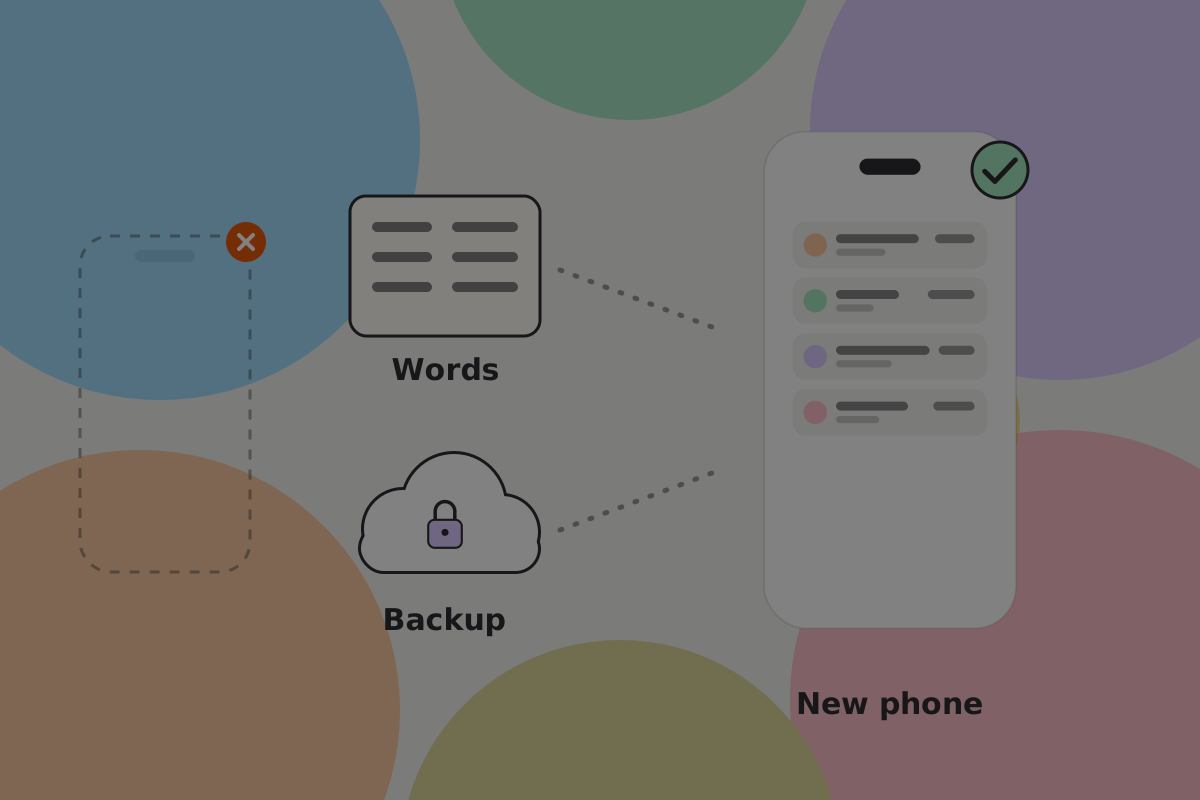
Unplanned. The device is gone. Everything has to come from what the user kept elsewhere.
Do
Design for the unplanned case and let the planned one benefit. A flow that assumes the old device is available fails exactly when it is needed.
What has to come back
Both parts, in order:
- The keys, from recovery words or backup shares. They restore the authority to spend.
- The records, from the wallet backup. They restore which money is the user's and how to spend it.
The wallet backup is encrypted with a key derived from the recovery words, so the words open it. The user has nothing else to remember. See Backup and recovery.
Do
Restore keys first, then records. The keys prove the wallet is the user's and open the wallet backup; the records tell it where the money is. Do not ask for any other password at the records step.
Starting it
Do
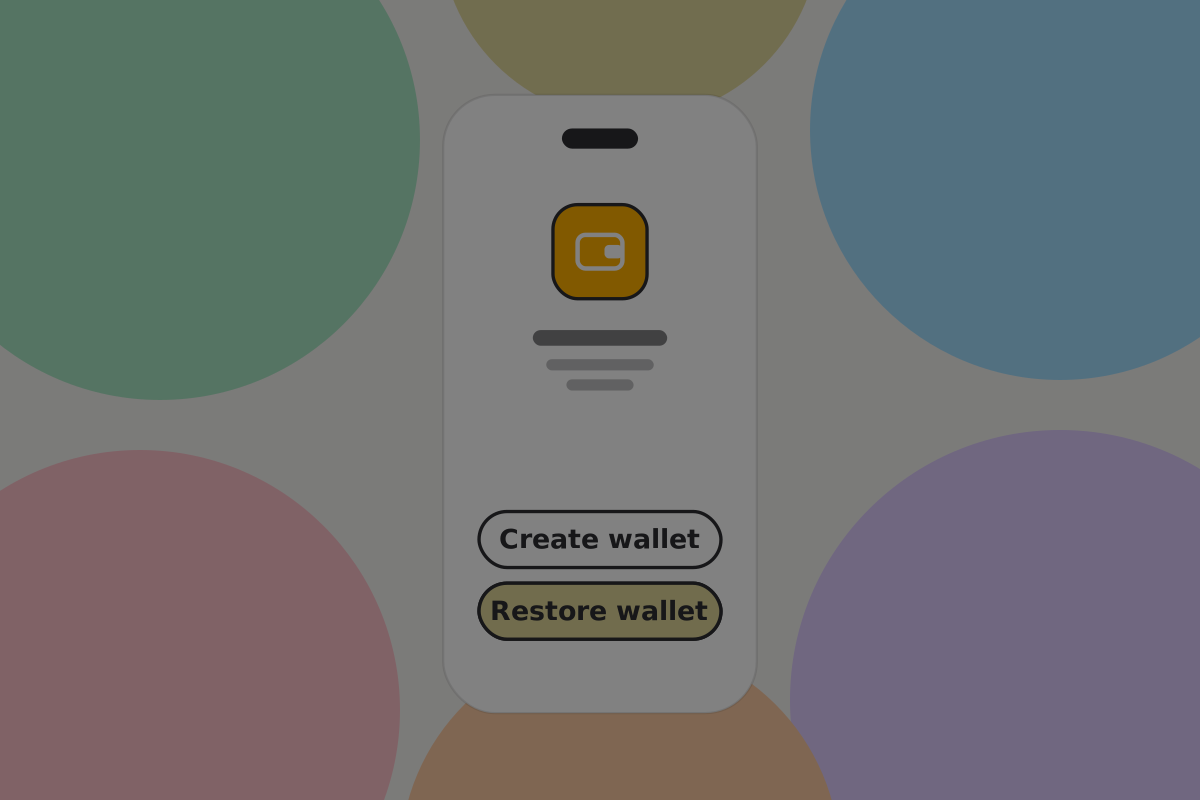
Put "I already have a wallet" on the first screen of the app, as prominent as "create one". Somebody recovering should never have to go through onboarding to find it.
Don't
Call it "import". The user is not importing anything, they are getting their own wallet back, and the word matters when they are panicking.
Entering the key material
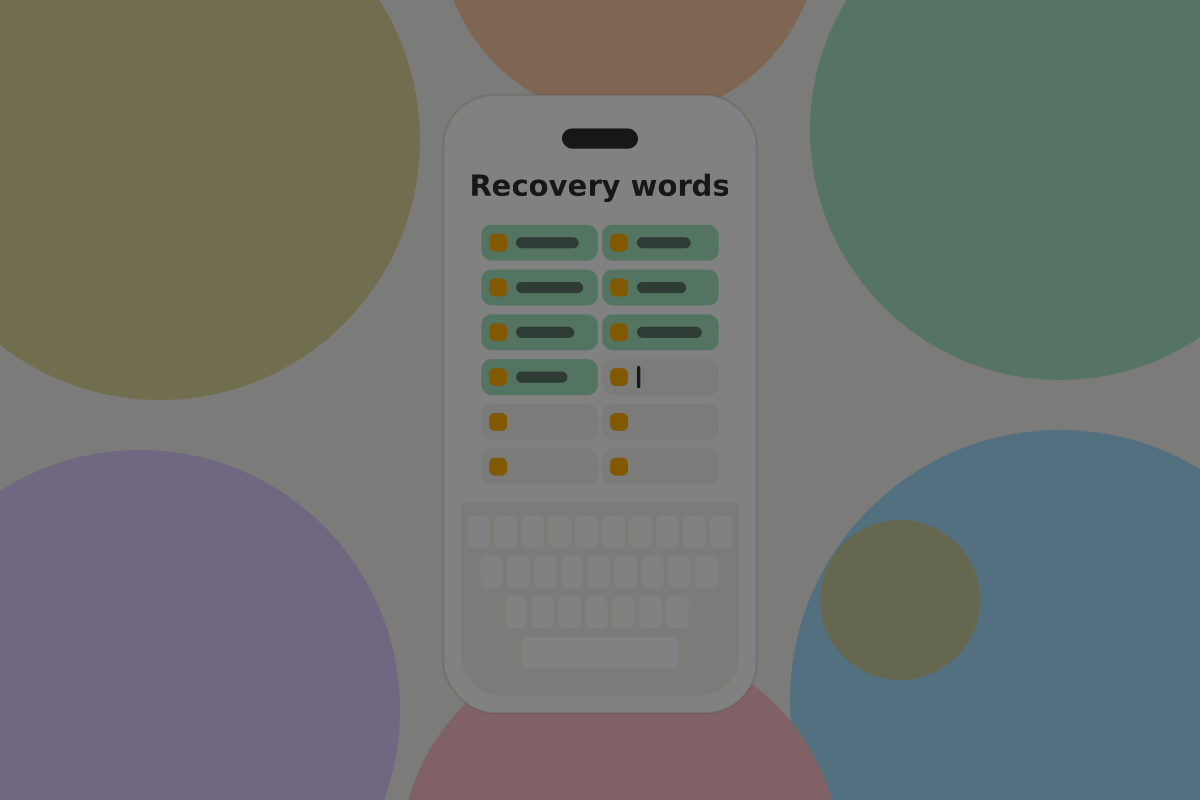
On this screen typing accuracy is everything, and users are typing from paper, under stress, often on a phone keyboard.
Do
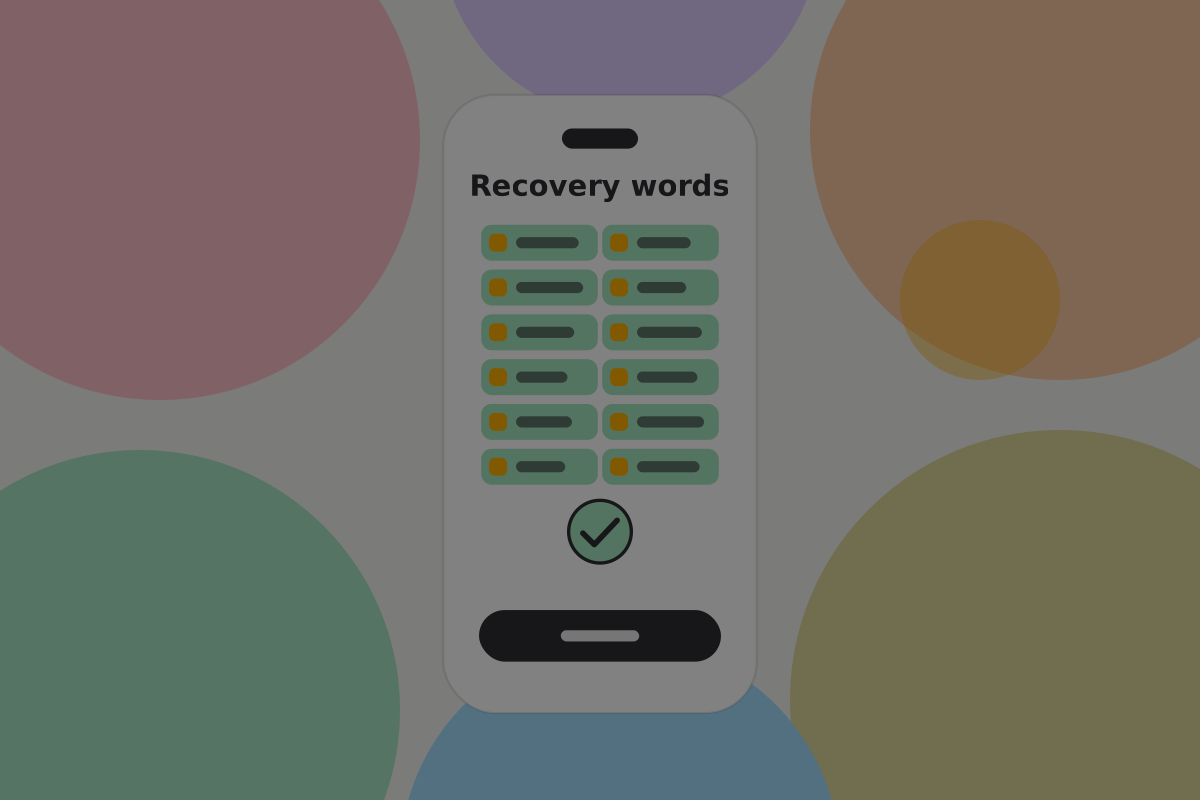
Autocomplete from the wordlist as they type, and accept a word as soon as it is unambiguous. It is the single biggest reduction in effort available here.
Do
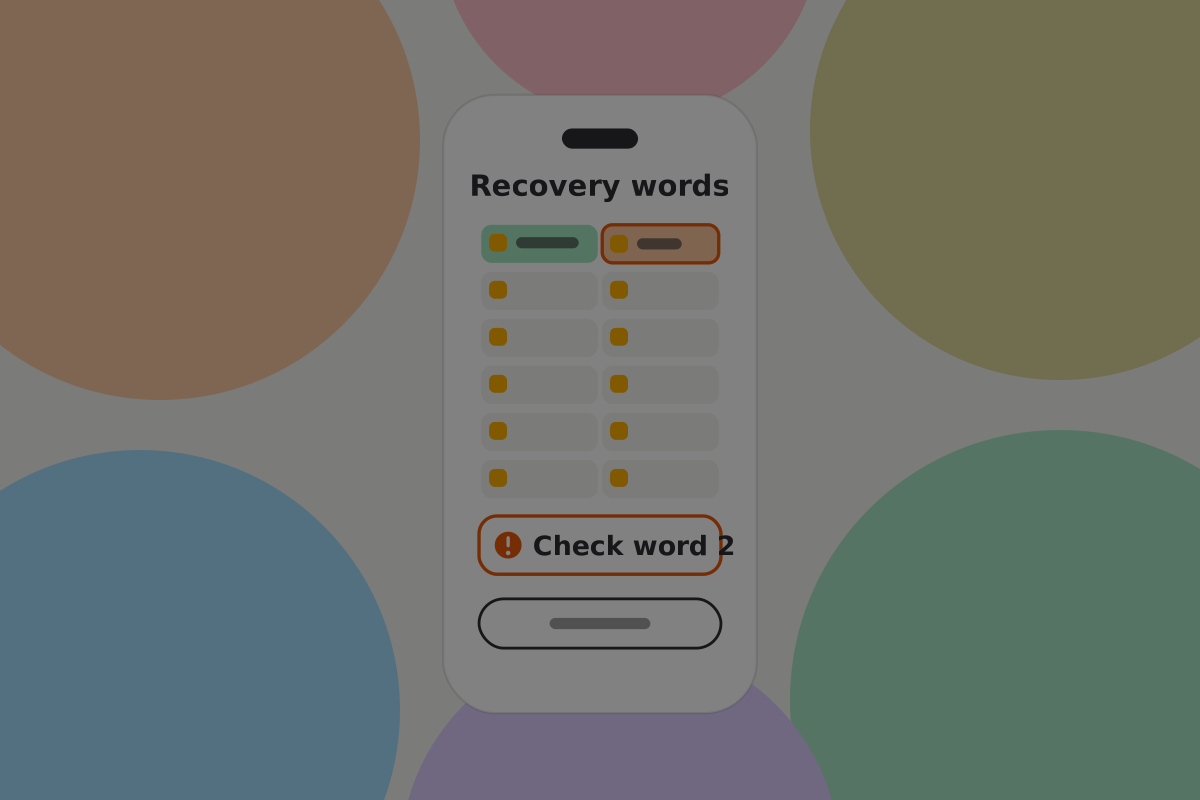
Validate the whole phrase and say what is wrong: a word not in the list, a word in the wrong position, or a checksum failure meaning one word is wrong somewhere.
Do
Offer the alternative if the user has shares rather than words, on the same screen rather than behind a separate menu.
Don't
Clear the field on an error. Retyping twenty-four words because of one mistake is how people give up.
Restoring the records

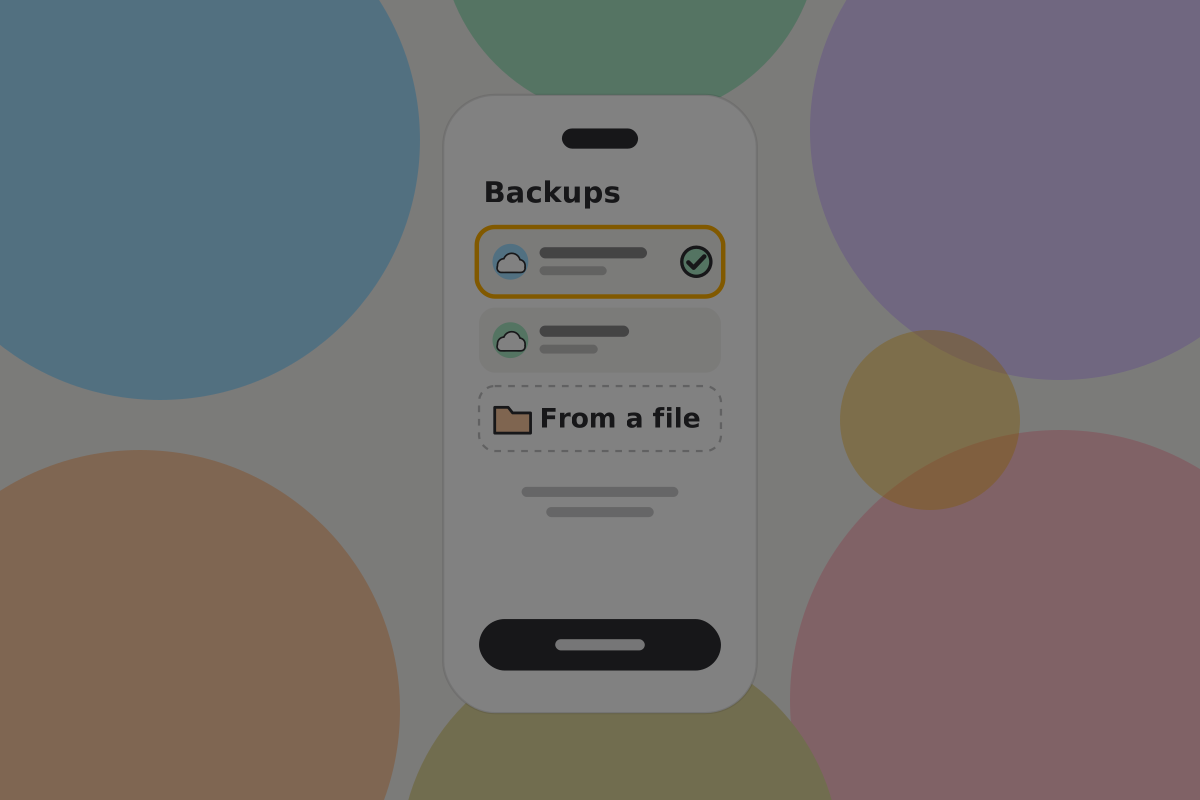
If the user chose remote backup, the wallet looks for it and decrypts it with the key derived from the recovery words just entered. There is no second password to ask for.
Do
Find it automatically where you can, and fall back to letting the user point at a file they kept themselves.
Do
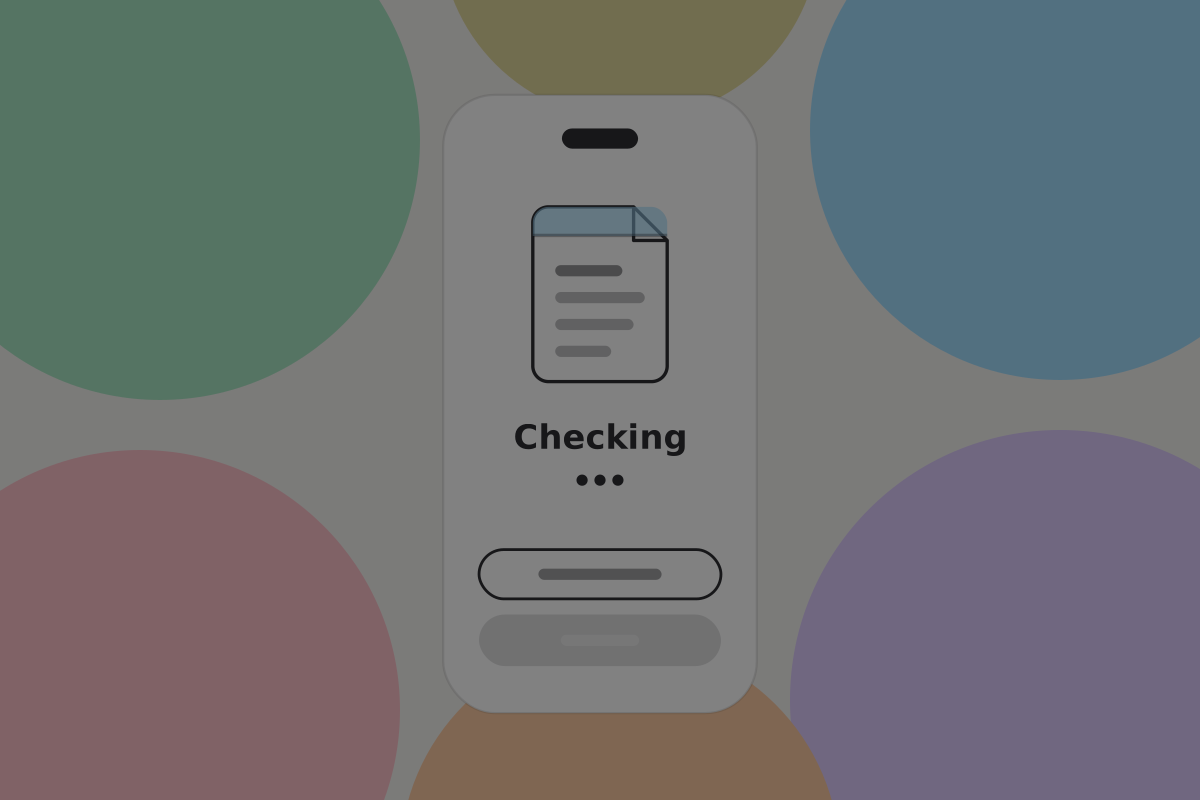
Say what the backup contains before restoring it: when it was made, and roughly what is in it.

When there are no records
The case this wallet has to handle because records are not on the chain. A user with words and no records has their authority back but an incomplete picture of what it controls. Showing an empty wallet lets them conclude the money is gone.
Do
When the keys are restored but no wallet backup is found, say so: "Your keys are restored. We could not find your wallet backup, so some payments may be missing. Anything you receive from now on will appear normally."
Do
Recover what can be recovered without records, and be explicit that it may be partial.
Don't
Report a balance of zero as though it were a fact. It is the balance of what the wallet currently knows about.
While it runs
Do
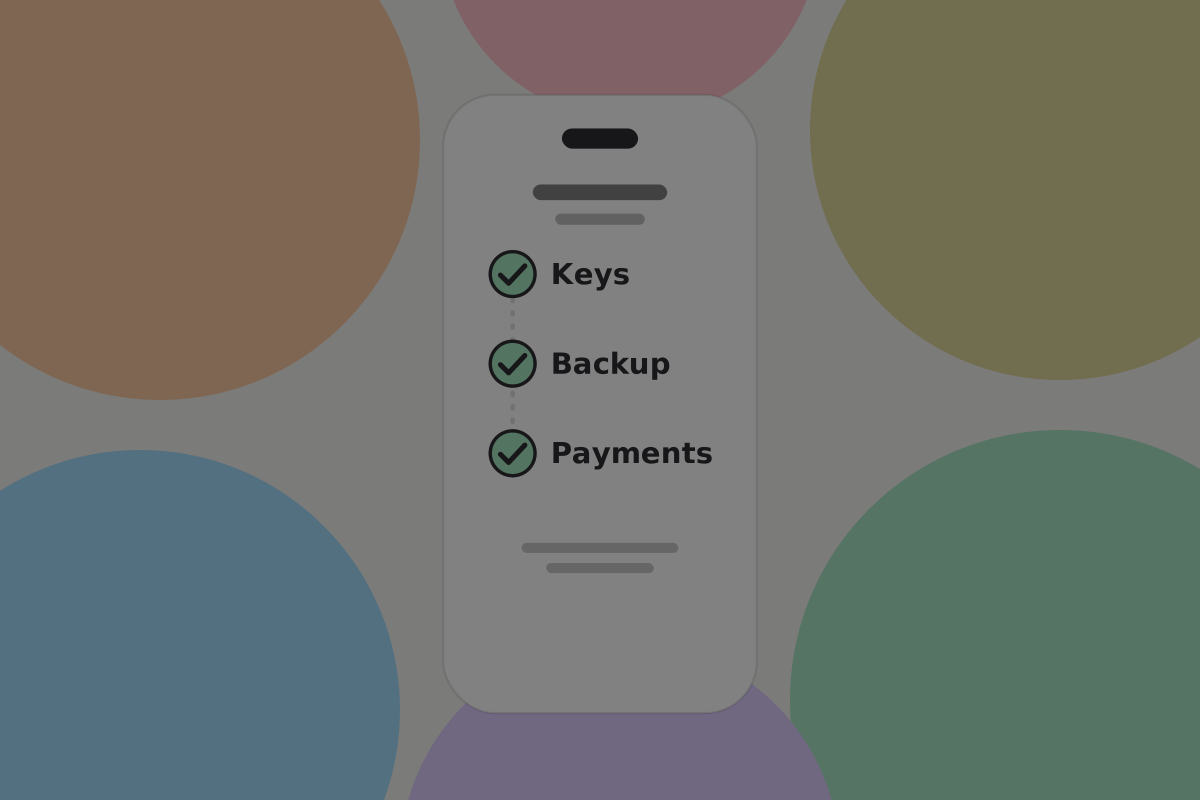
Say what is happening in words rather than a bare progress bar: restoring keys, finding your backup, checking payments.
Do
Make it interruptible and resumable. Recovery happens on unfamiliar networks and a dropped connection should not mean starting over.
Reporting the result
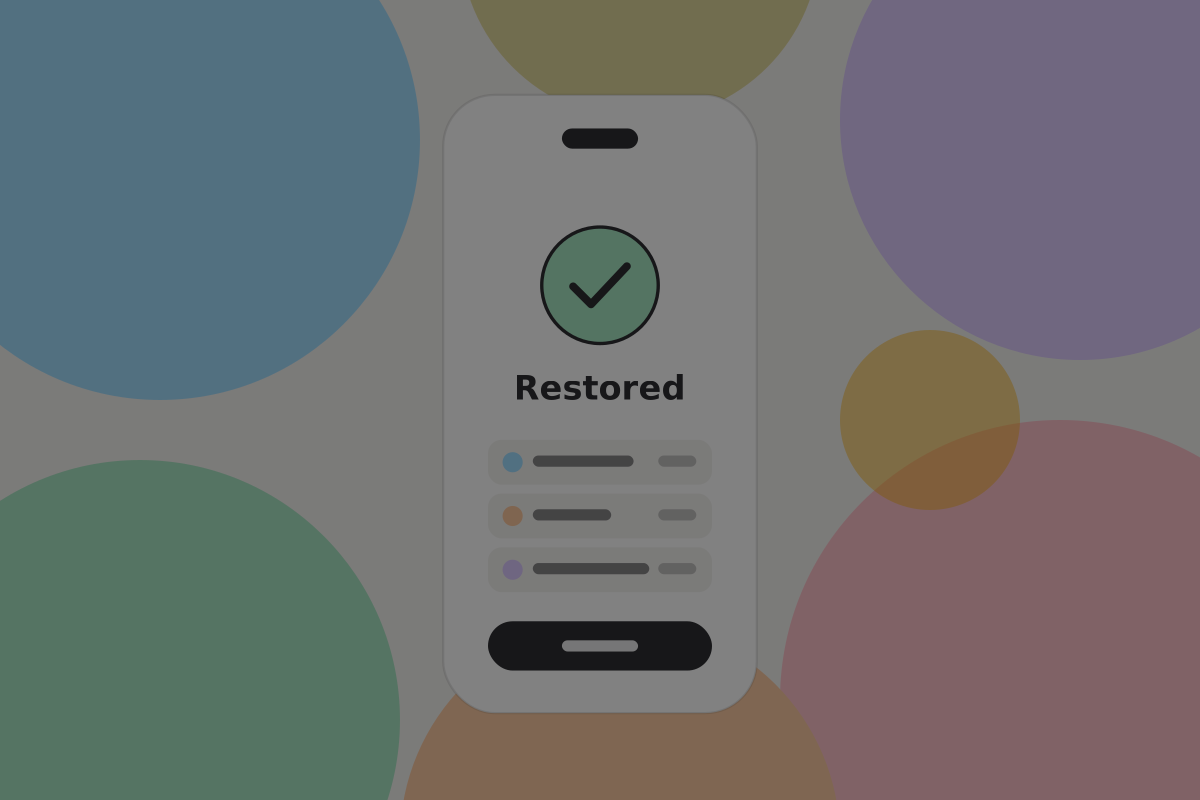
The most important screen in the flow, and the easiest to reduce to a tick.
Do
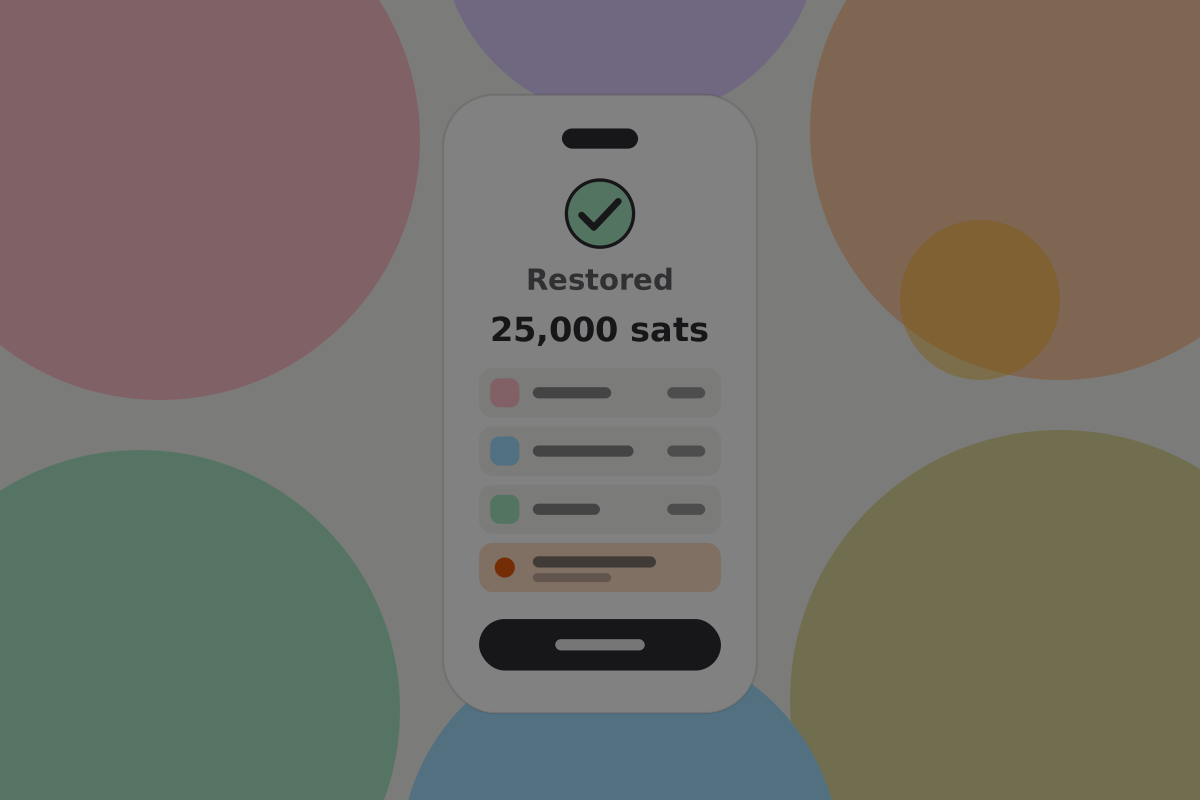
Show what came back: the balance, recent activity, contacts, and any tokens.
Do
Name anything that did not, and say what it means. A token type the wallet does not support, records older than the backup, a Pass that needs reissuing.
Don't
Show a success screen with no numbers on it. The user's question is "is my money there", and a tick does not answer it.
Afterwards
Do
Re-establish the backup on the new device, and say so. A recovered wallet with no backup is one failure away from the same situation.
Do
Prompt the user to check whether the old device should be considered compromised, if it was stolen rather than lost. Moving to fresh keys is a real option and nobody will think of it unaided.
Moving to fresh keys changes the user's identity key, so their contacts will see a key-change warning. Say so before they choose it. See Contacts.
Testing it
Do
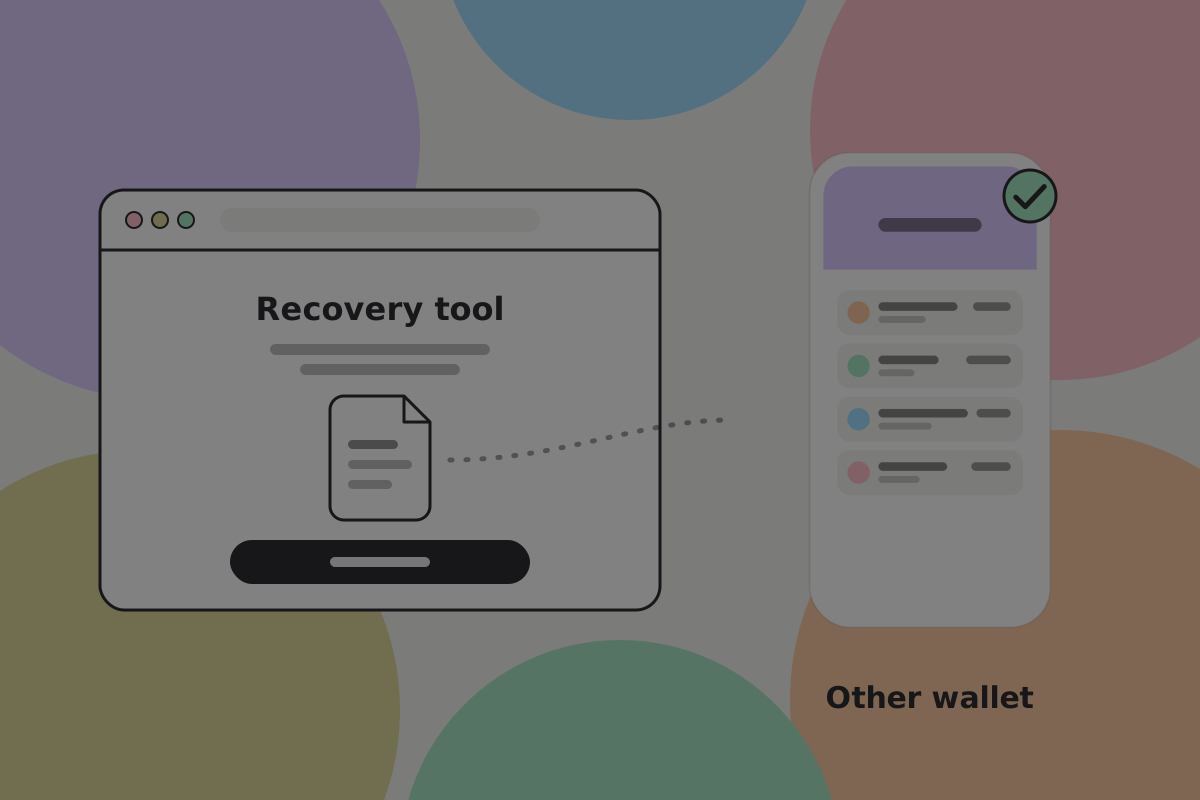
Run a full drill before the product holds real money: fund it, make payments across several counterparties, export, delete the installation, remove your own service from the path, and restore on a clean device with a different compatible wallet. See Backups.
Don't
Ship a recovery flow that has only been tested with the original app still installed. That is the one situation it will not be used in.
Open questions
- What can a wallet find from keys alone, and how should it estimate what is missing?
Related
Written from: BRC-38, BRC-39, BRC-42, BRC-75, BRC-140, BRC-157.
Checklist
The rules on this page, in a form you can work through.
22 rules